Forward Future Tools Library

Granola.ai
Granola captures meeting audio without a bot, turns notes into summaries and action items, and gives individuals and teams searchable context across their meetings.
Try Granola.ai →
granola.ai·Free + paid plans·Checked 2026-09-02


›What is Granola.ai?
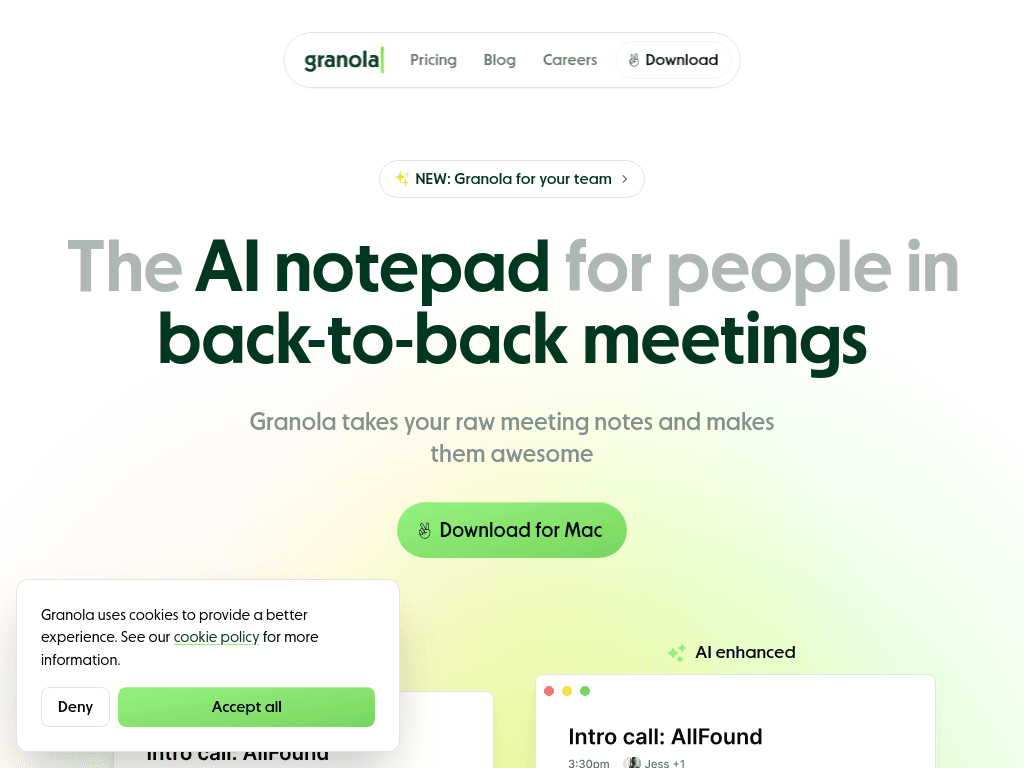
Granola is an AI notepad for back-to-back meetings. It uses computer audio to transcribe meetings, enhance personal notes, and produce summaries, action items, and follow-ups. It works with Zoom, Google Meet, Teams, and other meeting apps, with apps for macOS, Windows, iOS, and Android.
›What are the pros and cons of Granola.ai?
Strengths
Captures audio without a visible bot or third participant
Combines user notes with AI-generated transcription and structured summaries
Lets users query past meetings through built-in AI chat
Works across Zoom, Google Meet, Teams, and other meeting apps
Supports mobile meeting notes and phone calls through iOS and Android apps
Trade-offs
Meeting notes and transcripts are stored in Granola's cloud rather than only on the user's machine
The Basic plan provides limited meeting history
Unlimited history, advanced AI models, integrations, and API access require the Business plan
Enterprise controls such as SSO, usage analytics, and organization-wide deletion policies require the Enterprise plan
›What are Granola.ai’s key features?
Captures meeting audio without adding a bot to the call
Enhances shorthand and personal notes with AI transcription
Generates structured summaries, action items, and follow-ups
Creates pre-meeting Briefs using calendar and previous meeting context
Provides AI chat across individual meetings and meeting history
Supports shared folders and customizable note templates
Offers integrations with Attio, Notion, Slack, HubSpot, Affinity, and Zapier on Business
›What are the best use cases for Granola.ai?
Preparing for customer or partner meetings with attendee and prior-conversation context
Recording product, roadmap, and design discussions without asking a meeting bot to join
Capturing sales objections, budgets, and follow-up tasks across customer calls
Standardizing notes for recurring 1:1s, standups, interviews, and discovery sessions
Sharing meeting summaries and action items with colleagues after calls
›What is the pricing for Granola.ai?
| Plan | Price | Details |
|---|---|---|
| Basic | $0 per user per month | AI meeting notes, limited meeting history, AI chat, shared folders, customized note templates, and multi-language support |
| Business | $14 per user per month | Adds unlimited meeting history, advanced AI models and features, integrations, centralized billing, MCP integration, and API access |
| Enterprise | $35 per user per month | Adds enterprise security and admin controls, SSO, priority support, usage analytics, and organization-wide data and sharing controls |
Checked 2026-09-02 · source
›Who is Granola.ai best for?
soloThe free Basic plan suits individuals who need AI meeting notes and can work within limited history.
small teamBusiness fits small teams that need shared folders, centralized billing, integrations, and unlimited meeting history.
enterpriseEnterprise is intended for larger companies needing SSO, security administration, usage analytics, and organization-wide controls.
product managersProduct managers can use meeting Briefs, searchable meeting chat, structured notes, and action-item tracking across roadmap and discovery discussions.
Not for
- Organizations that require meeting notes and transcripts to remain only on local devices should skip it because the notes live in Granola's cloud.
- Teams looking for a no-code platform to build and deploy AI applications should choose a different type of tool, since Granola is focused on meeting notes and meeting context.