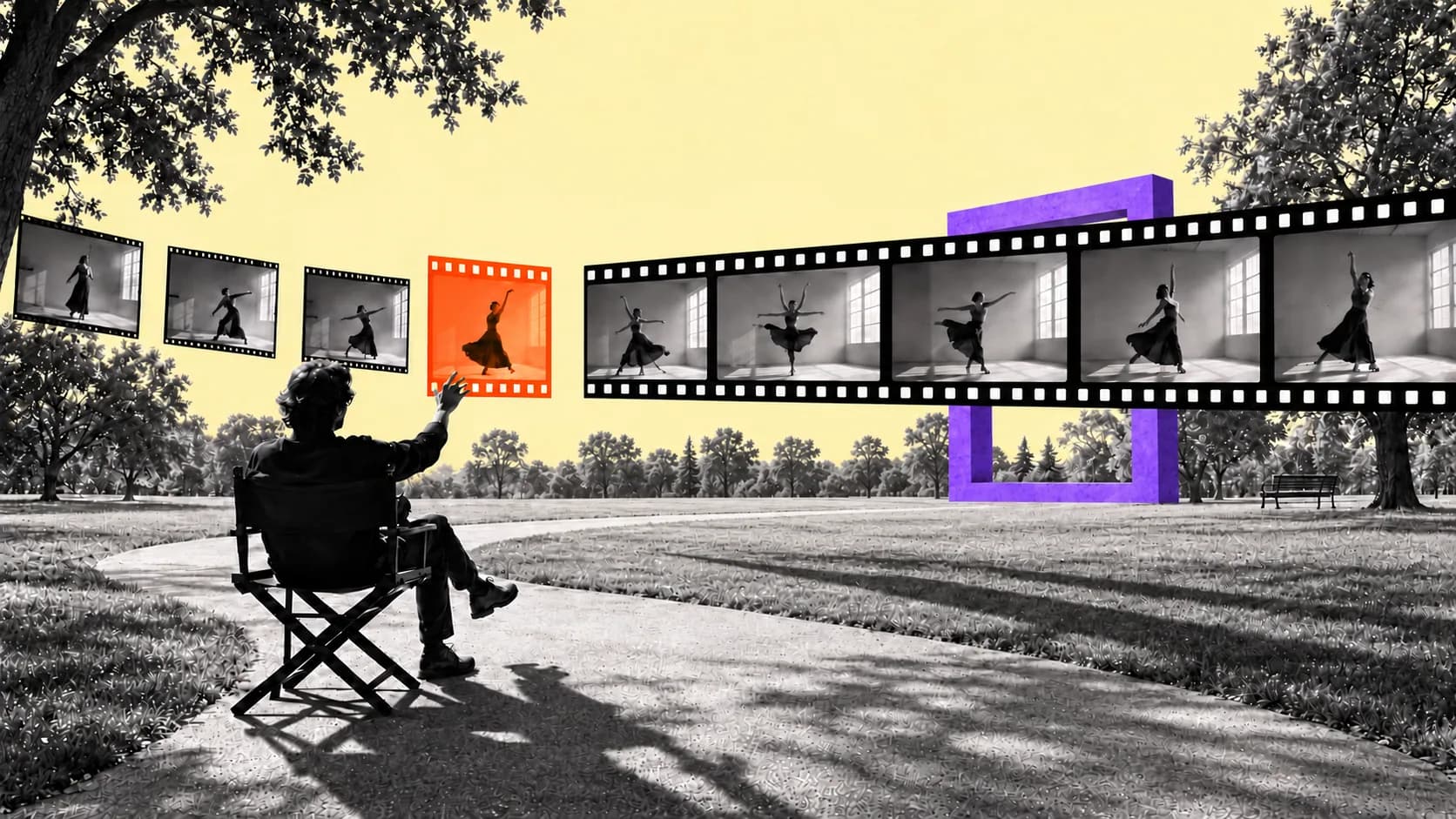
Welcome to the world of headless editing.
Codex made the dialogue cut and assembled the edit. When I didn't like its animations, I had Claude make replacements. By the end, I had logos orbiting around my head, a door changing color, animated numbers, and background music.
I never operated a traditional editing timeline (the interface where editors arrange video and audio clips across tracks and make cuts by hand) for the video. That's what I mean by headless editing: the agents work directly on the files and give me a video to watch. I tell them what I want changed, and they make another version.
The first cut was already better than I expected.
That was the moment the workflow clicked for me. I wasn't asking AI for editing advice anymore. I was directing AI to edit for me.
The creative decisions are still mine — what stays, what goes, how something should move, whether a moment works. But more of the mechanical execution can happen underneath me while I review the result and decide what needs to change.
That's a fundamental shift in what editing looks like.
Traditionally, the editor makes the creative decision and then operates the timeline to carry it out. In this workflow, I spend much more of my time directing agents, reviewing what they return, and deciding what is good enough to keep. I'm still editing. I'm just doing less of the mechanical execution myself.
Getting the graphics to look right still took a few revisions and a second model. I could keep the parts that worked, hand off the parts that didn't, and keep moving.
The basic loop is simple: brief → first cut → review → feedback → specialist model if needed → final polish → save what worked.
Start with A Cut You Can Review
I used Codex for the main edit in this demo, starting with Astra set to High. Claude Code is another option I discuss in the tutorial. In this project, I liked Astra's dialogue cutting and preferred the graphics I eventually got from Claude's Opus.
I was using a paid plan for the demo. Repeated passes use up that allowance, so I keep usage in mind when choosing a faster mode. I generally start on High for ordinary edits and give the model more reasoning for work with a lot of graphics and animation.
To begin, I dragged the recording into Codex and dictated the request. I wanted a 9:16 short, and I explicitly told it to work headlessly, without DaVinci Resolve or another timeline editor.
Here is an adapted version of that first prompt, including the dialogue tip I explain in the tutorial:
Make the first dialogue cut of this recording as a 9:16 short. Work entirely headless. Use a word-timed transcript with the audio waveform to choose the good takes and place the cuts. Let me review the first cut before we add graphics.
Word timing is worth asking for. I want the agent to know where the words happen so it can compare them with the waveform. In the workflow I was using, that was how I helped it make more accurate cuts. You can ask for timing down to individual syllables, too.
The recording had several false starts and repeated takes. The agent worked through them and chose a delivery. I watched the first export expecting to find problems, and I was thrilled with it. I didn't think I would have made a better dialogue cut myself.
I still watched it before moving on. With a longer recording, there are more opportunities for the agent to choose the wrong take or cut something badly. This particular result was excellent.
Give It the Correct Microphone Recording
The first cut sounded rough, and that was my fault. I had recorded the microphone separately and forgotten to tell the agent where that audio was.
I dropped in the video containing the proper mic recording and asked it to pull that audio, put it over the edit it had just made, and apply my usual mic effects. I already liked the cut. I wanted to keep it and replace the sound.
That correction came back in about a minute. When I played it, the microphone sounded exactly how I expected it to sound.
It's an easy thing to miss when you're excited to get started. Give the agent the correct audio source with the footage, and tell it which recording you want to use for the voice. If you have an established mic treatment, point it to that as well.
Ask for Visual Ideas Before Building Them
The short was a demonstration of things AI could do in an edit, so my dialogue already mentioned the effects I wanted to show. I asked the agent to make a list of those moments and suggest what each edit could look like.
That gave me something to react to. I could go through the ideas and decide which ones I liked before asking it to build everything. You can skip that review if you want to give the agent more freedom. As an editor, I like having a little more creative control.
A useful version of that request is:
Keep Reading
Available to paid subscribers
Get the Frontier Pass to access Forward Future's private Slack community, member-only videos and content, insider interviews, and monthly AMAs with Matthew Berman.
Join The Frontier Today