Forward Future Tools Library

3D AI Studio
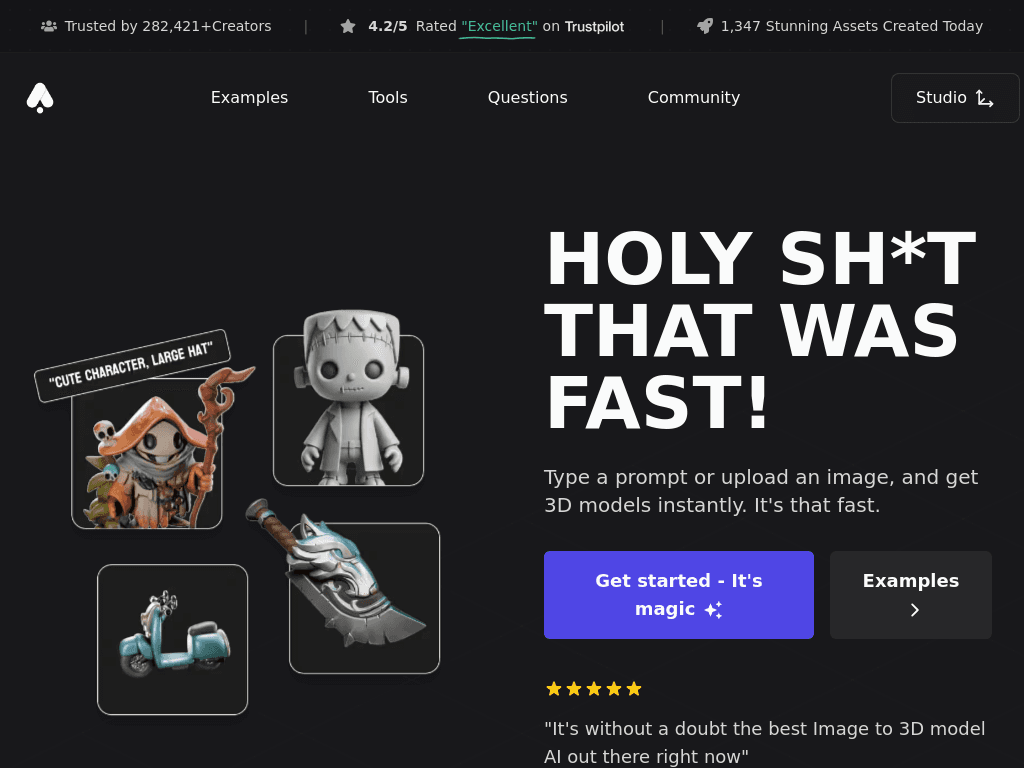
3D AI Studio generates textured 3D assets from text or images, then supports texturing, remeshing, rigging, animation, and export for creators, developers, and 3D teams.
3daistudio.com·From $9.99/month·Checked 2026-08-30
›What is 3D AI Studio?
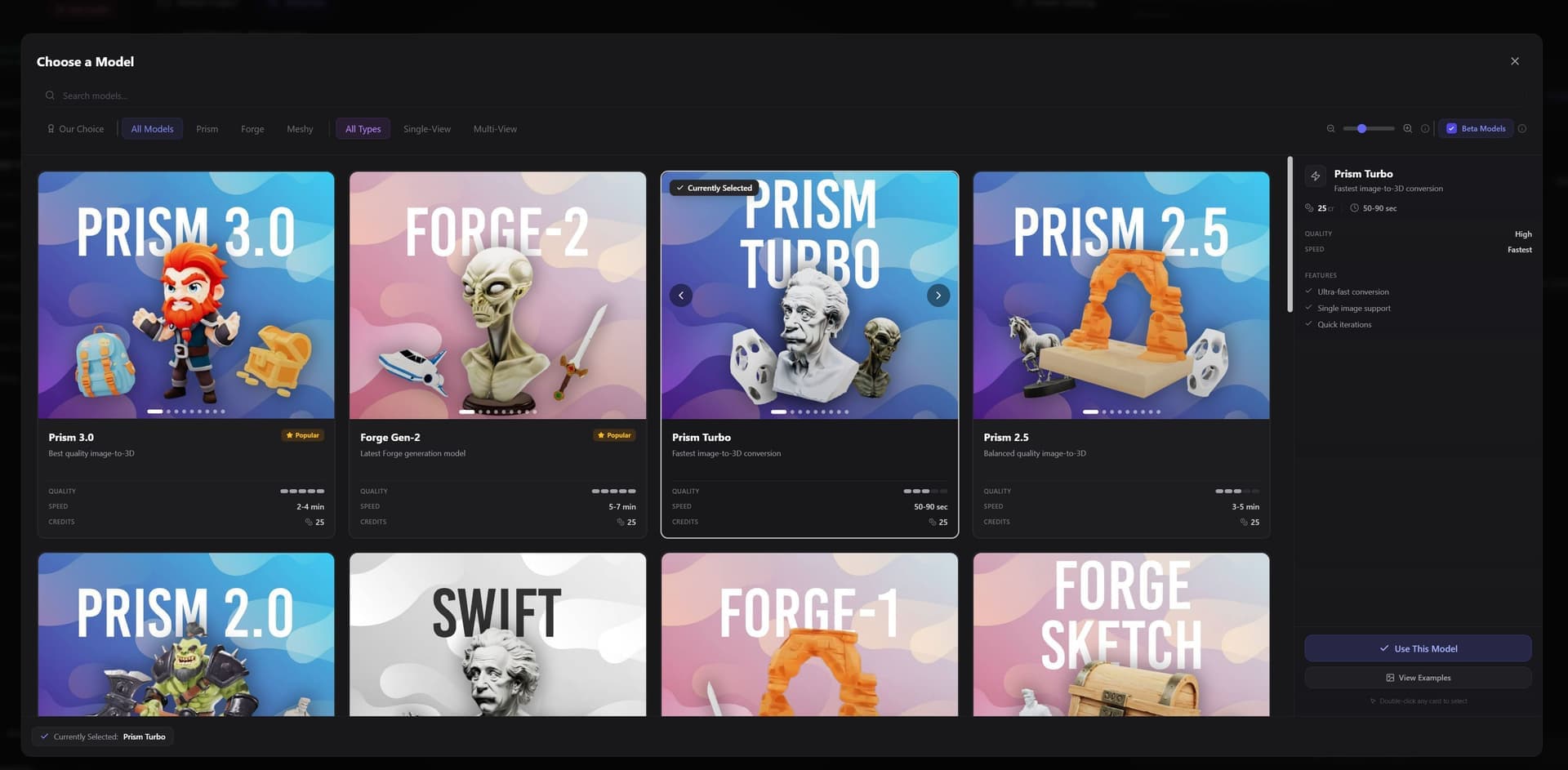
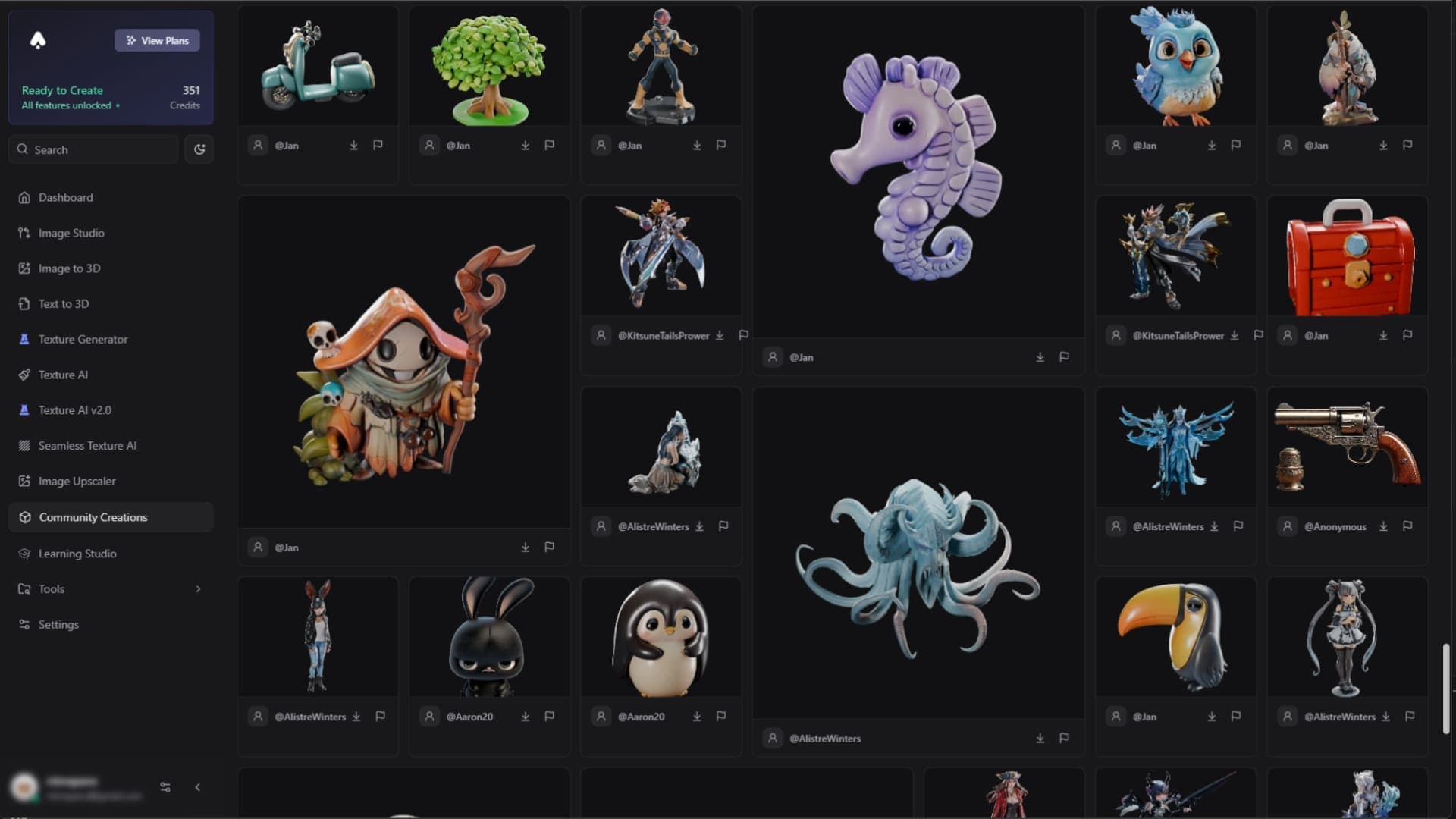
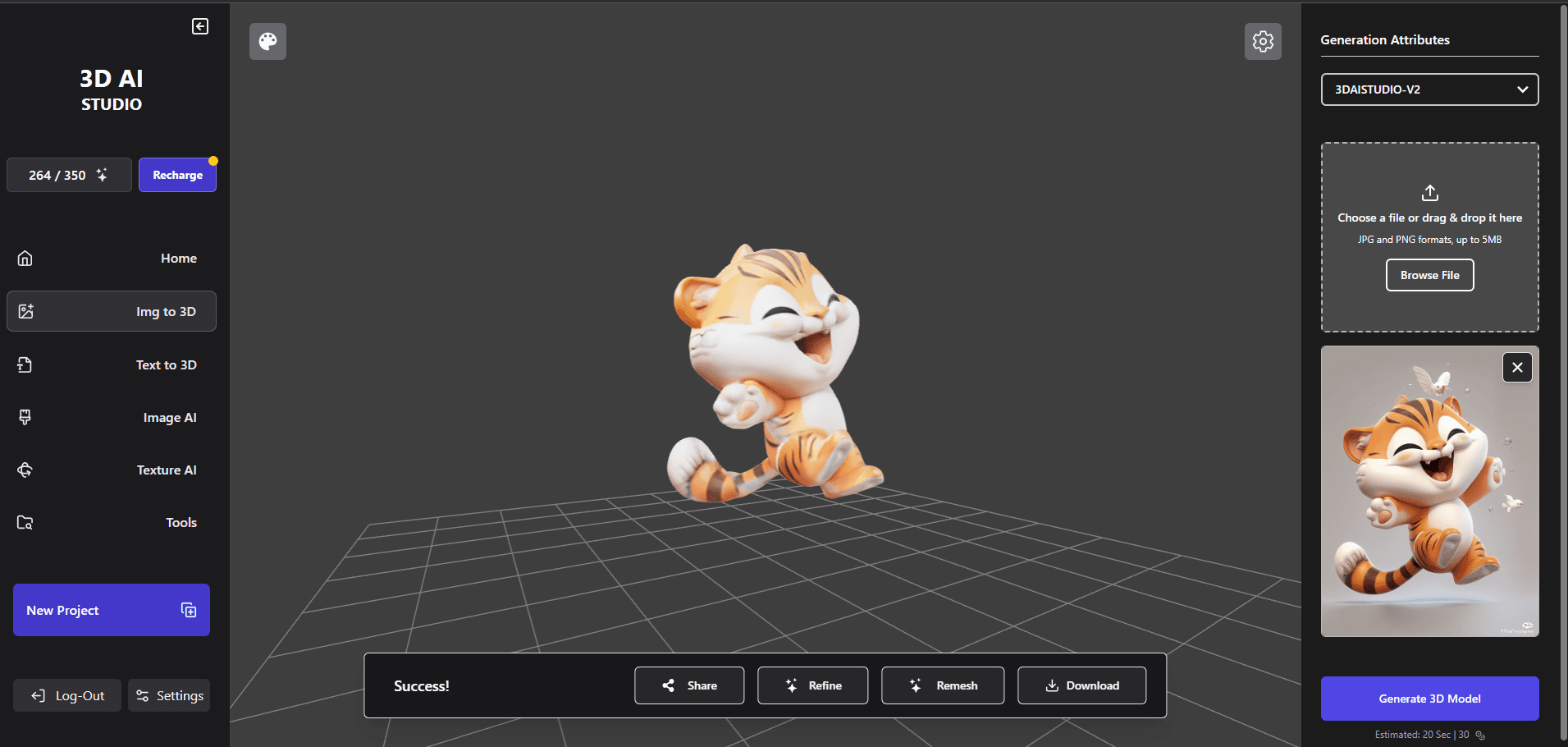
3D AI Studio is a browser-based platform for generating 3D models from text prompts, reference images, sketches, or illustrations. It combines multiple generation engines, including Meshy, Tripo, Rodin, Hunyuan, and its own Prism engines. The platform also includes AI texturing, remeshing, LOD generation, rigging, animation, image tools, and exports for common 3D workflows.
›What are the pros and cons of 3D AI Studio?
Strengths
Trade-offs
›What are 3D AI Studio’s key features?
›What are the best use cases for 3D AI Studio?
›What is the pricing for 3D AI Studio?
| Plan | Price | Details |
|---|---|---|
| Basic | $9.99/month | Includes 1,000 credits per month, up to 100 assets per month, text-to-3D, image-to-3D, image editing, and downloads in any format. |
| Studio | $29/month | Includes 3,500 credits per month, up to 600 assets per month, all tools, multi-image-to-3D, unlimited model downloads, and faster generation. |
| One-Time 2,000 Credits | $34 | A one-time credit package with credits that never expire. |
| One-Time 5,000 Credits | $69 | A one-time credit package with credits that never expire. |
| One-Time 35,000 Credits | $399 | A one-time credit package with credits that never expire. |
Annual billing is advertised at 40% off. Image-to-3D and text-to-3D cost 20 credits per generation, while texture AI, remeshing, and LOD generation are free. A Pro plan and additional team features are also listed, but its current monthly price is not clear here.
Checked 2026-08-30 · source
›Who is 3D AI Studio best for?
- Game studios that need highly polished animated characters and a complete animation pipeline should look at more specialized platforms.
- Teams focused on finished photorealistic product shots should use a tool with a dedicated render studio.
- Users who need physical print ordering or a standalone model viewer will not find those services here.