

Forward Future Tools Library

AI Formatter
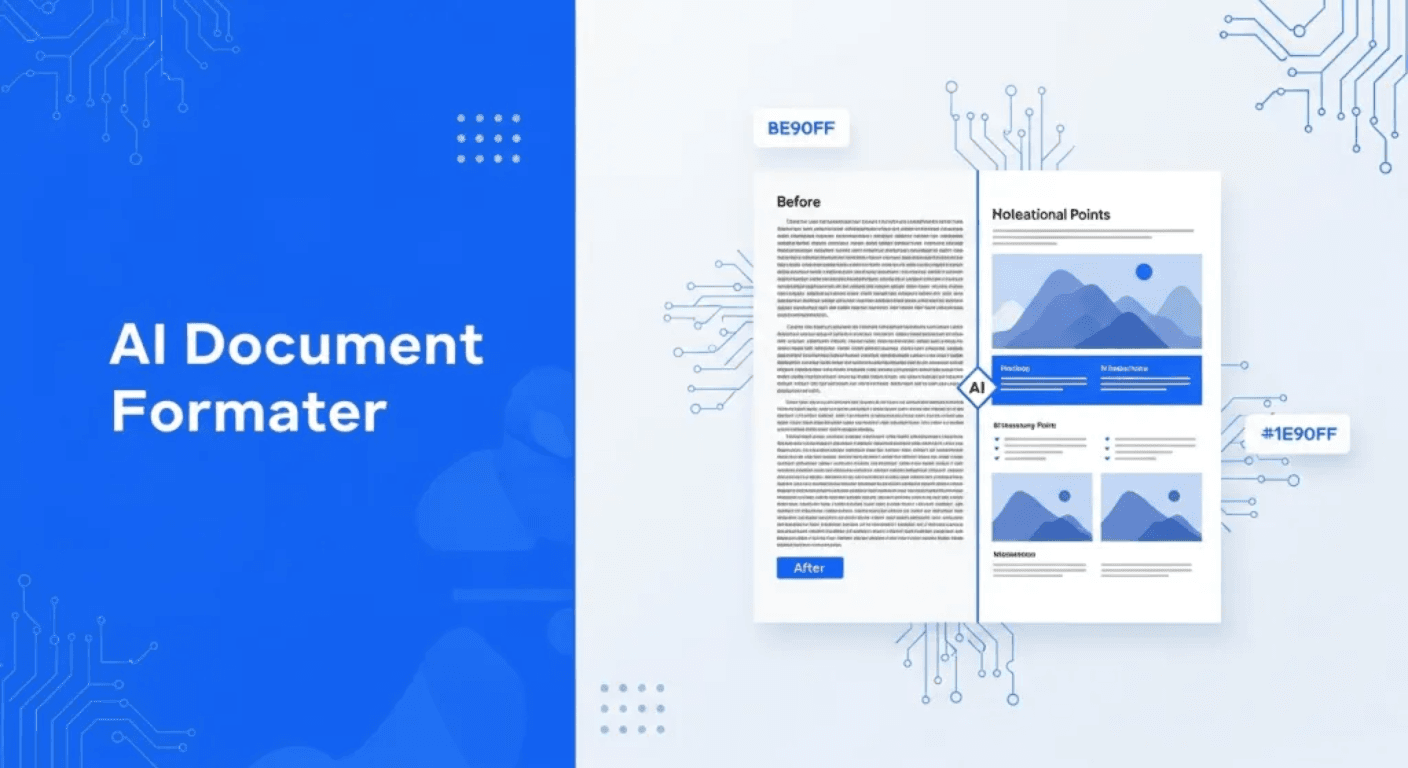
AI Formatter turns uploaded files or raw text into editable resumes, cover letters, agendas, invoices, and other templated documents for job seekers, office workers, freelancers, and small teams.
aiformatter.net·From $5.00 per pack·Checked 2026-08-18

›What is AI Formatter?
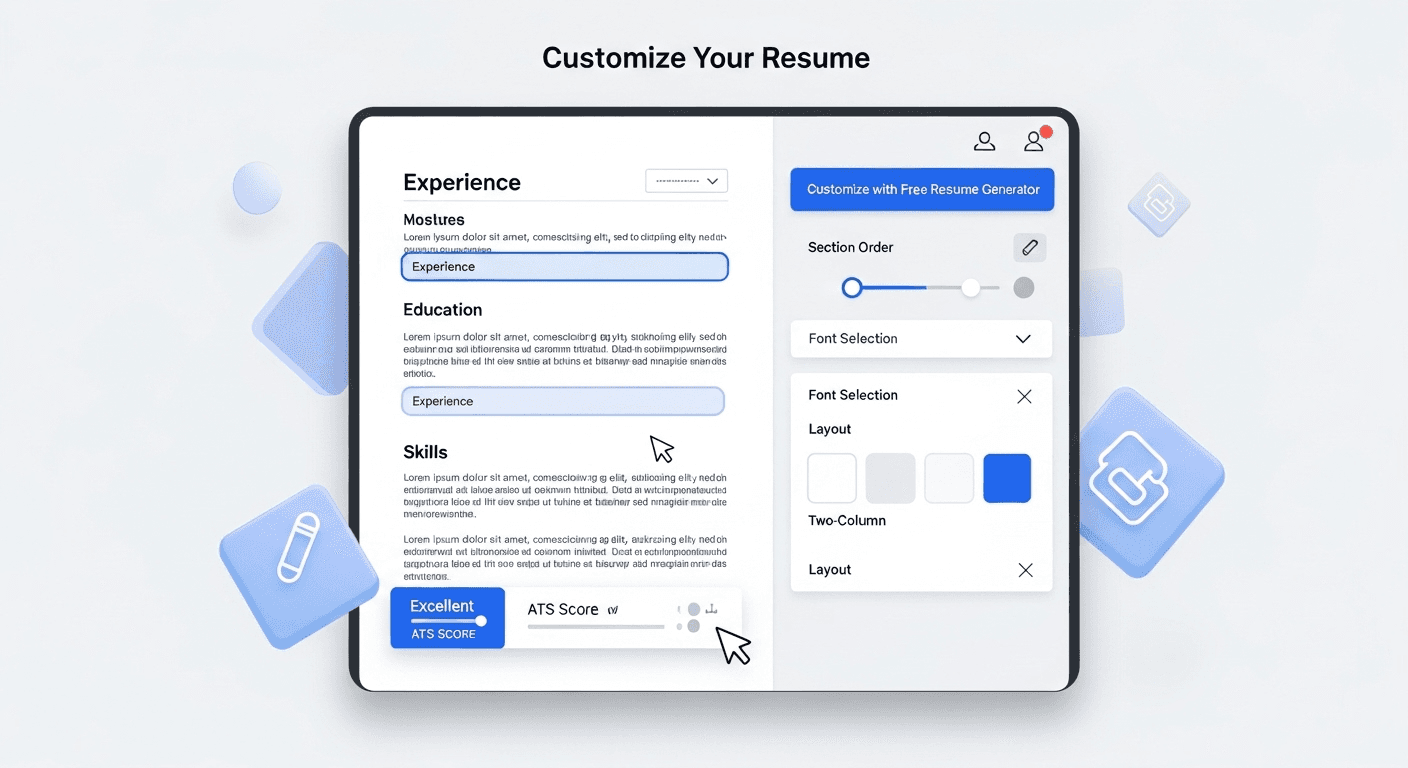
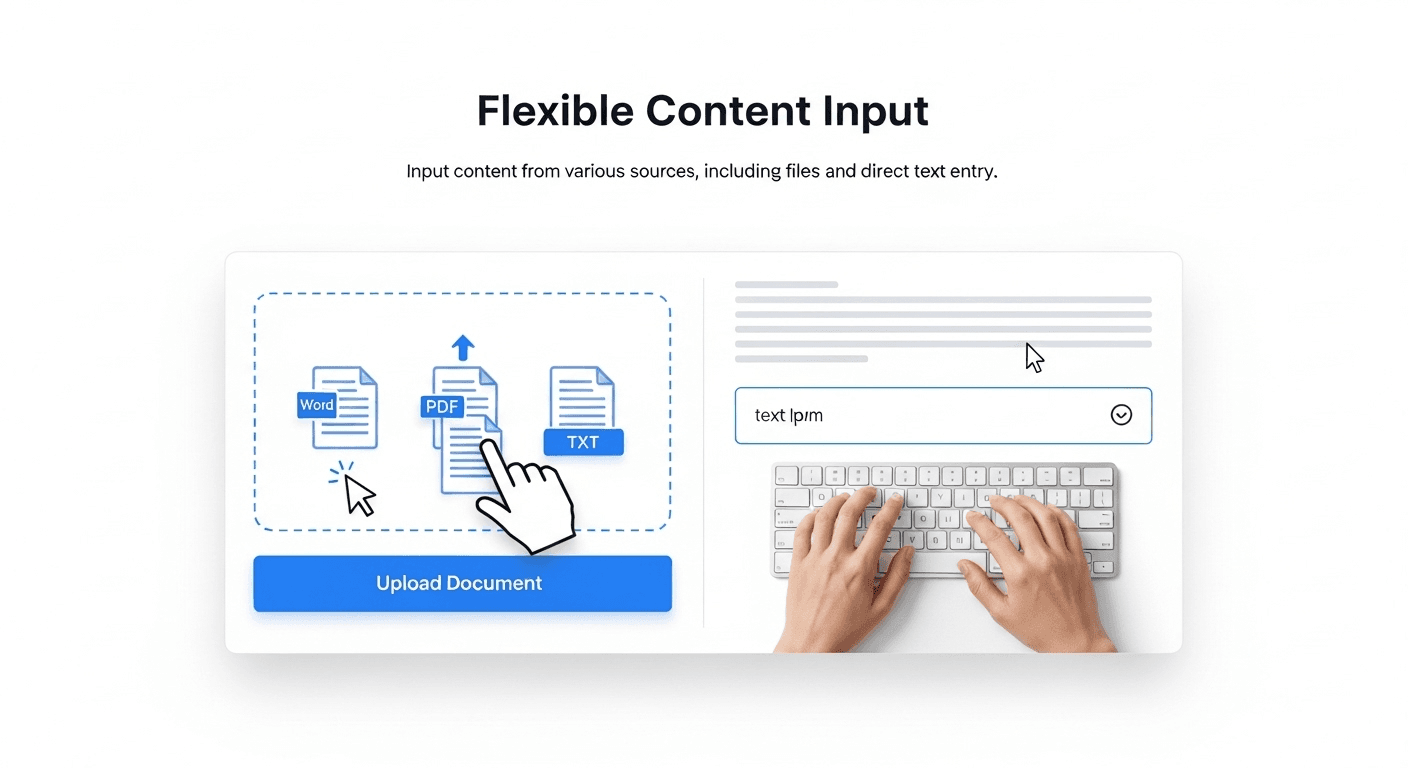
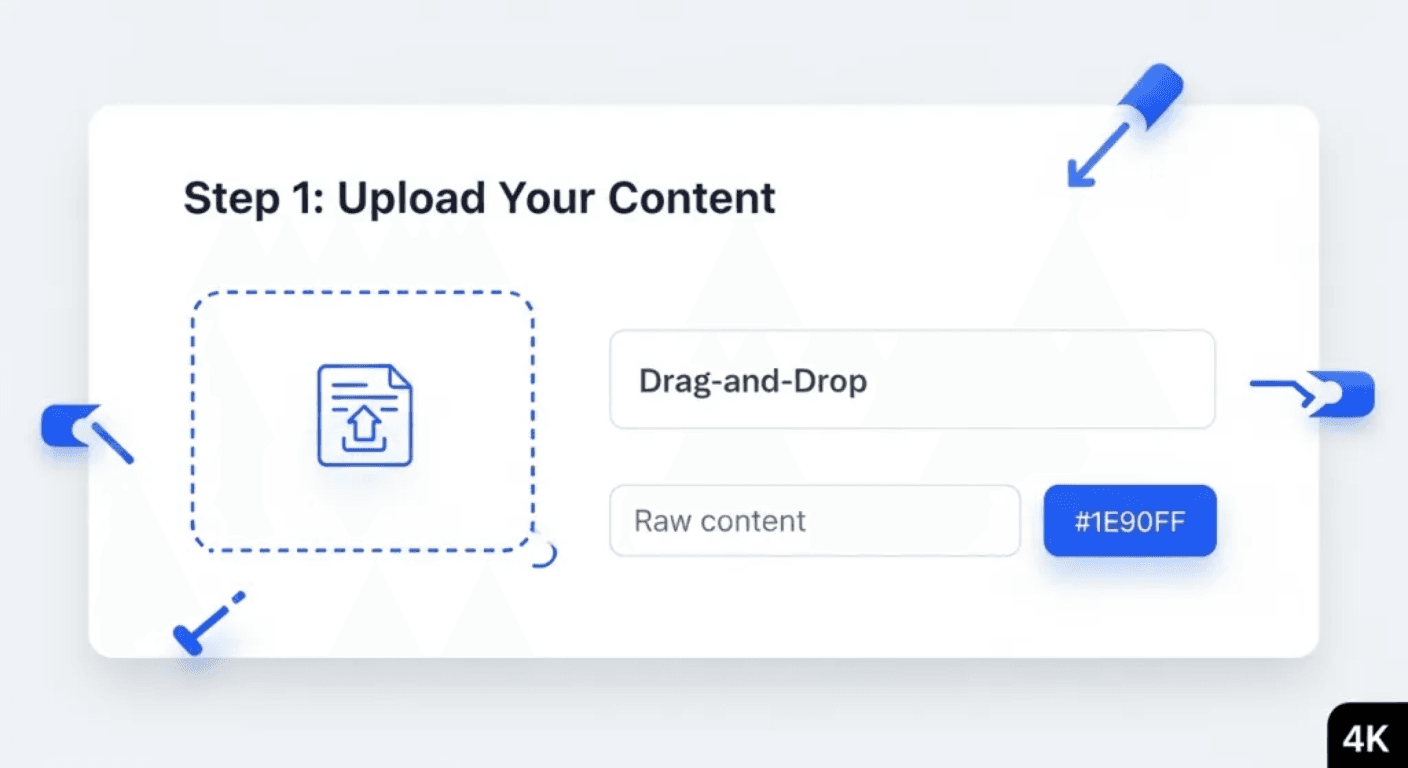
AI Formatter applies selected templates and structure to uploaded PDF, DOC, DOCX, or TXT files, or to text entered directly. It includes dedicated tools for resumes, cover letters, meeting agendas, invoices, receipts, quotations, and many other document types. Users can edit the result online, share it, and download it as Word or PDF.
›What are the pros and cons of AI Formatter?
Strengths
Trade-offs
›What are AI Formatter’s key features?
›What are the best use cases for AI Formatter?
›What is the pricing for AI Formatter?
| Plan | Price | Details |
|---|---|---|
| Basic | $19.99/month | 100 credits, full template access, AI optimization, online editing, watermark-free downloads, export history, and version control. |
| Pro | $29.99/month | 200 credits and the Basic features for professionals and teams handling larger or more frequent projects. |
| Credit Pack | $5.00 per pack | 50 credits as a one-time purchase, with no subscription required. |
One credit equals one rendered page. Subscriptions are recurring and can be canceled anytime. The pricing page states that refunds can be requested within 24 hours of purchase.
Checked 2026-08-18 · source
›Who is AI Formatter best for?
- Users with documents over 10MB should look elsewhere or split their files before uploading.
- People who need unlimited page rendering may find the credit-based plans restrictive.
›What are the best AI Formatter alternatives?
 ResuMatch AIChoose this instead if your main task is resume synthesis and matching content to hiring-manager intent rather than formatting many document types.→
 Document Sharing PortalChoose this instead if storing and sharing documents securely is more important than generating formatted documents.→
 Created by AI Creator→
 NatalChart.AI→