Forward Future Tools Library
AI Humanizer
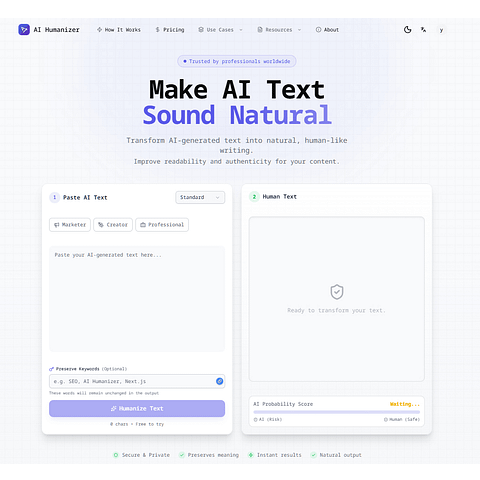
AI Humanizer rewrites AI-generated drafts into more natural text while preserving meaning and tone, with plans for writers, marketers, and teams.
Try AI Humanizer →
ai-humanizer.online·Free + paid plans·Checked 2026-09-22

›What is AI Humanizer?
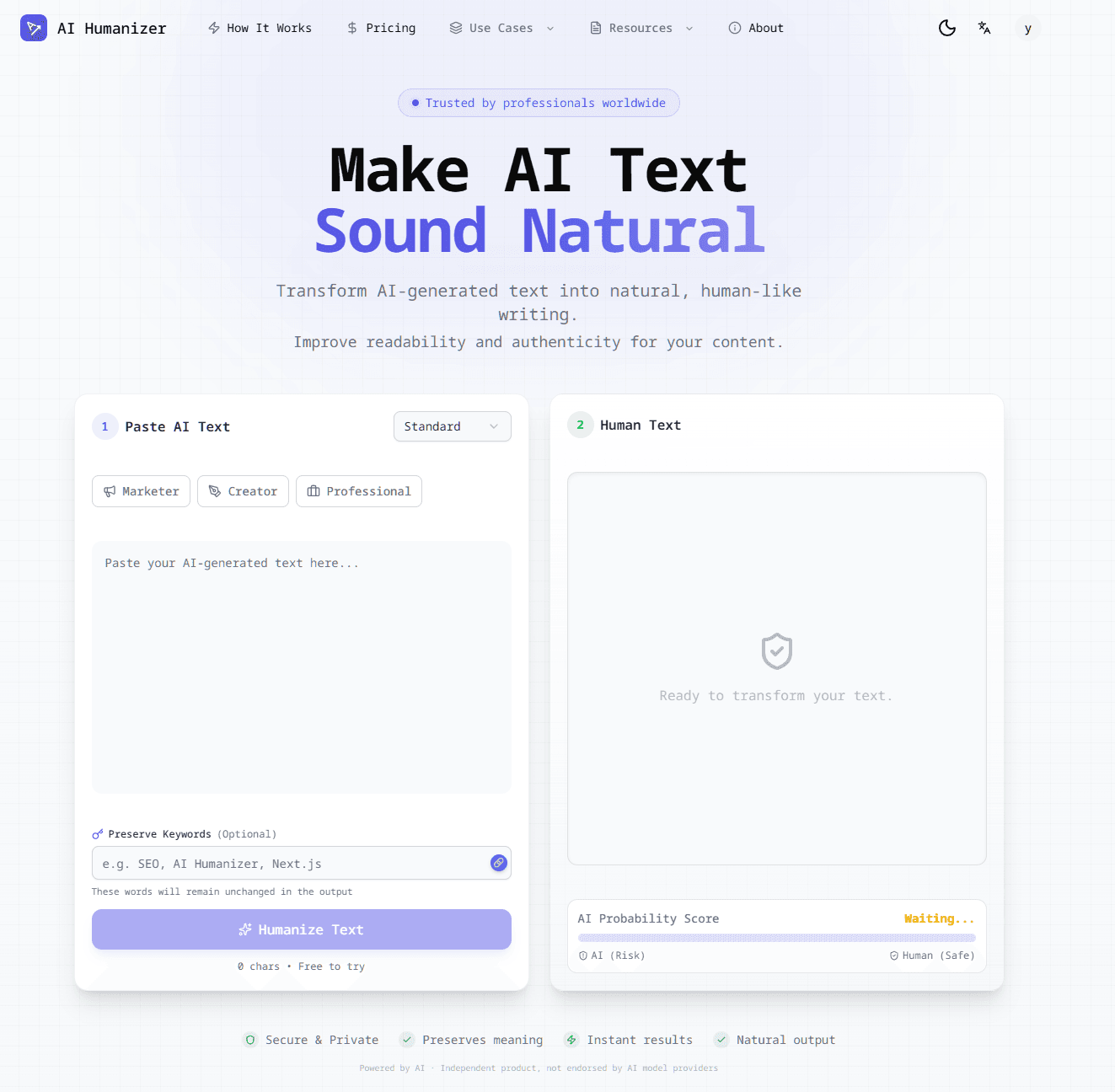
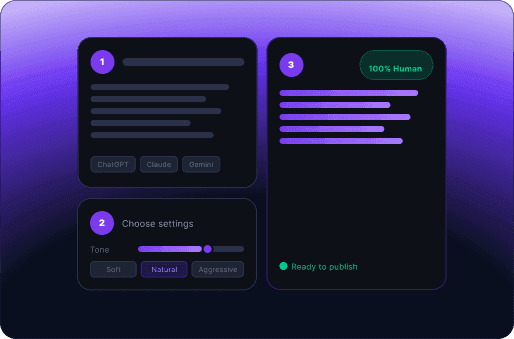
AI Humanizer is a text rewriting tool for turning AI-generated drafts into clearer, more natural writing. Users paste text into an editor, click Humanize, and receive a revised version intended to preserve the original meaning, tone, and structure. It also includes an AI detector and supports multiple languages on the Pro plan.
›What are the pros and cons of AI Humanizer?
Strengths
Combines rewriting and AI detection in one workflow
Preserves the original meaning and supports keyword protection
Free plan includes 100 welcome credits and daily check-in credits
Paid plans increase monthly credits and per-input limits
Session-only processing means submitted text is not stored or shared
Trade-offs
The free plan limits inputs to 100 words and uses basic mode
Credits are consumed per word, with Pro models using two credits per word
The Business plan lists API access, bulk processing, and custom integrations as coming features rather than available capabilities
Repeated rewrite and detector-check cycles can use quotas quickly
›What are AI Humanizer’s key features?
Rewrites AI-generated text while preserving meaning, tone, and structure
Built-in AI detector for checking text
Custom rewriting modes and writing-purpose presets on paid plans
Keyword protection for retaining specified terms
History access on paid plans
Multi-language support on the Pro and Business plans
›What are the best use cases for AI Humanizer?
Improve AI-assisted blog posts before publication
Rewrite marketing copy with a more natural tone
Refine SEO drafts while retaining target keywords
Check and revise AI-generated text before professional review
Process larger volumes of content through the Business plan
›What is the pricing for AI Humanizer?
| Plan | Price | Details |
|---|---|---|
| Free | $0 / month | 100 welcome credits, daily check-in credits, 100 words per input, basic mode, and standard processing. |
| Starter | $9.99 / month | 15,000 credits per month, 500 words per input, GPT-5 mini, custom rewriting modes, writing-purpose presets, keyword protection, and history access. |
| Pro | $19.99 / month | 60,000 credits per month, up to 30,000 Pro words, 1,500 words per input, Pro GPT-4.1, multi-language support, and email support. |
| Business | $49.99 / month | 200,000 credits per month, up to 100,000 Pro words, 3,000 words per input, Business GPT-4.1, priority support, and listed upcoming API, bulk processing, and custom integration features. |
Annual billing advertises Save 25%. Basic models use 1 credit per word, while Pro models use 2 credits per word.
Checked 2026-09-22 · source
›Who is AI Humanizer best for?
writersUseful for revising AI-assisted drafts while keeping the original message and target keywords.
marketersPaid rewriting modes and writing-purpose presets support recurring marketing content work.
small teamThe Pro plan offers higher quotas, multi-language support, and email support for professional content workflows.
enterpriseBusiness adds higher limits and priority support, but teams needing a live API or bulk processing should wait for those features.
Not for
- Teams that require API access, bulk processing, or custom integrations today, because those Business features are listed as coming.
- Users who need long inputs on a free plan, because free submissions are limited to 100 words.