
Forward Future Tools Library

AI Image Editor
AI Image Editor combines prompt-based image editing, image and video generation, background removal, and upscaling for creators, marketers, designers, and small creative teams.
ai-img-editor.com·From $16.66 per month·Checked 2026-10-27
›What is AI Image Editor?
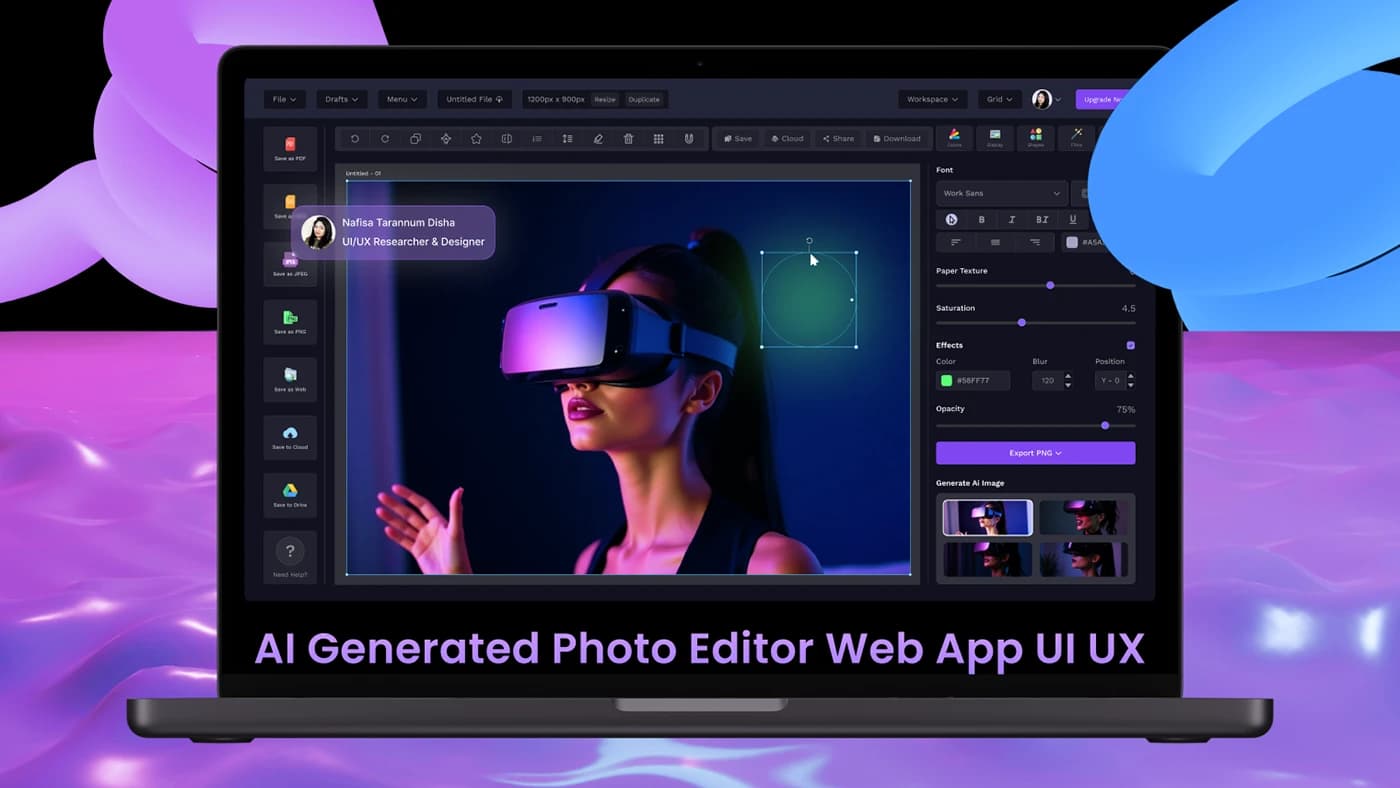
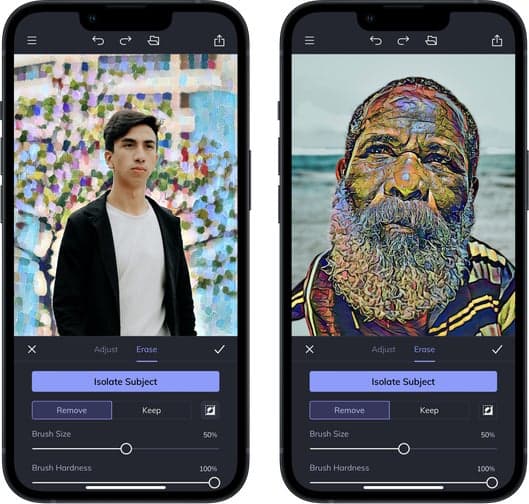
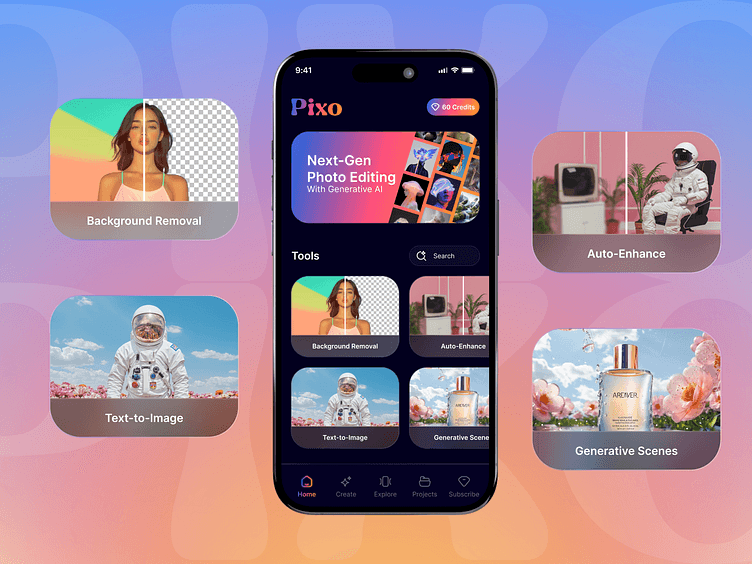
AI Image Editor is a browser-based workspace for generating images and short videos from prompts or uploaded references. It lets users edit photos with text instructions, remove backgrounds, upscale drafts, and create still-image variations or short clips. The workspace exposes multiple image and video models, with the model and credit cost shown before generation.
›What are the pros and cons of AI Image Editor?
Strengths
Trade-offs
›What are AI Image Editor’s key features?
›What are the best use cases for AI Image Editor?
›What is the pricing for AI Image Editor?
| Plan | Price | Details |
|---|---|---|
| Basic | $16.66 per month | 600 monthly credits, all image models, prompt, edit, and reference tools, 30-day result storage, and commercial use with rights checks. |
| Standard | $58.33 per month | 2,200 monthly credits, all image models, prompt, edit, and reference tools, 30-day result storage, and commercial use with rights checks. |
| Pro | $108.33 per month | 4,200 monthly credits, all image models, prompt, edit, and reference tools, 30-day result storage, and commercial use with rights checks. |
The listed prices are annual plans averaged per month and show 50% savings against $33.32, $116.65, and $216.65 respectively. Subscription credits reset monthly and do not roll over. Credit packs are also available and remain usable until spent.
Checked 2026-10-27 · source
›Who is AI Image Editor best for?
- Skip it if you need subscription credits to carry over from month to month.
- Look elsewhere if you need generated results retained longer than the listed 30-day period.
- Choose a dedicated professional editor if your workflow depends on features such as layers, RAW support, or color grading.
›What are the best AI Image Editor alternatives?
 Adobe PhotoshopChoose this instead if you need a professional photo editor with layers, RAW support, color grading, and generative editing.→
 ImgEnhancerChoose this instead if your main task is improving low-resolution images rather than generating videos and multiple asset types.→
 Gemini AI Photo EditorChoose this instead if you want a narrower photo-editing workflow centered on text prompts, background removal, object swaps, and visual styles.→
 Pictro.ai→