

Forward Future Tools Library

AI Video Dubbing Tool
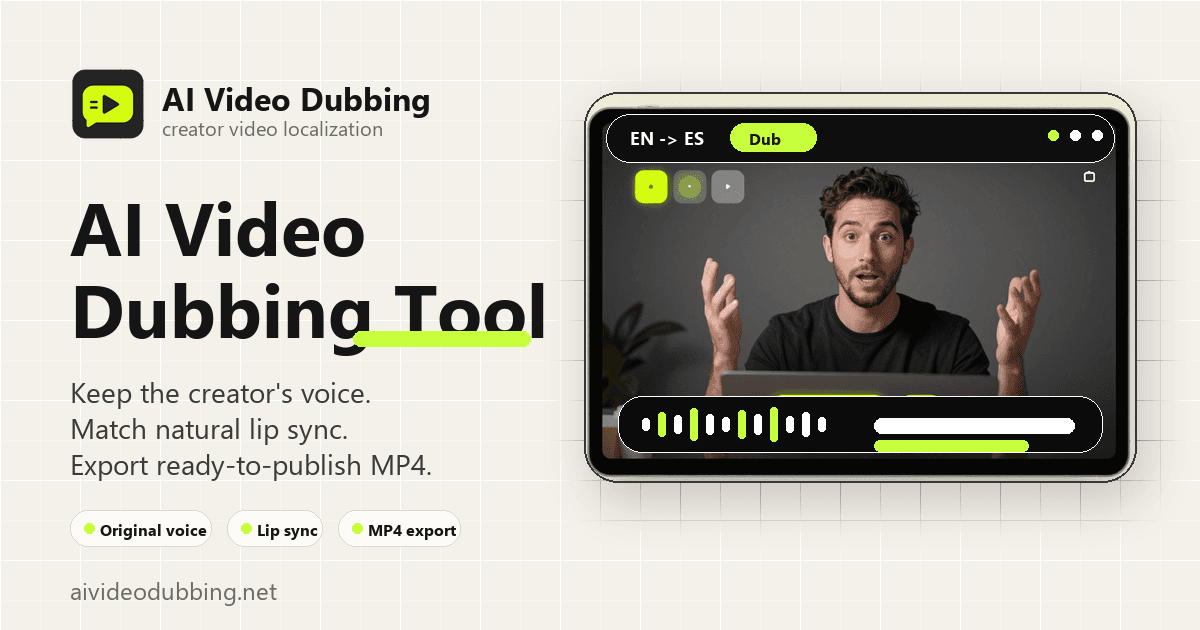
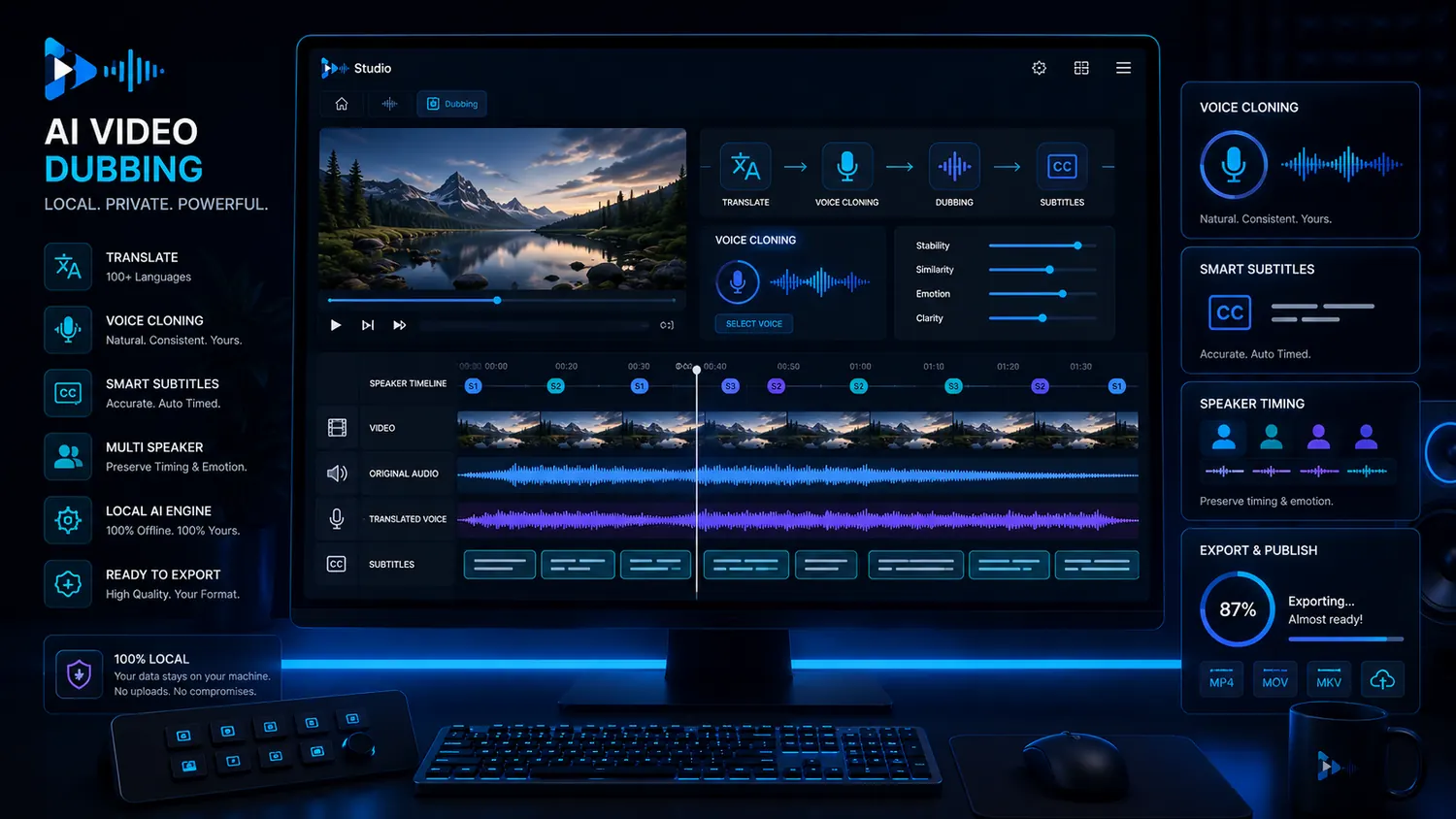
AI Video Dubbing Tool translates speaker videos into 29 languages with voice preservation, lip sync, subtitles, and MP4 export for creators, educators, and small video teams.
aivideodubbing.net·From $19.9/month·Checked 2026-10-26
›What is AI Video Dubbing Tool?
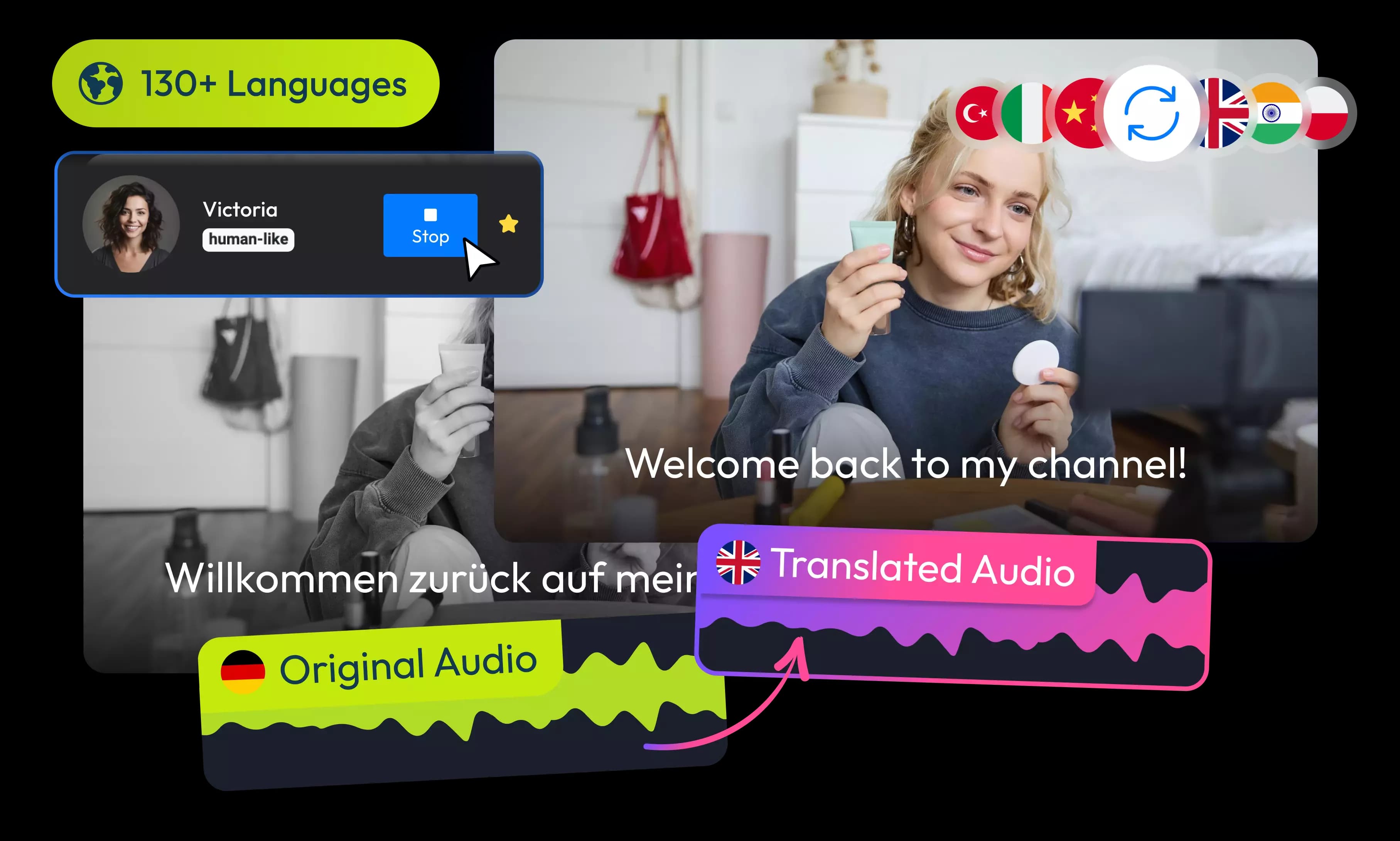
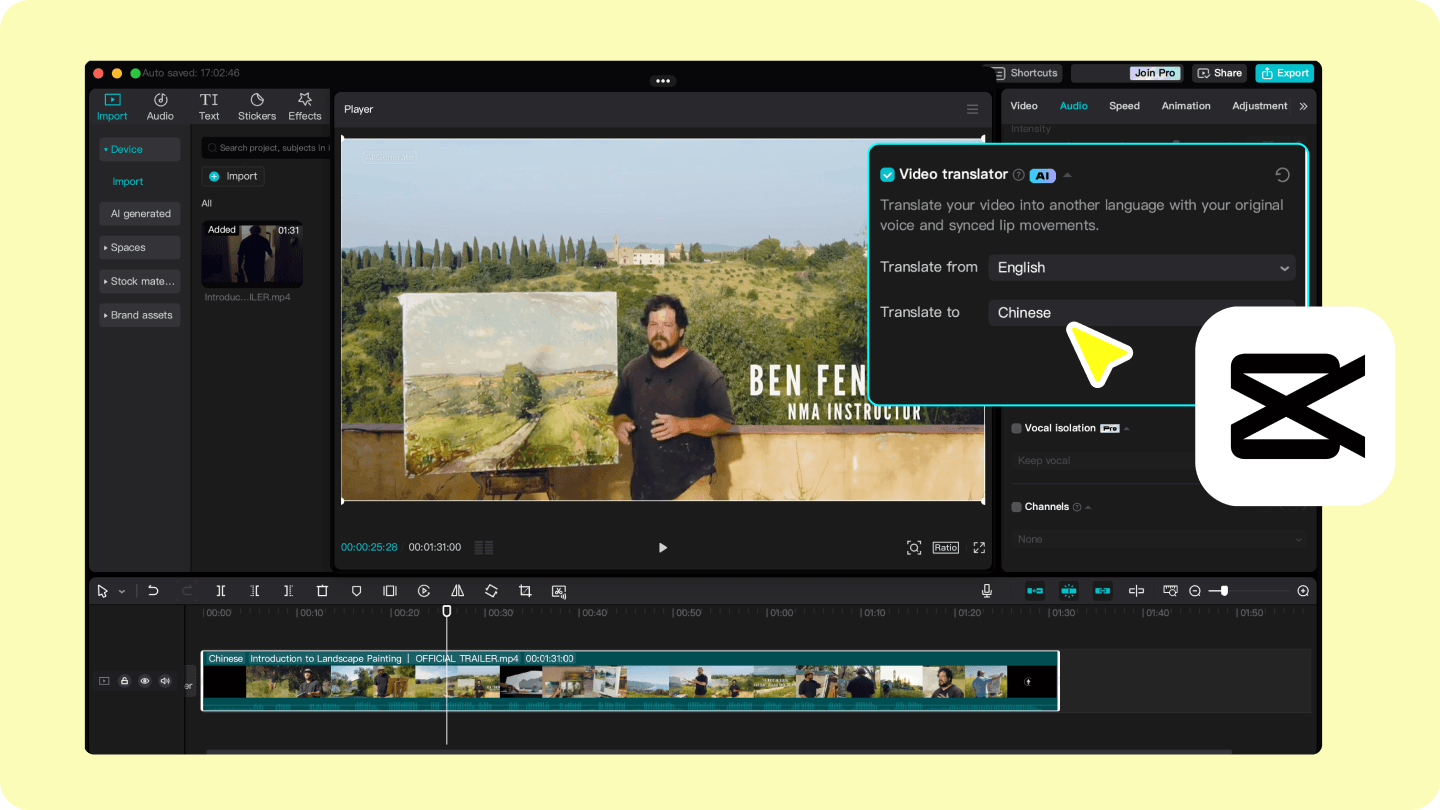
AI Video Dubbing Tool is an online service for translating and dubbing videos into 29 supported languages. It detects the original language, generates translated speech while preserving recognizable voice characteristics, and synchronizes visible mouth movements. Users can download a dubbed MP4, translated audio, and SRT or VTT subtitles when available.
›What are the pros and cons of AI Video Dubbing Tool?
Strengths
Trade-offs
›What are AI Video Dubbing Tool’s key features?
›What are the best use cases for AI Video Dubbing Tool?
›What is the pricing for AI Video Dubbing Tool?
| Plan | Price | Details |
|---|---|---|
| Starter | $19.9/month | 500 monthly credits, up to 2-minute uploads, 1 active job slot, 30-day project retention, and commercial use. |
| Creator | $49.9/month | 1,500 monthly credits, up to 5-minute uploads, 2 active job slots, 60-day project retention, and commercial use. |
| Pro | $99.9/month | 3,400 monthly credits, up to 10-minute uploads, 3 active job slots, 90-day project retention, and commercial use. |
| Studio | $199.9/month | 7,600 monthly credits, up to 20-minute uploads, 5 active job slots, 180-day project retention, and commercial use. |
The page states SAVE 17% for yearly billing. Yearly prices shown are $199, $499, $999, and $1,999 respectively. One credit processes one second of complete dubbing. Monthly credits reset and do not roll over. Add-on credits are available on Creator, Pro, and Studio, but add-on credits expire.
Checked 2026-10-26 · source
›Who is AI Video Dubbing Tool best for?
- Skip this tool if your videos use unclear or mostly off-camera speakers, because lip sync works best with a clear face and mouth.
- It is not a good fit for teams needing uploads longer than 20 minutes or more than five concurrent jobs.
- Choose another workflow if you need monthly credits to roll over or add-on credits to remain valid indefinitely.
›What are the best AI Video Dubbing Tool alternatives?
 All Voice LabChoose this instead if you need a broader audio workflow alongside video translation.→
 LipsyncXChoose this instead if you want to create dubbed or talking videos from photos, scripts, and voice recordings as well as existing video.→
 Lip Sync AIChoose this instead if your main goal is synchronizing uploaded audio to images or video clips for talking-avatar content.→
 ImgKick→