Forward Future Tools Library

Any.do logo

Any.do

Any.do combines tasks, calendars, reminders, and daily planning for individuals, families, and teams managing personal work, household projects, or shared workflows.

Try Any.do

any.do·Free + paid plans·Checked 2026-08-11

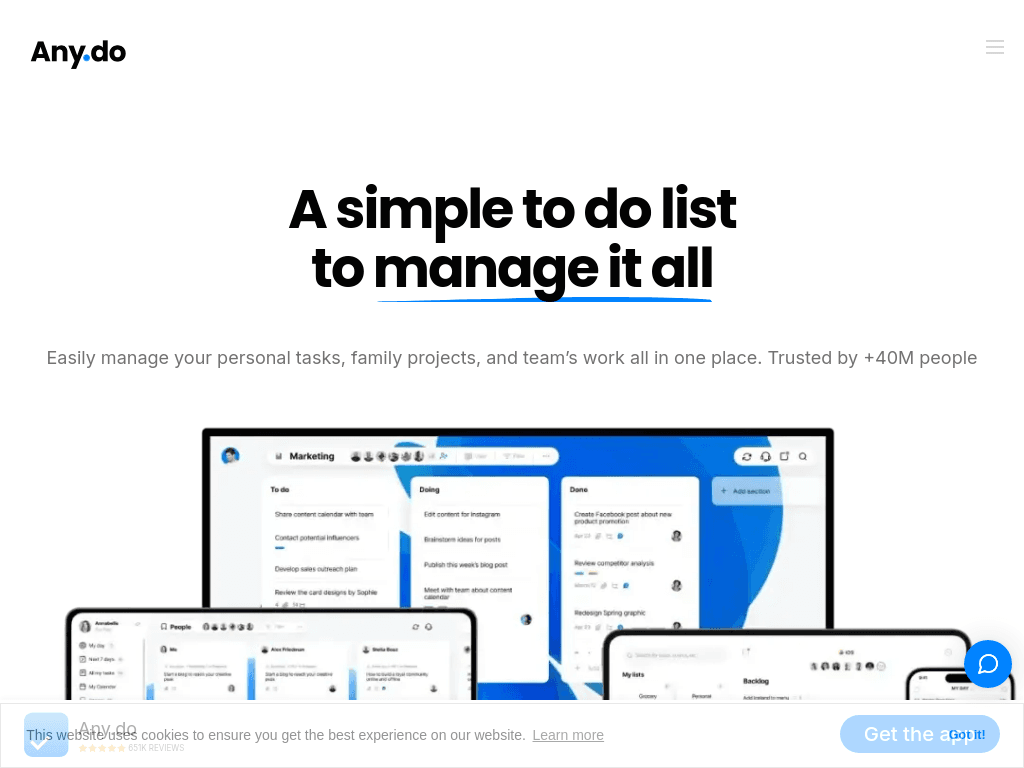
Any.do screenshotThe Best To do list App for DesktopA simple to do list for you and your teamSexy Redesign for Any.do's Web AppWhat's included in the all-new Any.do?
Any.doany.do
Any.do screenshot
Any.doany.do

What is Any.do?

Any.do is a task and project management app for web, desktop, and mobile devices. It combines task lists, calendars, daily planning, time-based and location-based reminders, and shared workspaces. Team plans add project boards, multiple work views, custom fields, automations, and integrations.

What are the pros and cons of Any.do?

Strengths

Combines tasks, calendars, reminders, and daily planning in one app
Available across iOS, Android, Windows, Mac, web, browsers, and wearable platforms
Supports family spaces and team workspaces with task assignment and in-context chat
Offers more than 100 templates for workflows such as sprint planning, event management, and roadmaps
Connects with more than 6,000 apps and services for automation

Trade-offs

The free tier has a limited feature set compared with paid plans
Premium is described in reviews as relatively expensive
Collaboration is basic compared with more feature-heavy project management tools
Some reviews report synchronization issues
Reviews describe Any.do as having fewer features than Todoist

What are Any.do’s key features?

Task lists, subtasks, due dates, and recurring tasks
Calendar view and daily planner for organizing tasks and events
Time-based, location-based, recurring, and WhatsApp reminders
Shared family spaces and collaborative team workspaces
Kanban, calendar, table, and custom views for team projects
Custom fields, workflow automations, notifications, and admin permissions
Integrations with Gmail, Slack, Zapier, Jira, Trello, Asana, Google Drive, and other apps

What are the best use cases for Any.do?

Planning daily personal tasks and reviewing priorities in the My Day planner
Managing household projects, shared grocery lists, and family responsibilities
Assigning tasks, deadlines, and subtasks across a team project
Tracking project deliverables with kanban, calendar, or table views
Setting recurring or location-based reminders for errands, meetings, and deadlines
Automating task assignments, due dates, and status updates through integrations

What is the pricing for Any.do?

PlanPriceDetails
PersonalFreeTasks and lists, reminders, calendar, daily planner, and sync across devices
Premium$4.99 per monthbilled annuallyEverything in Personal, plus recurring tasks, WhatsApp reminders, AI-powered features, color tags, and location reminders
Family$8.33 per month for 4 membersbilled annuallyEverything in Premium, plus a shared family space, shared grocery list, and shared projects for up to four members
Teams$4.99 per month / memberbilled annuallyEverything in Premium, plus a collaborative workspace, unlimited project boards and team members, workflow templates, and admin tools

Monthly rates shown on the pricing page are $7.99 per month for Premium, $9.99 per month for Family for 4 members, and $7.99 per month / member for Teams. The Personal plan is free with no credit card required.

Checked 2026-08-11 · source

Who is Any.do best for?

soloA fit for individuals who want tasks, calendar events, daily planning, and reminders across multiple devices.
small teamSmall teams can use shared workspaces, assigned tasks, project boards, multiple work views, and workflow automations.
project managersProject managers get templates, kanban, table, and calendar views, but may find the collaboration features basic for complex projects.
Not for
  • Skip Any.do if you need a highly specialized project management system with more features than a straightforward task manager.
  • It may not suit buyers who need robust collaboration at the free tier.
  • Consider another tool if reported synchronization issues would create unacceptable operational risk.

What are the best Any.do alternatives?

Where can I try Any.do?

Open any.do