

Forward Future Tools Library

Asana AI
Asana AI adds AI agents, no-code automations, daily priority summaries, and AI connections to Asana's project and task data for cross-functional teams.
Try Asana AI →
asana.com·Free + paid plans·Checked 2026-08-31
›What is Asana AI?
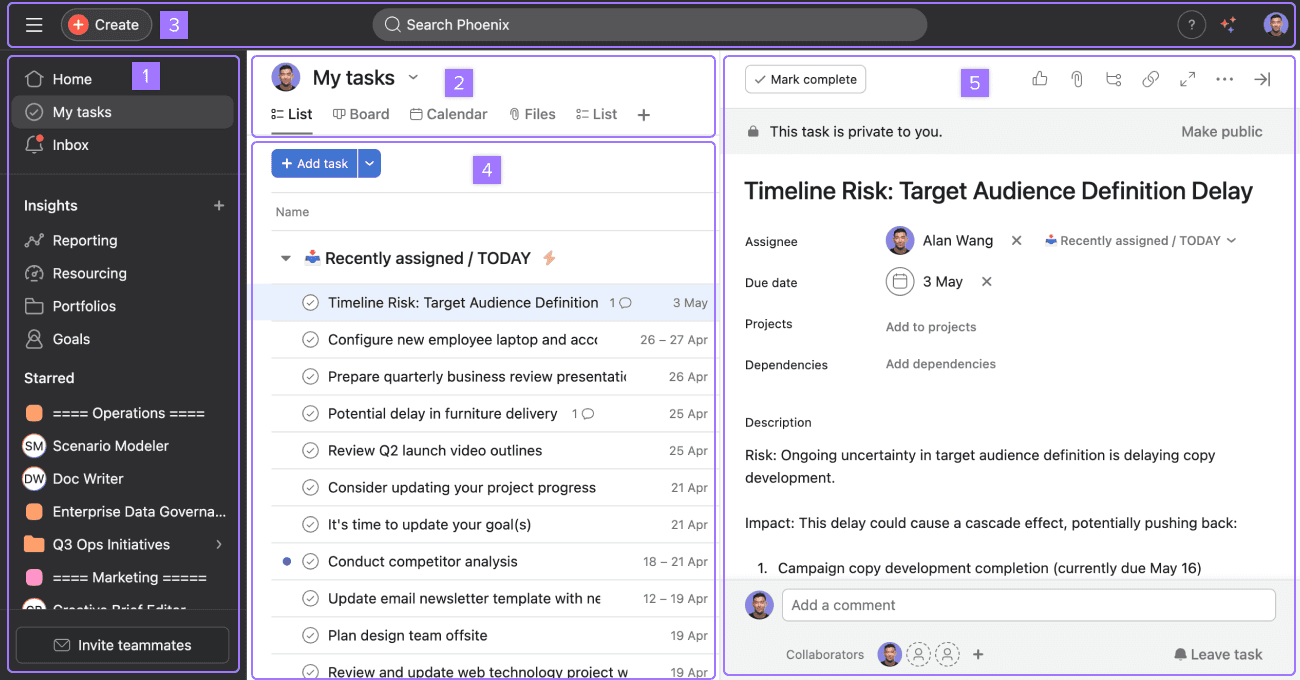
Asana AI is an AI and automation layer built into Asana's work-management platform. It includes ready-made AI Teammates, no-code AI Studio automations, Asana Dash for daily priorities, and connectors for tools such as ChatGPT, Claude, and Gemini. Teams can use it to manage intake, routing, updates, project summaries, and task organization within Asana.
›What are the pros and cons of Asana AI?
Strengths
AI Studio lets non-developers build workflow automations without code
AI agents operate on live Asana project and task data
Summaries, smart fields, and status assistance are embedded in routine project work
Enterprise plans support governed data workflows, SCIM, SAML, and integrations with Salesforce, Tableau, and Power BI
Trade-offs
AI usage is credit-metered, which can make monthly costs difficult to forecast
AI features are not included on the free Personal tier
AI Teammates have recently reached general availability and may involve sales-led pricing
AI output still requires human review before it affects customers, code, brand, data, or business decisions
›What are Asana AI’s key features?
30 prebuilt AI Teammates for marketing, operations, and IT
No-code AI Studio automations for intake, routing, and updates
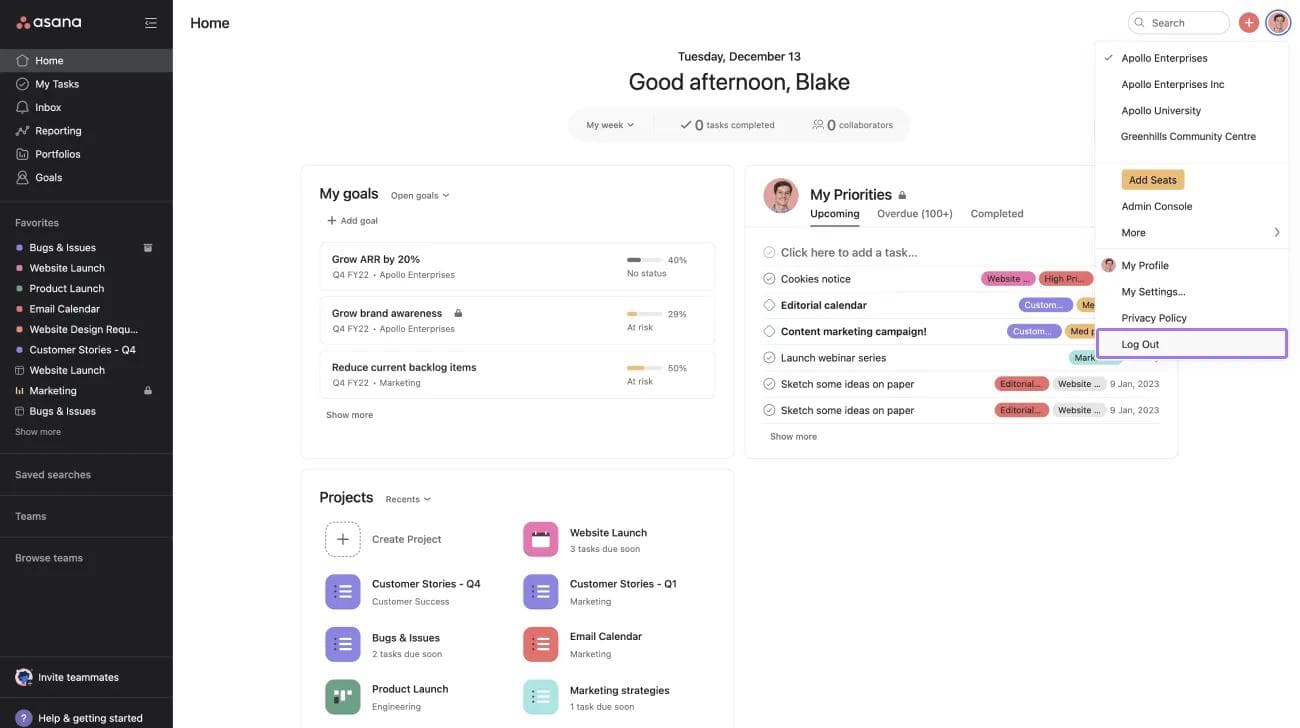
Asana Dash, which surfaces priorities from meetings, emails, and tasks
AI Connectors and MCP for searching, creating, updating, and organizing Asana work from ChatGPT, Claude, Gemini, and other tools
AI-assisted summaries, smart fields, and smart status updates
Workflows connected to live Asana project and task data
›What are the best use cases for Asana AI?
Automating project intake and routing
Generating project updates and status summaries
Helping managers identify priorities from meetings, emails, and tasks
Using AI agents for marketing, operations, and IT work
Searching and updating Asana projects from an external AI conversation
›What is the pricing for Asana AI?
| Plan | Price | Details |
|---|---|---|
| Personal | $0 | Free forever for one or two people, with task and project management, list, board, and calendar views, status updates, and 100+ free integrations. |
| Starter | $10.99 per user, per month billed annually | For growing teams, adding timeline and Gantt views, unlimited team members, and AI Studio Basic with 50K credits per billing account per month. |
The pricing page offers monthly and yearly billing and says yearly billing saves up to 18%.
Checked 2026-08-31 · source
›Who is Asana AI best for?
small teamUseful for teams that already track projects in Asana and want AI-assisted updates, intake, and task coordination.
enterpriseEnterprise teams can connect AI workflows to governed Asana data and use integrations such as Salesforce, Tableau, and Power BI.
operations professionalsOperations teams can use AI Studio and AI Teammates for intake, routing, repetitive updates, and status reporting.
marketing professionalsMarketing teams get access to prebuilt AI Teammates and automations within their existing project workflows.
Not for
- Teams looking for a standalone chatbot rather than AI embedded in project and task management
- Users who need deep document generation or advanced spreadsheet analysis
- Teams seeking highly customized automation beyond Asana's credit-metered AI Studio model
›What are the best Asana AI alternatives?
 ClickUpChoose this instead if you want another all-purpose productivity and project management platform.→
 Notion AIChoose this instead if your main need is AI assistance for writing, brainstorming, editing, and organizing workspace content.→
 MotionChoose this instead if scheduling and calendar-based task planning are central to your workflow.→
 Layer→