

Forward Future Tools Library

Motion
Motion automatically schedules tasks, meetings, and project work around priorities and deadlines, making it suited to calendar-heavy professionals and teams.
Try Motion →
usemotion.com·From $ 19 /seat /mo·Checked 2026-09-03
›What is Motion?
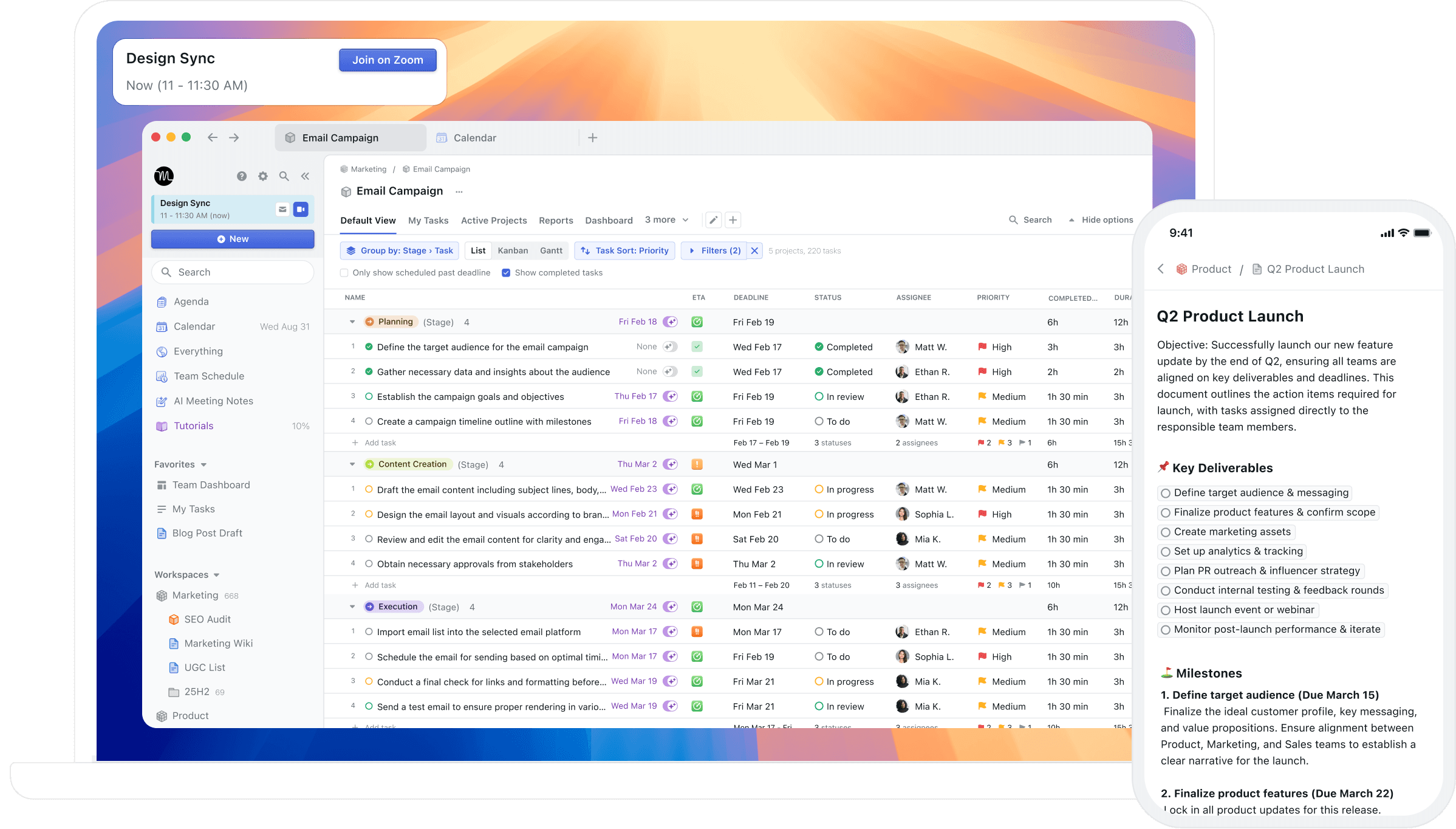
Motion combines AI task planning, project management, calendar scheduling, meeting assistance, documentation, and workflow automation. It places tasks into available calendar time, reprioritizes work, manages project statuses, captures meeting notes, and can automate repeatable projects and SOPs.
›What are the pros and cons of Motion?
Strengths
Automatically turns task priorities, dependencies, deadlines, and durations into a changing daily plan
Combines project management, task planning, calendar scheduling, meetings, documents, and notes in one product
Automates repeatable projects and SOP-based workflows
Meeting notes include follow-up action items
Trade-offs
The listed plans charge per seat, creating a recurring cost for teams
AI usage is limited by monthly credits, with 7,500 credits per seat on Pro AI and 15,000 on Business AI
Capacity planning, advanced dashboards, Gantt timelines, time tracking, and access controls require Business AI
It is less useful for people who prefer manual control over their daily schedule
›What are Motion’s key features?
AI Task Planner prioritizes tasks using deadlines, dependencies, durations, and preferences
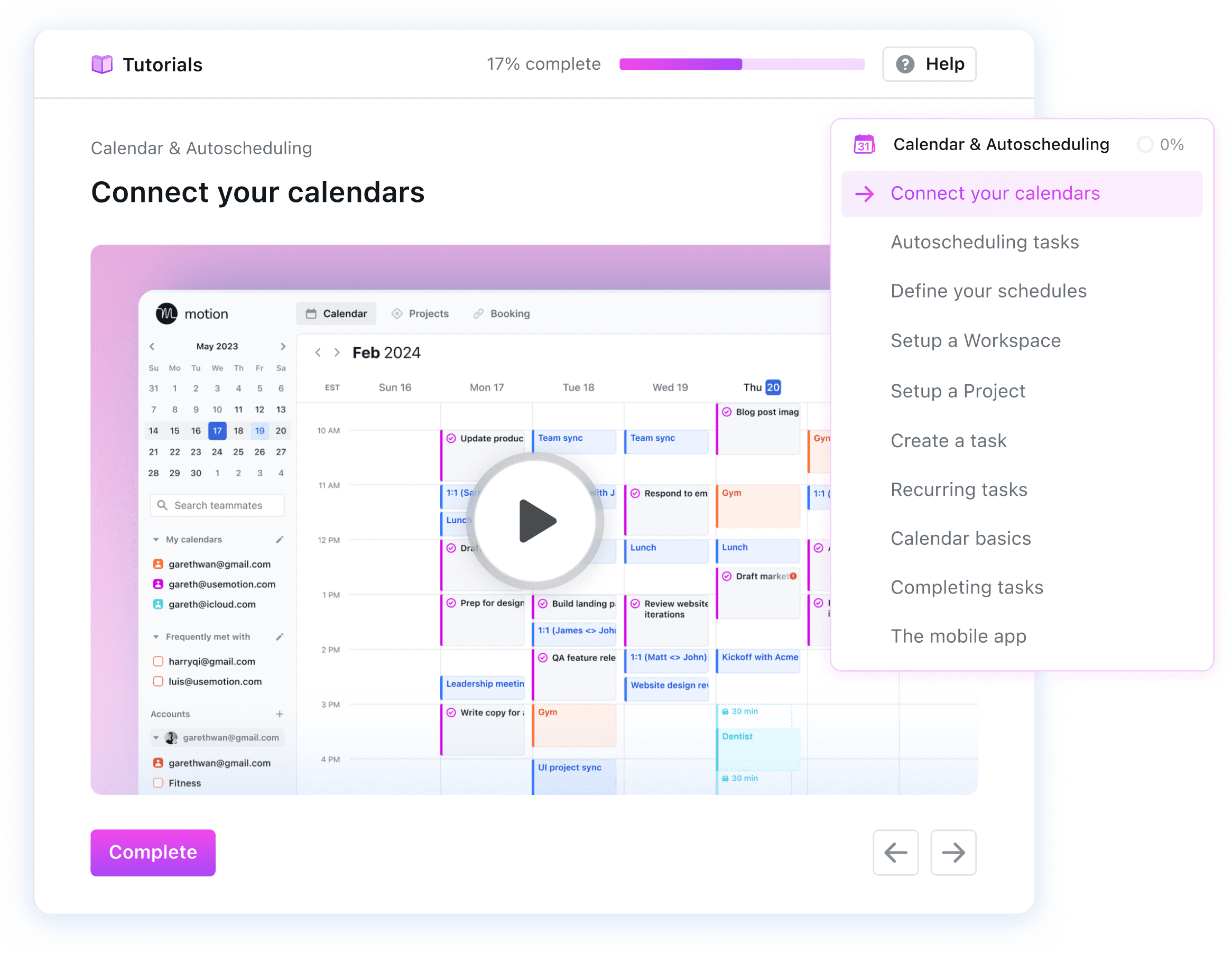
AI Calendar automatically plans the day and schedules meetings
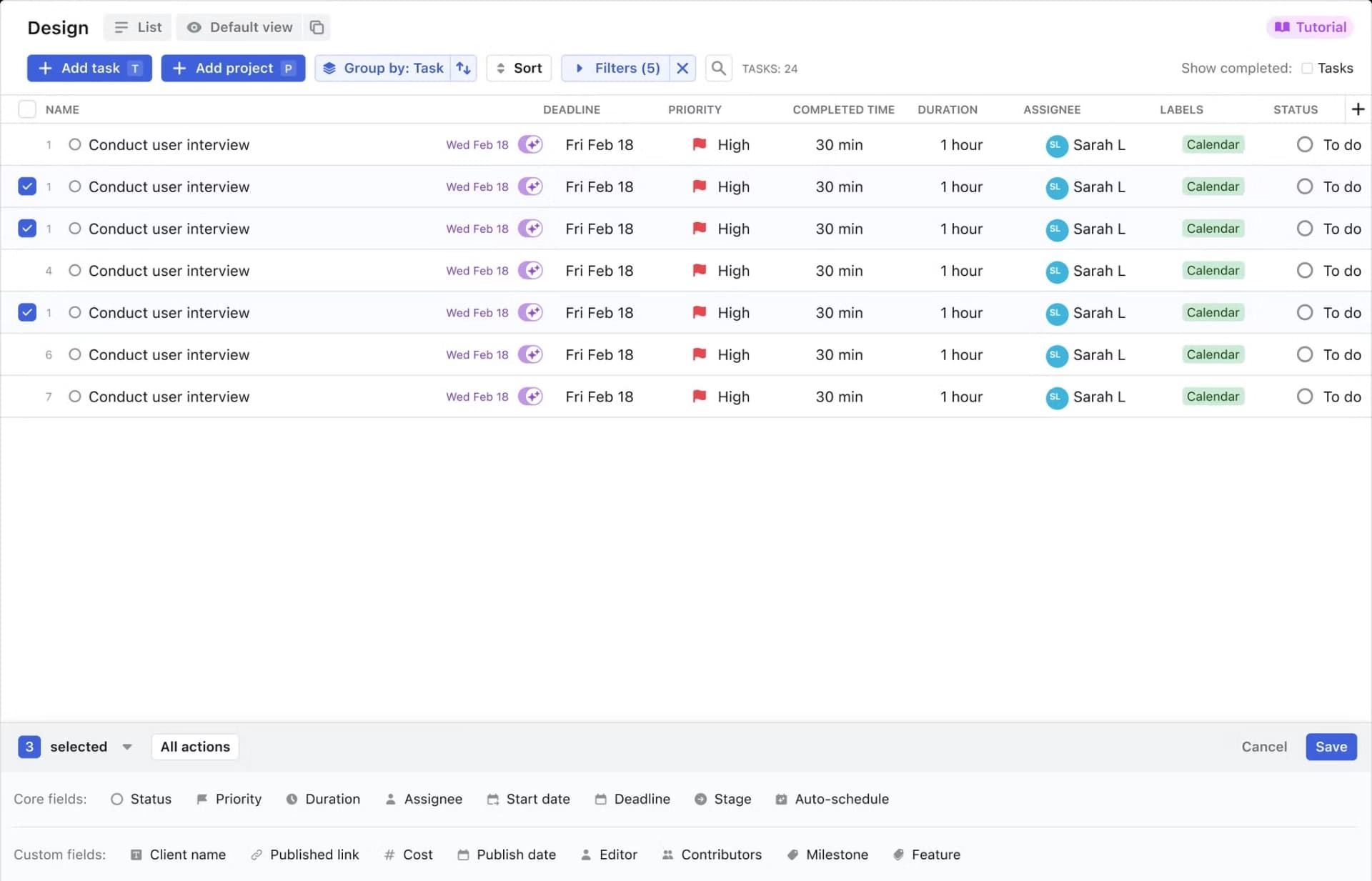
AI Project Manager creates projects and manages project statuses
AI Gantt Charts visualize project timelines with auto-scheduling
AI Workflows automate repeatable projects and SOPs
AI Meeting Notetaker captures notes and follow-up action items
AI Docs Assistant helps draft, proofread, and organize documents
›What are the best use cases for Motion?
Automatically schedule project tasks around meetings and deadlines
Plan and track client work for marketing, design, consulting, law, or construction businesses
Create repeatable workflows from standard operating procedures
Capture meeting notes and assign follow-up actions
Give functional teams a shared view of project progress, capacity, and timelines
›What is the pricing for Motion?
| Plan | Price | Details |
|---|---|---|
| Pro AI | $ 19 /seat /mo | Includes AI Chat, AI Projects and Tasks, AI Calendar and Meetings, AI Docs, Wiki and Notes, AI Task Planner, AI Writer and Editor, integrations, and 7,500 credits per seat per month. |
| Business AI | $ 29 /seat /mo | Adds team capacity planning, advanced dashboards and reports, timeline and Gantt charts, time tracking, permissions, central billing, priority support, and 15,000 credits per seat per month. |
Annual billing is listed as saving 33%. A free trial is available and can be canceled at any time.
Checked 2026-09-03 · source
›Who is Motion best for?
soloSolo professionals with meeting-heavy calendars can use Motion to turn task lists into automatically scheduled work.
small teamSmall teams can combine shared project planning, calendar scheduling, meeting notes, and repeatable workflows.
enterpriseLarger organizations get team capacity planning, permissions, central billing, reports, and priority support on Business AI.
project managersProject managers can use auto-scheduled timelines, task dependencies, status management, and Gantt views to coordinate work.
Not for
- People who want to manually control every task placement and calendar block may find Motion's automatic scheduling less suitable.
›What are the best Motion alternatives?
 ClickUpChoose this instead if your priority is broad team collaboration and task organization.→
 Asana AIChoose this instead if you want intelligent task automation and predictive workflow assistance.→
 Any.doChoose this instead if you mainly need straightforward to-do lists, reminders, and calendar organization.→
 Basecamp→