Forward Future Tools Library

Basecamp
Basecamp combines project to-dos, discussions, schedules, files, and chat for small teams, agencies, remote organizations, and larger groups that prefer flat pricing.
Try Basecamp →
basecamp.com·Free + paid plans·Checked 2026-09-01
›What is Basecamp?
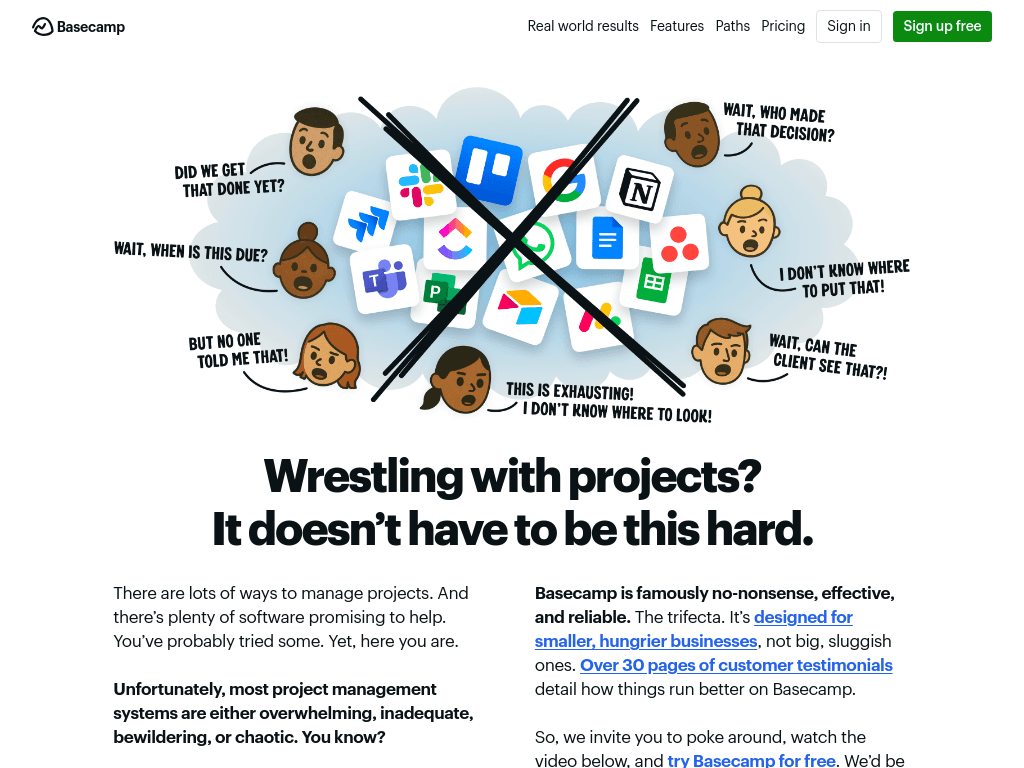
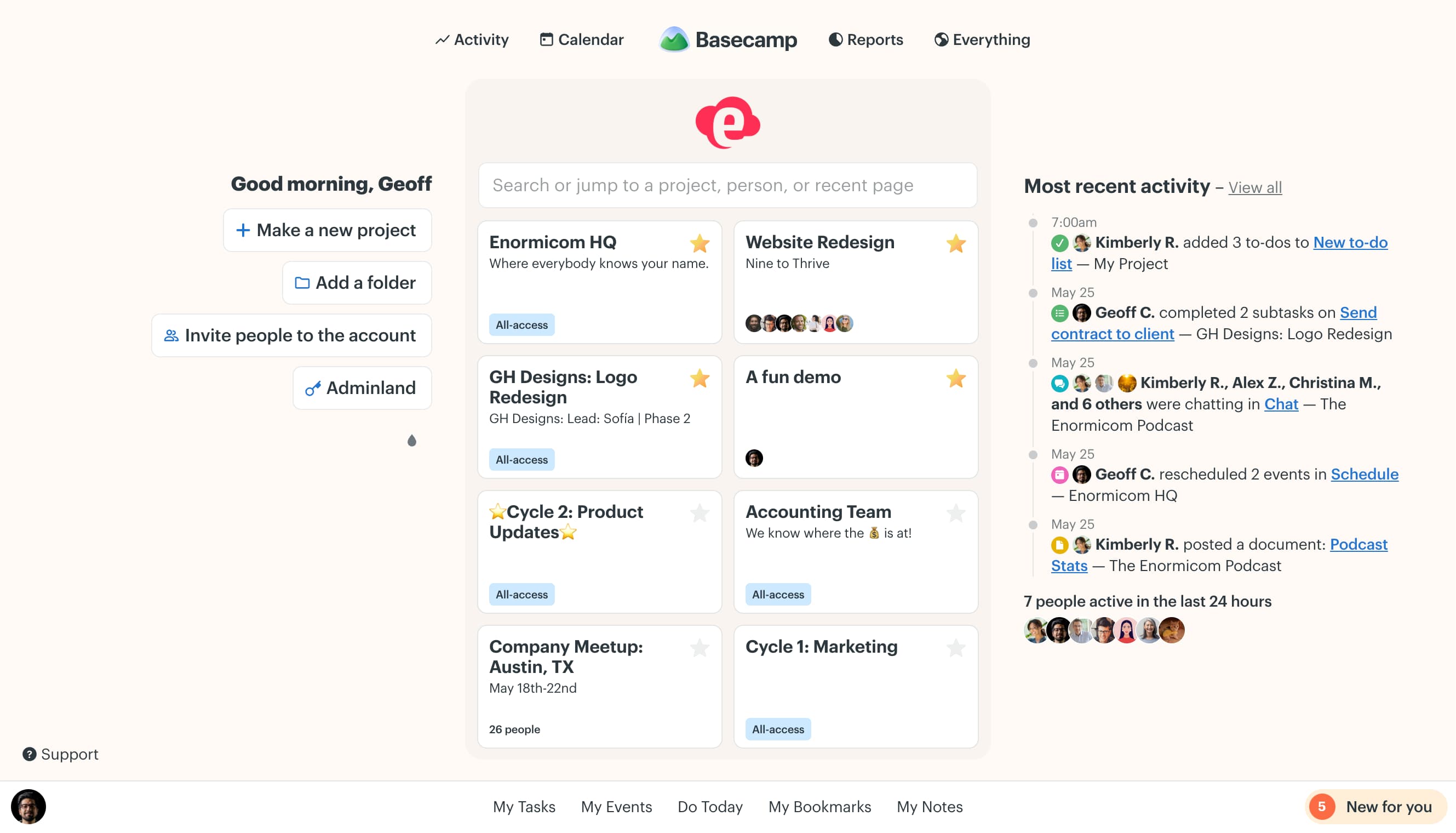
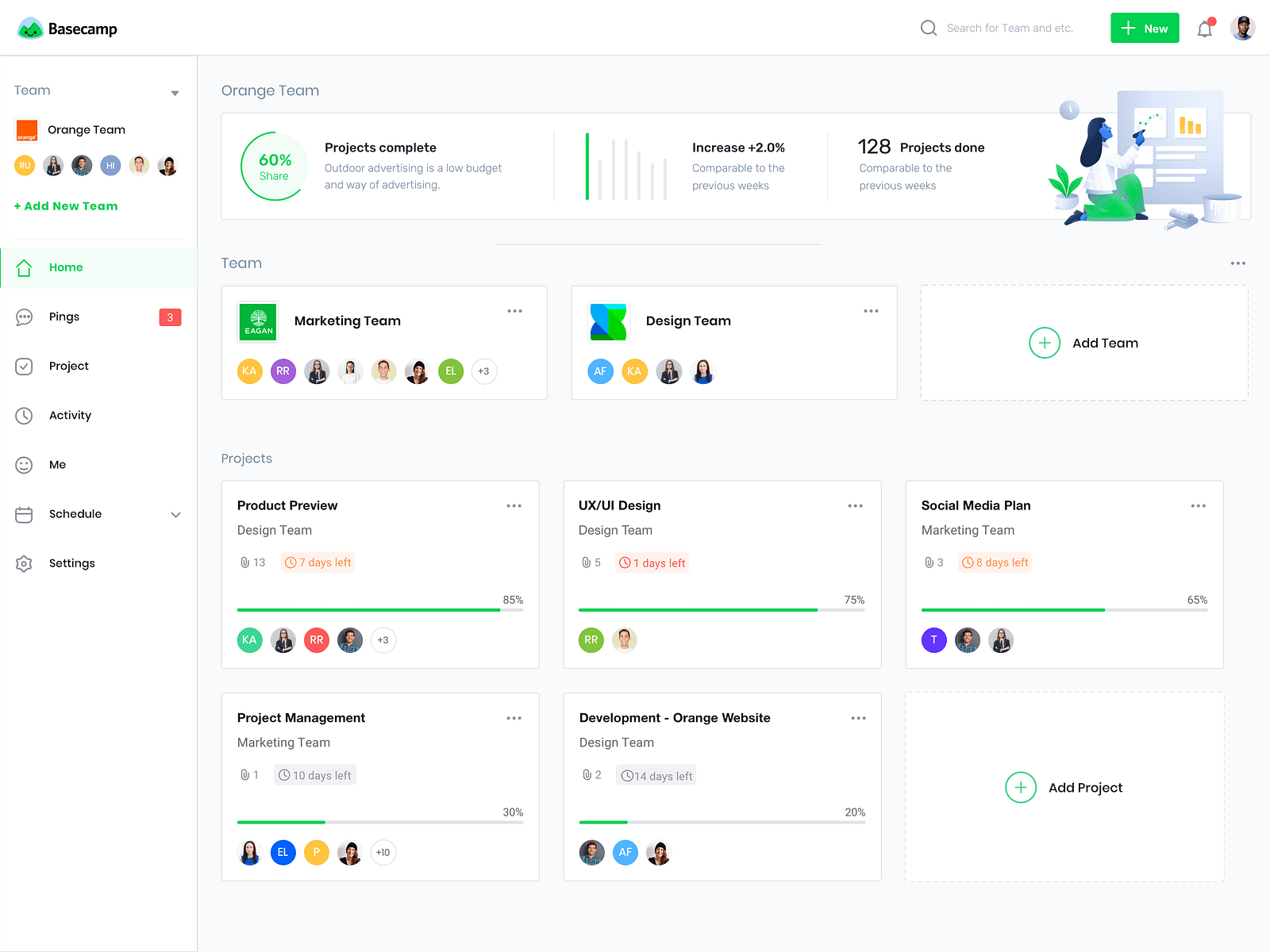
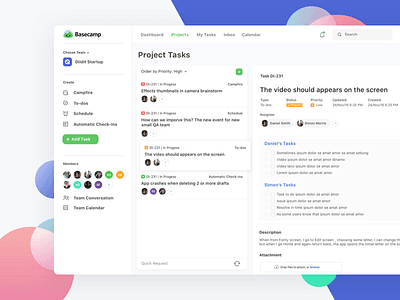
Basecamp is a project management and team communication platform organized around projects and shared workspaces. It combines to-do lists, message boards, schedules, chat rooms, card tables, file storage, templates, and time tracking in one place. Paid plans include unlimited users, rather than charging per person.
›What are the pros and cons of Basecamp?
Strengths
Straightforward interface with relatively little complexity
Combines collaboration and communication tools in one product
Flat paid pricing does not add per-user fees
Offers a free plan for one project
Provides integrations and developer access through its API, CLI, and skills
Trade-offs
Lacks automations, workload management, billing features, and other advanced project controls
Does not provide Gantt charts or table views, with Kanban-style work as the available project view
Reporting is bare-bones compared with more structured project management tools
Some add-ons can be expensive
›What are Basecamp’s key features?
To-do lists for assigning and tracking project work
Message boards for persistent team discussions and decisions
Schedules for deadlines, events, and project dates
Chat rooms and comments for team communication
File storage and sharing within projects
Project and to-do list templates on Studio and higher plans
Time tracking on the Pro plan and higher
›What are the best use cases for Basecamp?
Managing client projects and deliverables at an agency
Coordinating distributed teams across tasks, discussions, files, and deadlines
Organizing internal initiatives with reusable project templates
Giving clients or external collaborators a shared place for project communication
Tracking work hours on projects with the Pro plan
›What is the pricing for Basecamp?
| Plan | Price | Details |
|---|---|---|
| Free | Free | One project, 1 GB of storage, and up to 5 users. |
| Freelancer | $25/mo | Up to 3 active projects, 5 GB of storage, and up to 20 users. |
| Studio | $59/mo | Up to 10 active projects, 25 GB of storage, unlimited users, unlimited tools per project, and project templates. |
| Pro | $99/mo | Up to 25 active projects, 100 GB of storage, unlimited users and tools per project, project templates, and time tracking. |
| Unlimited | $299/mo, billed annually | Unlimited projects, 1000 GB of storage, and unlimited users. |
Paid plans include a 30-day free trial, while the Unlimited plan includes a 45-day free trial. The Free plan is limited to one project.
Checked 2026-09-01 · source
›Who is Basecamp best for?
small teamA fit for teams that want shared tasks, discussions, schedules, and files without per-user pricing.
enterpriseFlat pricing can suit larger groups, especially when many people need access, but project limits on lower plans may require the Unlimited tier.
project managersUseful for managing straightforward projects and communication, but less suitable for formal dependencies, Gantt planning, or detailed reporting.
agenciesClient projects benefit from shared communication, files, deadlines, and predictable account pricing.
Not for
- Teams that require Gantt charts, dependencies, workload management, or advanced reporting
- Organizations that need extensive automation, billing, or resource-planning features
- Buyers who prefer detailed table-based project views and highly configurable workflows