Forward Future Tools Library

ClickUp
ClickUp combines tasks, docs, chat, goals, time tracking, and project views in one workspace for project managers and general-purpose teams.
Try ClickUp →
clickup.com·Free + paid plans·Checked 2026-08-19
›What is ClickUp?
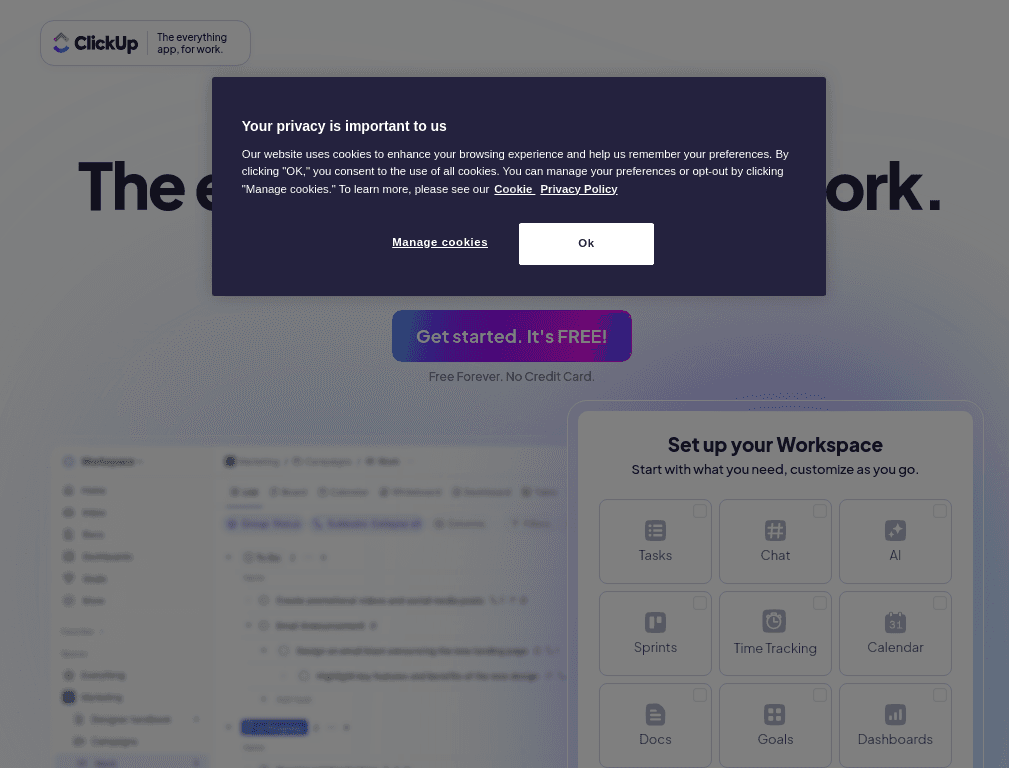
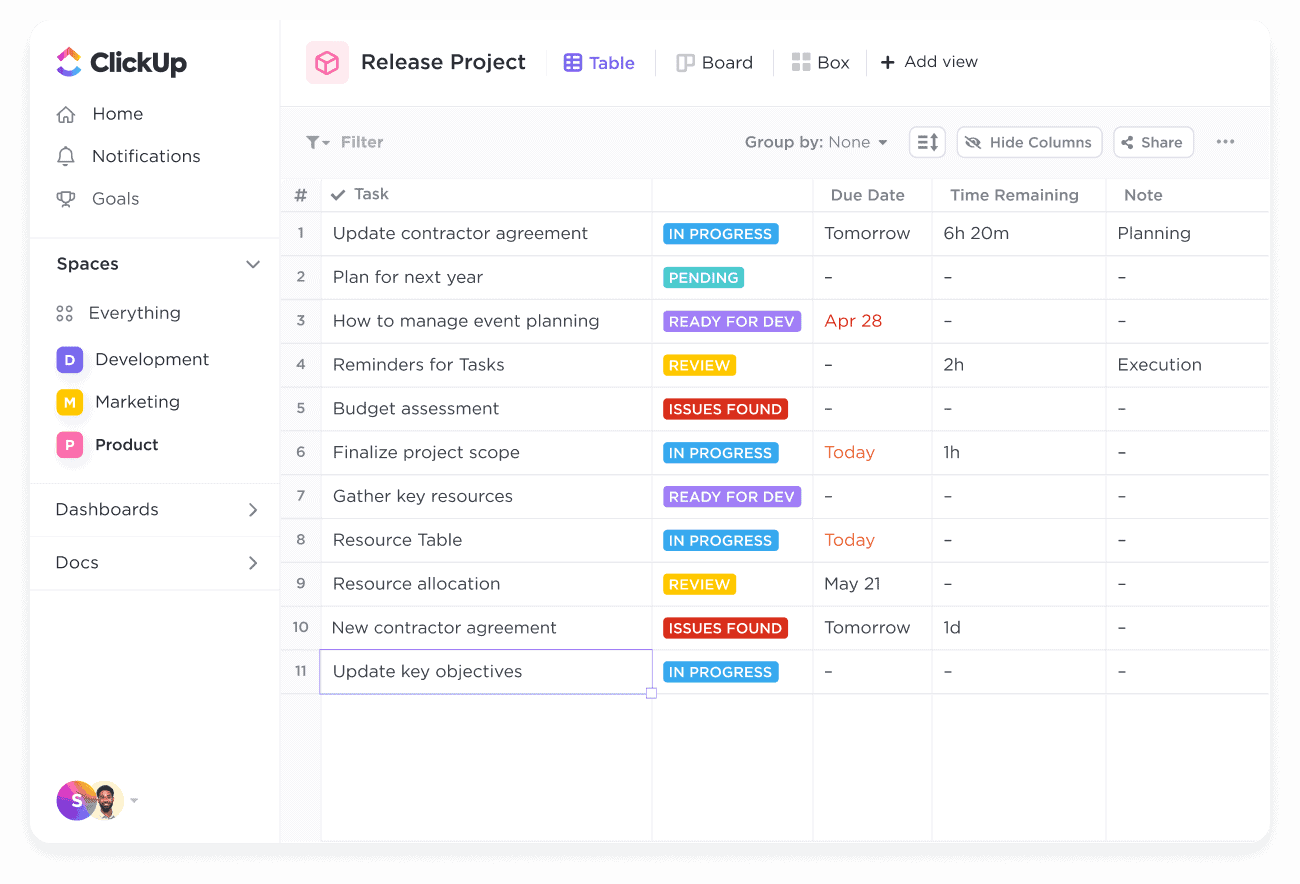
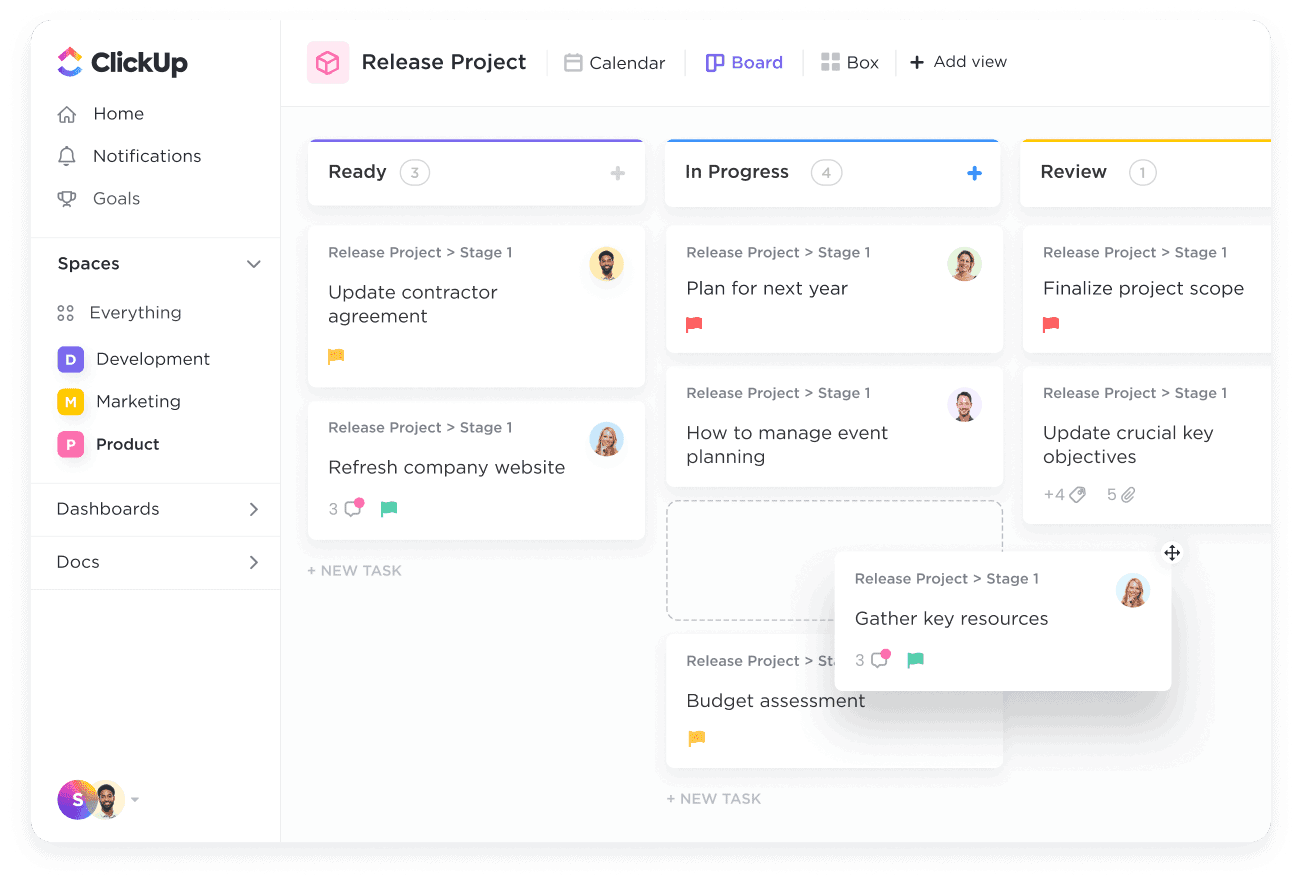
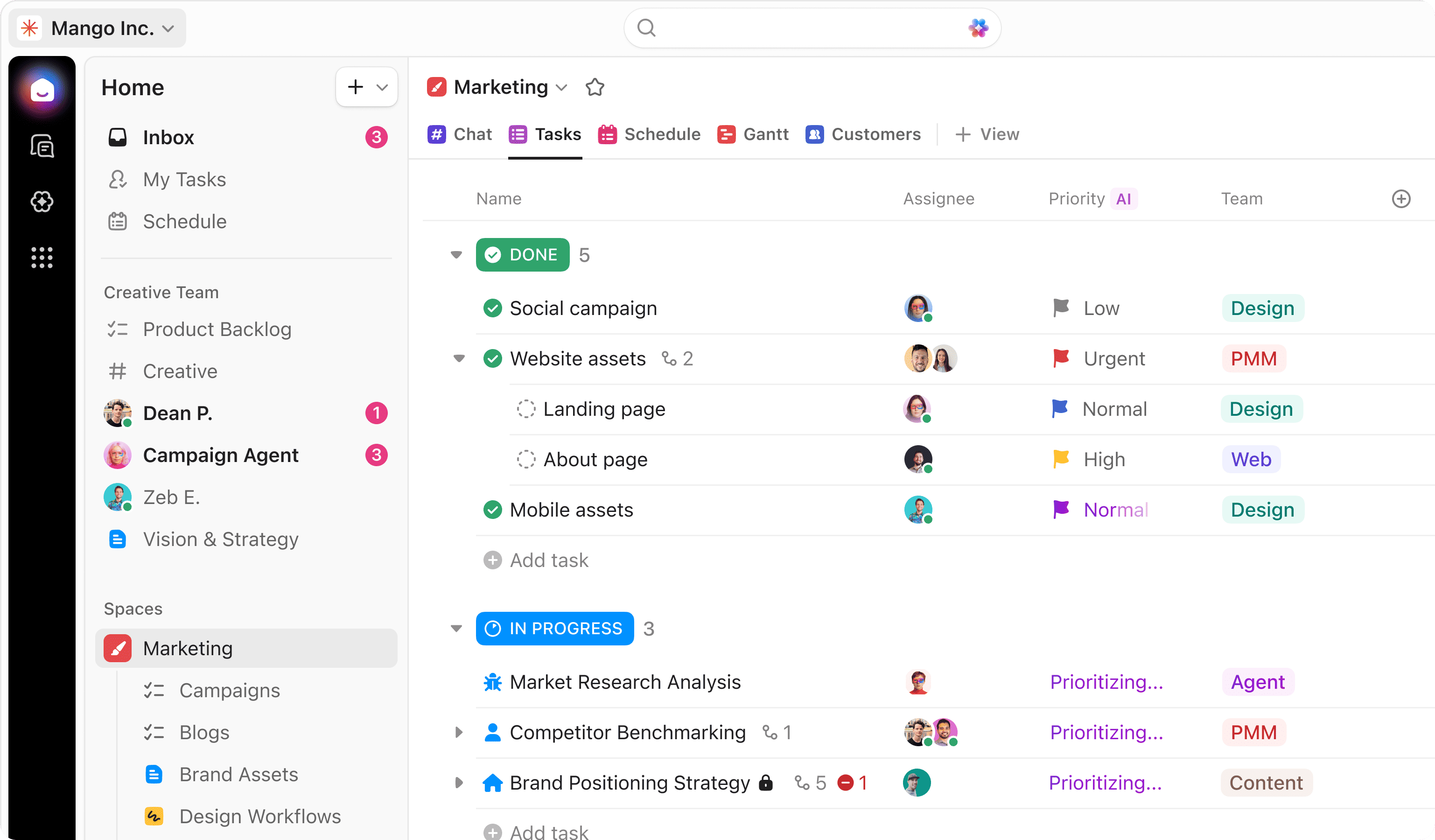
ClickUp is a project and work management platform with tasks, Docs, Chat, Goals, Calendar, Whiteboards, Sprints, time tracking, dashboards, and automations. Teams can plan projects, assign and prioritize work, track time, create documentation, and monitor progress in one workspace. Its Brain AI feature connects workspace context with AI assistance and search.
›What are the pros and cons of ClickUp?
Strengths
Combines project management, documentation, chat, goals, time tracking, and whiteboards in one workspace
Free Forever includes unlimited tasks and unlimited free plan members
Unlimited includes Gantt charts, integrations, storage, native time tracking, goals, and portfolio management
Brain AI can use context from workspace tasks, docs, conversations, connected apps, and the web
Trade-offs
The broad feature set is not best-in-class for every individual job
The number of features can create a learning curve for teams wanting a simple tool
The Free Forever plan limits storage to 60MB and includes basic custom field management
AI usage limits apply by plan, while advanced governance features such as SAML SSO, SCIM provisioning, and audit logs are reserved for Enterprise
›What are ClickUp’s key features?
Task management with priorities, checklists, dependencies, custom fields, and multiple views
Gantt charts, timelines, roadmaps, sprints, portfolios, and workload planning
Docs, collaborative editing, wikis, Whiteboards, forms, and in-app video recording
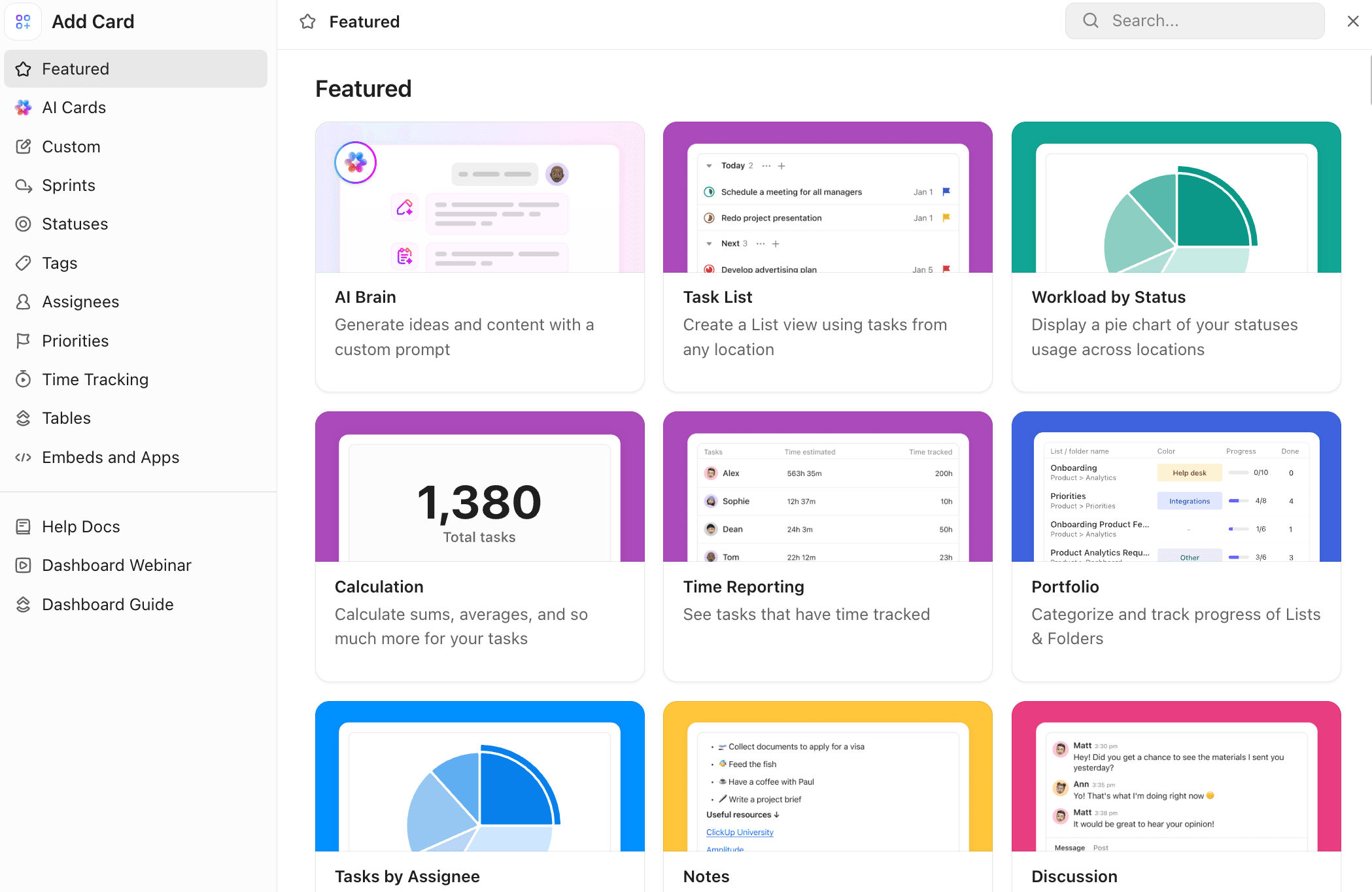
Time tracking, timesheets, goals, dashboards, reporting, and portfolio management
Automations with rules, conditions, webhooks, email, SMS, and integrations
Brain AI with workspace search, connected apps, AI notetaking, and context from tasks, docs, and conversations
›What are the best use cases for ClickUp?
Plan and run projects with tasks, dependencies, Gantt charts, milestones, and roadmaps
Coordinate team work through Chat, Docs, comments, shared views, and collaborative Whiteboards
Track billable or project time alongside tasks using native time tracking and timesheets
Manage sprint work with custom statuses, sprint points, reporting, and backlog tasks
Automate recurring task updates, notifications, and cross-tool workflows
Search across workspace content and connected applications for project context and answers
›What is the pricing for ClickUp?
| Plan | Price | Details |
|---|---|---|
| Free Forever | Free | Includes 60MB storage, unlimited tasks, unlimited free plan members, collaborative Docs, Kanban boards, sprint management, calendar view, and 24/7 support. |
| Unlimited | $7 per user/month, billed yearly or $10 per user/month, billed monthly | Adds unlimited Spaces, Folders, Forms, Gantt charts, integrations, storage, and custom fields, plus native time tracking, goals, portfolios, and resource management. |
| Business | $12 per user/month, billed yearly or $19 per user/month, billed monthly | Adds advanced dashboards, unlimited message history, timeline and activity views, 5K automations per month, private Whiteboards, custom exporting, and Google SSO. |
| Enterprise | Contact sales | Adds enterprise permissions and governance, custom roles, SAML SSO and SCIM, audit logs, data residency, enterprise API usage, onboarding, and a customer success manager. |
Annual and monthly prices differ. The Enterprise plan is custom-priced.
Checked 2026-08-19 · source
›Who is ClickUp best for?
project managersA strong fit for managing dependencies, timelines, sprints, goals, portfolios, and project reporting in one system.
small teamSmall teams can start with unlimited tasks and members on the Free Forever plan, then add time tracking, integrations, and storage on Unlimited.
enterpriseEnterprise teams get governance controls, SAML SSO, SCIM, audit logs, data residency, and enterprise-scale API and automation support.
developersUseful for teams that need sprints, dependencies, time tracking, and connected project context, though engineering-specific workflows may be better served by a specialized tool.
Not for
- Engineering teams that want a specialized engineering workflow rather than a broad work management platform.
- Documentation-heavy teams that primarily need a dedicated knowledge management workspace.
- People who want one narrowly focused tool with no learning curve.