

Forward Future Tools Library
Notion AI
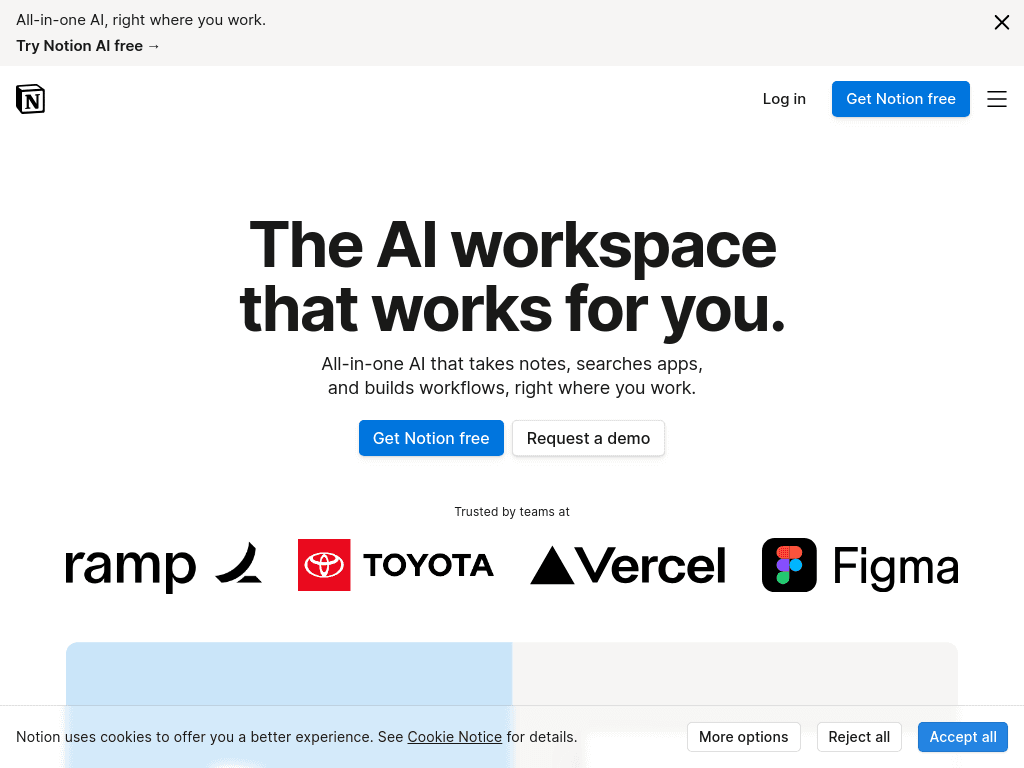
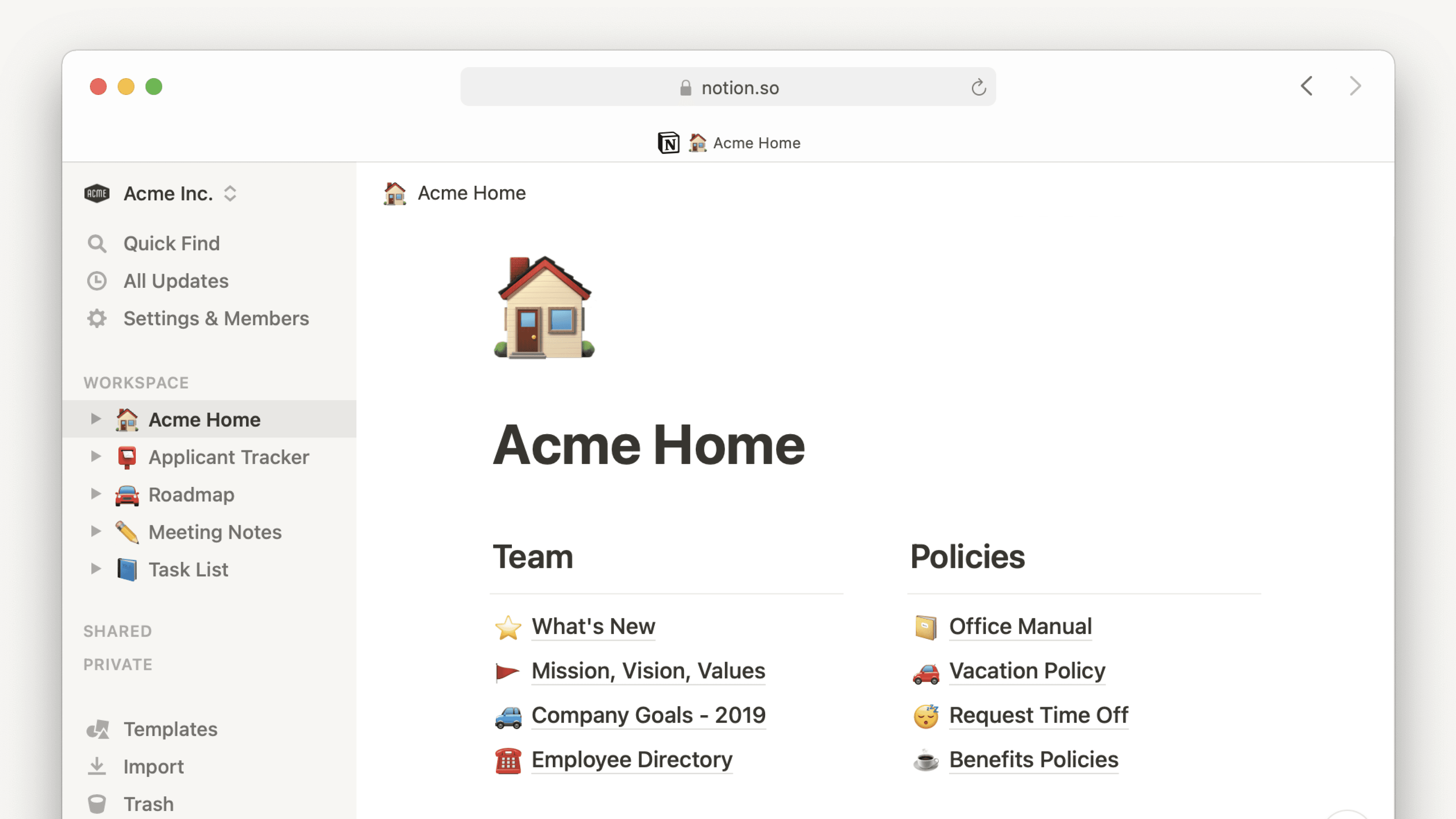
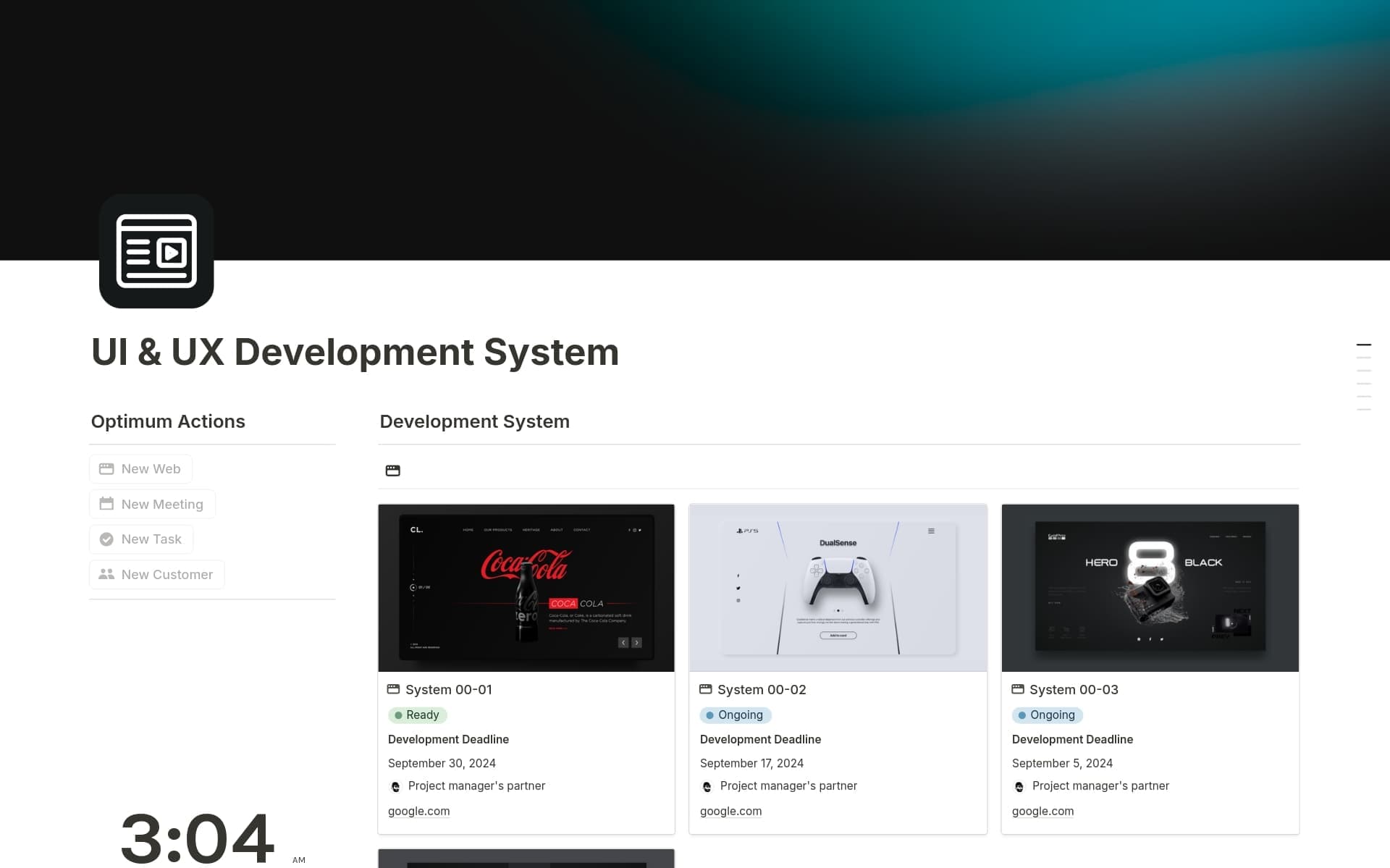
Notion AI adds writing, search, meeting notes, and task automation to the Notion workspace, making it useful for teams that already keep their documents and knowledge there.
Try Notion AI →
notion.com·Free + paid plans·Checked 2026-09-05
›What is Notion AI?
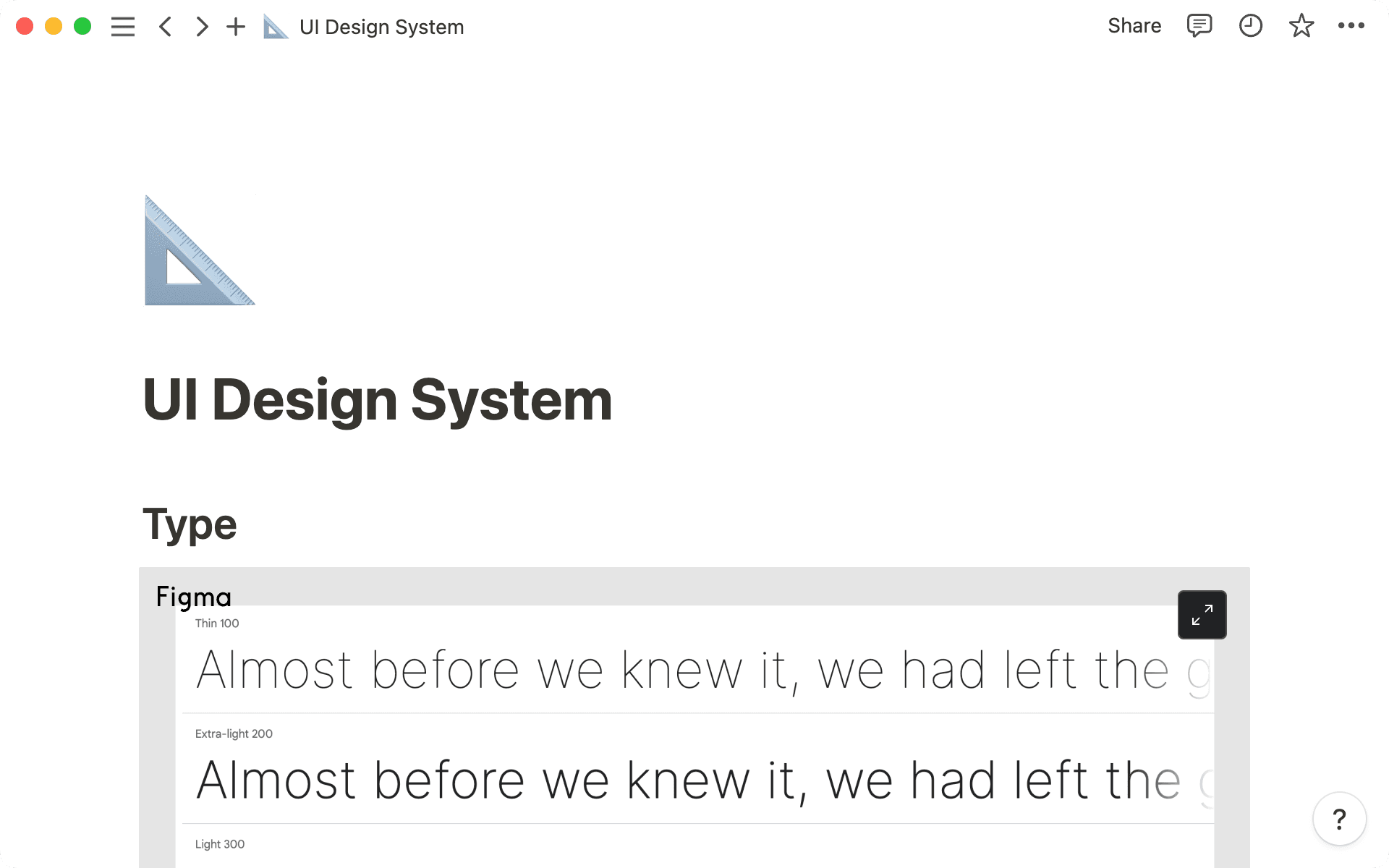
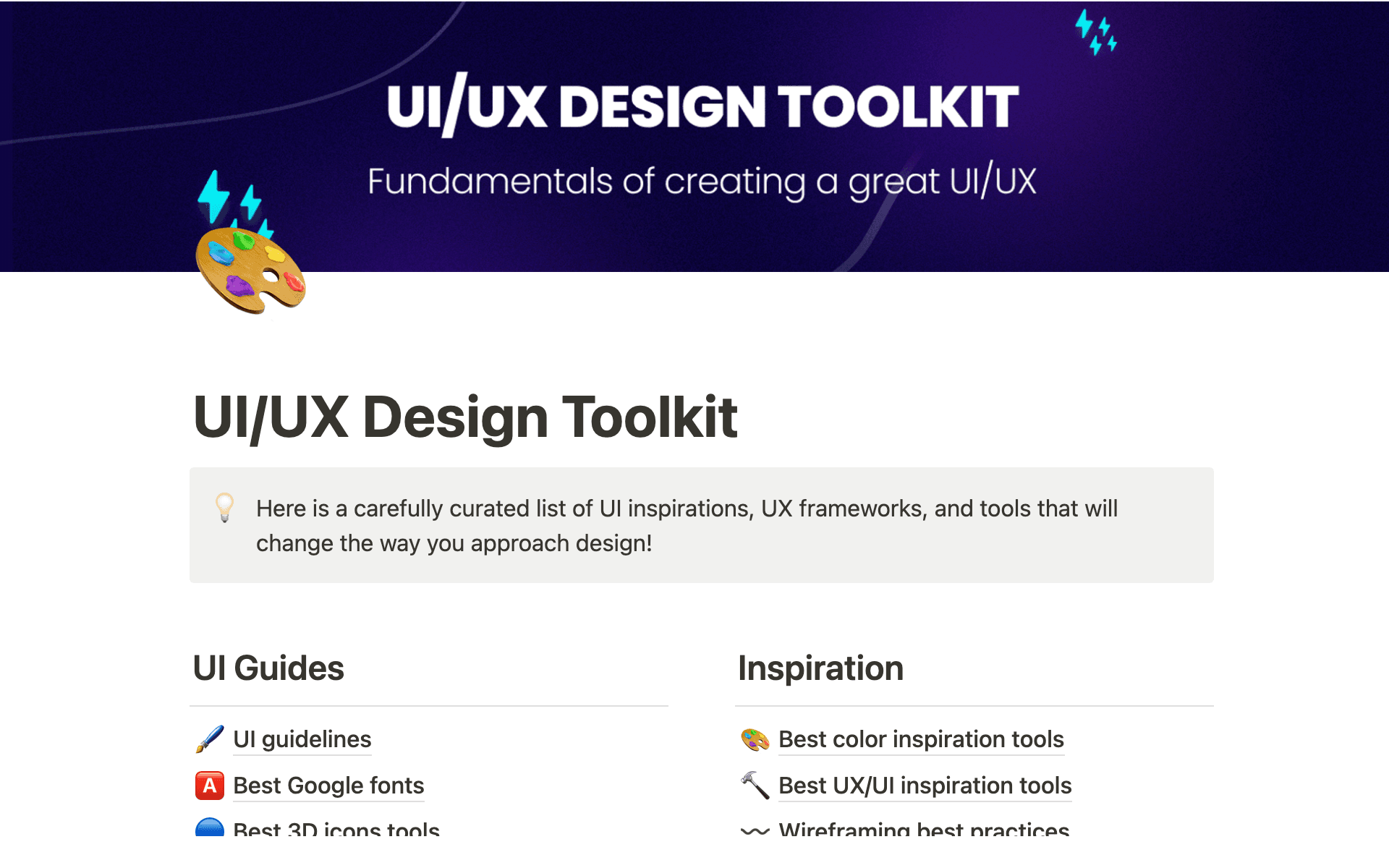
Notion AI is an AI layer inside the Notion workspace. It can generate and edit documents, answer questions using workspace and connected-app context, capture meeting notes, search services such as Slack and GitHub, and complete multi-step tasks through Notion Agent.
›What are the pros and cons of Notion AI?
Strengths
AI works directly inside Notion pages, so users do not need to copy content into a separate tool
Business plans provide agents, meeting notes, enterprise search, and premium connections
The model picker supports GPT-5.2, Claude Opus 4.5, and Gemini 3, according to an independent review
Enterprise controls include SAML SSO, granular database permissions, private teamspaces, and usage analytics
Meeting transcription can continue on mobile while the screen is locked
Trade-offs
There is no AI browser extension, so the assistant is limited to places where Notion works
It lacks brand-voice training, SEO mode, and a plagiarism checker
Workspace Q&A can miss information in large workspaces and cannot read databases or embeds
Public-facing drafts may contain invented details and require careful proofing
The full set of AI capabilities is tied to the $20 Business plan rather than a separate $10 AI add-on
›What are Notion AI’s key features?
Generate, edit, summarize, and autofill content in Notion documents and databases
Notion Agent completes multi-step tasks using context from Notion, connected apps, and the web
AI Meeting Notes captures meetings and produces summaries and follow-ups
Enterprise Search searches connected services such as Slack, Google Drive, and GitHub
Custom Agents automate recurring work on triggers or schedules
Model-agnostic workflows can switch models or providers without losing context
›What are the best use cases for Notion AI?
Drafting, rewriting, and summarizing documents inside an existing Notion workspace
Capturing meeting discussions and turning them into summaries and follow-up actions
Finding information across Notion, Slack, Google Drive, GitHub, and other connected apps
Automating recurring research, documentation, and workspace tasks with agents
Managing project documentation, knowledge bases, and team workflows in one workspace
›What is the pricing for Notion AI?
| Plan | Price | Details |
|---|---|---|
| Free | $0per member / month | Includes trial AI capabilities, a trial of Notion AI, databases, basic forms, basic sites, and Notion Calendar. |
| Plus | $10per member / month | Adds unlimited collaborative blocks and file uploads, custom forms and sites, charts, and basic connections, while retaining trial AI capabilities. |
| Business | $20per member / month | Adds Notion Agent, AI Meeting Notes, Enterprise Search beta, premium connections, custom agents, SAML SSO, and advanced workspace controls. |
| Enterprise | Custom pricing | Adds zero data retention with LLM providers, SCIM user provisioning, advanced security controls, and detailed security activity logs. |
Yearly billing saves up to 20%.
Checked 2026-09-05 · source
›Who is Notion AI best for?
small teamBusiness is suited to teams that keep their documents, project information, and recurring workflows in Notion.
enterpriseOrganizations needing SSO, SCIM, granular permissions, governance tools, and zero data retention can use the Enterprise plan.
content creatorsUseful for drafting and editing inside Notion, but less suitable for creators who need SEO features, brand-voice training, or plagiarism checking.
project managersNotion Agent, meeting follow-ups, databases, and connected-app search support project coordination when the team already uses Notion.
Not for
- People who want a standalone writing assistant that works outside Notion should choose another tool.
- Content teams requiring SEO mode, brand-voice training, or plagiarism checking should look elsewhere.
- Teams that need consistently reliable answers from large databases or embedded content may find the workspace Q&A limitations restrictive.
›What are the best Notion AI alternatives?
 ClickUpChoose this instead if your primary need is task and project management rather than a knowledge-centered workspace.→
 MeetGeekChoose this instead if meeting recording, transcription, summaries, and sharing are the main requirement.→
 SliteChoose this instead if you want a focused tool for creating, managing, and finding team documentation.→
 NotebookLMChoose this instead if your main goal is generating insights, summaries, and answers from research materials.→