Forward Future Tools Library

MeetGeek logo

MeetGeek

MeetGeek records and transcribes meetings, produces structured summaries and follow-ups, and sends conversation data into CRM, collaboration, and automation tools for sales, recruiting, customer success, and consulting teams.

Try MeetGeek

meetgeek.ai·Free + paid plans·Checked 2026-08-27
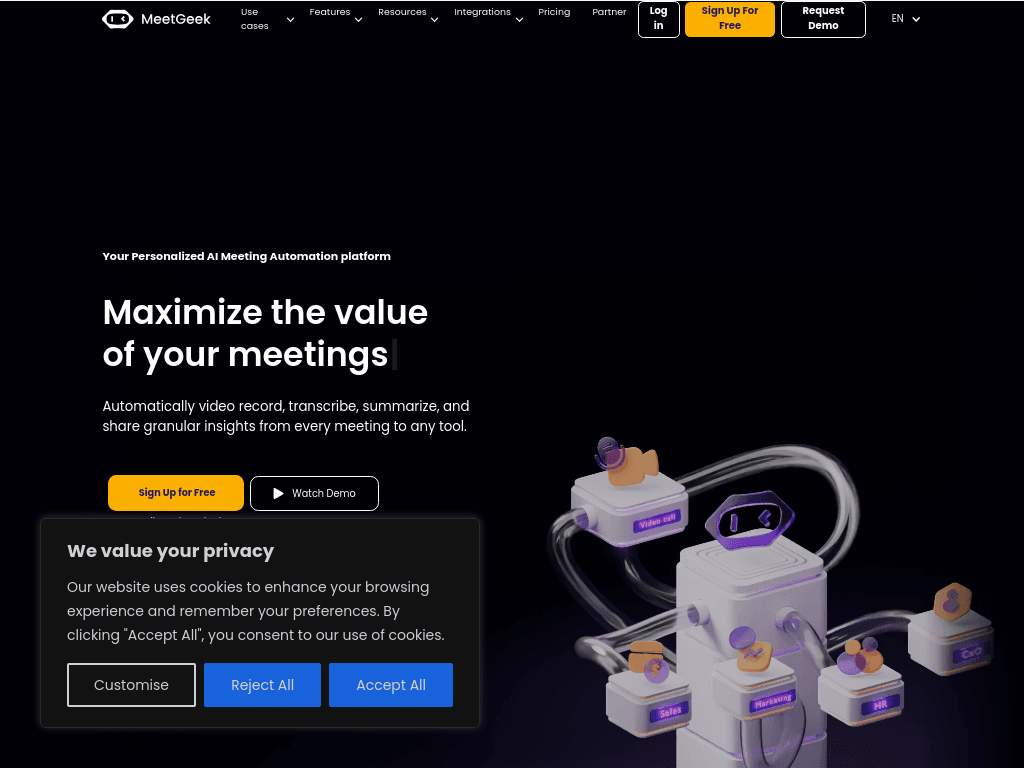
MeetGeek screenshot10 Ways an AI Meeting Assistant Can Help With Your Meetings & InterviewsAI-Driven Conversation IntelligenceMeetGeekWhy Choose MeetGeek
MeetGeekmeetgeek.ai
MeetGeek screenshot
MeetGeekmeetgeek.ai

What is MeetGeek?

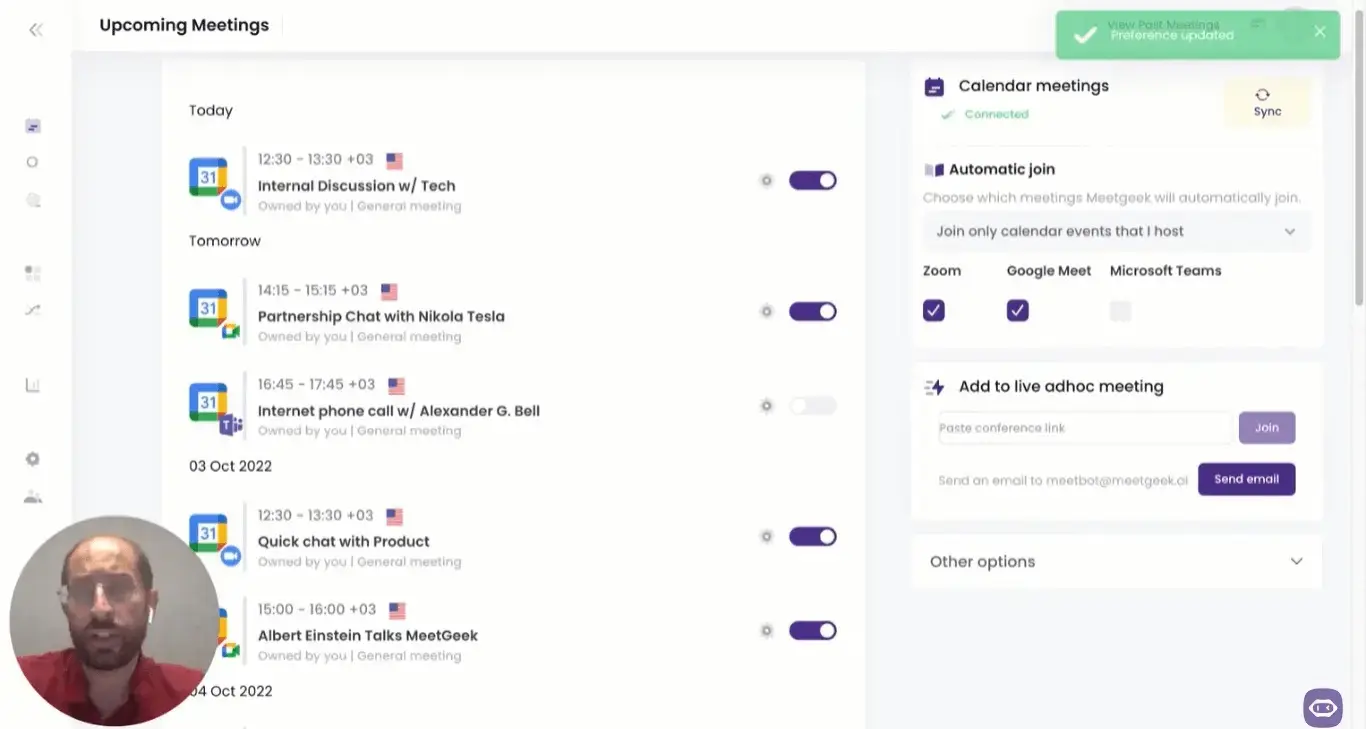
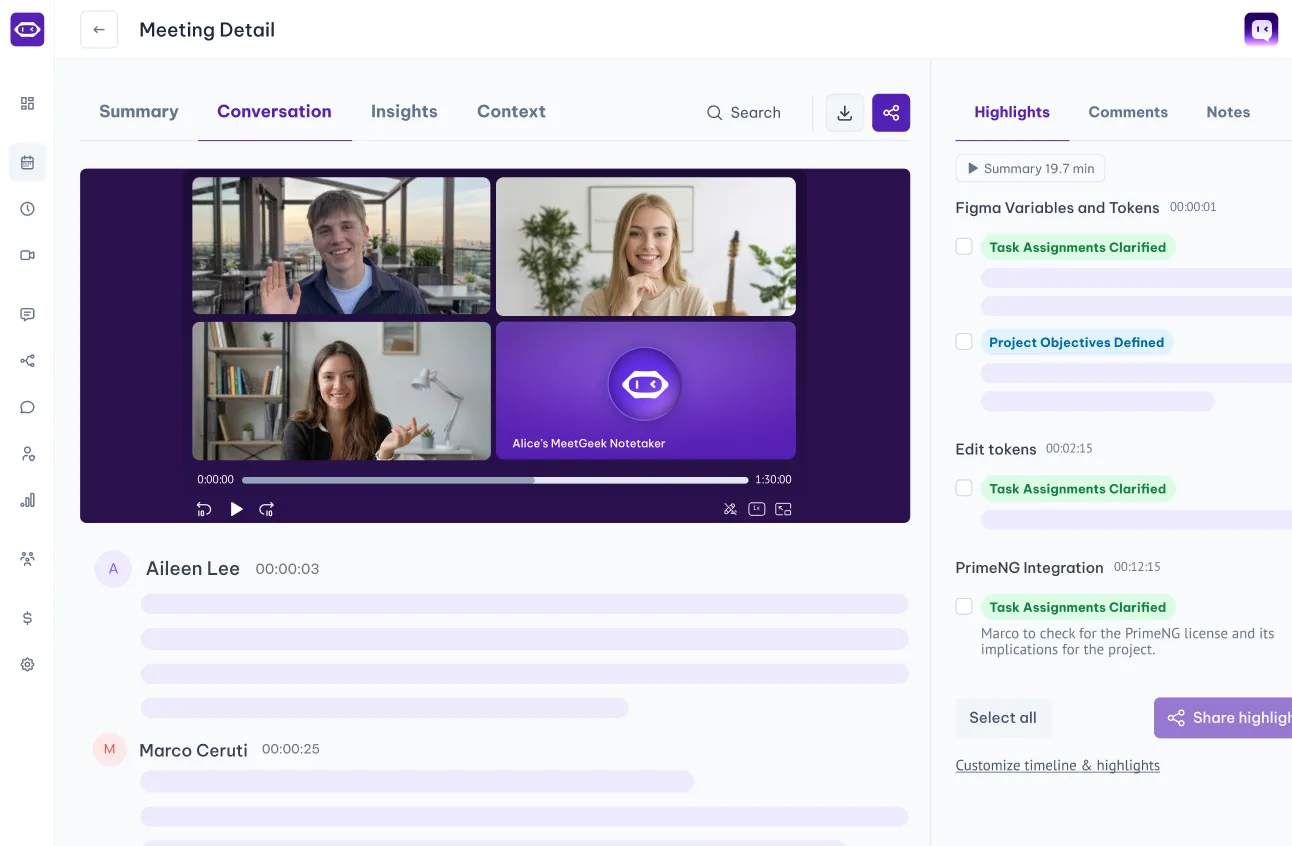
MeetGeek is an AI meeting assistant that records meetings, creates transcripts and structured summaries, extracts next steps, and analyzes conversations. Its meeting library, AI Chat, Meeting Skills, workflows, CRM connections, and integrations help teams find decisions and move meeting information into other systems.

What are the pros and cons of MeetGeek?

Strengths

Combines transcription, summaries, conversation analytics, follow-ups, and workflow automation
Offers integrations across major conferencing, CRM, collaboration, storage, and automation platforms
Provides bot-free recording options through browser, desktop, and mobile apps
Supports more than 100 languages according to an independent review
Includes a public API and MCP server for custom meeting-data integrations

Trade-offs

The product has a steep learning curve for new users
Pro plans have limited transcription minutes and hourly caps
Per-seat pricing can increase costs as teams grow
Scheduled meetings may use a visible bot, while bot-free recording is limited to supported capture methods

What are MeetGeek’s key features?

Records and transcribes meetings from Zoom, Google Meet, Microsoft Teams, and other setups
Generates AI meeting notes, structured summaries, and follow-up items
Analyzes conversation quality and stores recordings, transcripts, and insights in a searchable meeting library
Connects meeting data to Salesforce, HubSpot, Pipedrive, Zoho CRM, Slack, Notion, Asana, Confluence, and Google Drive
Provides AI Chat, Meeting Skills, workflow automation, a public API, and an MCP server
Supports browser, desktop, iOS, and Android recording options, including bot-free recording options

What are the best use cases for MeetGeek?

Automatically capture customer and sales calls, then sync notes and outcomes to a CRM
Create searchable summaries and action items for recurring team meetings
Record interviews and candidate conversations for recruiting workflows
Send class or training meeting summaries to shared knowledge and collaboration spaces
Search past meeting insights in Slack or use them to trigger automated follow-up workflows

What is the pricing for MeetGeek?

PlanPriceDetails
BasicFreeFree plan with basic meeting assistant access.
Pro$9.99/user/monthPaid plan for individual users with expanded meeting transcription and automation access.
Business$17/user/monthTeam plan with broader business and collaboration capabilities.
EnterpriseCustomCustom plan for enterprise deployments.

A separate pricing comparison reports MeetGeek Pro at $15.99 per seat and describes a 20-hour monthly cap with $0.50 hourly overages. Confirm current rates and limits before purchase.

Checked 2026-08-27 · source

Who is MeetGeek best for?

sales professionalsSales teams can capture customer calls, extract follow-ups, and sync outcomes to Salesforce, HubSpot, Pipedrive, Zoho CRM, or Attio.
customer success teamsCustomer success teams get searchable conversation records and automated summaries that can be shared through Slack, Notion, or their CRM.
recruiting teamsRecruiters running frequent candidate conversations can use recording, transcription, summaries, and workflow integrations to reduce manual documentation.
consultantsConsultants handling many client meetings can turn conversations into structured notes, action items, and updates in connected workspaces.
remote teamsRemote teams can record meetings across major conferencing platforms and search or share the resulting insights.
Not for
  • Users who only need occasional recording may find the broader automation and meeting-management feature set unnecessary.
  • Teams that need live coaching or prompts during a call should look beyond MeetGeek's primarily post-meeting workflow.
What are the best MeetGeek alternatives?

Where can I try MeetGeek?

Open meetgeek.ai