Forward Future Tools Library

Bytecap logo

Bytecap

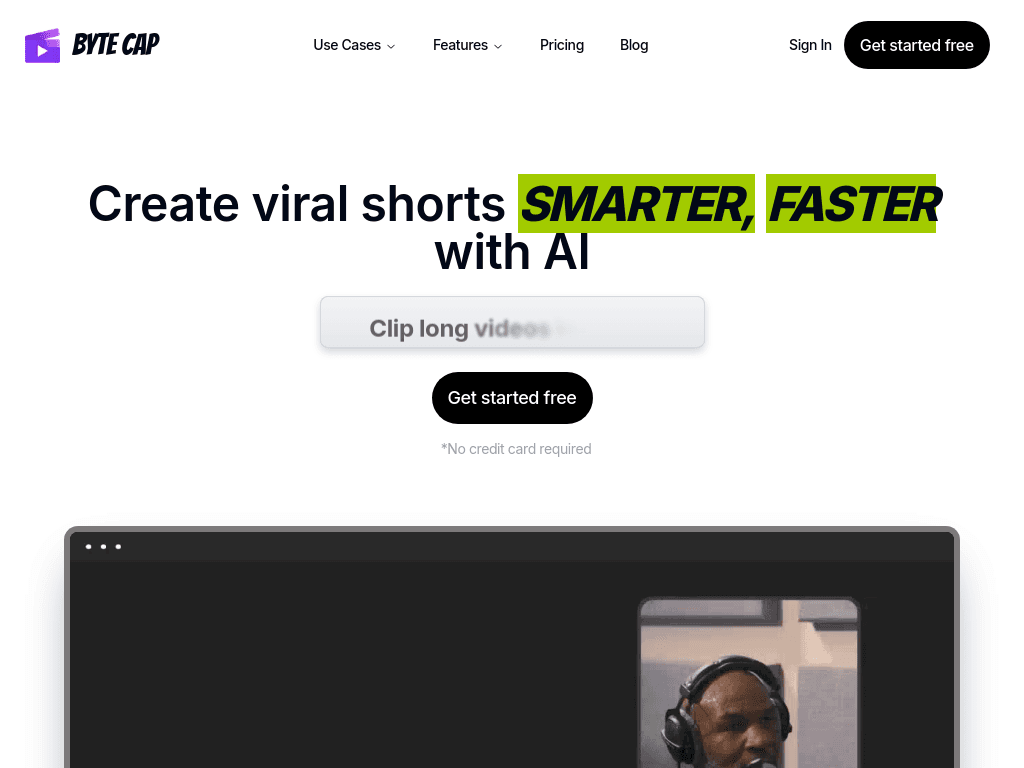
Bytecap turns long videos, podcasts, and streams into captioned short-form clips for creators, editors, podcasters, marketers, and teams publishing across social channels.

Try Bytecap

bytecap.io·From $29/mo·Checked 2026-08-13

Bytecap screenshotHow to Use a Video Content Calendar to Schedule ShortsHow to Add Animated Captions to Videos Automatically with AIBytecap: AI Video Clipping Tool for Viral Shorts1 AI video editor for TikTok, Instagram Reels & YouTube Shorts
Bytecapbytecap.io
Bytecap screenshot
Bytecapbytecap.io

What is Bytecap?

Bytecap is a web-based AI video editing and publishing platform for turning long videos or public YouTube and podcast URLs into short-form content. It finds moments, creates clips, adds captions and B-roll, reframes footage for vertical platforms, and supports publishing across channels. It also includes tools for faceless videos, thumbnails, motion graphics, brand assets, scheduling, and analytics.

What are the pros and cons of Bytecap?

Strengths

Finds clips automatically from long videos, podcasts, and public video URLs.
Combines clipping, captions, reframing, B-roll, editing, and publishing in one workflow.
Supports caption translation in more than 30 languages.
Includes scheduling, analytics, brand assets, thumbnails, and templates for recurring publishing.

Trade-offs

AI-generated captions and timing still need review, especially for some types of footage.
The web app's workflow depends on upload speed and connection stability.
Paid plans impose credit, storage, video-duration, or export limits.
The Pro plan requires contacting sales rather than showing a fixed price.

What are Bytecap’s key features?

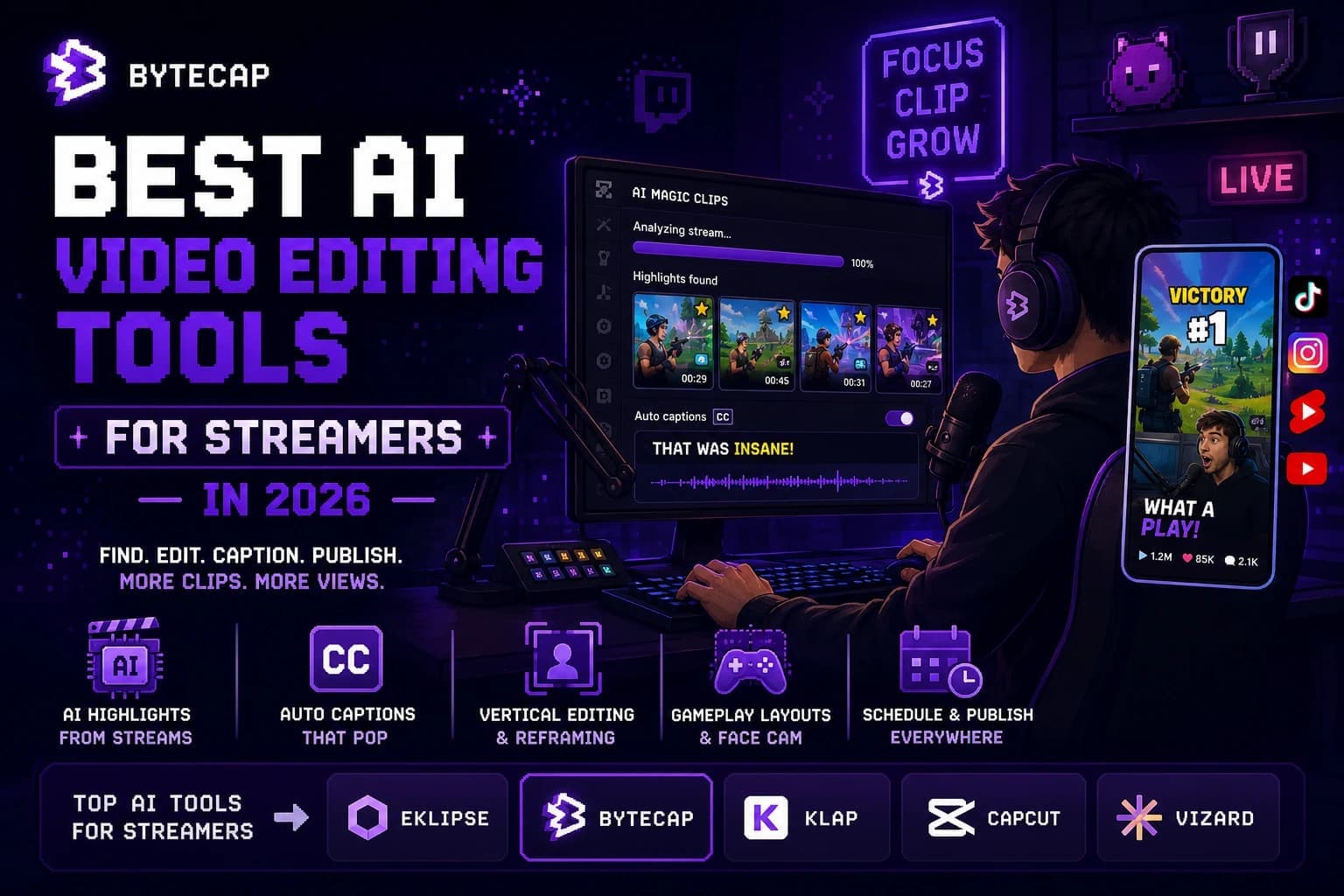
AI clipping that identifies moments in long videos and turns them into short clips
AI captions with auto translation in more than 30 languages
Auto reframe for converting 16:9 footage into editable 9:16 projects
Automatic B-roll insertion and an AI audio clipper for podcasts
AI video editing for captions, silences, zooms, overlays, and B-roll
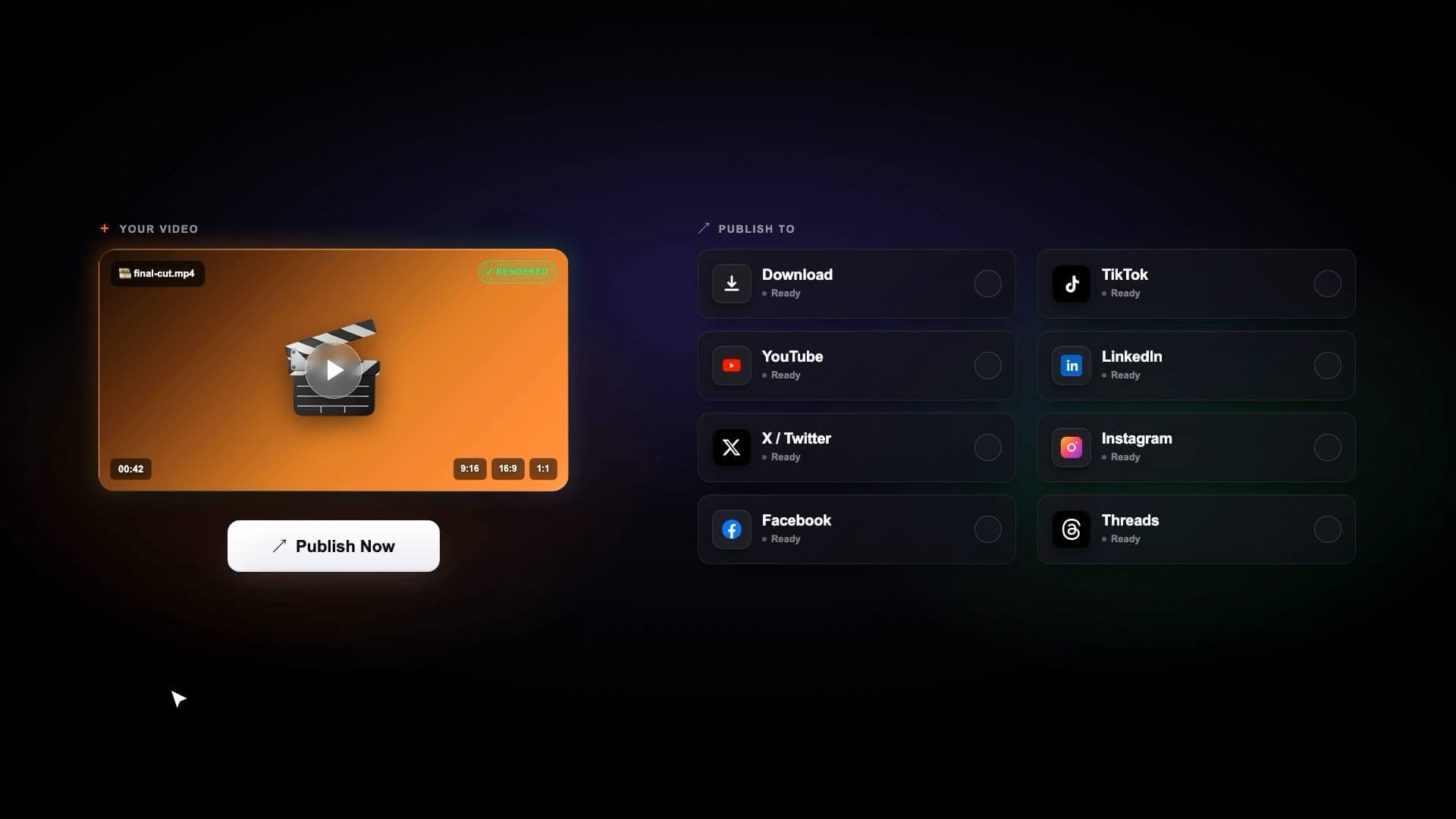
Content calendar, scheduled publishing, and channel analytics
Thumbnail generation, brand kits, motion graphics, and faceless video creation

What are the best use cases for Bytecap?

Podcasters can turn long episodes into captioned highlight clips.
Streamers and gamers can convert broadcasts and gameplay into shareable short videos.
Educators can add captions and scripts to lessons for more accessible learning content.
Marketers and advertisers can produce short campaign and ad videos for social channels.
Real estate agents can create personalized video tours from property footage.
Agencies can produce and publish short-form videos for multiple clients.

What is the pricing for Bytecap?

PlanPriceDetails
Lite$29/moIncludes 100 credits per month, animated captions with translation, Magic Clips, AI Video Maker, Auto B-Roll, thumbnails, publishing to YouTube, TikTok, and LinkedIn, 1GB storage, and no watermark.
Creator$49/moIncludes 300 credits per month, everything in Lite, 4K and 60 FPS export, six custom fonts, and six custom templates.
ProLet's talkIncludes everything in Creator, with custom monthly credits, video-duration limits, and storage limits.

Checked 2026-08-13 · source

Who is Bytecap best for?

content creatorsA fit for creators who regularly repurpose long recordings into TikTok, Reels, or YouTube Shorts.
video editorsUseful for editors who want automated first cuts, captions, reframing, and B-roll before reviewing the result.
podcastersPodcasters can quickly extract and caption highlights from long audio or video episodes.
marketersMarketing teams can create recurring short-form campaigns, ads, thumbnails, and scheduled posts.
educatorsEducators can make captioned lessons and accessible short videos from existing recordings.
Not for
  • Teams looking primarily for meeting transcription, summaries, or conversation analysis should skip Bytecap because its capabilities focus on video creation, editing, and publishing.
  • Buyers who need fully hands-off publishing should account for manual review of AI captions and timing.

What are the best Bytecap alternatives?

Where can I try Bytecap?

Open bytecap.io