Forward Future Tools Library

Slite
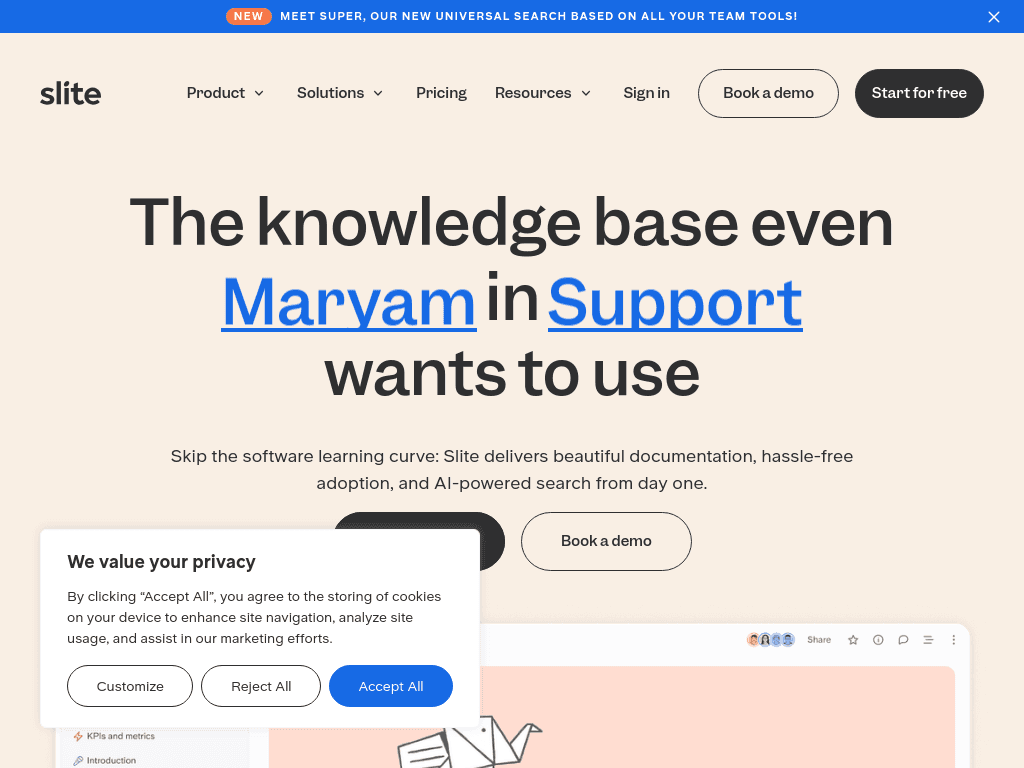
Slite combines collaborative documentation, verified knowledge workflows, and AI answers for teams that need a maintained internal knowledge base.
Try Slite →
slite.com·From $10 per user/month·Checked 2026-08-26
›What is Slite?
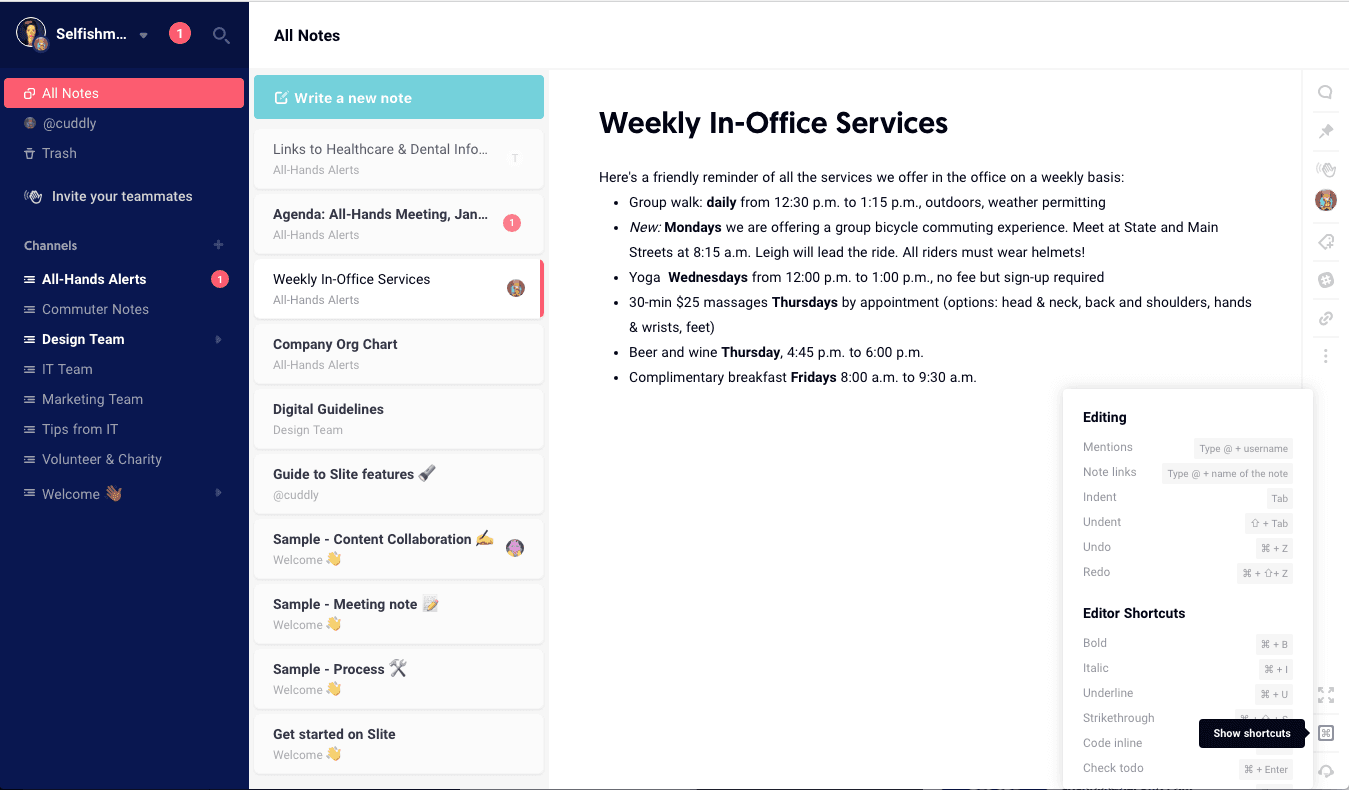
Slite is a team knowledge base for writing, organizing, verifying, and finding internal documentation. Its AI search answers questions from Slite docs and, on Pro, connected tools such as Slack, Linear, GitHub, and codebases. Verification workflows help teams review and update documents when processes or systems change.
›What are the pros and cons of Slite?
Strengths
Document verification workflows help teams identify and approve changes to potentially stale content
AI search can answer questions from internal documentation, with connected-tool search available on Pro
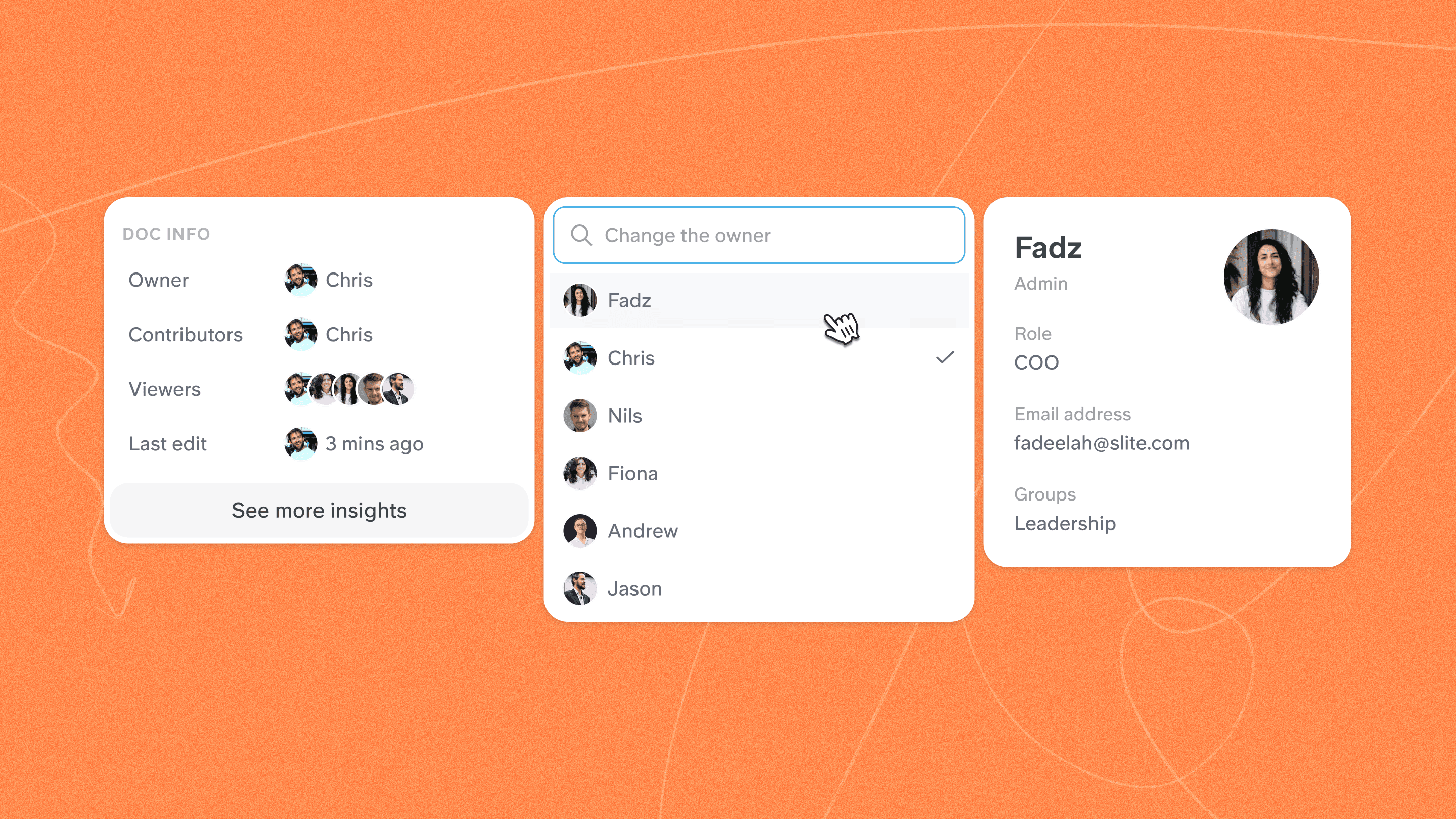
The Knowledge Management Panel supports document insights and bulk actions
The editor supports real-time collaboration, comments, mentions, templates, and document history
Higher-tier plans include administrative, security, and support features such as SSO, SCIM, audit logs, and dedicated account management
Trade-offs
Basic limits AI usage to 30 questions per seat, while Pro includes 50 monthly credits per seat
Pro costs twice as much as Basic and is required for the Slite Agent and multi-tool search
The product is less customizable than Notion or Confluence and is weak for complex databases
Advanced security, reader-only seats, custom agent sources, and migration support require Enterprise
›What are Slite’s key features?
Collaborative editor with comments, mentions, notifications, templates, and document history
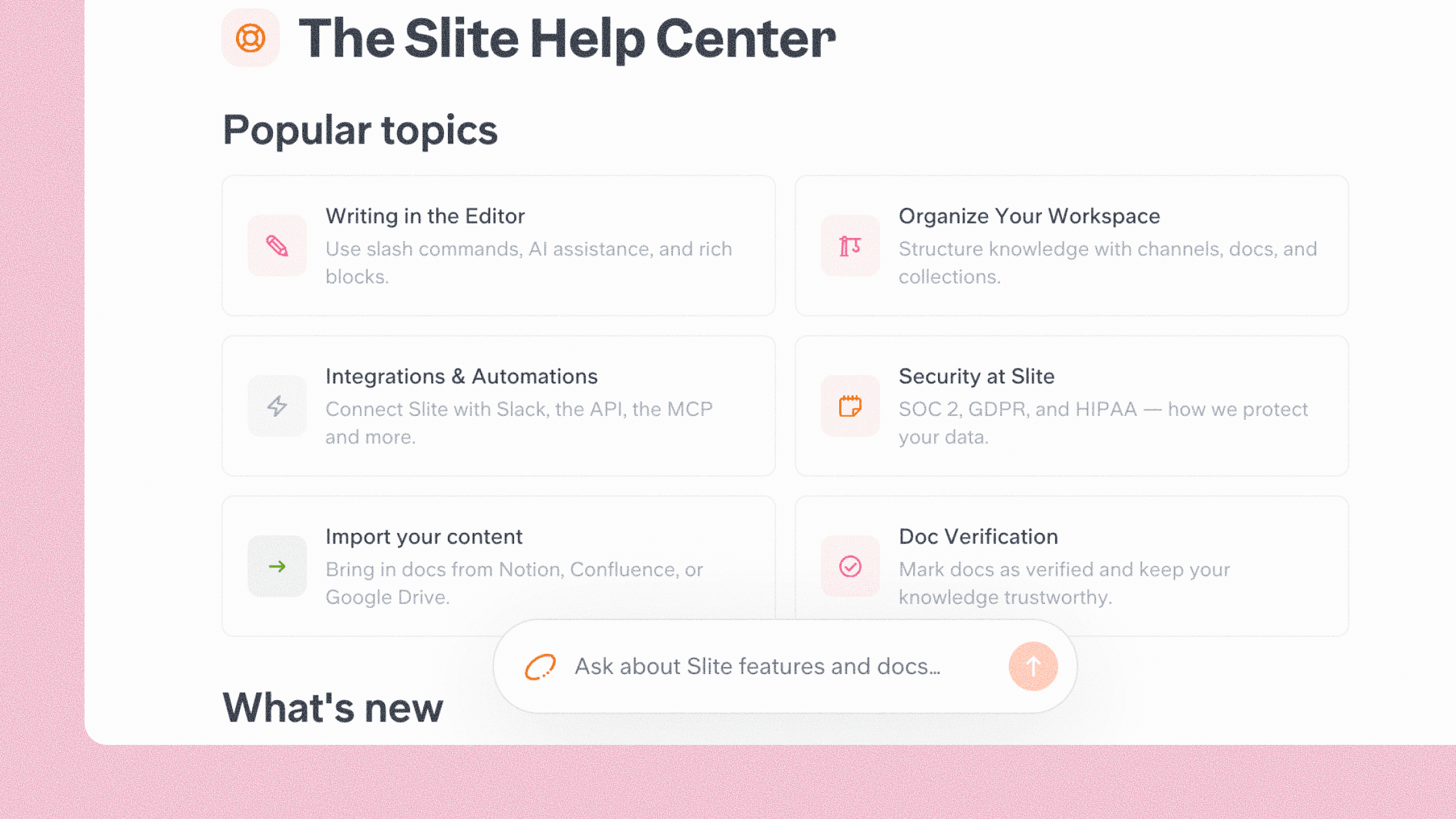
AI search and answers across Slite documentation
Document verification, ownership, insights, and a Knowledge Management Panel
Slite Agent that detects knowledge drift and drafts documentation fixes
Search across connected tools, including Slack, Linear, GitHub, and codebases
Public API, service accounts, embeds, link previews, and MCP access
Bulk mode for managing documentation at scale
›What are the best use cases for Slite?
Maintain engineering documentation when CI changes, code migrations, or roadmap updates affect existing pages
Give support teams a verified source for troubleshooting guides, FAQs, and internal answers
Keep sales pricing, playbooks, and related documentation current after deals close
Store and update HR policies, onboarding materials, and company handbooks
Answer recurring team questions from internal documentation or connected work tools
›What is the pricing for Slite?
| Plan | Price | Details |
|---|---|---|
| Basic | $10 per user/month | Unlimited docs, AI search and answers within Slite, document verification, the Knowledge Management Panel, and MCP and API access. |
| Pro | $20 per user/month | Adds Slite Agent, connected-tool search, AI-suggested fact checks, agent workflows, 50 monthly credits per seat, OpenID SSO, and a custom domain for public docs. |
| Enterprise | Custom pricing | Adds reader-only seats, advanced security and controls, audit logs, SLA, dedicated account management, SCIM, custom agent sources, and migration support. |
Basic and Pro are billed yearly. Enterprise pricing is arranged through sales.
Checked 2026-08-26 · source
›Who is Slite best for?
small teamA fit for small teams that want a focused team wiki with AI search and document verification.
enterpriseEnterprise teams can use reader-only seats, audit logs, SCIM, advanced controls, and dedicated support.
developersEngineering teams can connect codebases, GitHub, and Linear so technical changes can trigger documentation updates.
support teamsSupport teams can maintain verified troubleshooting content and use AI answers to surface internal guidance.
Not for
- Teams that need complex databases, extensive customization, or a broader project management workspace may find Slite too limited.
- Teams that need unrestricted AI usage should account for the per-seat question and credit limits on Basic and Pro.