Forward Future Tools Library

BabyVideo
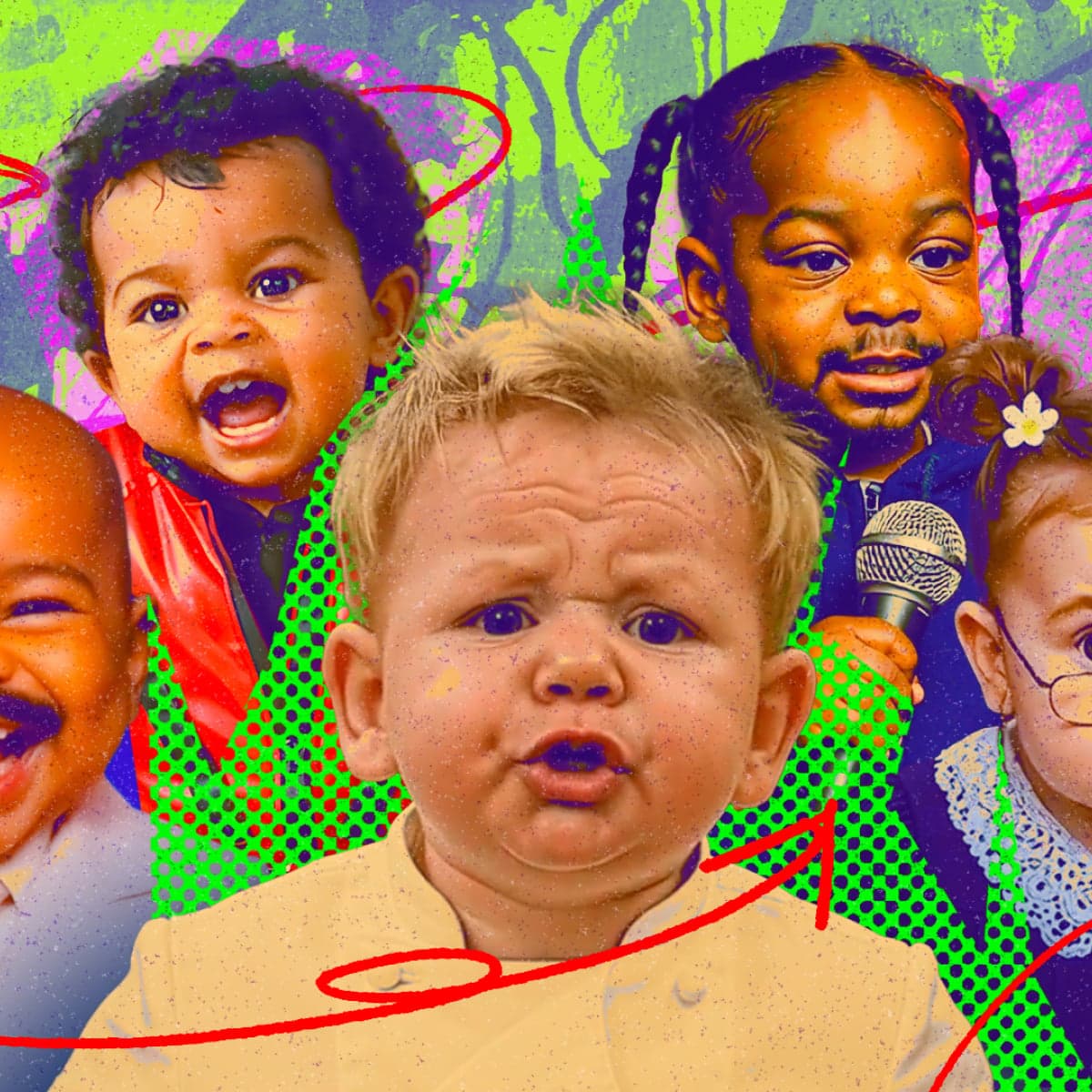
BabyVideo creates playful future-baby portraits from one or two parent photos, with boy, girl, and surprise variations for couples, families, and social sharing.
Try BabyVideo →
babyvideo.ai·Free + paid plans·Checked 2026-08-13


›What is BabyVideo?
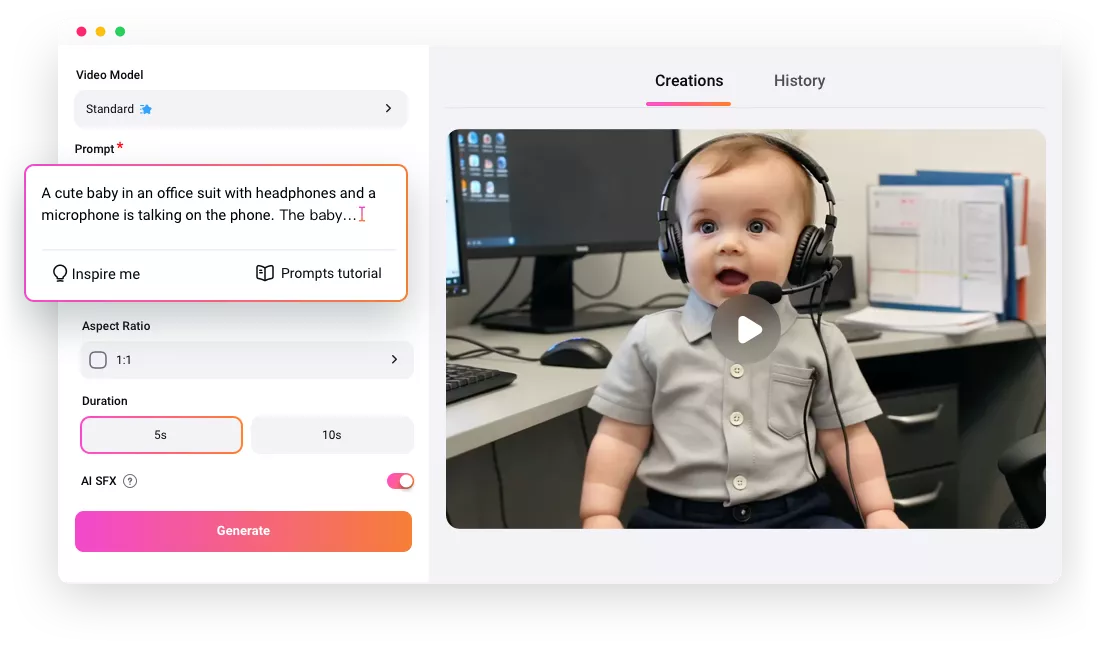
BabyVideo is a web-based AI generator that blends visible facial traits from one or two parent photos into a baby-style portrait. Users upload photos, choose a boy, girl, or surprise result, then generate an image to save or share. The result is for entertainment, not a medical, genetic, or scientific prediction.
›What are the pros and cons of BabyVideo?
Strengths
Works with one or two parent photos
Offers boy, girl, and surprise generation choices
Explains which facial traits the AI uses
Includes a free trial with 30 credits after login
Trade-offs
The output cannot predict real genetics, health, ancestry, or a child's actual appearance
Results depend on photo quality, and blurry, covered, filtered, or side-profile faces may work less well
Different generations can emphasize different traits from either parent or a blend of both
Free credits expire after 3 days, while monthly-plan credits expire after 30 days
›What are BabyVideo’s key features?
Accepts one or two uploaded parent photos
Generates boy, girl, or surprise baby variations
Uses visible traits such as eye shape, hair color, skin tone, face shape, and lip shape
Provides guidance on using clear, front-facing photos
Creates images that users can save or share
›What are the best use cases for BabyVideo?
Create a playful future-baby preview for personal curiosity
Make prediction images for baby showers
Compare boy and girl versions for a gender reveal activity
Share a future-baby portrait with family or on social media
›What is the pricing for BabyVideo?
| Plan | Price | Details |
|---|---|---|
| Free | $0 | Includes 30 credits after login, enough for up to 15 images or a 5-second sample. |
| Monthly Starter | $19.99/ month | Includes 1,300 credits every month, up to 650 images, and credits valid for 30 days. |
| Monthly Creator | $49.99/ month | Includes 3,400 credits every month, up to 1,700 images, and credits valid for 30 days. |
| Monthly Studio | $99.99/ month | Includes 7,000 credits every month, up to 3,500 images, and credits valid for 30 days. |
Monthly plans include priority response and email support and can be canceled anytime. Annual plans advertise savings of 23% to 28%.
Checked 2026-08-13 · source
›Who is BabyVideo best for?
soloA fit for individuals who want a quick, entertainment-focused future-baby image without editing software.
small teamUseful for small event or social-content teams making baby shower, gender reveal, or family-sharing images.
parentsParents and couples can use one or two photos to create playful family previews.
social media creatorsSocial media creators can generate short-form, shareable baby-themed images from uploaded photos.
Not for
- People seeking a medical, genetic, ancestry, or scientifically reliable prediction
- Users who need consistent results from low-quality, side-profile, or face-obscured photos