

Forward Future Tools Library

Banana AI
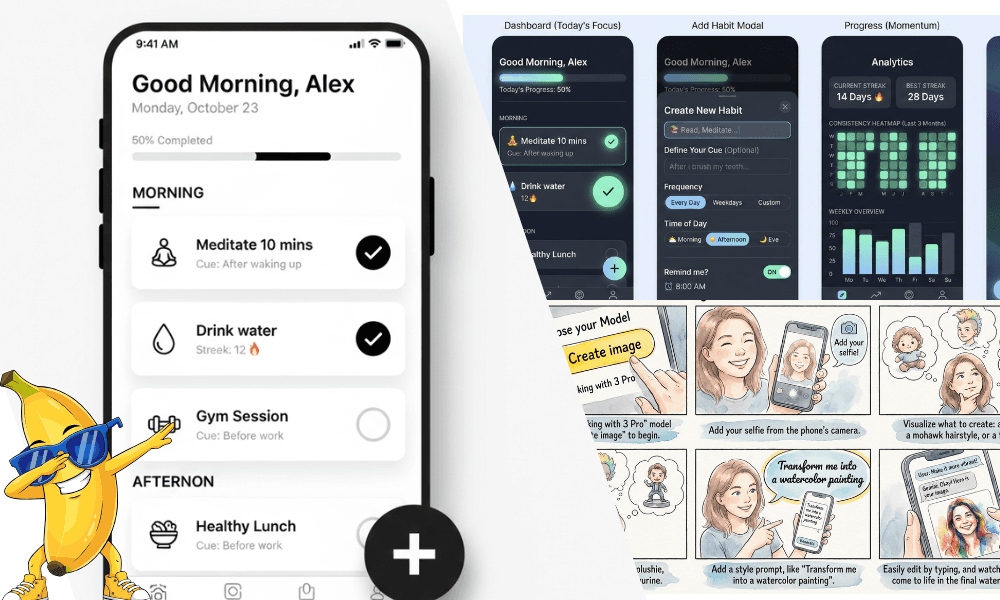
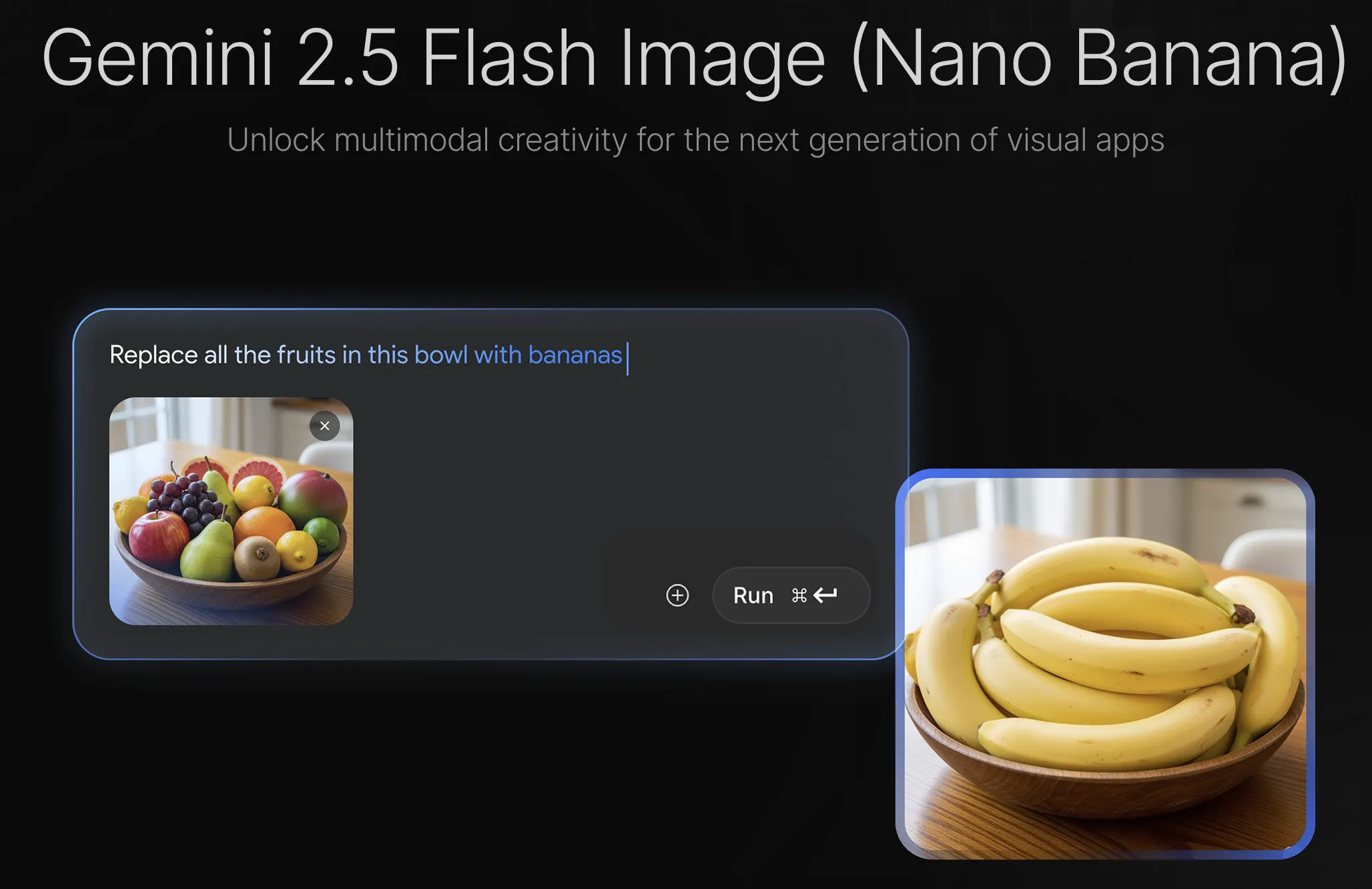
Banana AI turns plain-language instructions into image edits, making it useful for creators, marketers, and small teams producing backgrounds, styles, object changes, and image variations.
Try Banana AI →
ai-banana.app·Freemium

›What is Banana AI?
Banana AI is a browser-based image editor that applies text instructions to uploaded JPEG, PNG, or WebP images. Users can replace backgrounds, remove or modify objects, apply styles, enhance details, choose AI models, set aspect ratios, and generate multiple variations. Images up to 24MB are supported.
›What are the pros and cons of Banana AI?
Strengths
Text prompts let users make targeted edits without manual layer work
Supports several common upload formats and image aspect ratios
Offers multiple models with different credit costs and quality levels
Can generate up to four variations from an edit
Processed images are automatically deleted within 24 hours
Trade-offs
Private generation is limited to VIP users
Model usage consumes different numbers of credits, with Banana AI Pro costing 68 credits per image and Banana AI 2.0 costing 102 credits per image
The upload limit is 24MB
The tool does not provide the deep manual control over layers, typography, and asset governance that some design teams require
›What are Banana AI’s key features?
Natural-language edits for backgrounds, objects, styles, and image details
AI model selection, including Banana AI Standard, Banana AI Pro, and Banana AI 2.0
Aspect-ratio options including 1:1, 16:9, 3:2, 2:3, 3:4, 4:3, and 9:16
One to four output variations per edit
JPEG, PNG, and WebP uploads up to 24MB
Public or private creation settings, with private mode available to VIP users
Automatic deletion of processed images within 24 hours
›What are the best use cases for Banana AI?
Replace a photo background with a scene such as a sunset beach
Remove people or other unwanted objects from an image
Convert an image into watercolor, oil-painting, cartoon, or another style
Create multiple social-media variations using different aspect ratios
Make targeted detail edits by describing the area or object to change
›What is the pricing for Banana AI?
Freemium
›Who is Banana AI best for?
content creatorsUseful for producing quick image variations, social assets, and stylized visuals from text instructions.
marketersWorks well for changing campaign-image backgrounds, removing objects, and adapting visuals to multiple formats.
small teamA practical browser workspace for teams that need shared public creations and fast image edits without a manual editing workflow.
designersBest suited to prompt-based adjustments and concept variations rather than detailed layer or typography work.
Not for
- Enterprise brand teams that need deep asset governance or legally sensitive campaign controls.
- Designers who require hands-on control over layers, typography, and other manual editing details.
›What are the best Banana AI alternatives?
 Gemini AI Photo EditorChoose this instead if you want a text-prompt photo editor focused on background removal, object swaps, and visual styles.→
 Nano Banana AI Image EditorChoose this instead if you want another online editor for uploading images or entering prompts to create and modify visuals.→
 VibeArt→
 Conut.ai→