

Forward Future Tools Library

BuildShip
BuildShip turns natural-language prompts into visual backend workflows, APIs, scheduled jobs, and AI agents for makers, developers, and teams that want cloud hosting or source-code control.
buildship.com·From $19/month·Checked 2026-09-02
›What is BuildShip?
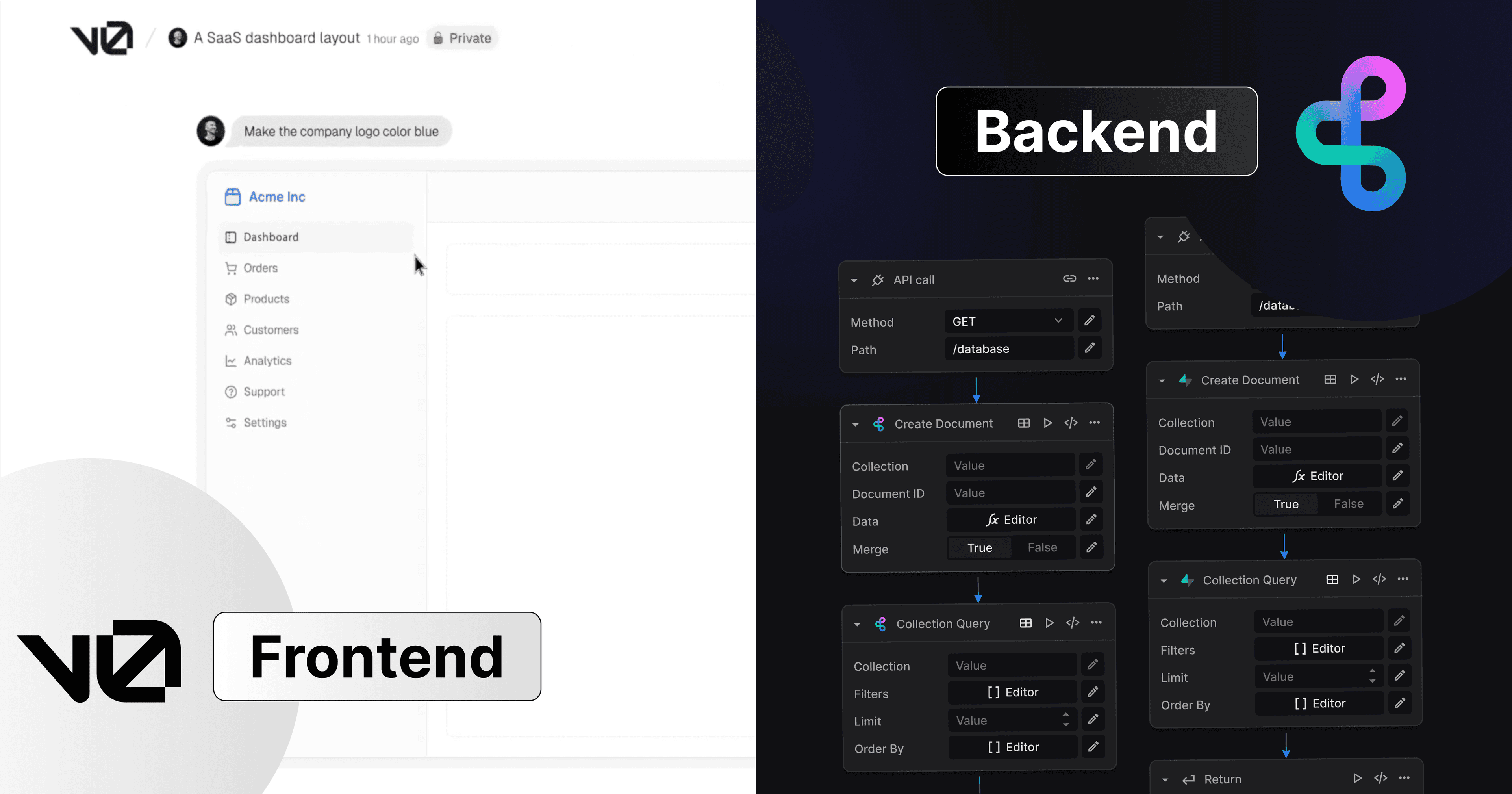
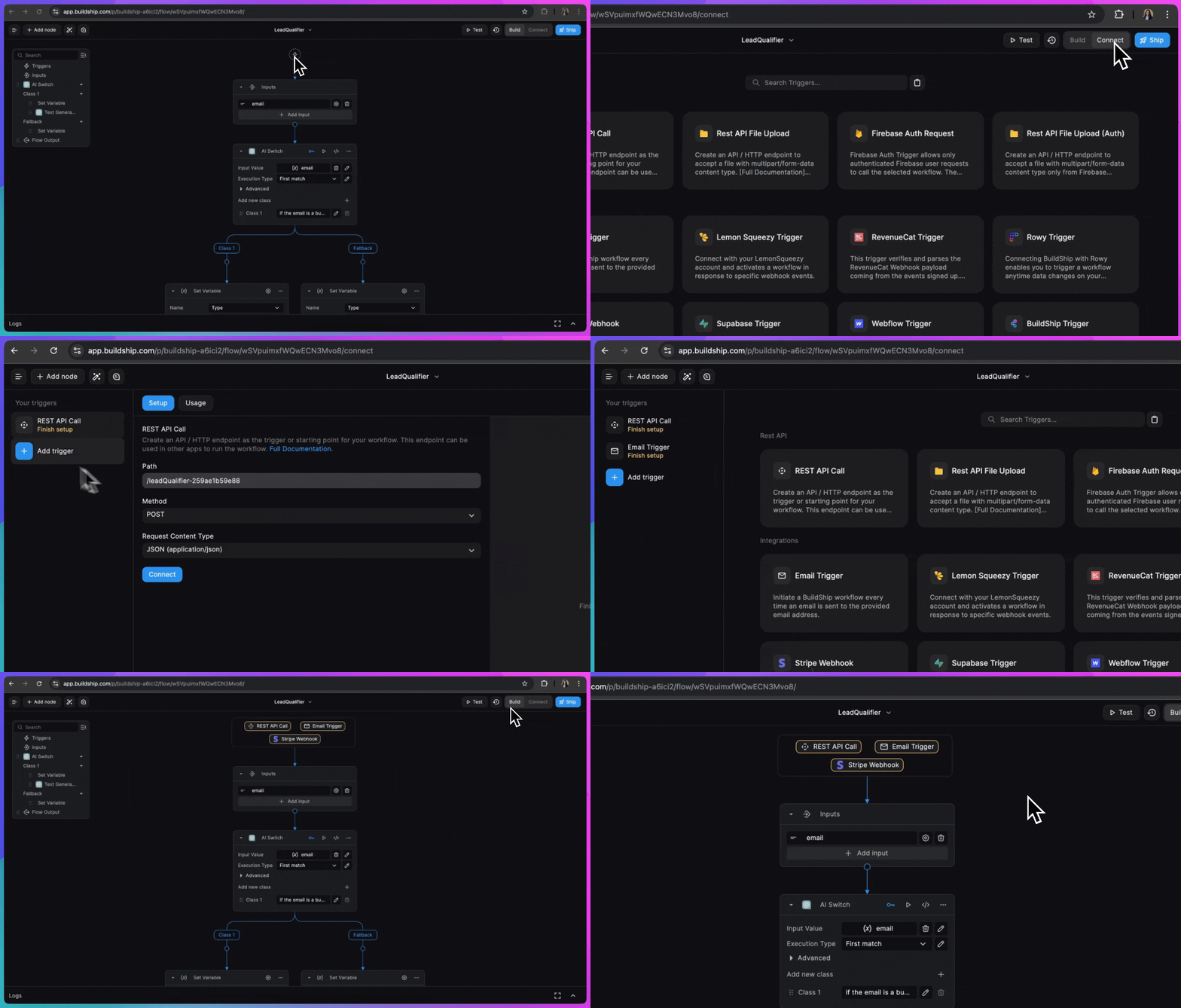
BuildShip is a low-code visual workflow and backend builder for creating REST APIs, scheduled jobs, automations, and AI agents. Its AI Builder generates flow logic and nodes from natural-language prompts, while the visual editor lets users test and modify them. Workflows can run on BuildShip Cloud or be exported for self-hosting.
›What are the pros and cons of BuildShip?
Strengths
Trade-offs
›What are BuildShip’s key features?
›What are the best use cases for BuildShip?
›What is the pricing for BuildShip?
| Plan | Price | Details |
|---|---|---|
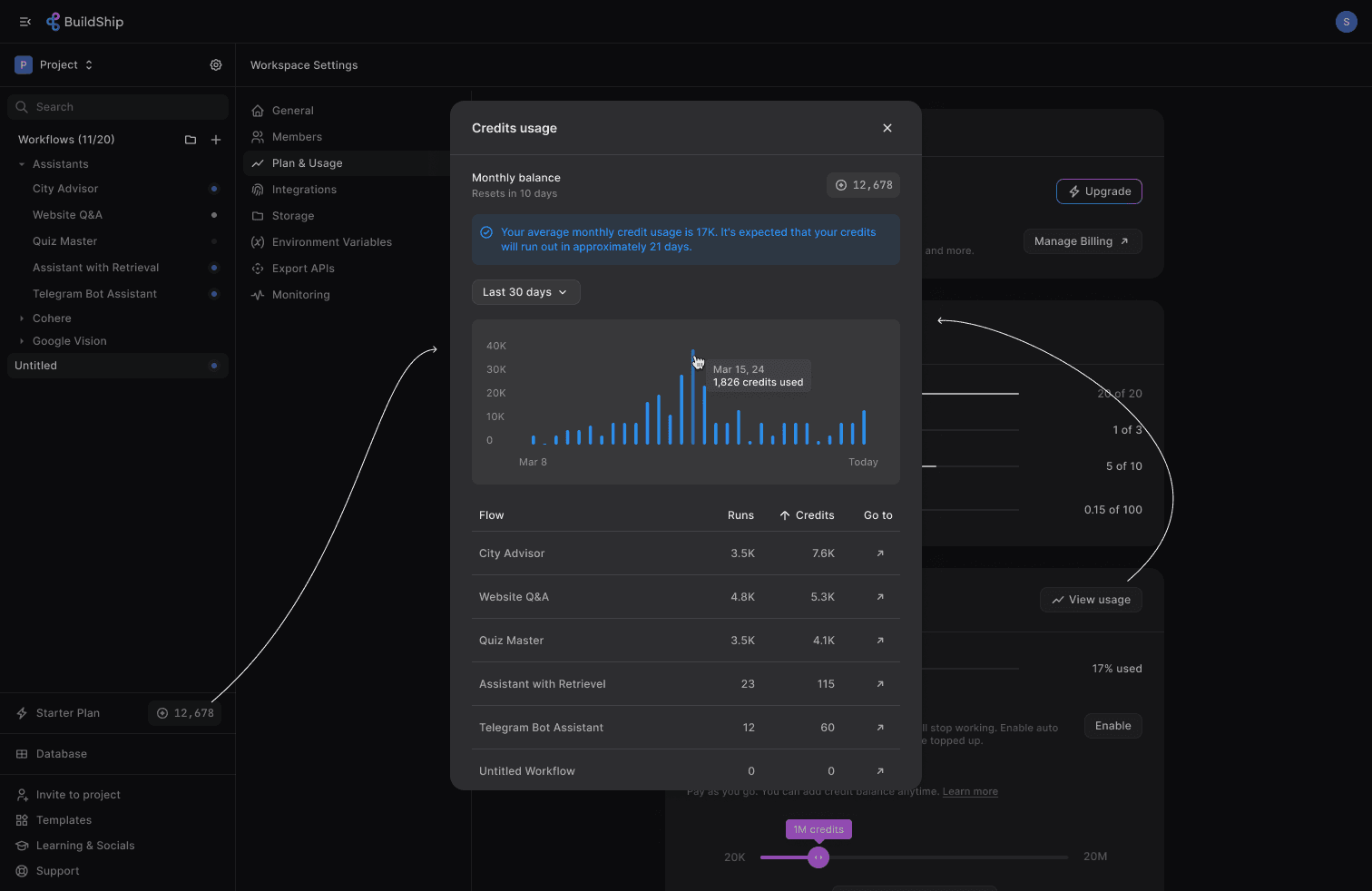
| Starter | $19/month | 20,000 credits per month, 20 flows, 10 agents, 3 team members, 10 database tables, and 50 GB storage. |
| Pro | $59/month | 100,000 credits per month, 150 flows, 50 agents, 10 team members, 50 database tables, and 500 GB storage. |
| Business | $449/month | 300,000 credits per month, 300 flows, 100 agents, 25 team members, 100 database tables, and 5 TB storage. |
| Enterprise | Custom | Tailored credits, self-hosting or bring-your-own-cloud options, volume discounts, support SLAs, and compliance certifications. |
Yearly pricing is $225 /year for Starter, $711 /year for Pro, and $5391 /year for Business. Plans include a 7-day free trial. Add-ons include no cold start for $29 /mo and a custom domain for $80 /year.
Checked 2026-09-02 · source
›Who is BuildShip best for?
- Buyers who need a permanent free plan should skip it because the free access is limited to a 7-day trial.
- Teams building very large or highly branching systems may prefer code-based tools because the visual canvas becomes harder to manage.
- Teams that depend on a broad catalog of third-party integrations may find BuildShip's integration coverage limited.
›What are the best BuildShip alternatives?
 LangChainChoose this instead if you want a composable framework for building applications with large language models rather than a visual backend builder.→
 ToolhouseChoose this instead if your main requirement is infrastructure for building AI agents and workflows.→
 AISmartCubeChoose this instead if you want a no-code approach with drag-and-drop tools for building AI applications.→
 Weights & Biases→