Forward Future Tools Library

Canva DreamLab logo

Canva DreamLab

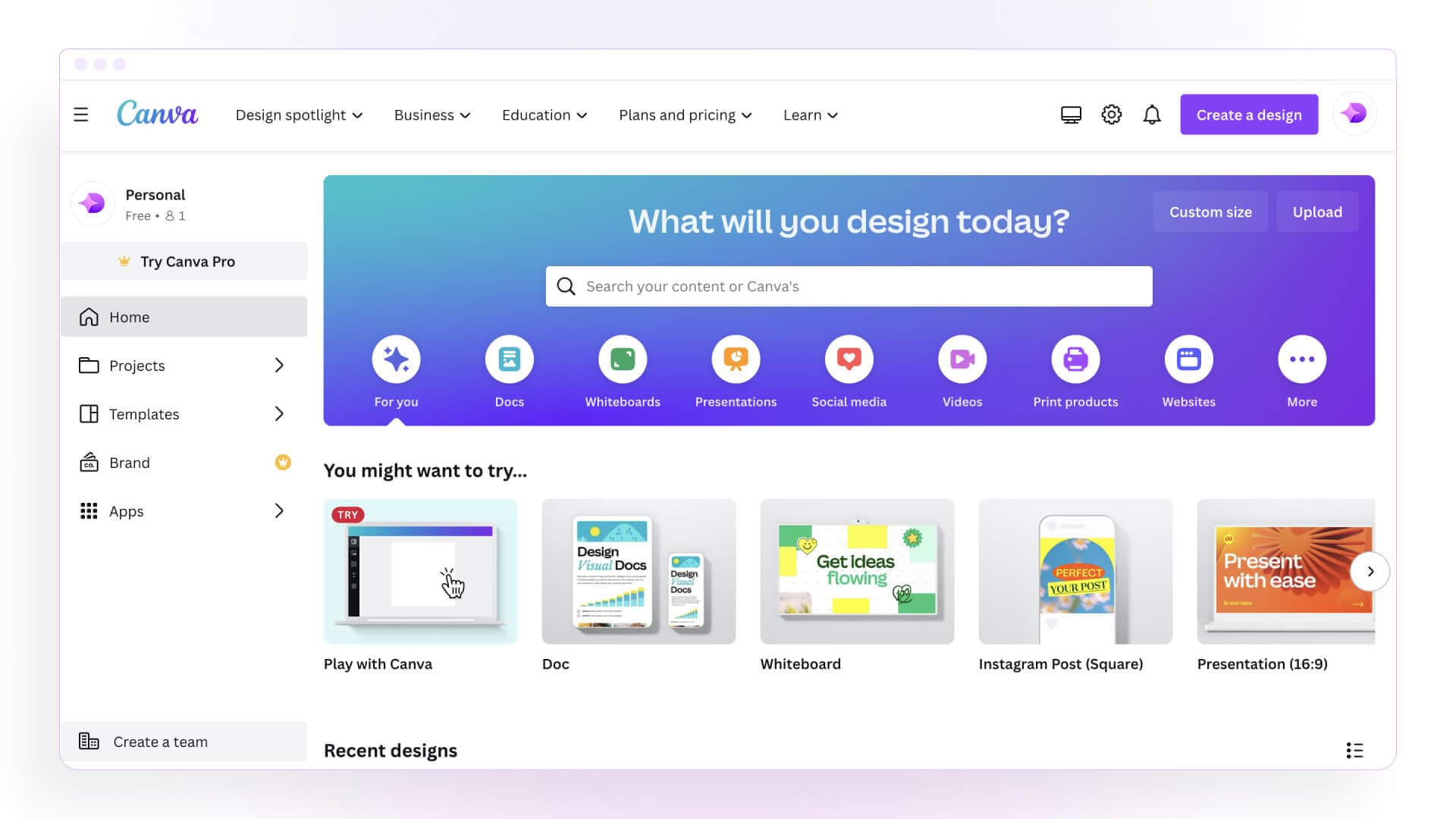
Canva Dream Lab turns text prompts into images that can be placed directly into Canva presentations, posts, posters, and other designs for marketers, creators, educators, and designers.

Try Canva DreamLab

canva.com·Free + paid plans·Checked 2026-08-13
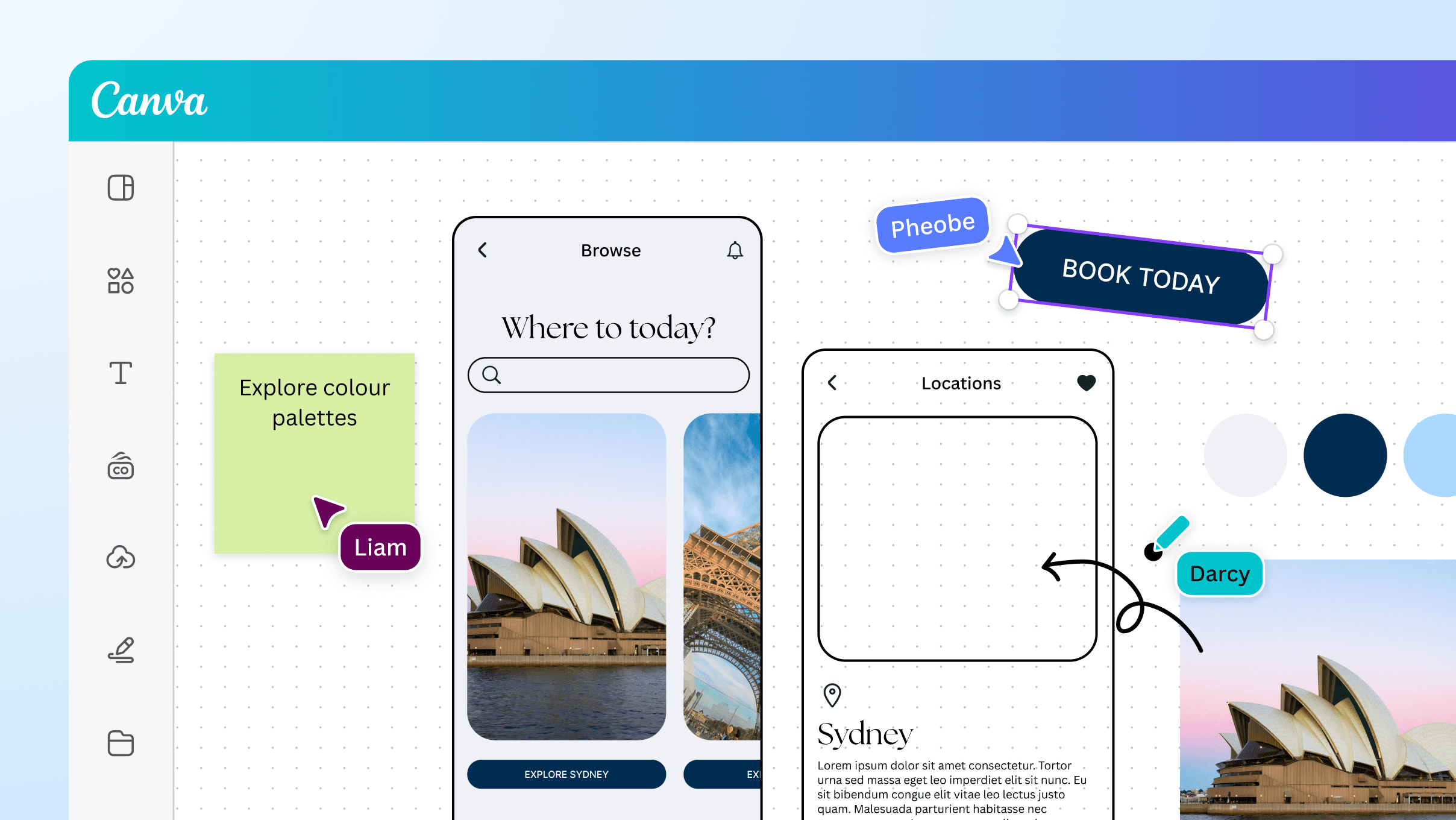
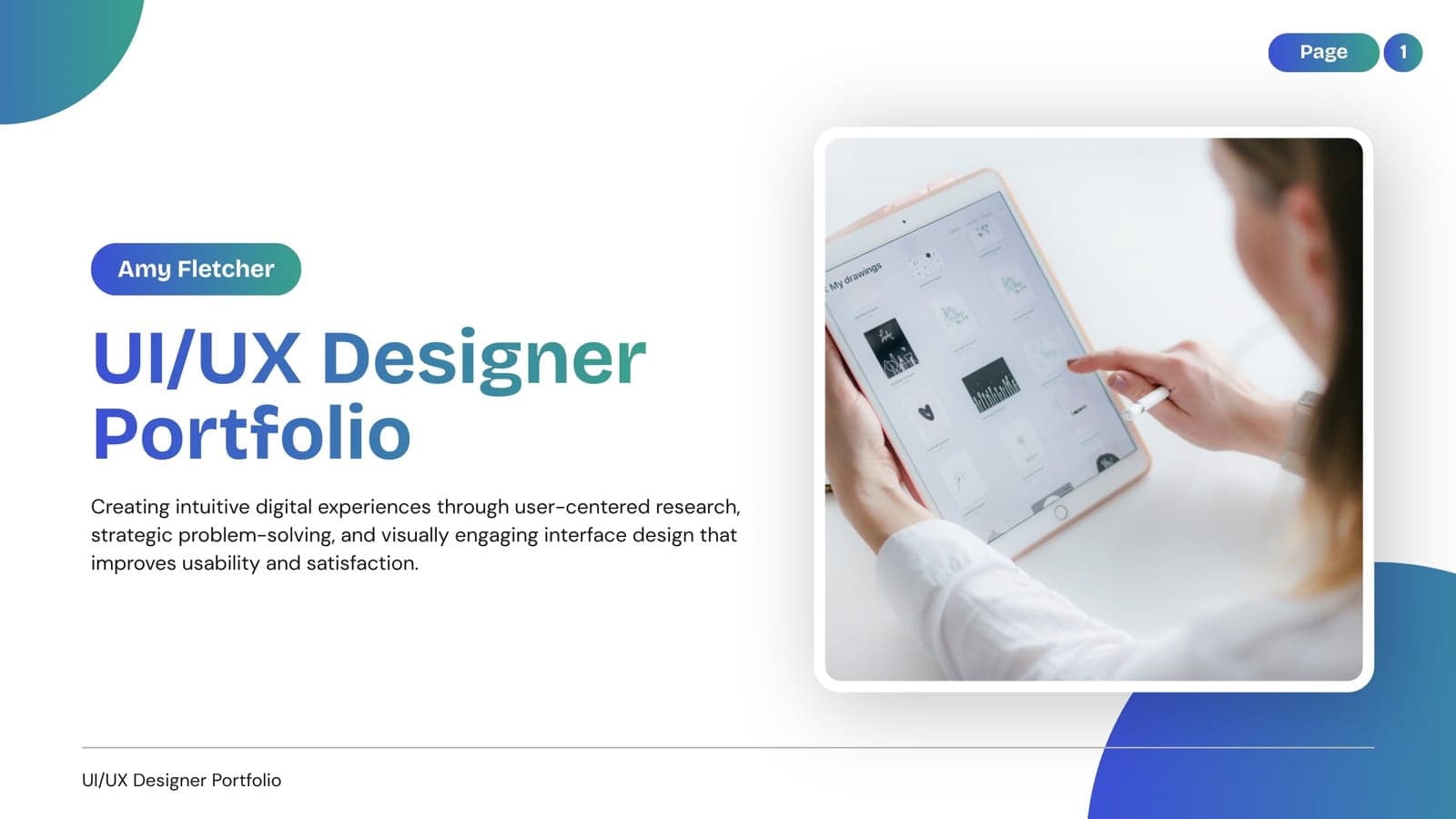
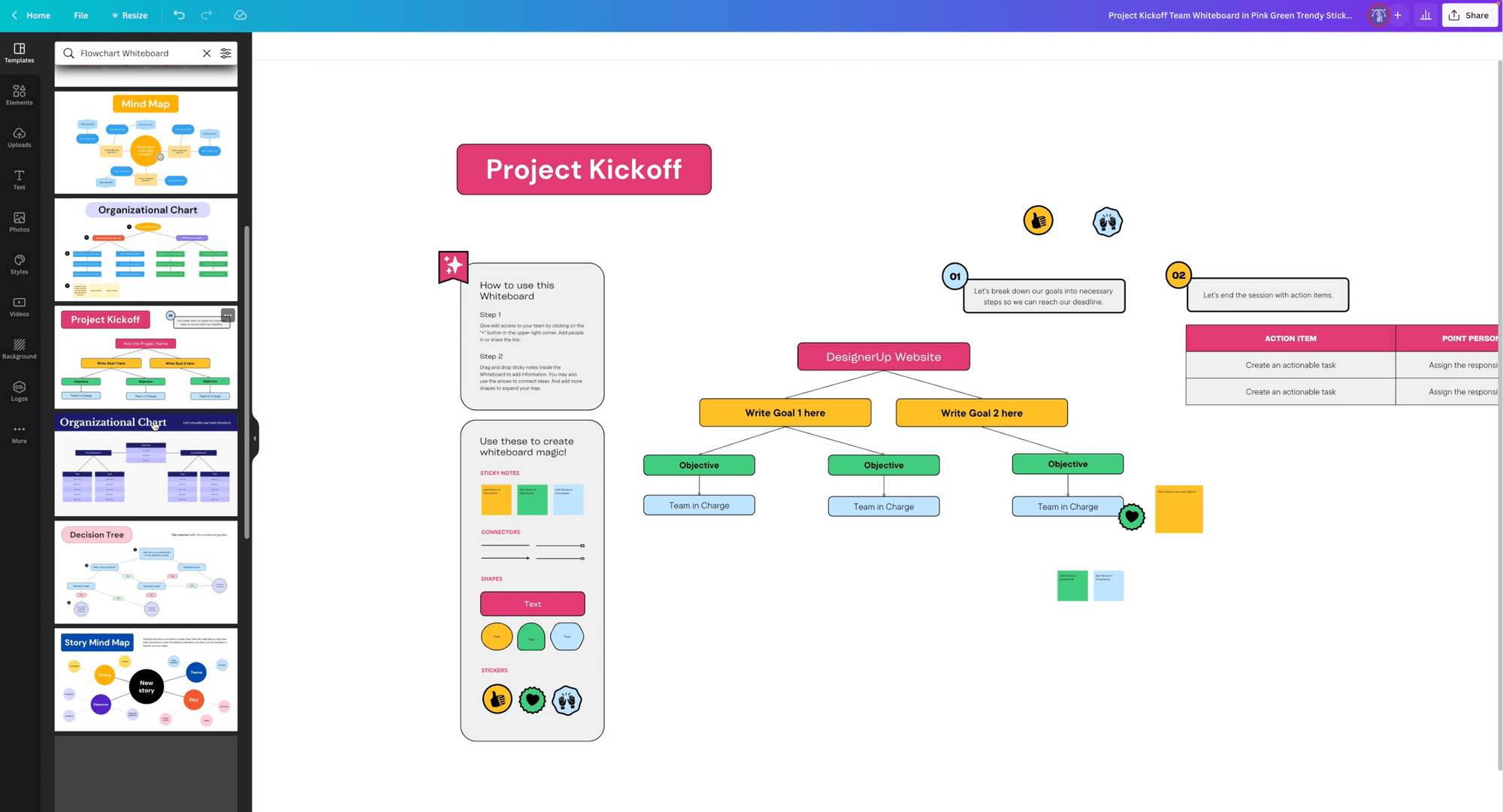
Canva DreamLab screenshotFree Online UI Design ToolFree and customizable ui ux templatesCanva's New Visual Worksuite: For Web Design, UX/UI and PrototypingCanva vs. Figma: The 2024 UX/UI Design Tool Face-off
Canva DreamLabcanva.com
Canva DreamLab screenshot
Canva DreamLabcanva.com

What is Canva DreamLab?

Canva Dream Lab is Canva's AI image-generation tool inside its broader design editor. Users describe an idea in plain language, generate an image, and place it directly on a Canva canvas for editing and publishing. Canva also includes related AI tools such as Magic Media for text-to-image and text-to-video creation.

What are the pros and cons of Canva DreamLab?

Strengths

Generated images go directly onto a Canva canvas for editing and publishing
Combines image generation with templates, stock media, presentations, and export tools
Offers a Free plan with limited AI access and 5GB of cloud storage
Paid plans add higher AI access, premium content, brand kits, and collaboration features
Business and Enterprise plans provide centralized assets, approvals, admin controls, and integrations

Trade-offs

AI access and usage limits vary by plan
The Free plan provides limited AI access and only 5GB of cloud storage
Reviews report difficulties with faces and text in generated images
It is less specialized than dedicated image-generation tools for users seeking the best results at one specific task
Free-plan users need to check the commercial-use limitations before using generated assets commercially

What are Canva DreamLab’s key features?

Generate images from text prompts with Dream Lab
Place generated images directly into editable Canva designs
Use Magic Media for text-to-image and text-to-video creation
Start from more than 1.6 million templates on the Free plan or 3.6 million on paid plans
Export designs as PDF, JPG, or PNG
Use brand kits, collaboration, asset management, and team controls on higher plans

What are the best use cases for Canva DreamLab?

Create original visuals for presentations, social posts, posters, and marketing materials
Generate an image from a written concept and refine it within a Canva design
Build campaign assets using templates, stock media, and AI-generated images
Create text-to-video content with Canva's Magic Media tools
Produce branded content with shared assets and approval workflows on Business or Enterprise plans

What is the pricing for Canva DreamLab?

PlanPriceDetails
FreeUS$0/yearIncludes the drag-and-drop editor, 1.6M+ templates, 4.7M+ media assets, limited AI access, and 5GB of cloud storage for one person.
ProUS$144/yearAdds premium tools and content, higher AI access, five Brand Kits, 100GB of cloud storage, and social content scheduling for one person.
BusinessUS$250/year per personAdds collaboration, integrations, centralized assets, 100 Brand Kits, higher AI access, 500GB of storage, and team admin tools.
EnterpriseLet's talkAdds enterprise security and controls, SSO and SCIM provisioning, custom integrations, 1,000 Brand Kits, higher AI access, 1TB of storage, and priority support.

Prices exclude applicable tax. AI usage limits vary between plans. K-12 educational organizations and not-for-profits can access most premium features for free.

Checked 2026-08-13 · source

Who is Canva DreamLab best for?

marketersA strong fit for producing campaign visuals, social content, ads, and presentations in one editor.
designersUseful when AI-generated images need to be combined with templates, brand assets, and standard Canva editing tools.
content creatorsWorks well for turning prompts into images and placing them quickly into posts, thumbnails, and other published designs.
educationK-12 educational organizations can access most premium features for free, making Canva suitable for classroom and school communications.
enterpriseEnterprise teams get centralized assets, approvals, identity controls, custom integrations, and dedicated success support.
Not for
  • Skip it if your main requirement is the strongest possible image generation for a single specialized task.
  • Free-plan users who need unrestricted AI access or clear commercial-use coverage should review the plan limitations before adopting it.
  • Teams that do not need Canva's broader design, asset, and collaboration features may find a dedicated image generator more focused.

What’s new with Canva DreamLab?

  • Canva AI 2.0 conversational research preview launchedApril 2026 · source

What are the best Canva DreamLab alternatives?

Where can I try Canva DreamLab?

Open canva.com