

Forward Future Tools Library

Coursebox AI
Coursebox AI turns prompts, documents, and slide decks into online courses with quizzes, videos, scenarios, images, tutoring, and assessments for educators, trainers, and course businesses.
Try Coursebox AI →
coursebox.ai·Contact Sales
›What is Coursebox AI?
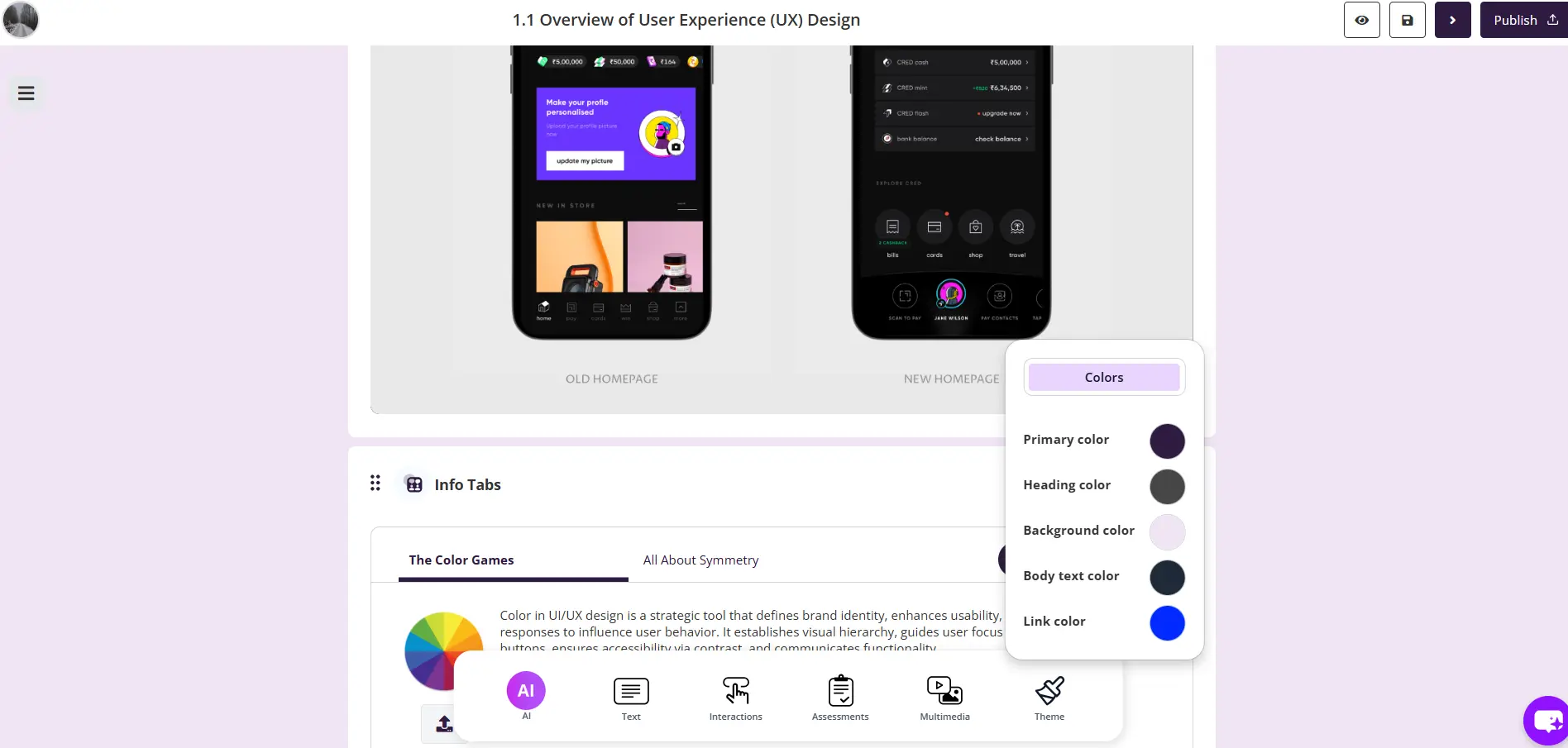
Coursebox AI generates course outlines and draft lessons from a prompt or uploaded document. It can create quizzes, presenter-led videos, branching scenarios, diagrams, images, flashcards, and an AI tutor trained on course content. Published courses can include certificates, reporting, and dynamic SCORM delivery to another LMS.
›What are the pros and cons of Coursebox AI?
Strengths
Converts prompts, PDFs, and slide decks into structured course drafts
Combines course authoring with quizzes, videos, scenarios, images, flashcards, tutoring, and grading
Supports video creation with 500+ avatars and more than 100 languages
Offers certificates, learner reporting, and dynamic SCORM delivery on paid plans
Trade-offs
The free plan limits courses to three mini courses, with three sections and three pages per section
The free plan includes Coursebox watermarks and very limited AI credits
AI features on paid plans use annual allocations for pages, images, tutor messages, video, and voice minutes
Dynamic SCORM courses require an active subscription to keep running
›What are Coursebox AI’s key features?
Generate a course from a prompt, PDF, or slide deck
Create quizzes with multiple-choice, open-answer, drag-and-drop, and scenario-based questions
Generate presenter-led training videos with 500+ avatars and voiceovers in more than 100 languages
Build branching learner scenarios that adapt to each response and provide feedback
Create diagrams, charts, infographics, and photos from text prompts
Provide an AI tutor trained on each course's content
Export courses as PDF, HTML, or dynamic SCORM
›What are the best use cases for Coursebox AI?
Turn existing training documents or slide decks into draft online courses
Create employee onboarding, compliance, cybersecurity, healthcare, or sales training
Add quizzes and AI-graded written assessments to course modules
Let learners practise decisions in simulated safety, healthcare, childcare, or sales scenarios
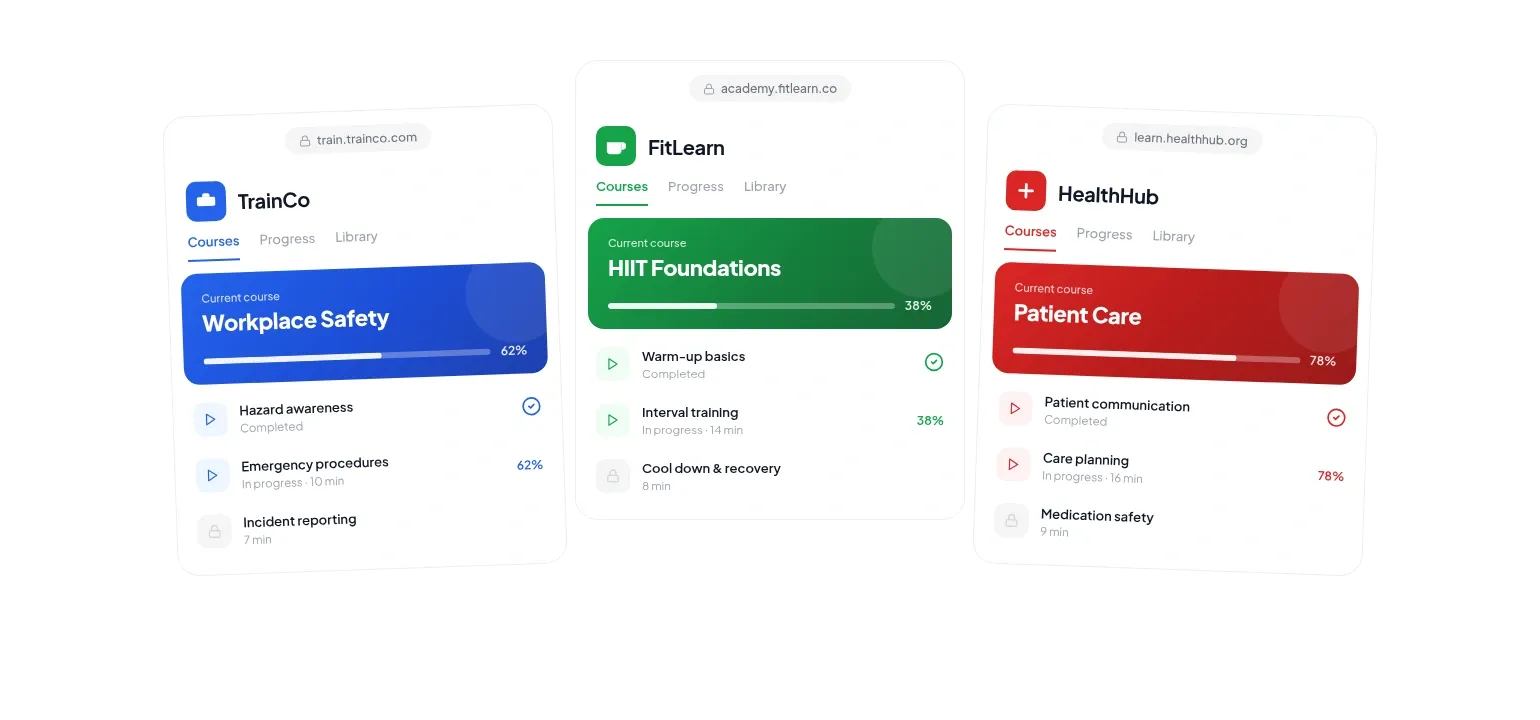
Publish branded courses with certificates and monitor enrolment, progress, and assessment scores
›What is the pricing for Coursebox AI?
Contact Sales
›Who is Coursebox AI best for?
instructional designersUseful for turning source materials into editable course structures and adding assessments, scenarios, and multimedia.
small teamThe Creator and Creator Plus plans target small businesses creating or selling courses, with unlimited learners and courses on paid plans.
corporate trainersA practical option for onboarding, compliance, HR, sales, and safety training that needs quizzes, videos, certificates, and learner reporting.
educatorsSuitable for producing online courses from existing teaching materials and giving learners an in-course AI tutor.
Not for
- Teams that need unrestricted AI generation on a free plan should look elsewhere because the free tier has tight course, credit, and watermark limits.
- Organizations requiring a permanently running SCORM connection without an active subscription should skip it.
- Buyers seeking clearly published paid-plan rates should verify pricing directly before committing.
›What are the best Coursebox AI alternatives?
 AI Course CreatorChoose this instead if your main requirement is generating fully structured online courses tailored to a specific need.→
 Mini Course GeneratorChoose this instead if you mainly need to build and distribute short online courses.→
 CogniiChoose this instead if personalized learning assistance and assessment are more important than broad course authoring.→
 Graspeo→