Forward Future Tools Library

Davinci AI Video Generator logo

Davinci AI Video Generator

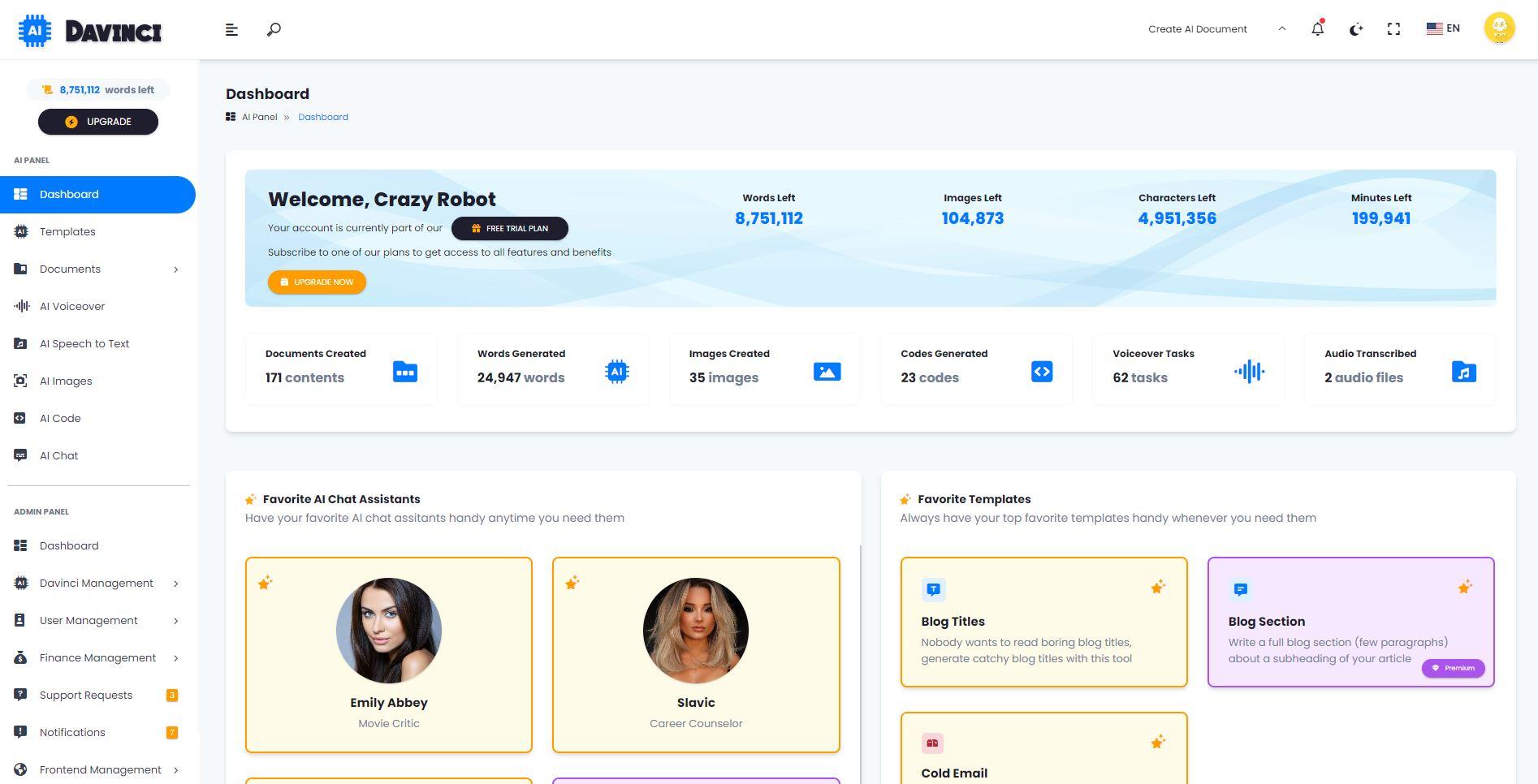
Davinci AI creates short videos from text, images, or start and end frames, with multiple models and browser controls for creators, marketers, and small teams.

Try Davinci AI Video Generator →

davinci-ai.pro·From $19.9/month·Checked 2026-11-17
DaVinci AI review (2026): Is it worth it? Features, pricing, pros & consDavinci AI - All-In-One SaaS Platform for AI Text, Image, Audio, Video and  Content Gen…DaVinci Resolve 20 Unveiled with New Features and AI ToolsDaVinci Resolve
DaVinci AI review (2026): Is it worth it? Features, pricing, pros & consthegadgetflow.com
DaVinci AI review (2026): Is it worth it? Features, pricing, pros & cons
DaVinci AI review (2026): Is it worth it? Features, pricing, pros & consthegadgetflow.com

›What is Davinci AI Video Generator?

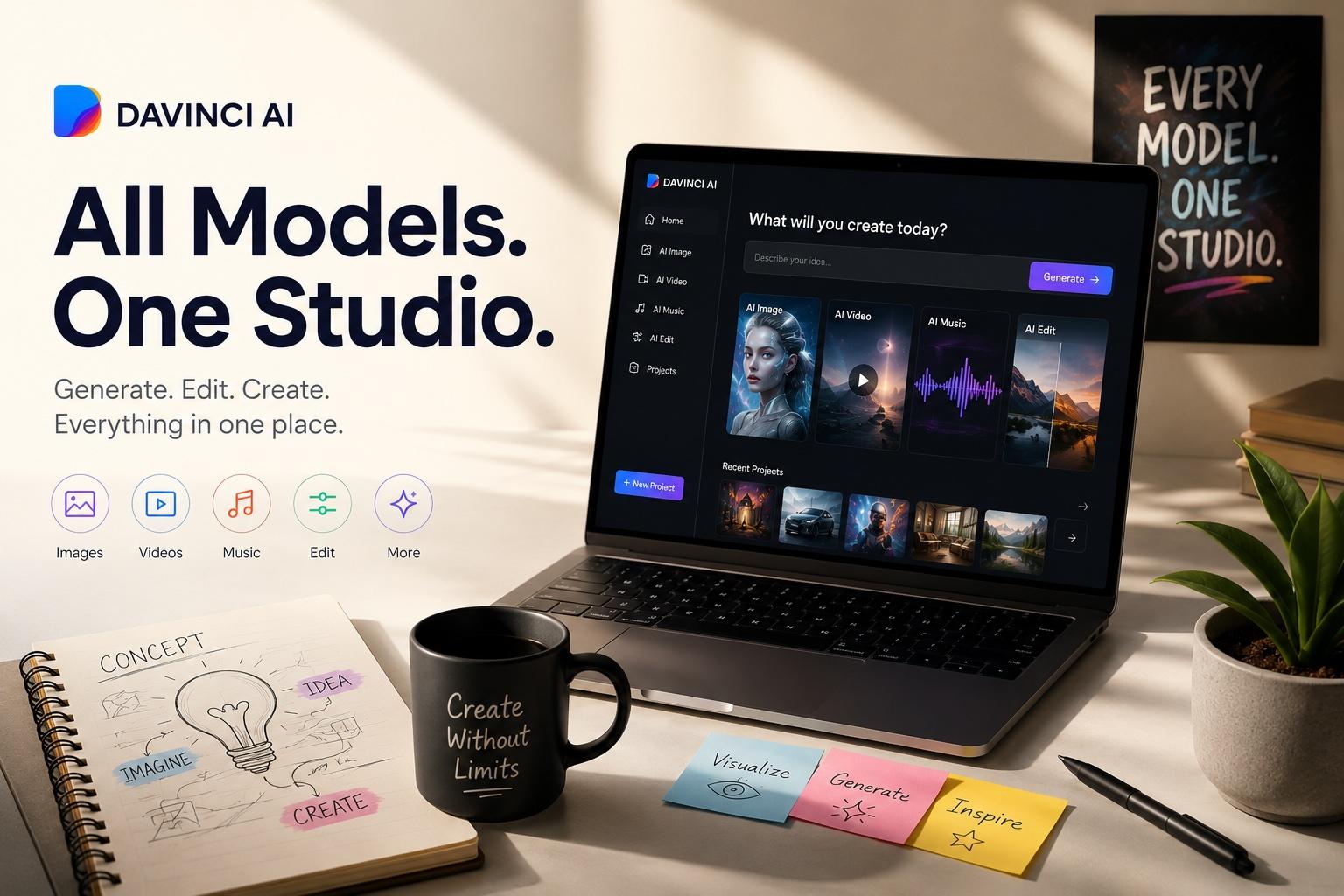
Davinci AI is a browser workspace for generating short videos from written prompts, uploaded images, or supported start and end frames. Users can choose an AI model, aspect ratio, duration, resolution, and optional audio reference, then preview and download the result. The workspace also includes AI image generation and editing tools.

›What are the pros and cons of Davinci AI Video Generator?

Strengths

Supports text, image, and start-and-end-frame inputs
Puts Veo, Seedance, and other video models in one browser workspace
Offers controls for model, aspect ratio, duration, and resolution
Provides free daily credits without requiring a credit card
Paid plans include watermark-free downloads and commercial usage rights

Trade-offs

Generated clips are short, with listed durations from 4 to 15 seconds
Monthly plans limit output through video caps and credit allowances
Commercial usage rights are included with paid plans rather than the free access option
Audio-reference uploads are limited to MP3, MPEG, or WAV files up to 10 MB, and Fast does not support M4A
Start-and-end-frame generation is available only when the selected model supports it

›What are Davinci AI Video Generator’s key features?

Text-to-video generation from prompts describing subjects, scenes, motion, cameras, and style
Image-to-video generation from product photos, portraits, illustrations, or other still images
Start and end frame inputs for guiding supported scene transitions
Model selection across Veo, Seedance, and other AI video models
Controls for aspect ratio, 480p or 720p quality, and clip duration from 4 to 15 seconds
Preview, revise, and download generated videos from the browser workspace
Optional MP3, MPEG, or WAV audio references up to 10 MB

›What are the best use cases for Davinci AI Video Generator?

Create short product demonstrations and advertising concepts
Animate product photos, portraits, illustrations, or other still images
Prototype visual scenes and camera movements before production
Test text-to-video and image-to-video ideas for social posts
Create client previews and marketing assets with paid-plan commercial rights

›What is the pricing for Davinci AI Video Generator?

PlanPriceDetails
Basic$19.9/monthUp to 40 videos/month and 800 credits, with AI image and video generation, unlimited downloads, and permanent history.
Pro$39.9/monthUp to 100 videos/month and 2,000 credits, adding a priority generation queue to the Basic features.
Enterprise$99.9/monthUp to 300 videos/month and 6,000 credits, adding a priority queue and commercial use license to the Pro features.

Annual billing can save up to 40%. One-time credit options are also listed, but their current rates are not shown on the pricing page.

Checked 2026-11-17 · source

›Who is Davinci AI Video Generator best for?

content creatorsUseful for testing short video concepts from prompts, still images, and reference frames in one browser workspace.
marketersWorks well for product demos, ad concepts, social clips, and paid-plan commercial assets.
small teamThe Enterprise plan is positioned for teams and high-volume creators, with higher monthly video and credit limits.
Not for
  • People who need finished videos with scripts, voiceovers, and captions already assembled should use a tool built around that workflow.
  • Teams producing long-form video may find the listed 4-to-15-second clip durations too restrictive.
  • Users who require commercial rights on free generations should skip it because the site places commercial usage rights on paid plans.


›What are the best Davinci AI Video Generator alternatives?

›Where can I try Davinci AI Video Generator?

Open davinci-ai.pro →