

Forward Future Tools Library

Flow AI Video
Flow AI Video turns text prompts, images, or reference assets into short AI videos for designers, creators, and teams that need quick concept clips or social visuals.
flowaivideo.org·From $19.90/month·Checked 2026-11-24

›What is Flow AI Video?
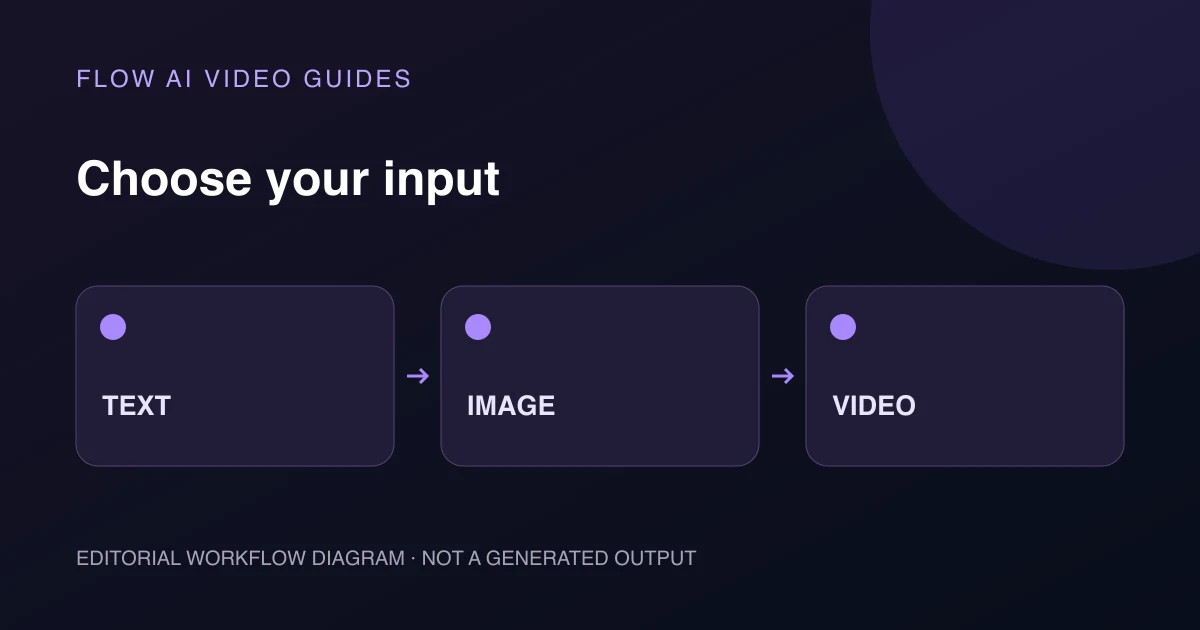
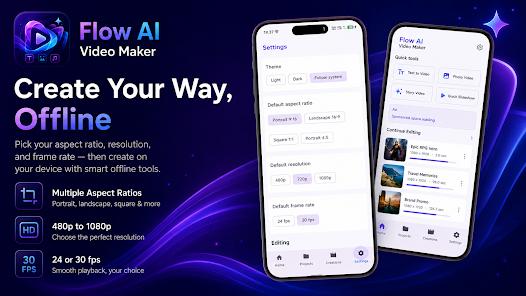
Flow AI Video is a browser-based AI video generator with text-to-video, image-to-video, and reference-to-video workflows. Users can choose among models, set aspect ratio, quality, and duration, then generate clips online. The platform also lists multi-shot storytelling, style options, image enhancement, and background removal.
›What are the pros and cons of Flow AI Video?
Strengths
Trade-offs
›What are Flow AI Video’s key features?
›What are the best use cases for Flow AI Video?
›What is the pricing for Flow AI Video?
| Plan | Price | Details |
|---|---|---|
| Basic | $19.90/month | 800 credits per month, up to 40 videos, model access, unlimited downloads, permanent history, and no-watermark output. |
| Pro | $39.90/month | 2,000 credits per month, up to 200 videos, plus the Basic plan features. |
| Enterprise | $99.90/month | 6,000 credits per month, up to 600 videos, plus a commercial-use license and the Pro plan features. |
Annual billing is advertised with savings. The page banner says Save 50%, while its FAQ says annual plans offer up to 20% off. Monthly credits do not roll over; one-time credit packs never expire.
Checked 2026-11-24 · source
›Who is Flow AI Video best for?
- Users who need monthly credits to carry into the next billing period should avoid the monthly plans.
- Teams that need commercial-use rights on a lower-cost plan should look beyond Basic and Pro.
- Buyers seeking a fully specified 4K workflow should verify output resolution because the visible generation controls list 720p and 1080p.
›What are the best Flow AI Video alternatives?
 JXPChoose this instead if access to multiple AI video-generation models is the main requirement.→
 Seedance 2Choose this instead if you want a focused text-to-video or image-to-video workflow with controls for aspect ratio and duration.→
 VO4 AIChoose this instead if a simpler text-or-image video generator with 720p and 1080p options is enough.→
 Face Swap Video→