Forward Future Tools Library

Flux 2 logo

Flux 2

Flux 2 generates and edits images from text, with multi-reference blending and flexible aspect ratios for designers, marketers, and other visual content creators.

Try Flux 2

flux2.one·Free + paid plans·Checked 2026-08-24

Flux 2 screenshotFlux 2 is here · FluxFLUX.2 AI Render Model: Quality, Features & How to Use ItFLUX.2: Frontier Visual IntelligenceFlux 2 AI - AI Image Generator
Flux 2flux2.one
Flux 2 screenshot
Flux 2flux2.one

What is Flux 2?

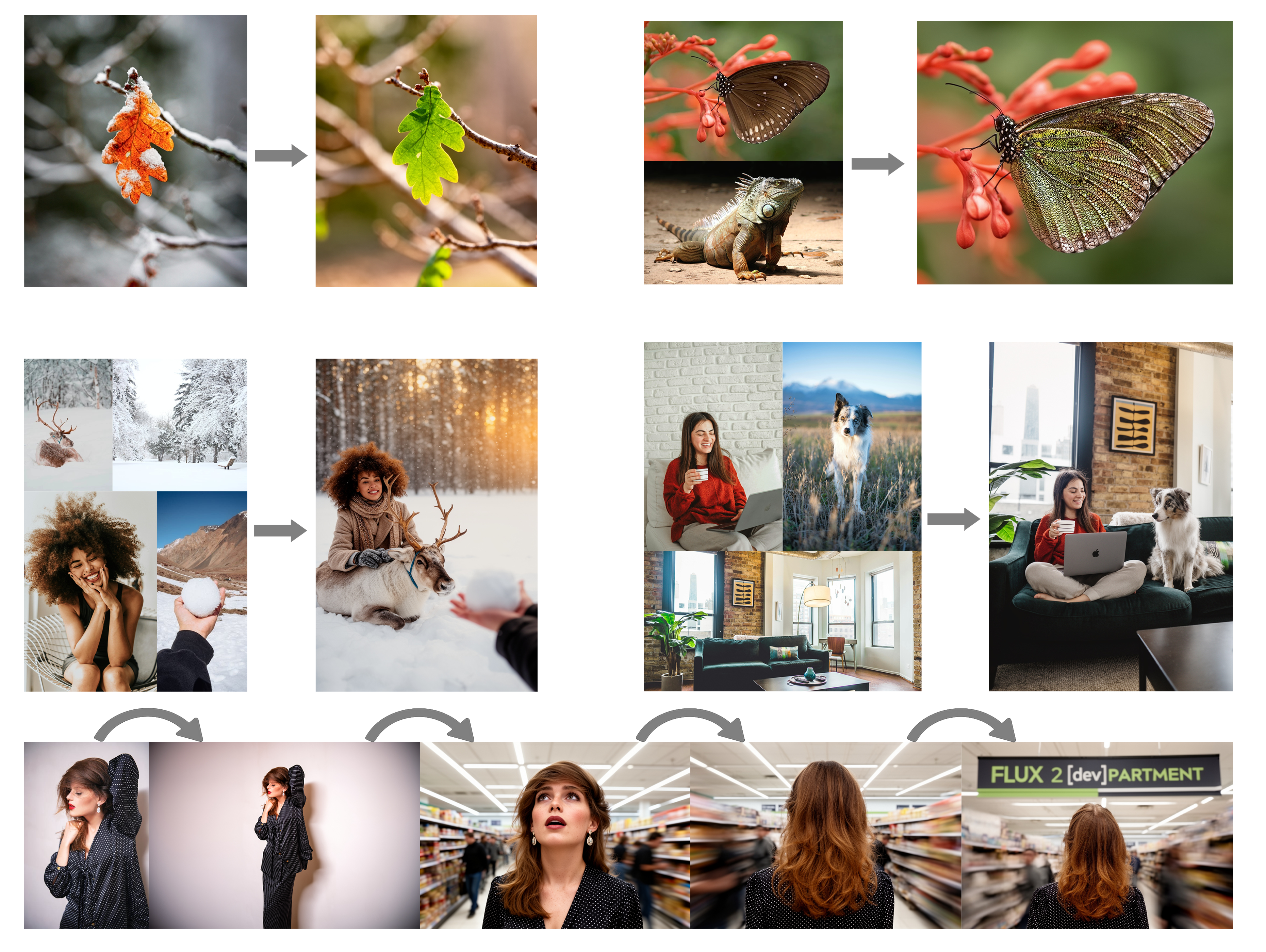
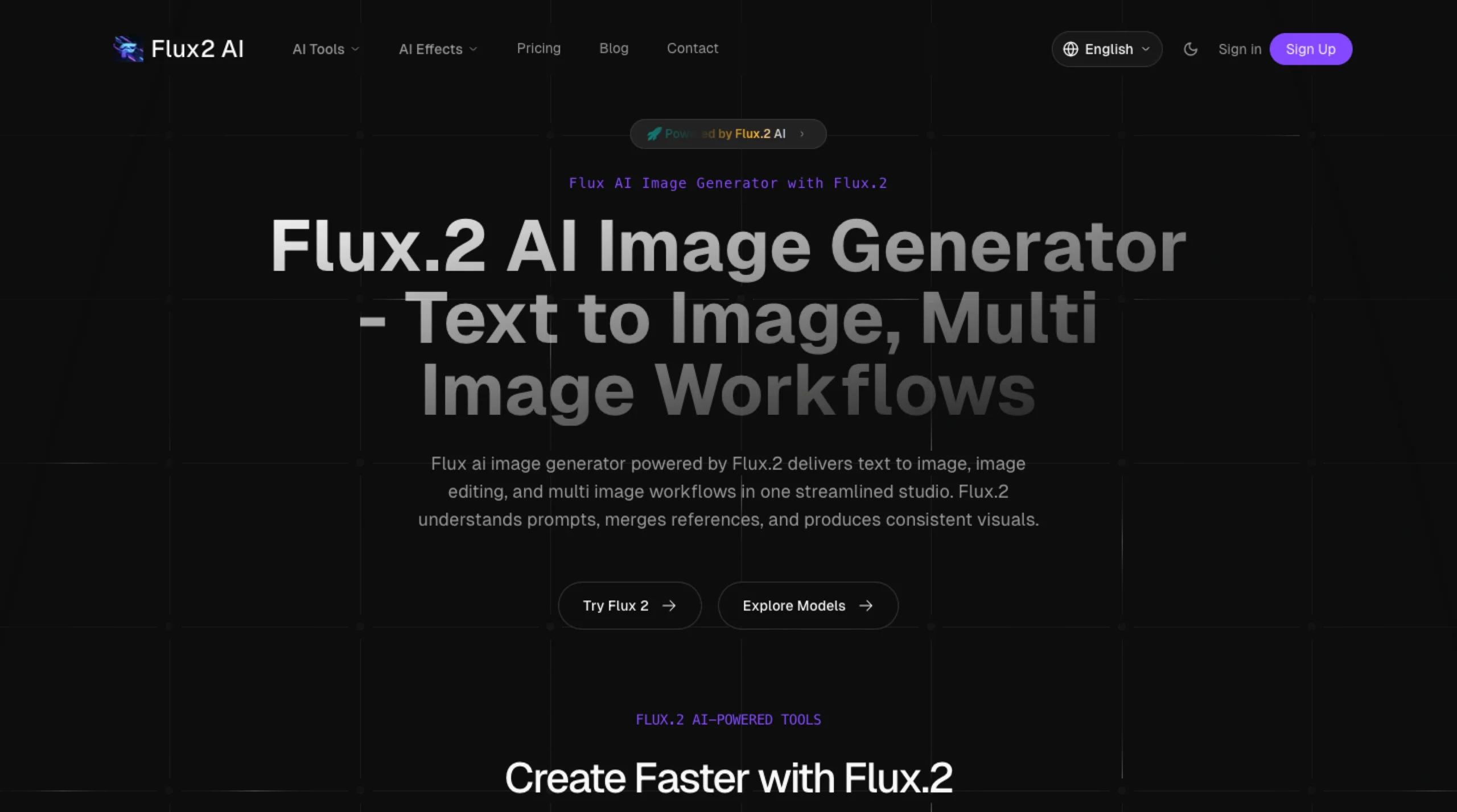
Flux 2 is an online image generation and editing playground based on Black Forest Labs models. It creates images from text, edits uploaded images with natural-language instructions, and combines one to eight reference images. Users can choose aspect ratios, model variants, and output settings before downloading results.

What are the pros and cons of Flux 2?

Strengths

Supports complex prompts and detailed scene constraints
Produces photorealistic lighting, textures, and materials
Combines up to eight reference images in one generation
Offers multiple aspect ratios for desktop, landscape, square, and mobile work
Free basic use includes downloads without watermarks

Trade-offs

Generation typically takes 30 to 60 seconds
Paid usage is credit-based, with Pro generations costing 20 credits and Flex generations costing 40
A review found it less capable than some competitors for dreamy or painterly styles
Text rendering for posters and packaging was reported as behind Ideogram 3
Some review testing characterized the tool as stronger for text-to-image than photo editing

What are Flux 2’s key features?

Text-to-image generation from detailed prompts
Natural-language editing of uploaded images
Multi-reference fusion using one to eight images
Flux Kontext Pro and Flex model options
Aspect ratios including 21:9, 16:9, 4:3, 1:1, 3:4, and 9:16
Output up to 4 megapixels on the playground
Free downloads without watermarks

What are the best use cases for Flux 2?

Creating artwork, illustrations, and photorealistic scenes
Generating social media images in square, portrait, or story formats
Combining product and scene references for concept development
Producing marketing graphics and design mockups
Editing an existing photo by adding, removing, or changing elements

What is the pricing for Flux 2?

PlanPriceDetails
Free$020 credits on signup, Flux 2 Pro, multi-reference fusion, 1K/2K output, and community support
Basic$7.99/month100 credits/month, Pro and Flex models, multi-reference fusion, and priority email support
Pro$15.99/month300 credits/month, everything in Basic, and early access to new features
Unlimited$39.99/month1,000 credits/month, everything in Pro, and dedicated account support

The displayed subscription prices are billed yearly, with 20% savings versus monthly billing. One-time credit packages do not expire. Subscription credits roll over for up to 12 months on yearly plans, while the pricing FAQ says monthly-plan credits roll over for up to 6 months.

Checked 2026-08-24 · source

Who is Flux 2 best for?

designersUseful for concept art, mockups, reference-image blending, and images that need specific aspect ratios.
marketersWorks well for producing social posts, campaign graphics, and product scenes from detailed prompts.
developersWorth considering when an image workflow needs prompt-based generation and access to Pro or Flex variants.
Not for
  • Skip it if your main need is dreamy, painterly, or highly stylized illustration work.
  • Look elsewhere if accurate text inside posters or packaging is a primary requirement.
  • Choose a more editing-focused tool if photo retouching is more important than text-to-image generation.

What are the best Flux 2 alternatives?

Where can I try Flux 2?

Open flux2.one