

Forward Future Tools Library

freebeat.ai
freebeat.ai turns songs, lyrics, prompts, and images into rhythm-synced dance, music, and lyric videos for independent musicians, content creators, and social media marketers.
freebeat.ai·From $4.99; $6.99/wk.·Checked 2026-08-29

›What is freebeat.ai?
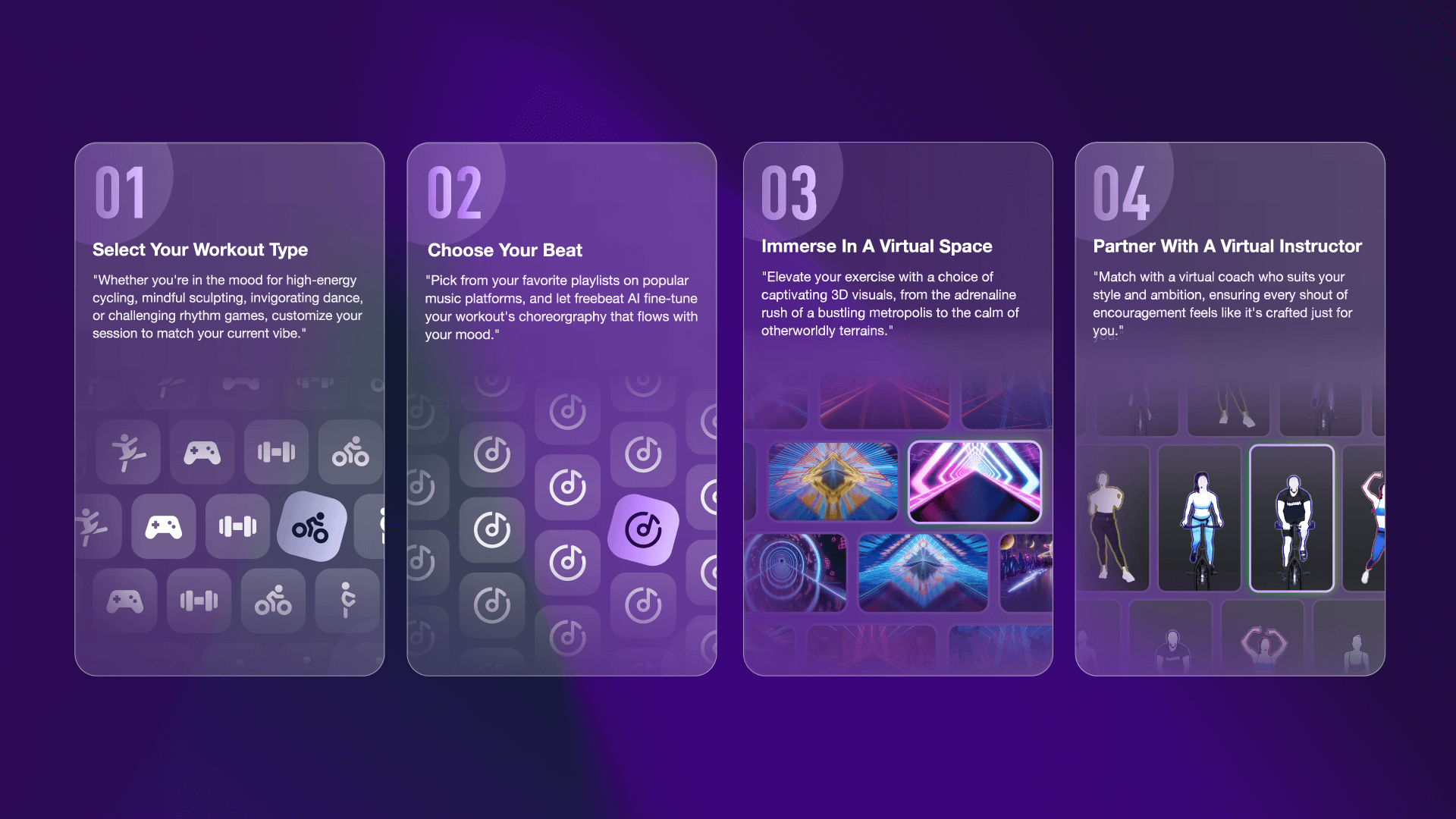
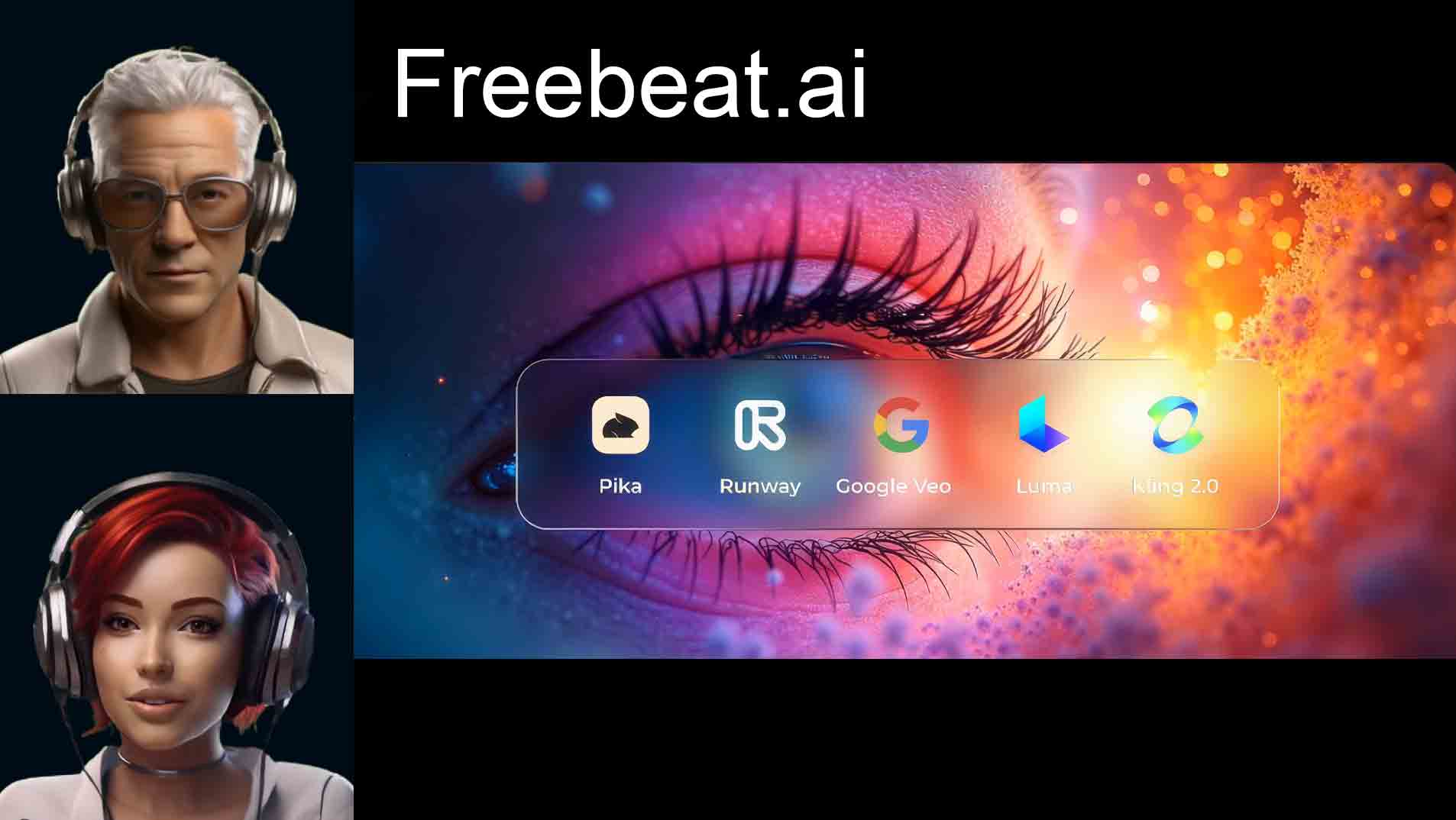
freebeat.ai is an AI music video generator that creates dance videos, directed music videos, lyric videos, and other visual formats from music links, uploaded tracks, lyrics, prompts, or images. It analyzes a track's rhythm and mood to coordinate visual cuts, camera movement, avatar gestures, and lip sync. Supported music links include SoundCloud, YouTube, Suno, Udio, TikTok, Stable Audio, and Riffusion.
›What are the pros and cons of freebeat.ai?
Strengths
Trade-offs
›What are freebeat.ai’s key features?
›What are the best use cases for freebeat.ai?
›What is the pricing for freebeat.ai?
| Plan | Price | Details |
|---|---|---|
| Basic | $4.99; $6.99/wk. | Includes 1,990 credits per week, access to premium models, 16:9, 9:16, and 1:1 video formats, up to 720p resolution, watermark removal, and faster processing. |
| Pro | $26.99; $34.99/month | Includes 10,000 credits per month, five times the Basic credits, premium model access, up to 720p resolution, watermark removal, and faster processing. |
The pricing page labels the displayed offers as 30%OFF and shows Monthly and Yearly options. Basic is listed as billed for 1 week, while Pro is listed as billed for 1 month. Eligible subscribers receive additional unlimited or no-credit access to selected models.
Checked 2026-08-29 · source
›Who is freebeat.ai best for?
- Teams making explainer, product, or broad general-marketing videos should choose a more general video platform.
- Creators who require resolutions above 720p should look for a tool with higher listed output limits.
›What are the best freebeat.ai alternatives?
 SunoChoose this instead if the primary need is generating original songs rather than visualizing an existing track.→
 Vidyo.aiChoose this instead if you need to repurpose long videos into short, shareable clips.→
 HaiperChoose this instead if you need a broader AI video generation platform rather than a music-video-focused workflow.→
 Simplified→