

Forward Future Tools Library

Funy AI
Funy AI creates images, animated videos, and photo edits from prompts or uploads, making it useful for solo creators, social media managers, and designers.
Try Funy AI →
funy.ai·Free Trial
›What is Funy AI?
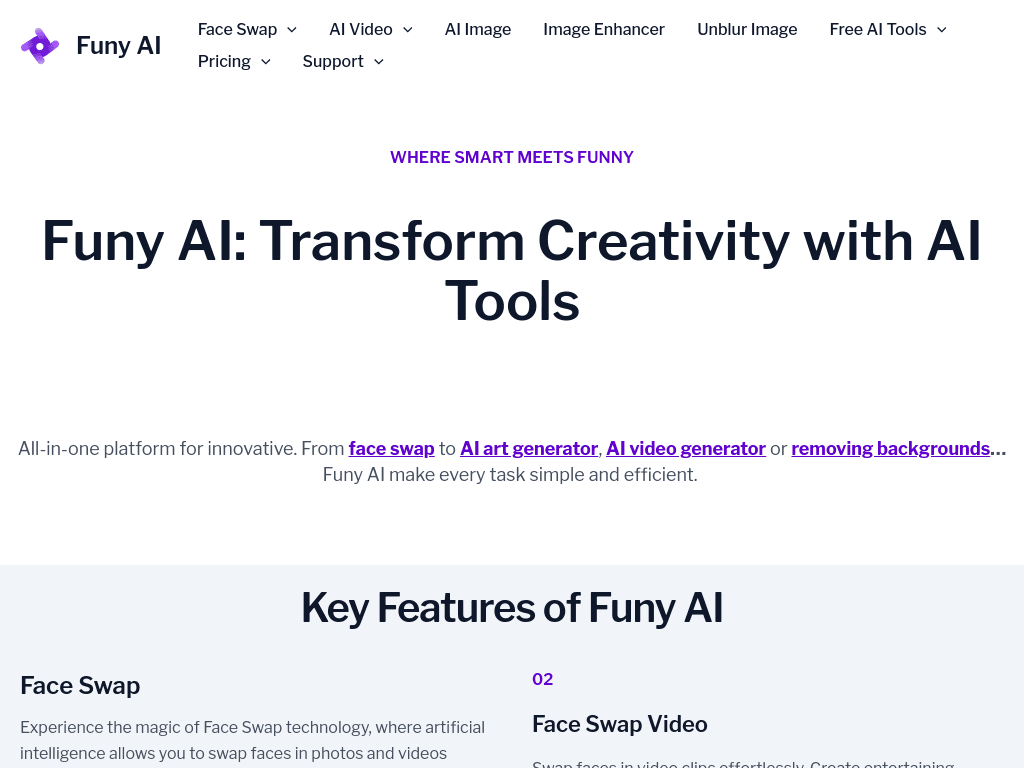
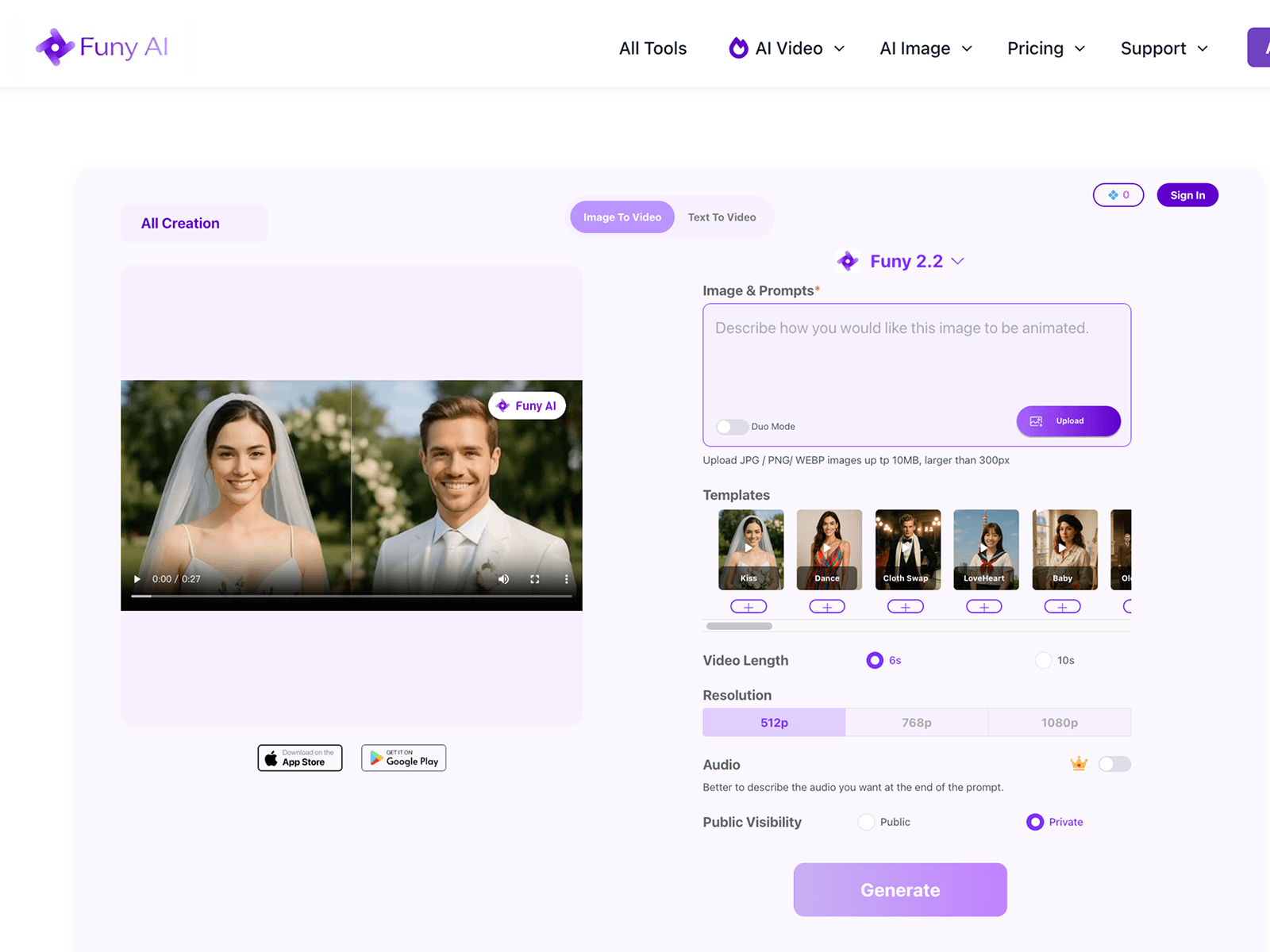
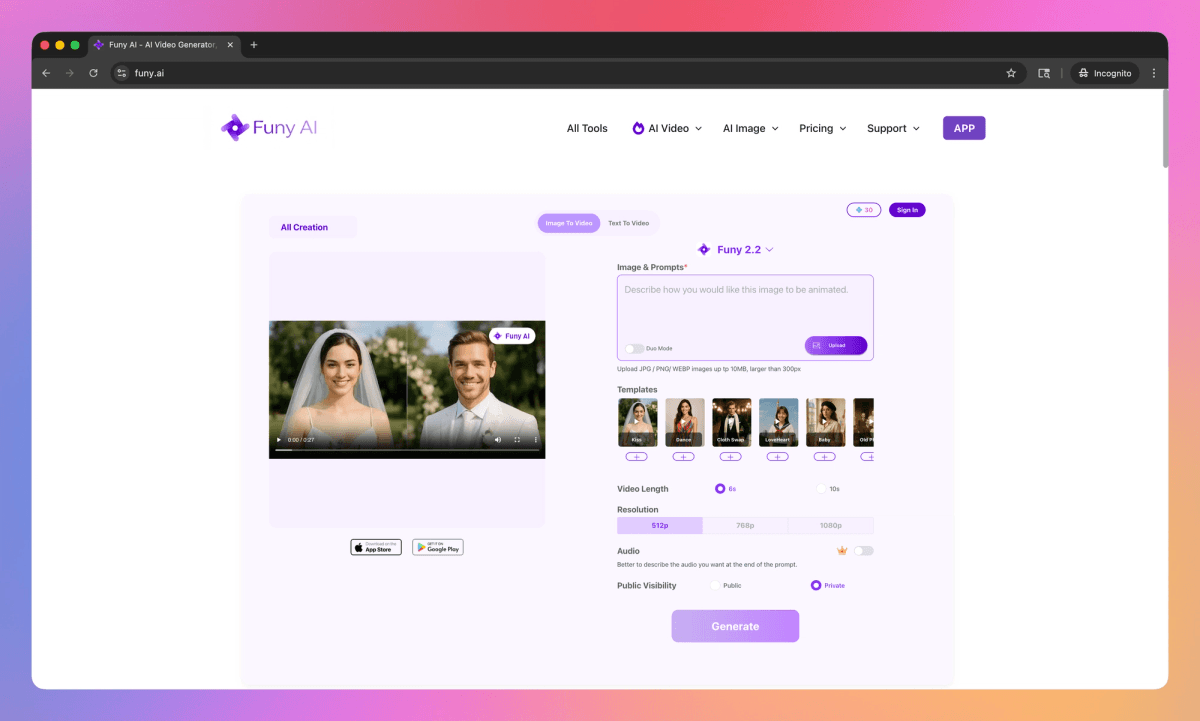
Funy AI is a browser-based creative platform for generating images and videos and applying AI photo effects. It can turn text or still images into video, create artwork from prompts, remove backgrounds and watermarks, enhance or unblur images, and apply hairstyle or age effects. The service offers 30+ free credits without requiring signup.
›What are the pros and cons of Funy AI?
Strengths
Combines text-to-video, image-to-video, text-to-image, and image-to-image workflows in one service
Provides 30+ free credits without requiring signup
Paid-plan credits do not expire
Supports common creative tasks including animation, image generation, background removal, and enhancement
Available through the web, iOS, and Android
Trade-offs
Usage is credit-based, and different tasks can consume different numbers of credits
Free credits run out, after which users need to upgrade for additional usage
No public API is documented, limiting automated content pipelines
Documented video output reaches up to 1080p, which may not suit higher-resolution production workflows
›What are Funy AI’s key features?
Text-to-video generation from written prompts
Image-to-video animation for turning still photos into clips
Text-to-image and image-to-image generation
AI background and watermark removal
Image enhancement, upscaling, and unblurring
Photo effects including hairstyle, hair color, age, and old-photo animation
›What are the best use cases for Funy AI?
Creating short social media clips from text prompts or still images
Generating artwork, illustrations, and profile images
Preparing product or portrait photos with background removal and enhancement
Restoring blurry or old photos
Previewing hairstyles and hair colors on portrait photos
›What is the pricing for Funy AI?
Free Trial
›Who is Funy AI best for?
soloA fit for individual creators who want to test image and video generation without creating an account.
social media managersUseful for producing short animated posts, AI artwork, and edited images in one workspace.
designersWorks well for quick visual experiments, background cleanup, image enhancement, and style variations.
developersLess suitable for developers building automated workflows because no public API is documented.
Not for
- Teams that need API access for automated or programmatic content generation
- Production teams that require video output above the documented 1080p maximum
›What are the best Funy AI alternatives?
 AI Face SwapperChoose this instead if face swapping in images and videos is the main requirement.→
 HaiperChoose this instead if your work centers primarily on AI video creation.→
 KreaChoose this instead if you want a creative platform focused on generating both images and videos.→
 MagicShotChoose this instead if you want another broad AI creativity platform for generating images and videos.→