
Forward Future Tools Library

FreyaVideo
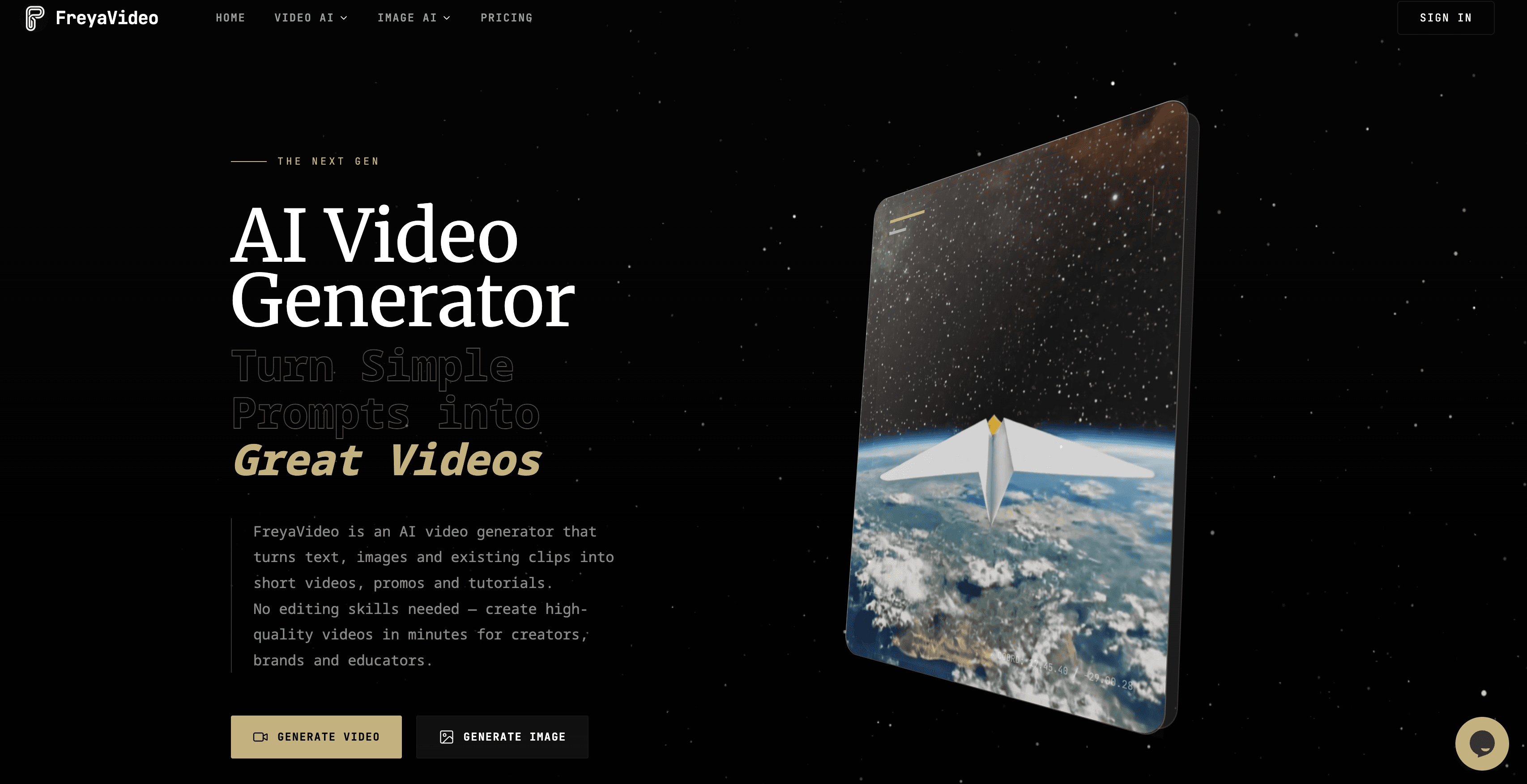
FreyaVideo generates and edits images with GPT Image 2.5, then supports image-to-video workflows for designers, content creators, and small production teams.
freyavideo.com·From $4.99·Checked 2026-11-10
›What is FreyaVideo?
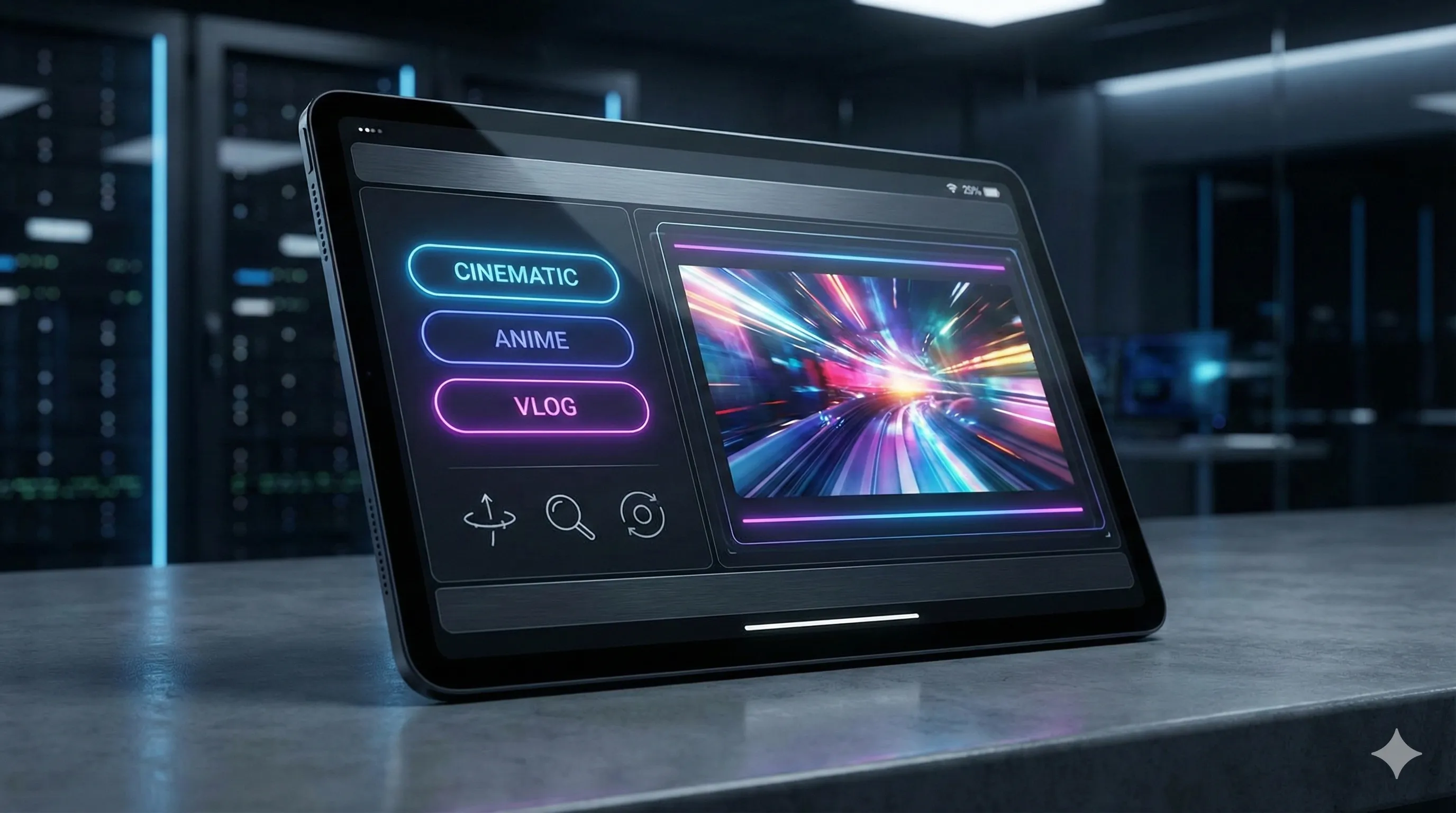
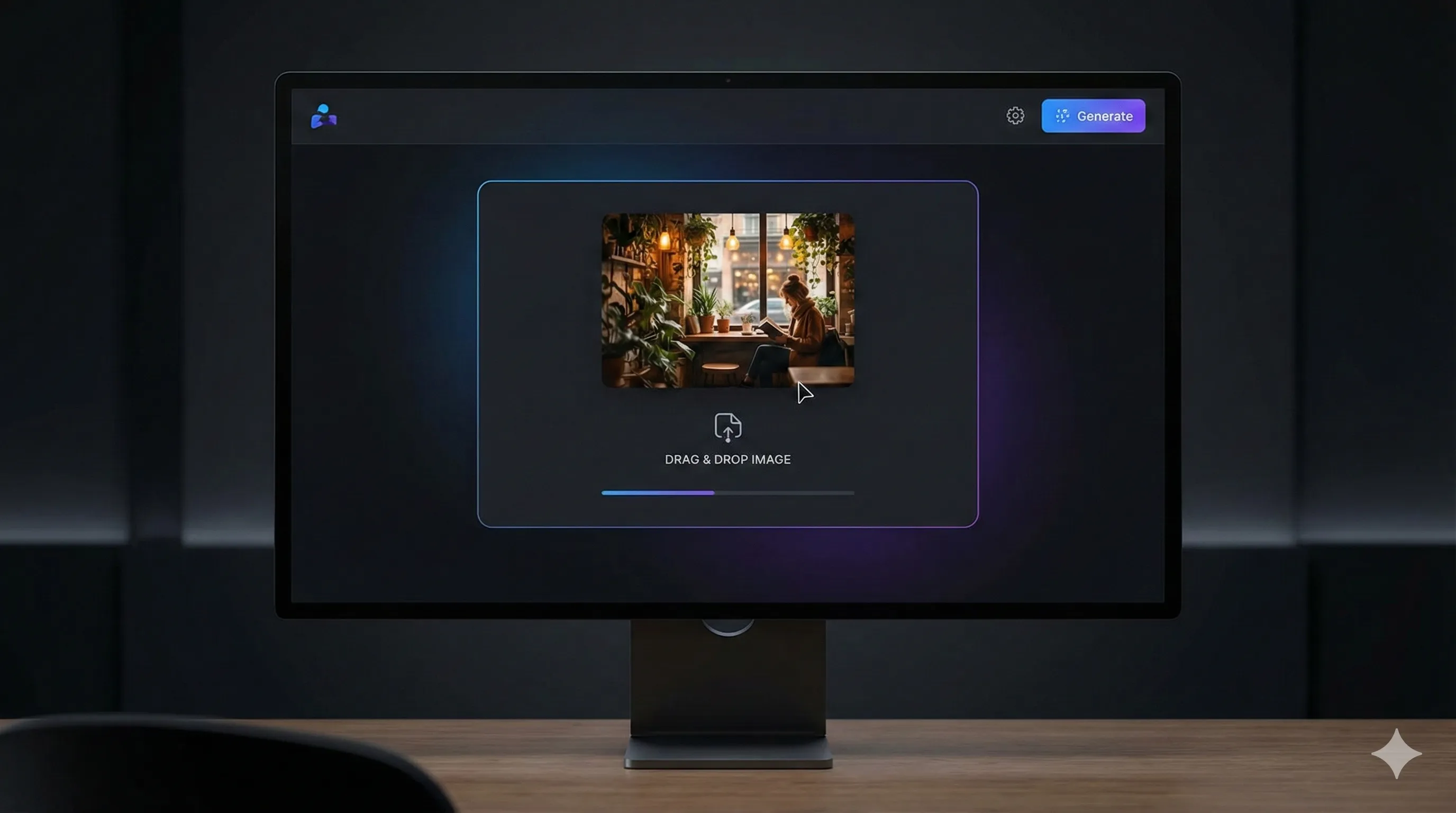
FreyaVideo is a browser-based image and video workspace with GPT Image 2.5 generation and editing. Users can generate from text, upload up to five reference images, and describe changes to an existing image. The tool offers Flare and Sunburst variants, adjustable quality and output settings, and PNG, JPEG, or WebP downloads.
›What are the pros and cons of FreyaVideo?
Strengths
Trade-offs
›What are FreyaVideo’s key features?
›What are the best use cases for FreyaVideo?
›What is the pricing for FreyaVideo?
| Plan | Price | Details |
|---|---|---|
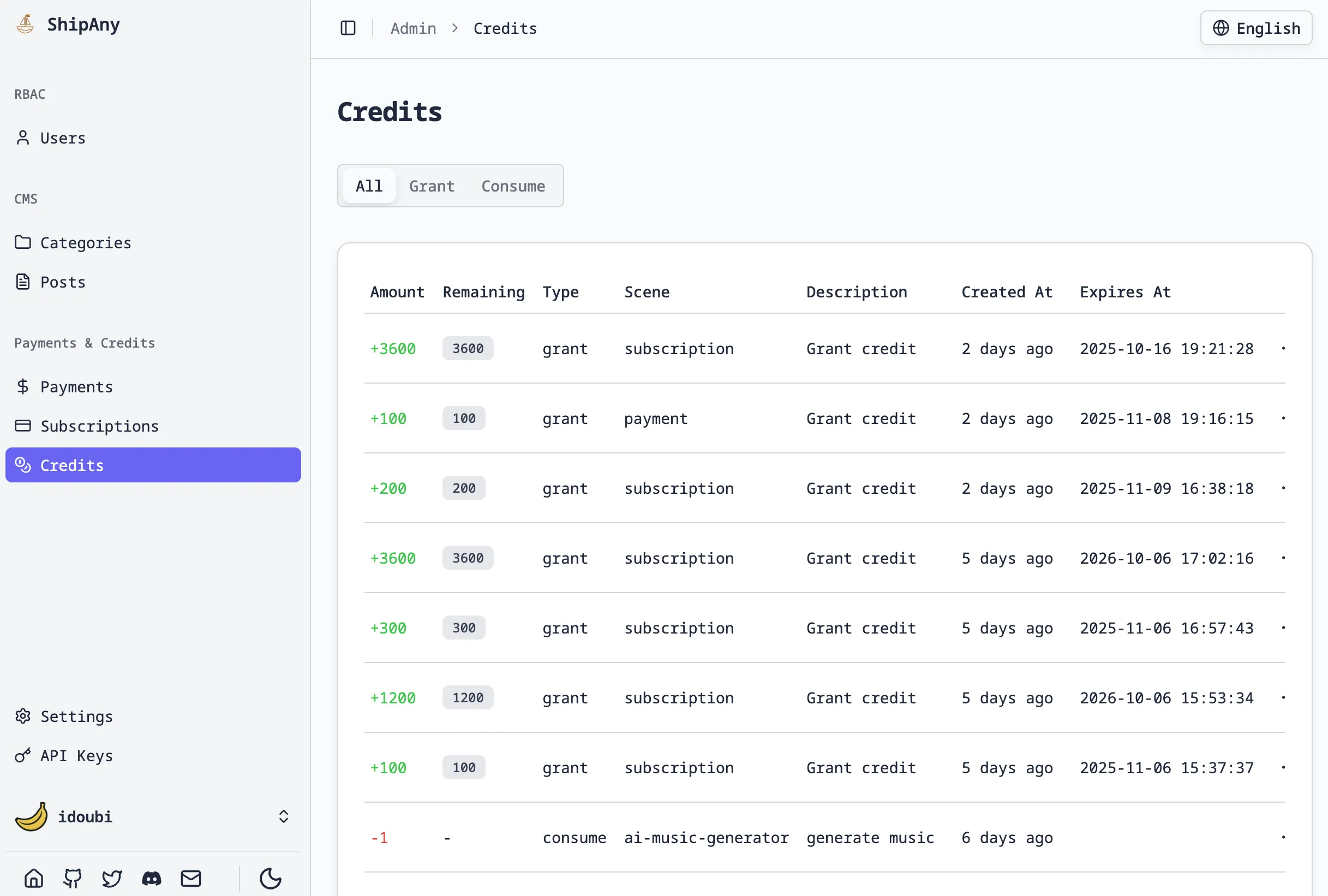
| Mini Pack | $4.99 | 300 credits, valid for 365 days, with about 18 AI images. |
| Starter Pack | $9 | 600 credits, valid for 365 days, with about 37 AI images. |
| Creator Pack | $35 | 2,500 credits, valid for 365 days, with about 156 AI images. |
| Studio Pack | $90 | 7,000 credits, valid for 365 days, with about 437 AI images. |
These are one-time credit packs with no subscription or auto-renewal. Monthly plans are also listed, but their current rates are not shown here. Actual image usage varies by model, mode, quality, and output count.
Checked 2026-11-10 · source
›Who is FreyaVideo best for?
- Skip it if you need a fully controlled comparison of model quality, because the page's example workflows are not a controlled model comparison.
- It may not suit teams that require large experimental images as a standard workflow, since sizes above 2560 × 1440 pixels are marked experimental.
- Consider another option if expiring credits are unacceptable, since one-time packs are valid for 365 days.
›What are the best FreyaVideo alternatives?
 GPT Image 2Choose this instead if you want a standalone tool focused on the GPT Image 2 model rather than a multi-model image and video workspace.→
 Nano Banana AI Image EditorChoose this instead if your main task is uploading images and modifying them with prompts in an image editor.→
 JXPChoose this instead if your priority is access to multiple AI video-generation models rather than GPT Image 2.5 image editing.→
 LocalBanana→