Forward Future Tools Library

Gamma logo

Gamma

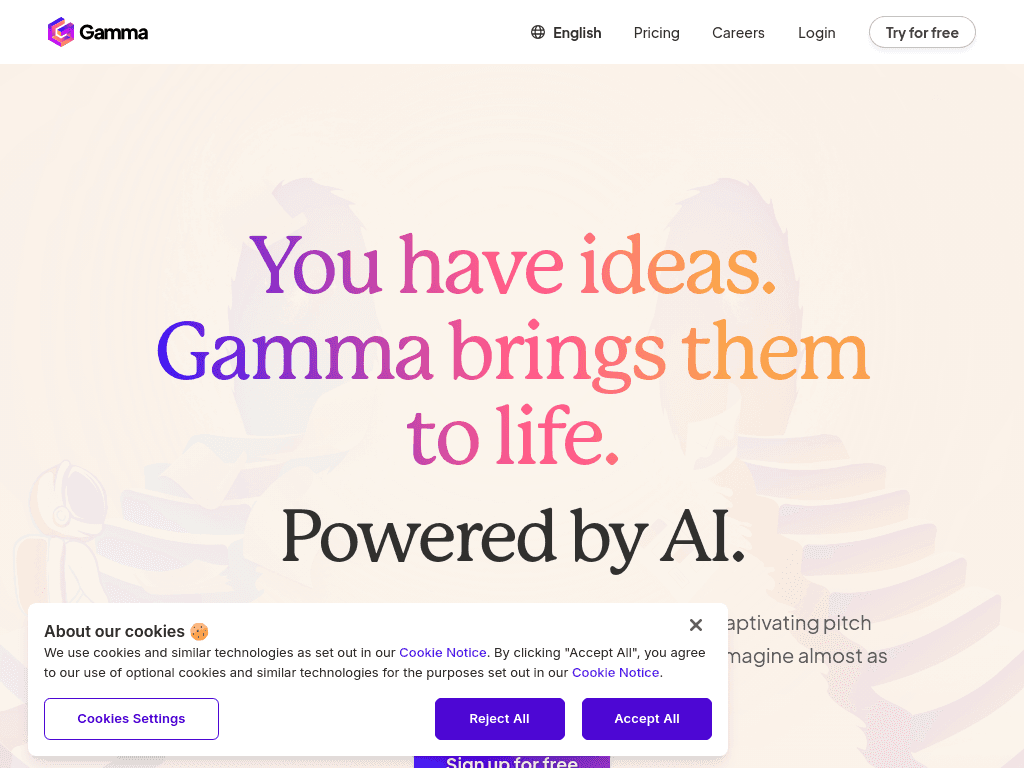
Gamma turns prompts, outlines, and imported files into presentations, documents, websites, social posts, and graphics for solo creators and small teams.

Try Gamma

gamma.app·Free + paid plans·Checked 2026-08-29
Gamma screenshotIntroducing Gamma 3.0: the new era of human communicationWhat Is Gamma App and What You Need to KnowGammaGamma UI - Free UI Kit (Recreated)
Gammagamma.app
Gamma screenshot
Gammagamma.app

What is Gamma?

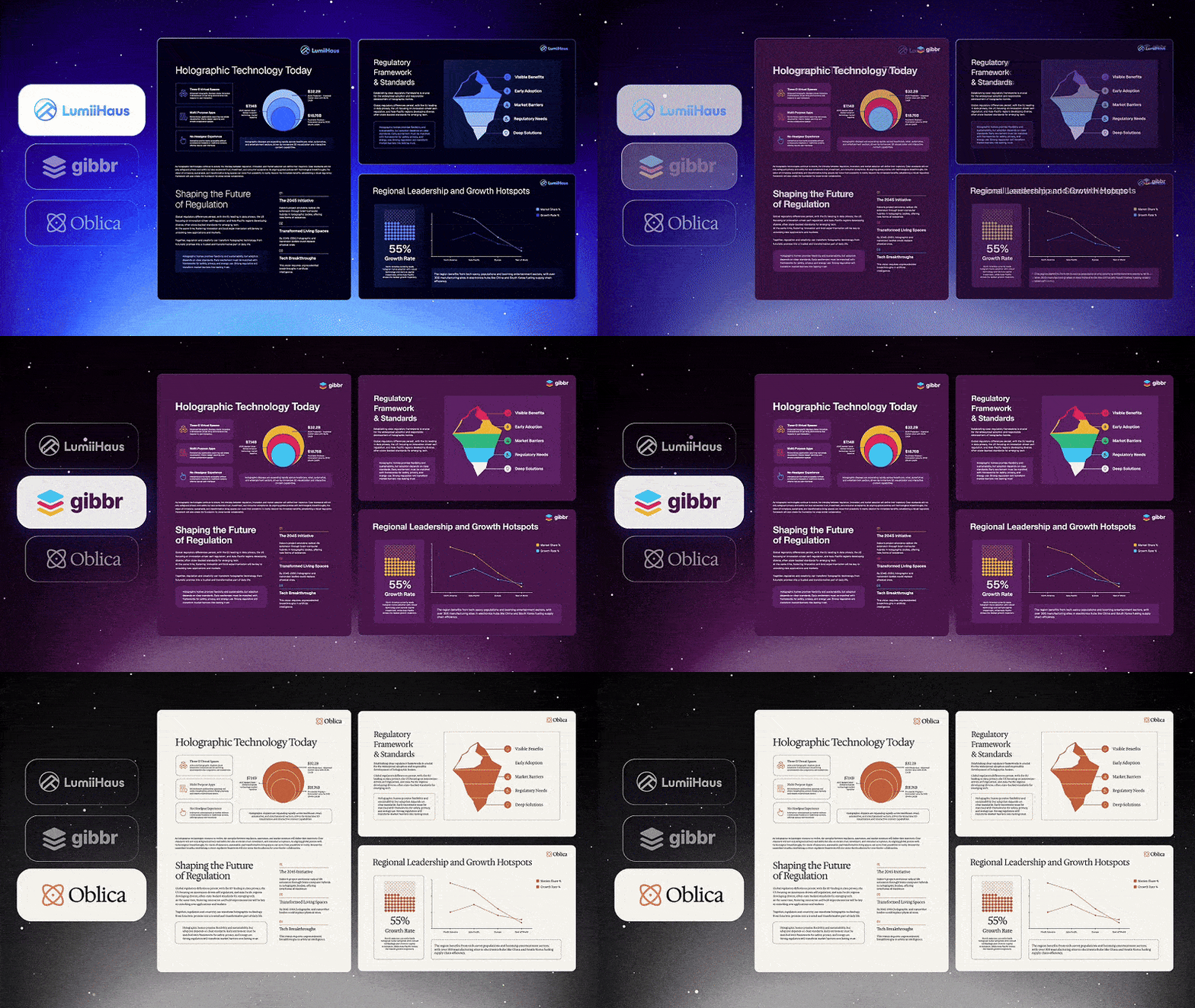
Gamma is a browser-based AI tool for creating presentations, visual documents, websites, social posts, and graphics. Users can start from a prompt, outline, or imported file, then edit layouts, content, images, and translations with AI. Projects can be shared as links or websites and exported to PPT, PDF, PNG, or Google Slides.

What are the pros and cons of Gamma?

Strengths

Generates a complete first draft from a prompt, outline, or imported file
Supports presentations, documents, websites, social content, and graphics in one browser-based tool
Offers exports to PPT, PDF, PNG, and Google Slides
Includes real-time collaboration and engagement tracking
Pro and Ultra plans provide custom branding, API access, and higher AI-credit limits

Trade-offs

Its web-native card format does not map one-to-one to fixed PowerPoint slides, so pixel-precise PPTX exports may need layout rework
AI-generated drafts can be generic and may require substantial finishing
The Free plan's 400 starter credits do not refill
AI credit usage varies by the action, model, and generation complexity
Individual paid plans charge per seat

What are Gamma’s key features?

Generate presentations, documents, websites, social posts, and graphics from prompts or existing content
Import PDF, PPTX, Word, Google Docs, Google Slides files, or a URL
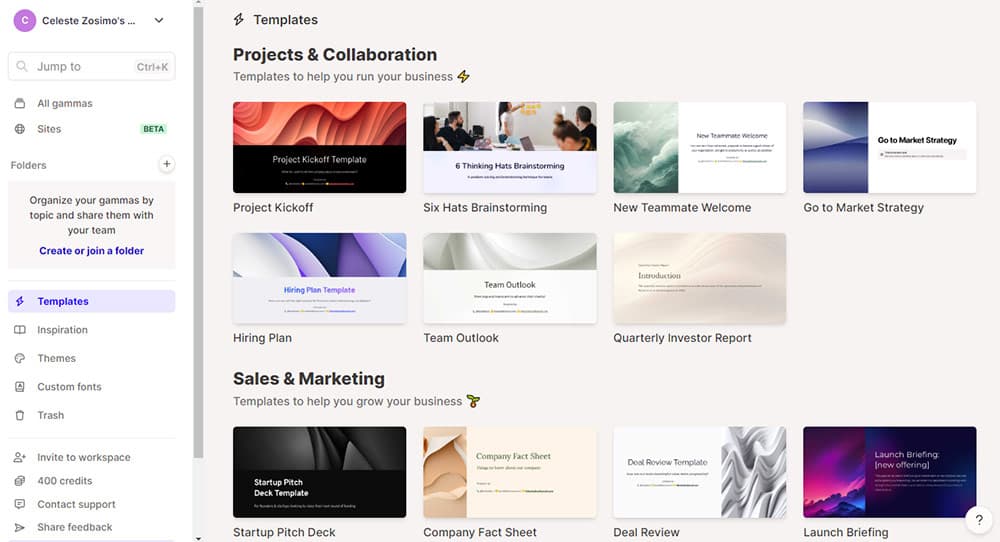
Apply themes, brand assets, custom fonts, and layouts
Edit text, images, layouts, and translations with AI
Collaborate with teammates in real time
Export to PPT, PDF, PNG, and Google Slides, or publish as a website or social post
Track engagement metrics and use the API on the Pro plan

What are the best use cases for Gamma?

Drafting pitch decks from an idea, outline, or existing document
Turning white papers and other long-form material into visual documents
Publishing a shareable website to validate a startup or campaign idea
Creating platform-ready social media content
Importing an existing PowerPoint or PDF and restructuring it into Gamma cards

What is the pricing for Gamma?

PlanPriceDetails
Free$0400 signup credits, up to 10 slides per prompt, basic presentations, documents, websites, social content, and images, with PDF, PPTX, PNG, and Google Slides export.
Plus$9 / seat / monthIncludes Free features, 1,000 monthly credits, up to 100 slides per prompt, no Gamma branding, and advanced AI image models.
Pro$18 / seat / monthIncludes Plus features, 4,000 monthly credits, premium image models, custom branding and fonts, detailed analytics, advanced sharing, up to 10 custom domains, and API access.
Ultra$90 / seat / monthIncludes Pro features, 20,000 monthly credits, the most advanced text, image, and video models, up to 100 custom domains, and early access to new features.

Annual billing is available at $108 per seat for Plus, $216 per seat for Pro, and $1,080 per seat for Ultra. Annual billing can save up to 28%. Unused paid credits roll over up to twice the monthly amount, and additional credits can be purchased.

Checked 2026-08-29 · source

Who is Gamma best for?

soloA fit for solo creators who need a fast first draft and can share work as a web link or refine exported files.
small teamSmall teams get real-time collaboration, shared content creation, and engagement metrics in the same workspace.
marketersMarketers can produce pitch decks, campaign websites, social posts, and branded graphics from existing material.
teachersTeachers can turn outlines and documents into visual presentations and shareable educational pages.
enterpriseLarger organizations can use custom branding, domains, analytics, and API access, but fixed-slide PowerPoint workflows may require extra rework.
Not for
  • Teams that require pixel-precise PowerPoint files with layouts that map exactly to fixed 16:9 slides
  • Users who need large amounts of AI generation without monitoring credit usage
  • Buyers seeking a native desktop presentation editor rather than a browser-based tool

What are the best Gamma alternatives?

Where can I try Gamma?

Open gamma.app