

Forward Future Tools Library

Google AI Studio
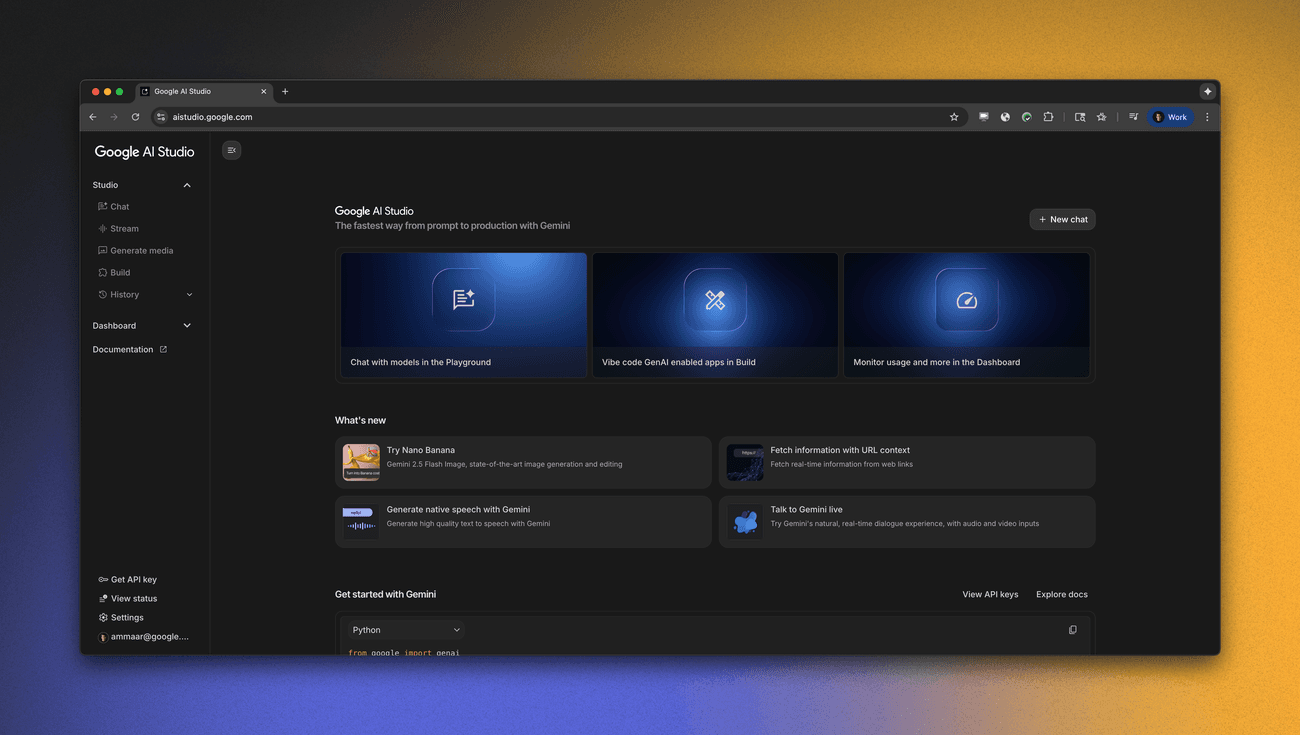
Google AI Studio is a browser-based workspace for testing Gemini and other Google AI models, creating API integrations, and prototyping apps, especially for developers and solo builders.
Try Google AI Studio →
aistudio.google.com·Free
›What is Google AI Studio?
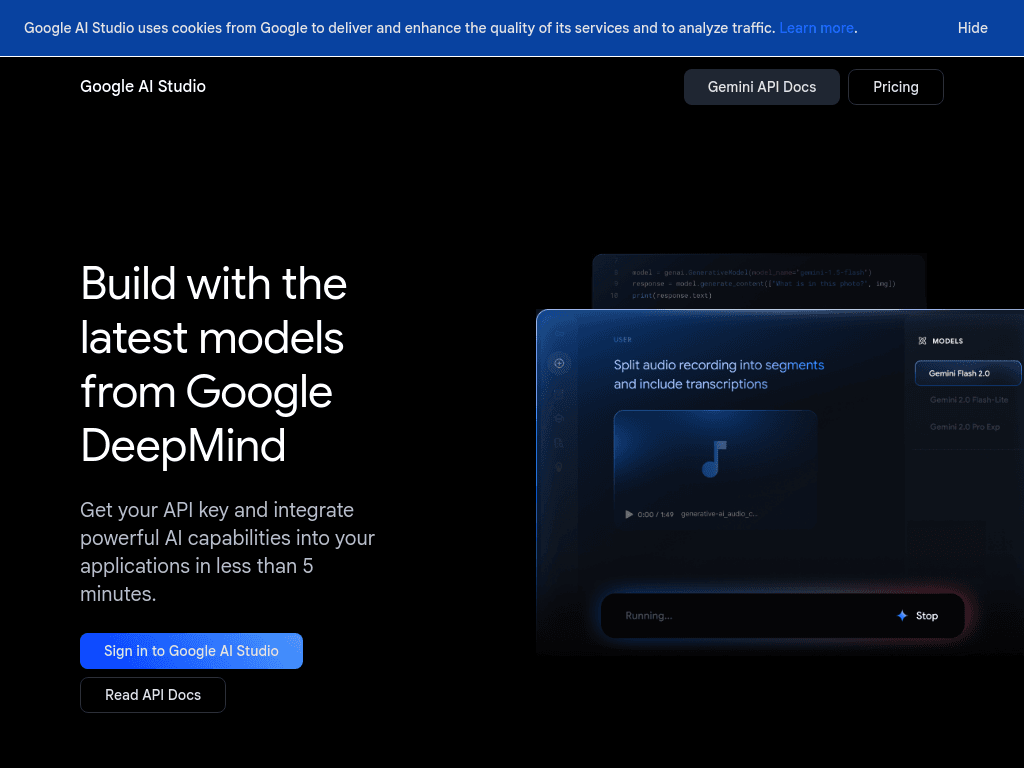
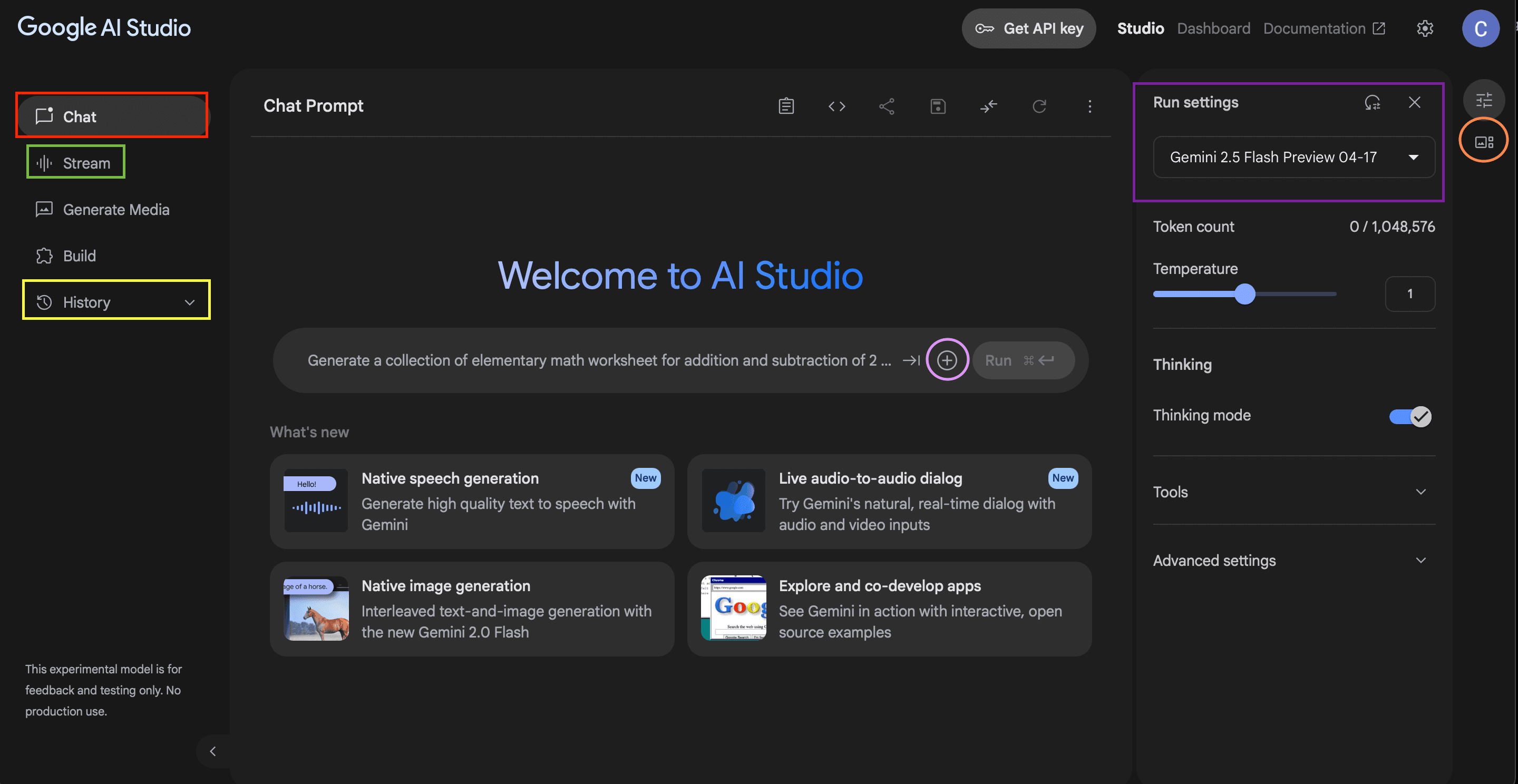
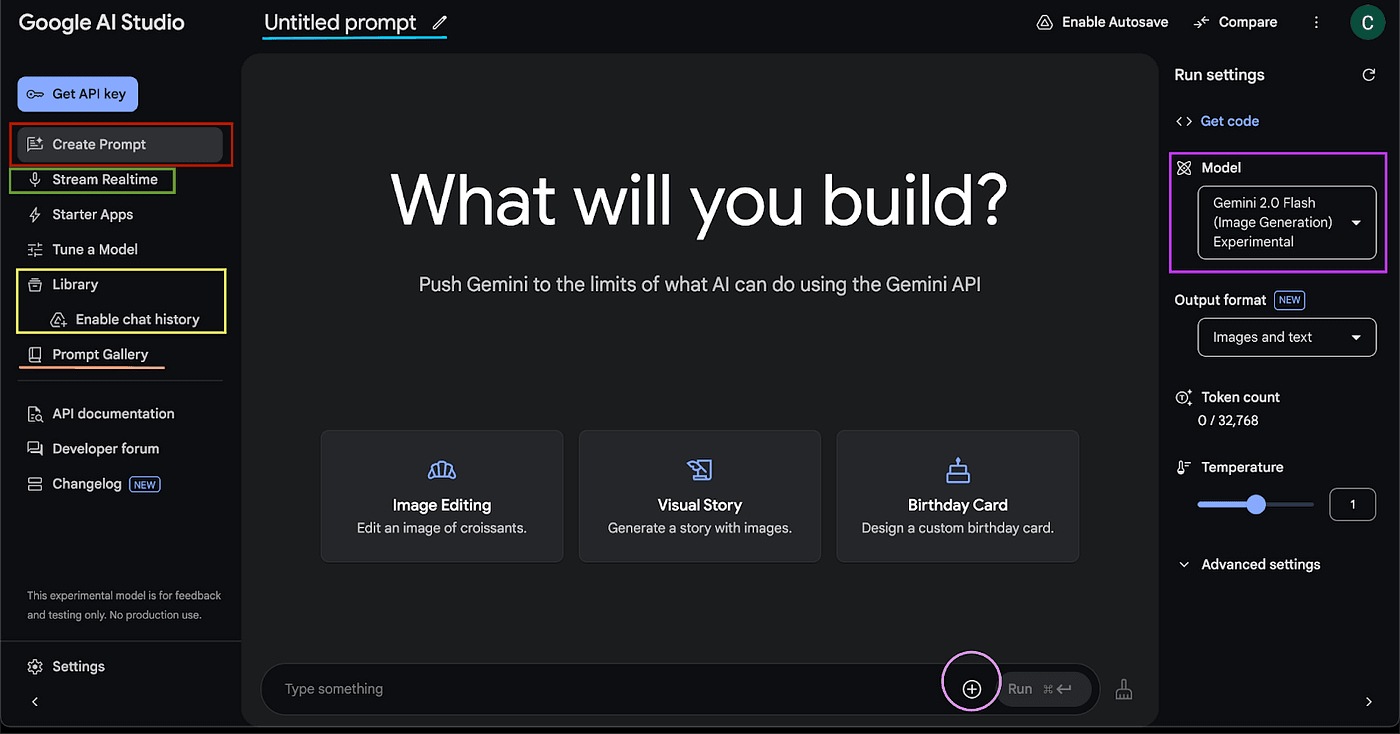
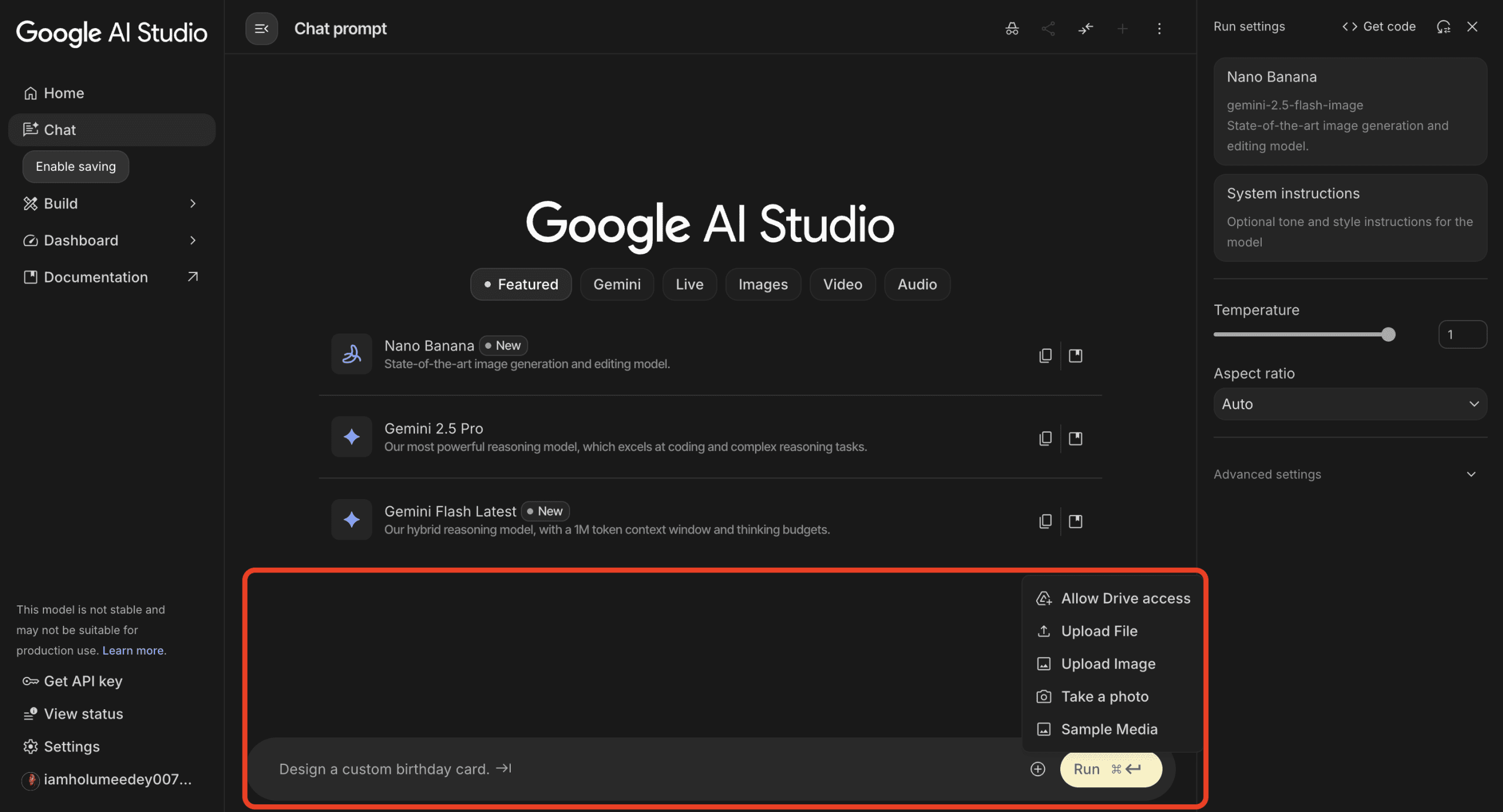
Google AI Studio lets developers experiment with Gemini, Veo, Nano Banana, Gemini TTS, Gemini Live, and other Google AI models in a web interface. It provides API key management, official SDKs, prompt testing, app remixing, and tools for building stateful, multimodal applications. Prototypes can be connected to the Gemini API for application development.
›What are the pros and cons of Google AI Studio?
Strengths
Combines text, image, audio, video, speech, and real-time interaction models in one workspace.
Provides API key management, usage monitoring, and SDKs for five programming languages.
Includes managed multi-turn interactions, tool execution, Search grounding, and Maps grounding.
Offers example projects that can be remixed into working prototypes.
Trade-offs
The free plan has modest quotas, basic limits, and access to only certain models.
Premium models and higher usage limits require AI Pro, AI Ultra, or paid API access.
Production API use moves to Cloud Billing after subscription quotas or free usage limits are exhausted.
Content from free API usage may be used to improve Google's products, while paid API usage excludes that use.
›What are Google AI Studio’s key features?
Experiment with Gemini, Veo, Nano Banana, Gemini TTS, Gemini Live, Omni, and Lyria models.
Create and manage Gemini API keys while monitoring resource usage.
Use official GenAI SDKs for Python, JavaScript, Go, Java, and C++.
Build stateful, multi-turn agents with the Interactions API, managed tool execution, and conversation history.
Add function calling and native Search and Maps grounding to applications.
Remix example projects, including multiplayer games, interactive art, and personal websites.
›What are the best use cases for Google AI Studio?
Prototype chatbots, AI assistants, and conversational language-learning apps.
Test prompts and model behavior before integrating the Gemini API into an application.
Build applications that combine text, image, audio, and video capabilities.
Create voice-enabled applications with Gemini TTS or Gemini Live.
Remix starter projects such as multiplayer games, background-removal tools, and interactive art.
›What is the pricing for Google AI Studio?
Free
›Who is Google AI Studio best for?
developersA strong fit for developers who need to test Gemini models, create API keys, and move prototypes toward API integration.
soloSolo builders can use the web playground, starter projects, and free access to prototype chatbots, games, and voice applications.
enterpriseEnterprise deployments can use paid API and enterprise options for support, security, compliance, provisioned throughput, and volume discounts.
Not for
- Skip it if you need a full-stack deployment platform rather than a model playground and API development workspace.
- Skip it if your application must switch among GPT, Claude, and other non-Google model providers.
- Skip it if complex database capabilities are a core requirement of the app-building environment.
›What are the best Google AI Studio alternatives?
 LangChainChoose this instead if you need a composable framework for building LLM applications rather than a Google-focused web playground.→
 ToolhouseChoose this instead if your main goal is building AI agents and workflows with dedicated infrastructure.→
 Replit AgentChoose this instead if you want an AI tool focused on building complete apps and websites through an accessible programming workflow.→
 Weights & Biases→