Forward Future Tools Library

HaloVoice
HaloVoice translates speech into other languages and routes the translated audio and captions into streaming, gaming, and meeting apps for streamers, gamers, and distributed teams.
Try HaloVoice →
halovoice.app·Free + paid plans·Checked 2026-11-16
›What is HaloVoice?
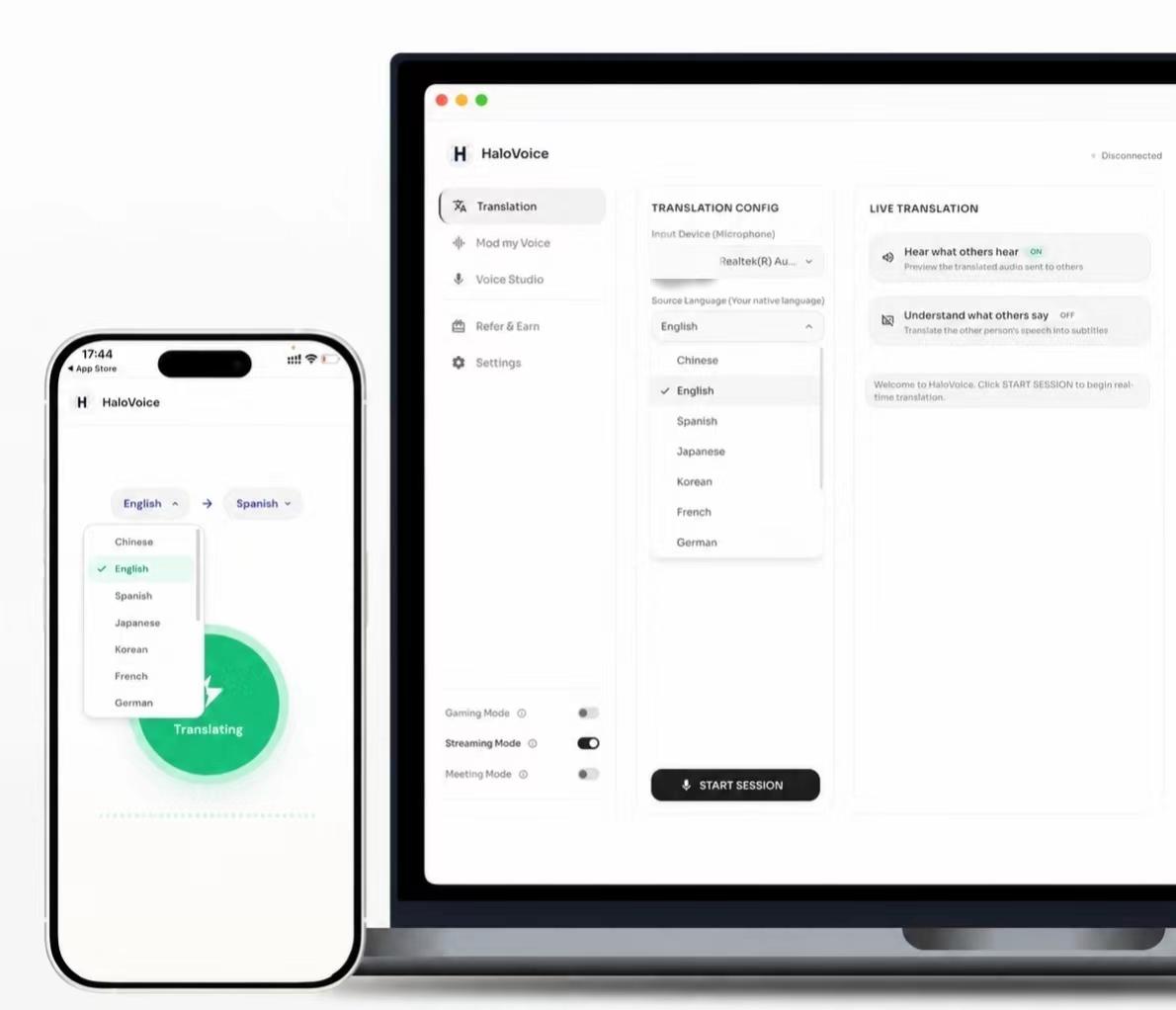
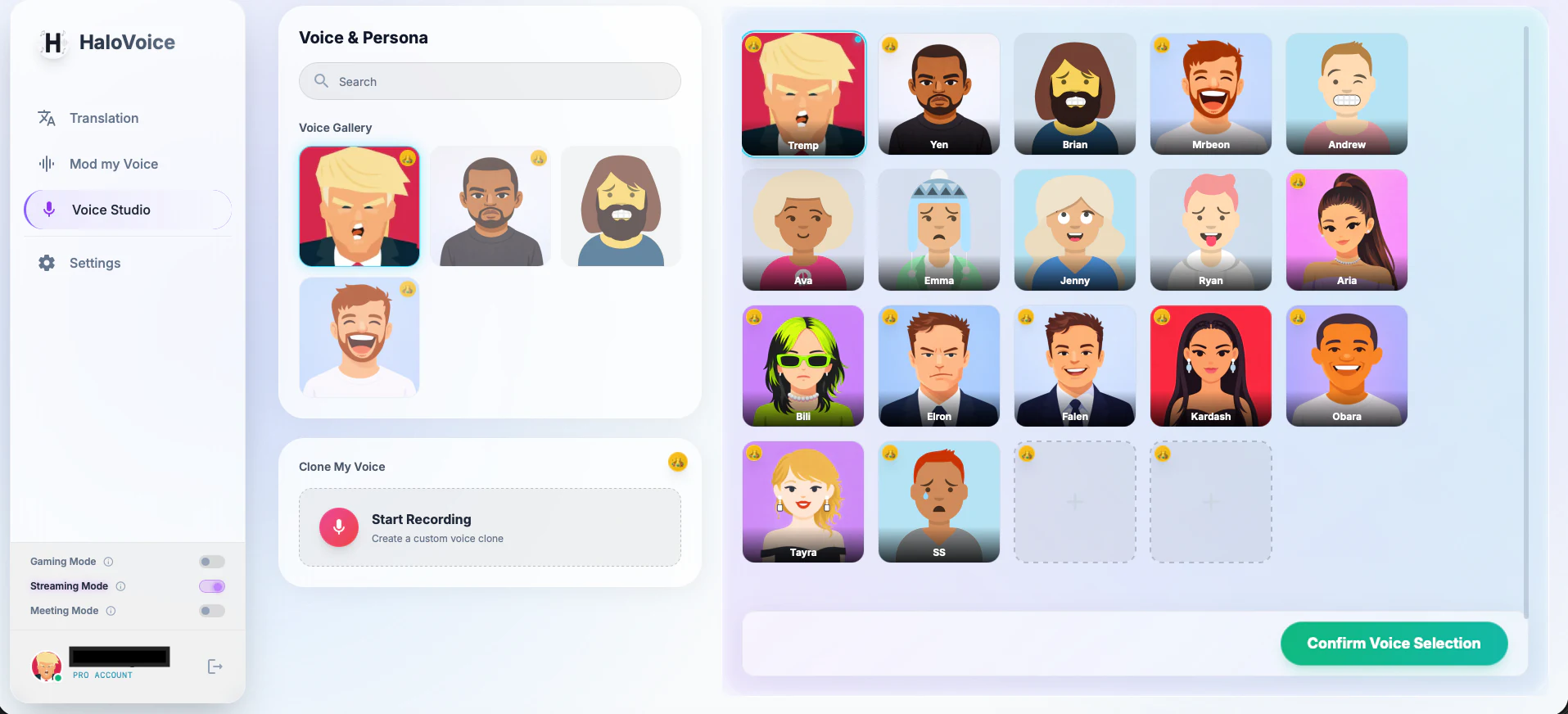
HaloVoice is a desktop voice translation tool for Windows and macOS. It translates spoken audio in real time, provides live captions, and sends the translated voice to apps through a virtual microphone. It supports OBS, Discord, Zoom, Google Meet, Slack, Teams, and other microphone-based apps.
›What are the pros and cons of HaloVoice?
Strengths
Works across several communication and streaming apps through one virtual microphone
Offers both translated voice and live captions
Supports more than 30 languages
Has a free plan with no credit card required
Runs on Windows and macOS
Trade-offs
Translation delay varies with the device and network, even though typical latency is under 200ms
Connecting apps requires selecting HaloVoice Virtual Microphone, and macOS requires installing a virtual audio driver
Unlimited translation and all-language support are reserved for the Pro plan
›What are HaloVoice’s key features?
Real-time voice translation with typical latency under 200ms
Live captions alongside translated speech
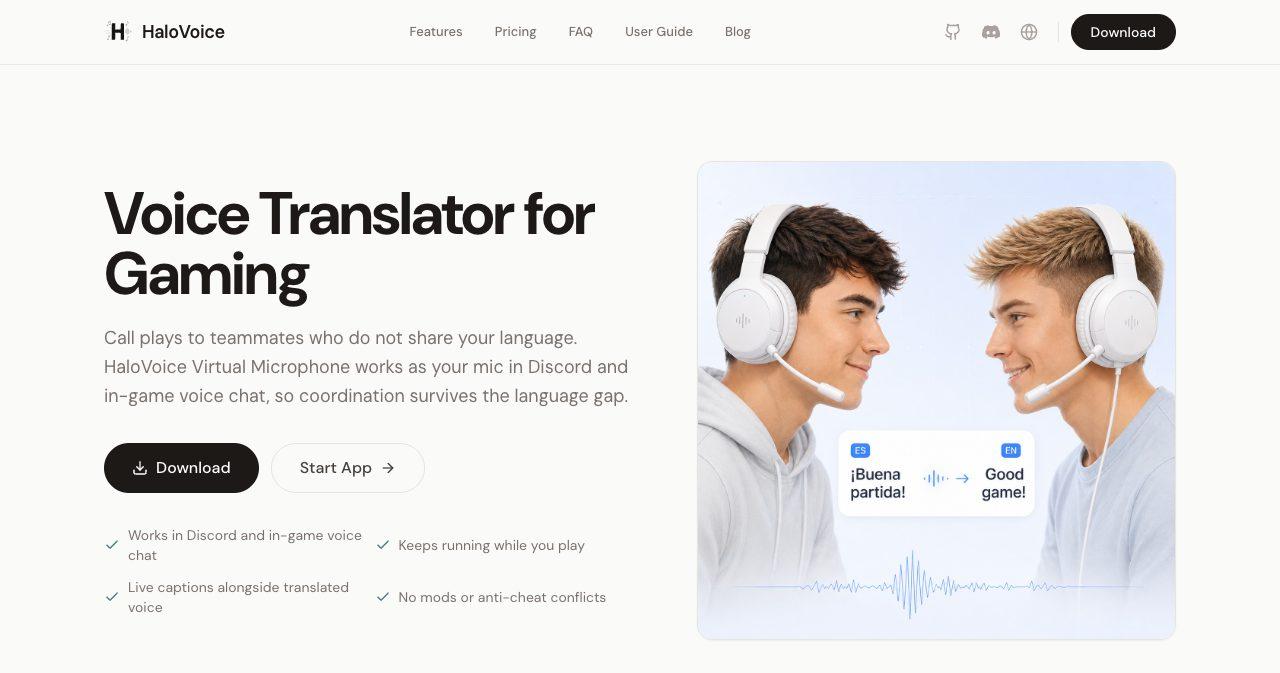
Virtual microphone output for calls, streams, and in-game voice chat
Integrations with OBS, Discord, Zoom, Google Meet, Slack, and Teams
Support for more than 30 languages
Noise cancellation and audio processing
›What are the best use cases for HaloVoice?
Add translated speech and captions to Twitch, YouTube, or TikTok streams through OBS
Communicate with international teammates in Discord or in-game voice chat
Run multilingual meetings in Zoom, Teams, or Google Meet
Route translated speech into microphone-based desktop applications
›What is the pricing for HaloVoice?
| Plan | Price | Details |
|---|---|---|
| Free | $0/mo | Live captions and translation with OBS, Zoom, and Discord support. |
| Pro | $9.9/mo | Unlimited translation, all languages, priority processing, premium support, and early access to features. |
| Enterprise | Custom | Dedicated server, API access, SLA, 24/7 support, and SSO integration. |
Checked 2026-11-16 · source
›Who is HaloVoice best for?
streamersUseful for adding translated voice and captions to OBS streams without installing a separate plugin in each destination app.
gamersA practical option for multilingual team communication in Discord and in-game voice chat.
small teamWorks for teams holding multilingual calls in Zoom, Teams, or Google Meet.
enterpriseEnterprise buyers get dedicated infrastructure, API access, SSO, an SLA, and 24/7 support.
Not for
- People who need translation with no audio delay should look elsewhere because latency depends on the device and network.
- Users who want a browser-only setup should skip it because the product requires a Windows or macOS installation and virtual microphone configuration.
- Teams seeking transparent enterprise pricing should note that the Enterprise plan requires contacting sales.
›What’s new with HaloVoice?
- v1.0.1 introduced a two-way translation updateSeptember 2026 · source