

Forward Future Tools Library

Image to Image AI
Image to Image AI turns uploaded JPG, PNG, or WebP images into prompted variations with selectable models, aspect ratios, output counts, and privacy settings for designers and content creators.
image-to-image-ai.net·From $7.99/mo or $95.88/year·Checked 2026-09-22

›What is Image to Image AI?
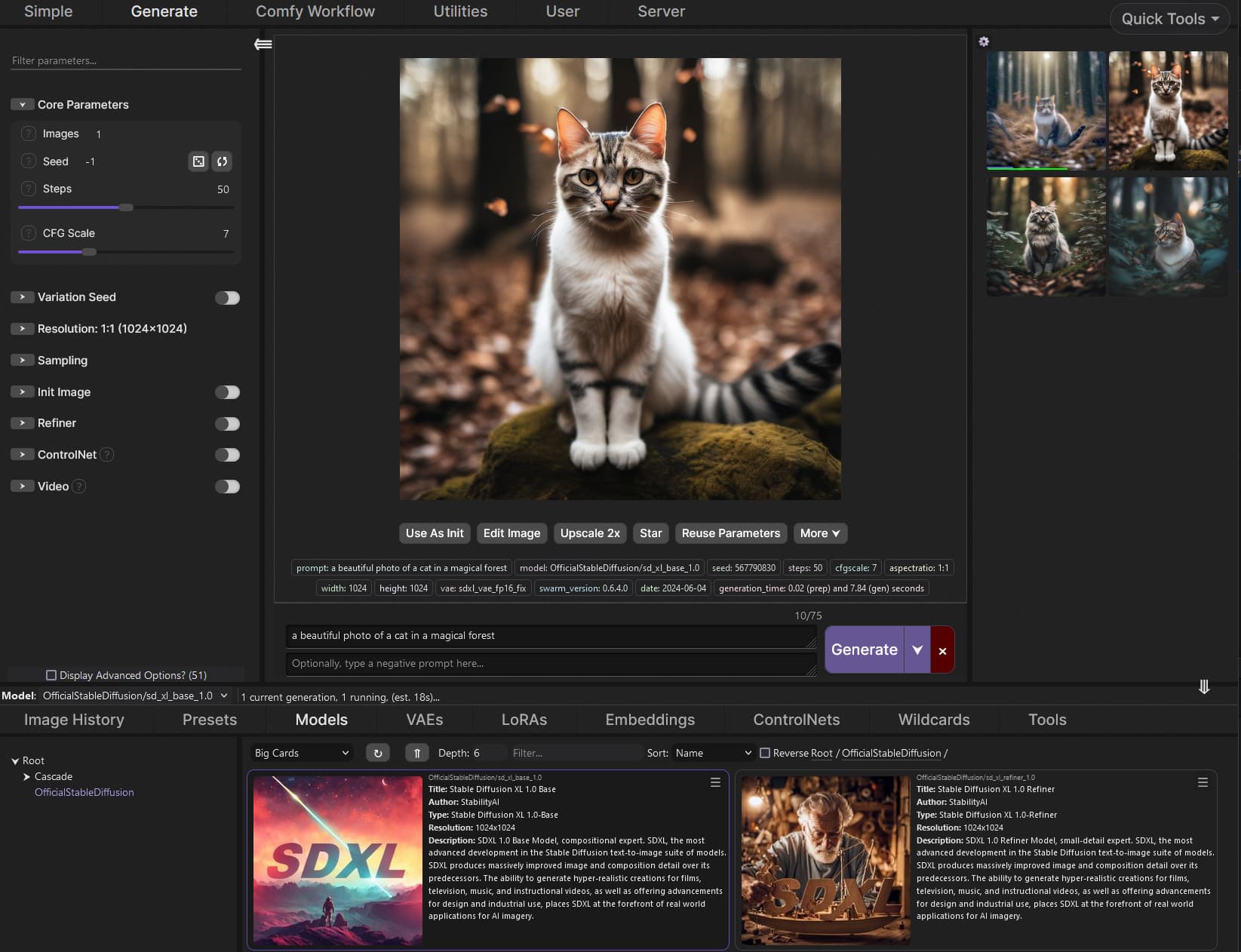
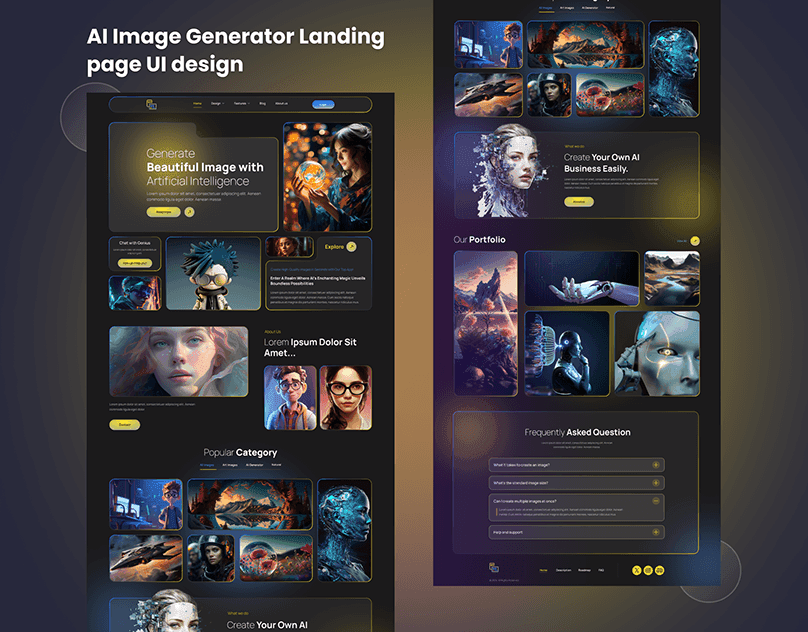
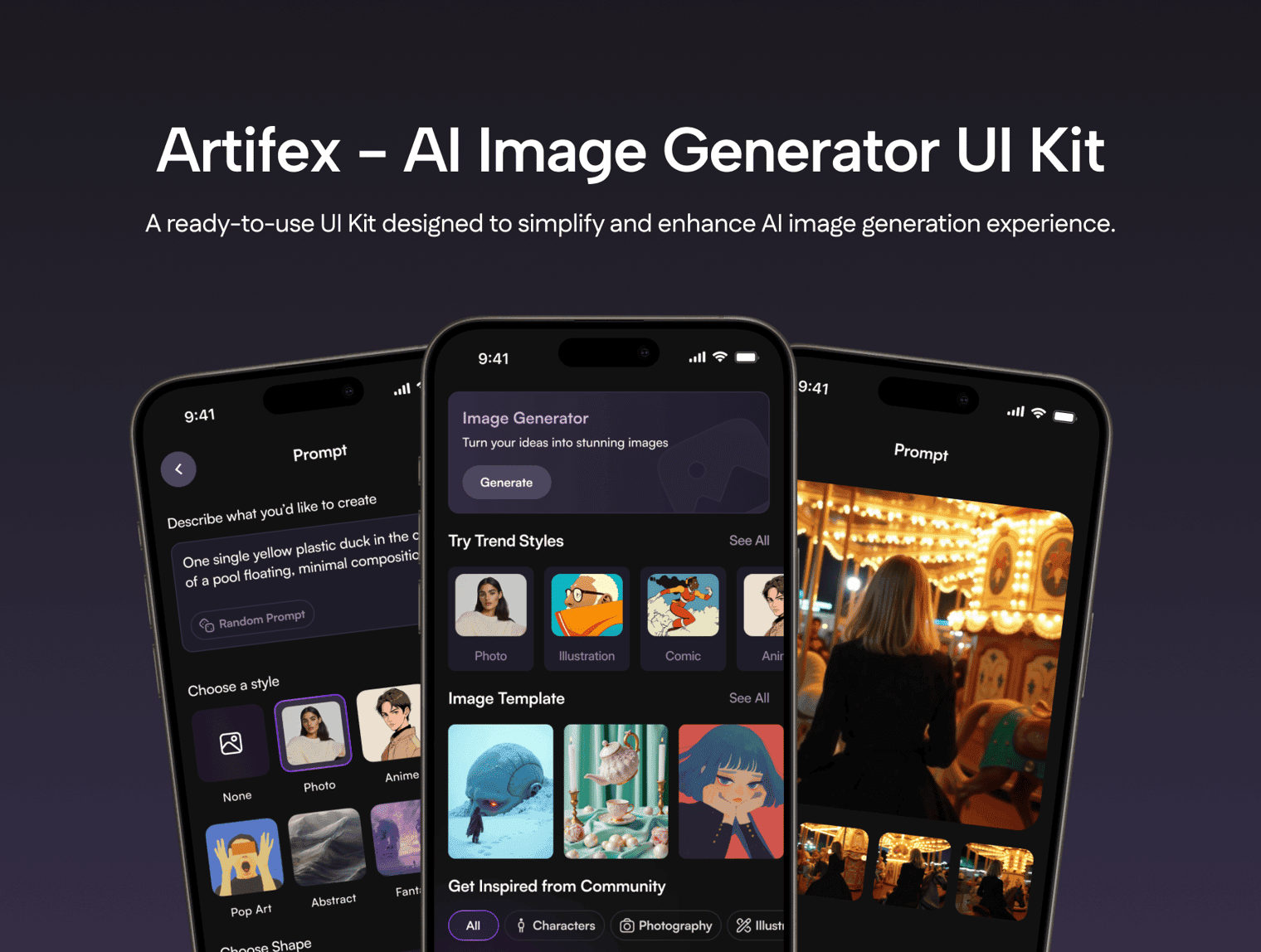
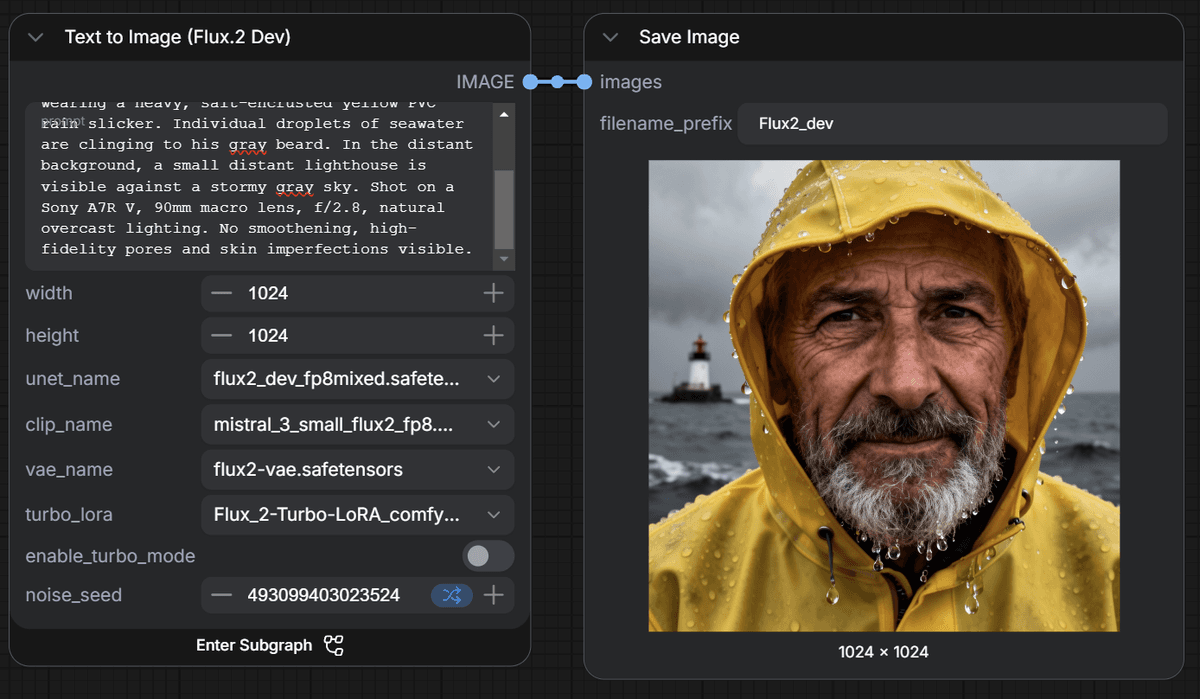
Image to Image AI is a browser-based image transformation tool. Upload an image, describe the changes in a prompt, choose an aspect ratio and generation model, and create up to four variations. It supports JPG, PNG, and WebP uploads up to 24MB, with public sharing or private creation available on eligible plans.
›What are the pros and cons of Image to Image AI?
Strengths
Trade-offs
›What are Image to Image AI’s key features?
›What are the best use cases for Image to Image AI?
›What is the pricing for Image to Image AI?
| Plan | Price | Details |
|---|---|---|
| Hobby | $7.99/mo or $95.88/year | 1,200 credits per year, 14 days of unlimited GPT Image 2 at 1K, 30-day history, four running jobs, priority generation, no-watermark downloads, commercial license, and ad-free use. |
| Basic | $13.32/mo or $159.88/year | 3,600 credits per year, 14 days of unlimited GPT Image 2 at 2K, 60-day history, four running jobs, priority generation, no-watermark downloads, commercial license, and ad-free use. |
| Pro | $19.99/mo or $239.88/year | 9,600 credits per year, 14 days of unlimited GPT Image 2 at 4K, 100-day history, four running jobs, priority generation, no-watermark downloads, commercial license, and ad-free use. |
| Small Pack | $8.99 | 100 additional credits, with one price across all plans. |
| Medium Pack | $16.99 | 300 additional credits, with one price across all plans. |
| Large Pack | $33.99 | 600 additional credits, with one price across all plans. |
The pricing page advertises a limited-time 50% annual discount. Subscription credits reset monthly on the billing date. Add-on credits expire at subscription renewal or expiration, and the service does not offer refunds.
Checked 2026-09-22 · source
›Who is Image to Image AI best for?
- Users who need fully private creations on the entry-level plans should look elsewhere because private mode is available only to VIP users.
- Buyers who require refunds for unused credits or unsatisfactory results should skip it because the service does not offer refunds.
- Users who need to process files larger than 24MB will encounter the upload limit.
›What are the best Image to Image AI alternatives?
 Gemini AI Photo EditorChoose this instead if your workflow needs text-prompted photo edits, background removal, object swaps, and visual styles.→
 Leonardo AIChoose this instead if you need a wider creative platform that also covers AI-generated assets and 3D models.→
 Adobe PhotoshopChoose this instead if you need a full image-editing and graphic-design application rather than a focused browser generator.→
 Kairval→