

Forward Future Tools Library

ImageToVideoAI
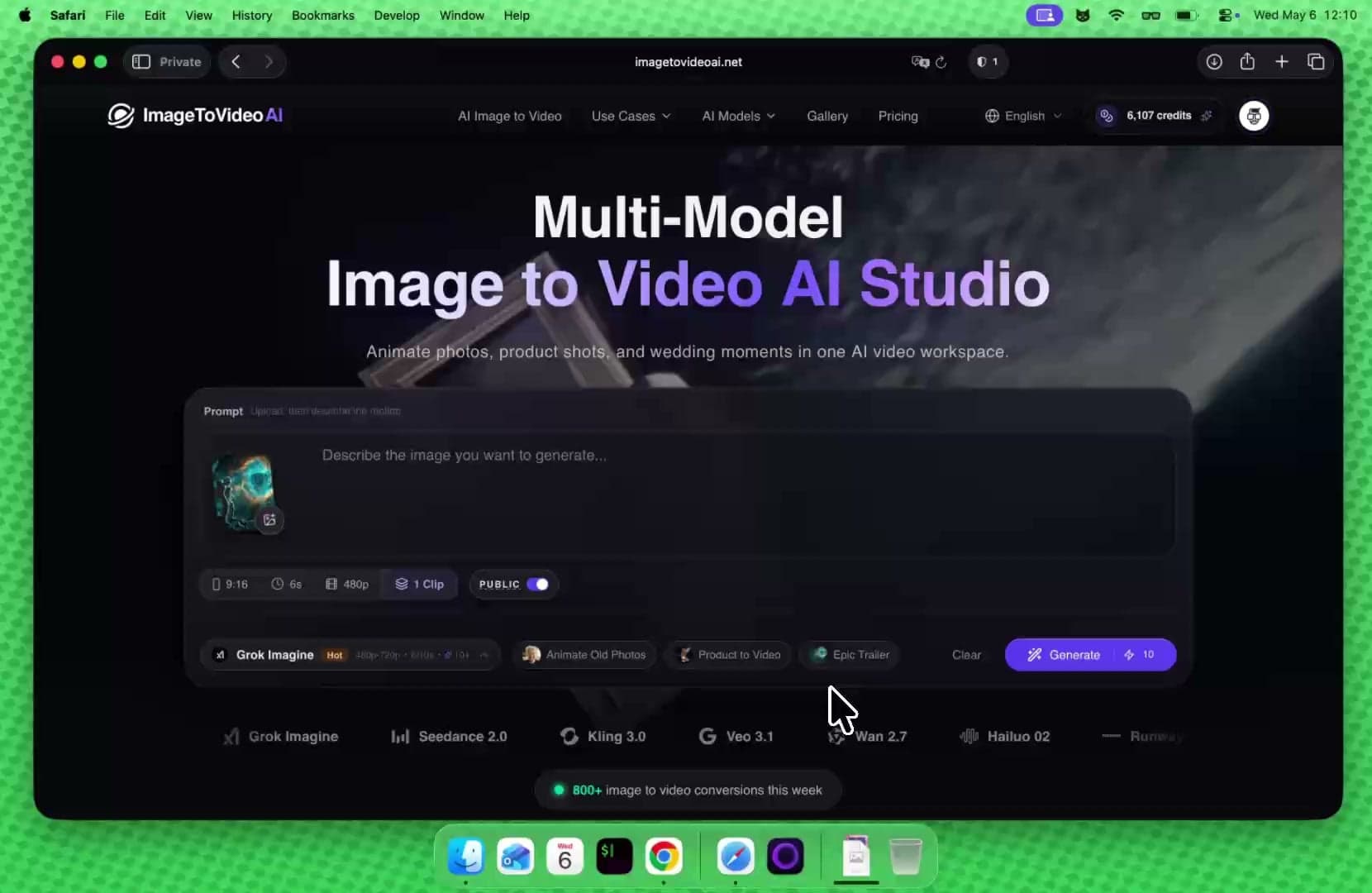
ImageToVideoAI turns photos or prompts into short videos across 14 AI models, with additional image, video, and background-editing tools for creators, marketers, and small businesses.
imagetovideoai.net·Free + paid plans·Checked 2026-09-14

›What is ImageToVideoAI?
ImageToVideoAI is a browser-based workspace for generating videos from images or text. It provides access to 14 current AI models, including Seedance 2.0, Kling 3.0, Veo 3.1, Wan 2.7, Hailuo 02, Runway, and Grok Imagine. The platform also includes image generation, image-to-image editing, video-to-video transformation, background removal, upscaling, and image merging.
›What are the pros and cons of ImageToVideoAI?
Strengths
Trade-offs
›What are ImageToVideoAI’s key features?
›What are the best use cases for ImageToVideoAI?
›What is the pricing for ImageToVideoAI?
| Plan | Price | Details |
|---|---|---|
| Starter | $47.8/month; $23.9/month annual billing | 2,000 monthly credits, about 133 short videos or 400 images, up to 2 concurrent generations, all current models, no watermarks, and commercial usage. |
| Pro | $111.8/month; $55.9/month annual billing | 6,000 monthly credits, about 400 short videos or 1,200 images, up to 4 concurrent generations, advanced parameters where supported, and early access to new features. |
| Pay As You Go | $49.9 | 2,500 credits at $0.020/credit, with no expiration, access to all current models, no watermarks, and commercial usage. |
| Free | $0 | 20 welcome credits plus 5 credits from daily visits, with access to all current models for basic tests. |
The pricing page lists estimated output of 15 credits per short video and 5 credits per image, but actual usage varies by model, resolution, and duration. It also shows limited-time discounts and annual billing savings.
Checked 2026-09-14 · source
›Who is ImageToVideoAI best for?
- Buyers who need unlimited generations should look elsewhere because plans use credits and estimated output varies by model, resolution, and duration.
- Teams needing more than four concurrent generations may outgrow the listed plan limits.
- Users seeking a full traditional video editor should skip it because the documented workflow centers on AI generation and transformation.
›What are the best ImageToVideoAI alternatives?
 JXPChoose this instead if access to multiple AI video-generation models is the main requirement.→
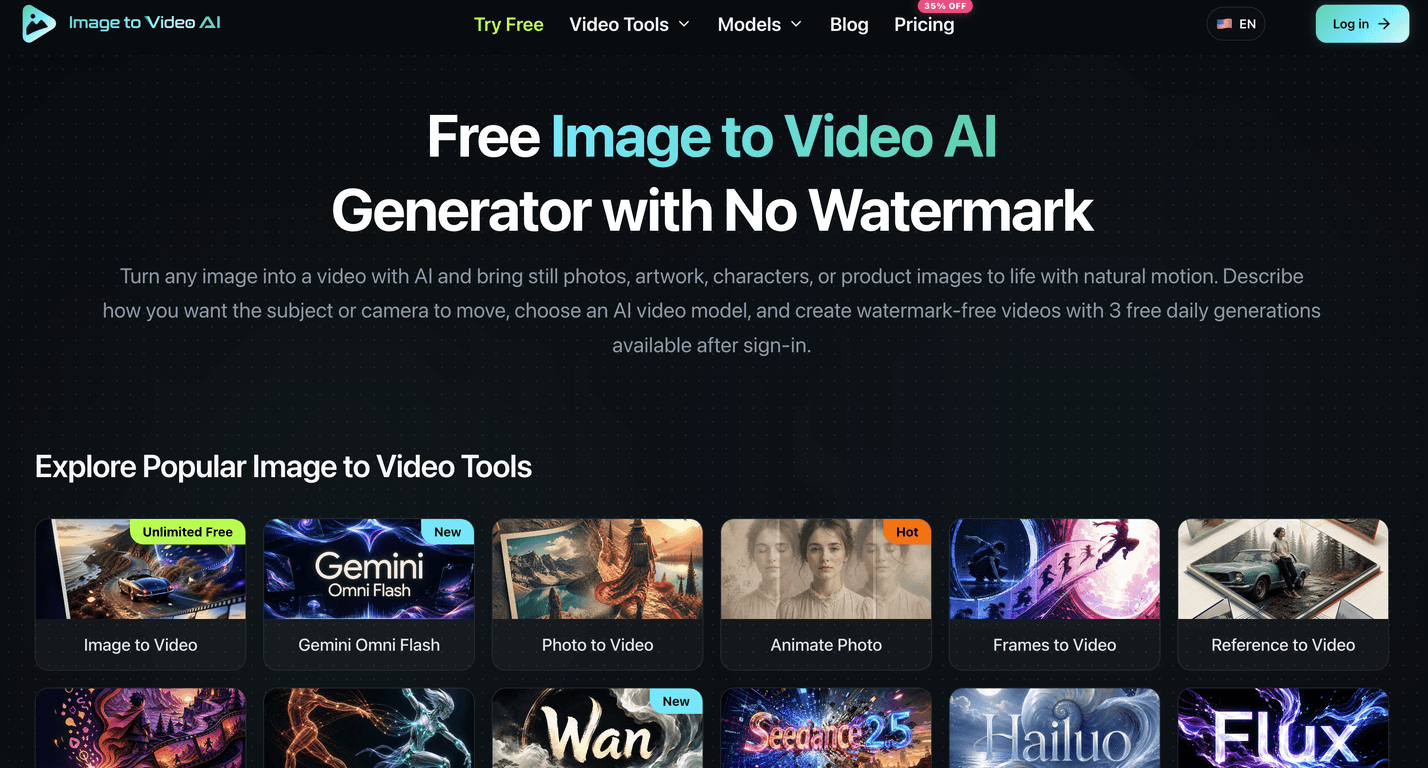
 Pollo AIChoose this instead if you want a platform focused on generating both videos and images from text prompts and static images.→
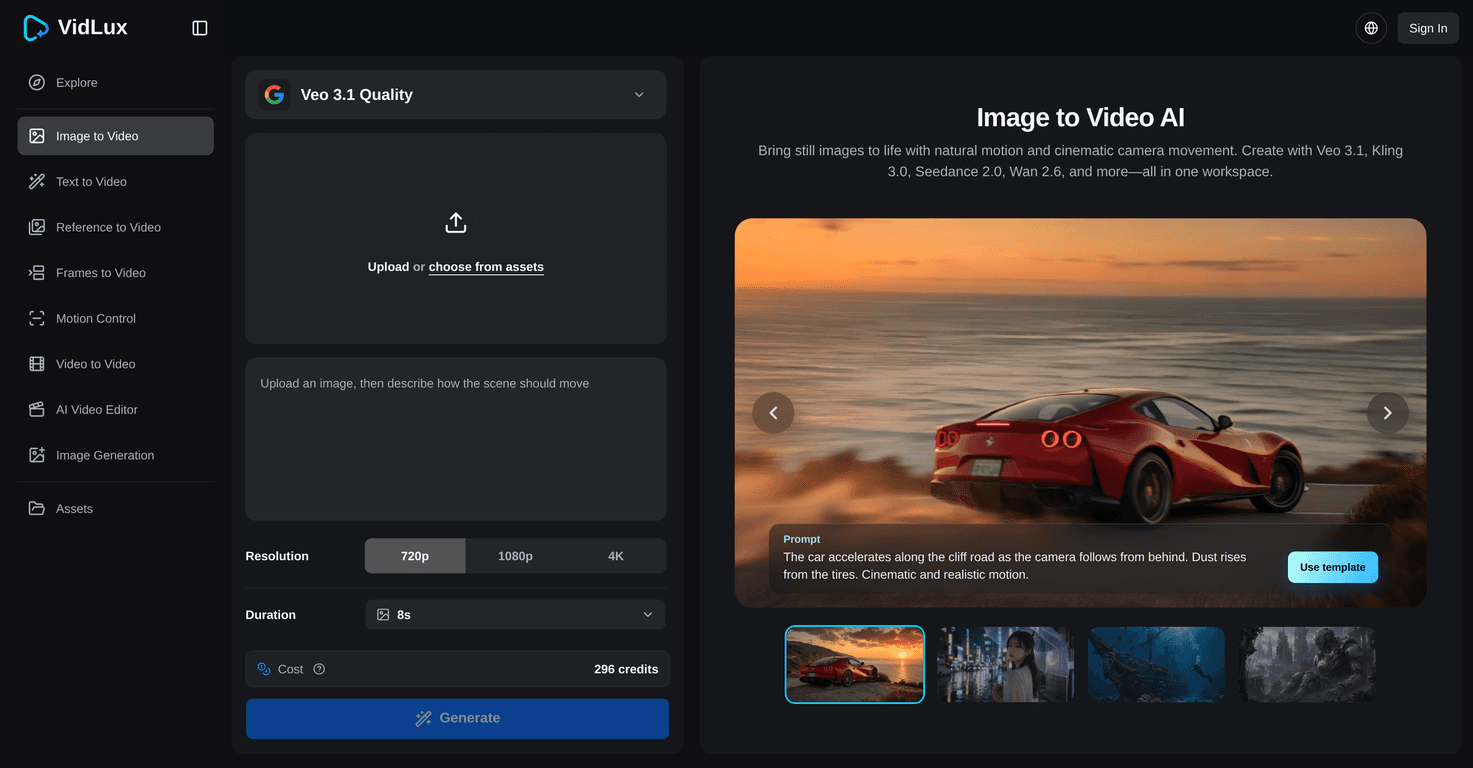
 Lanta AIChoose this instead if you need a broader all-in-one AI video creation platform with video editing tools.→
 HappyHorse AI→