Forward Future Tools Library

Klap
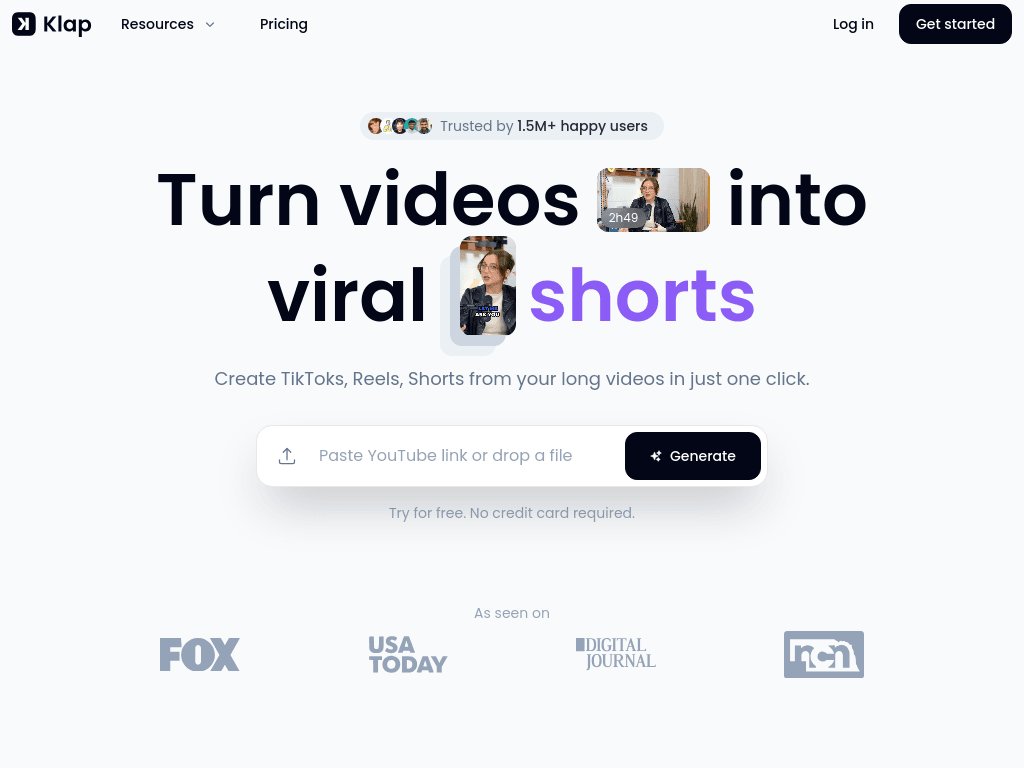
Klap turns YouTube links or uploaded videos into captioned vertical clips with AI editing, reframing, scoring, scheduling, and exports for creators, marketers, and social media teams.
Try Klap →
klap.app·From $14/mo·Checked 2026-08-15
›What is Klap?
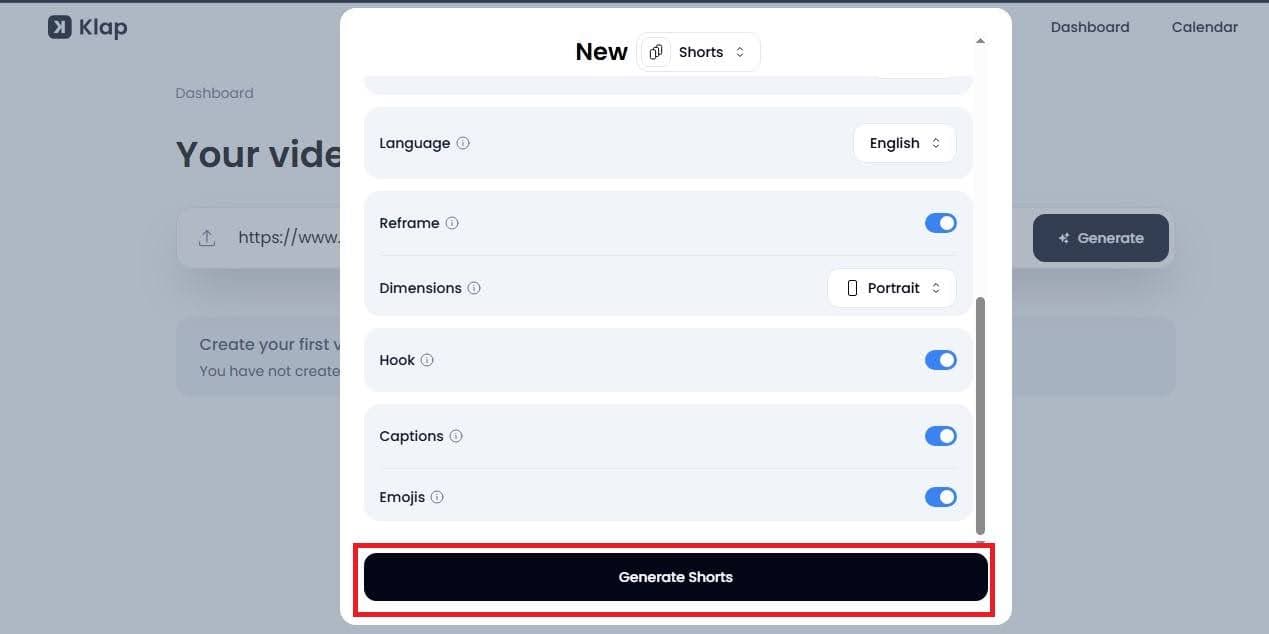
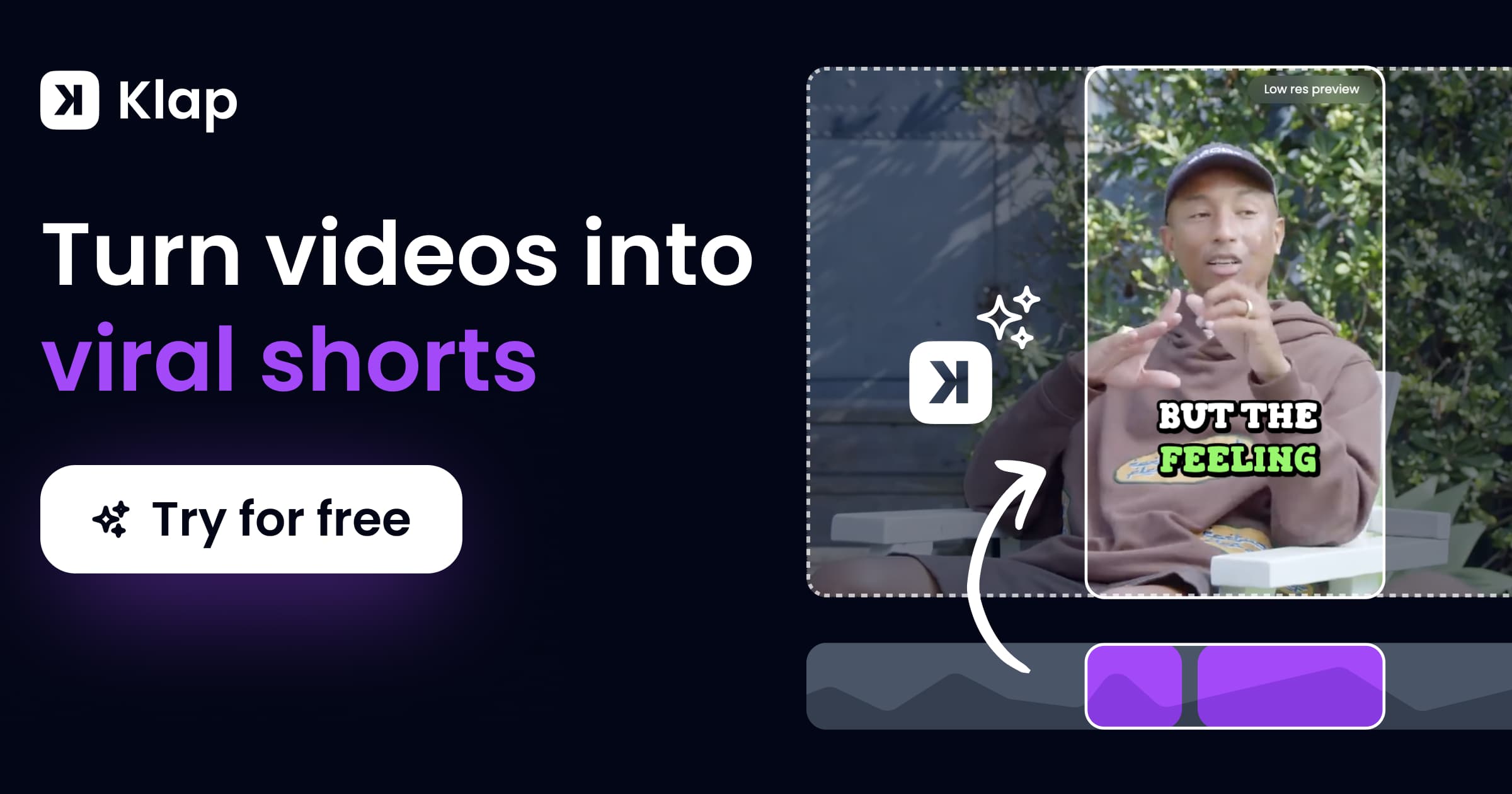
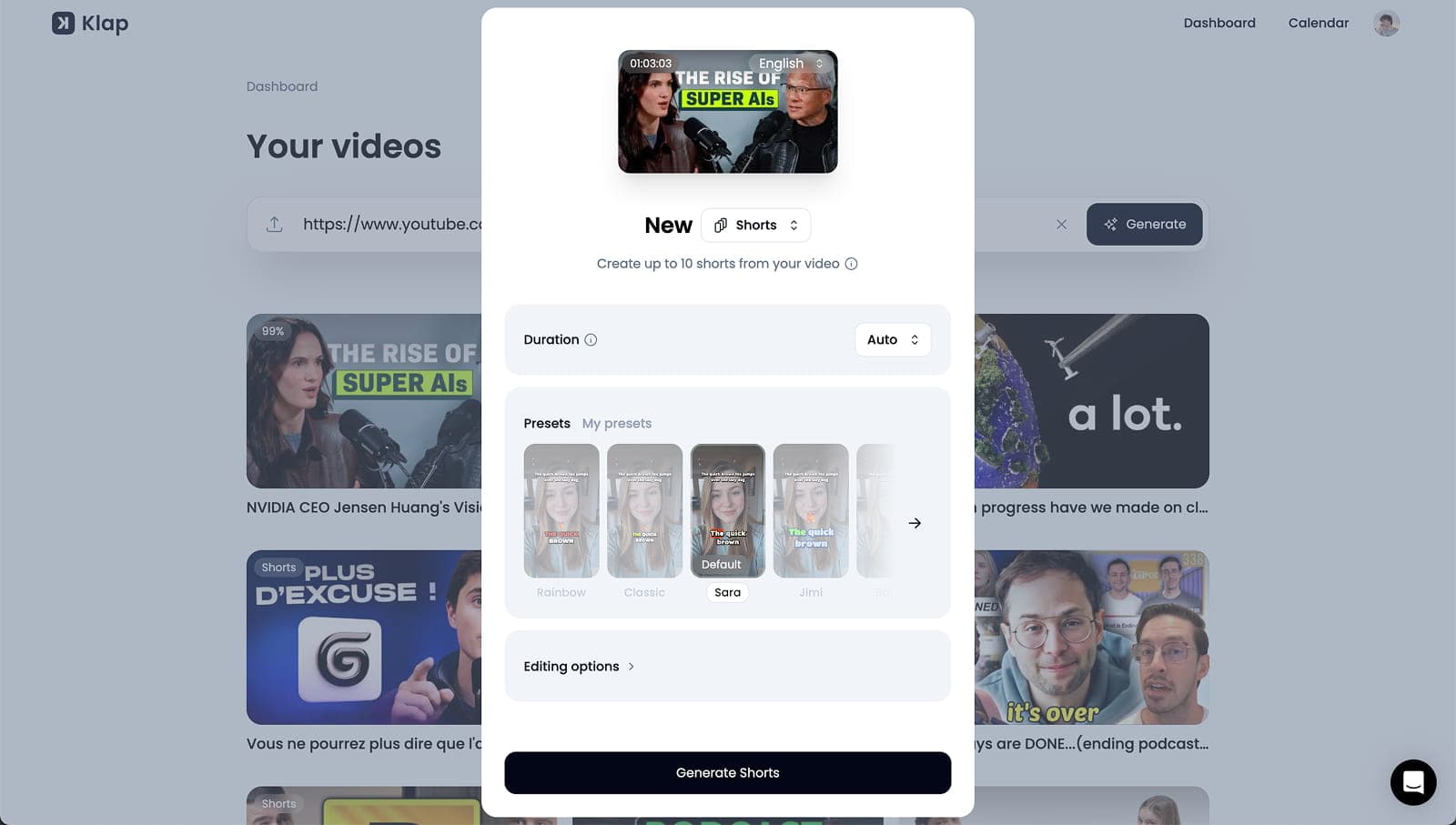
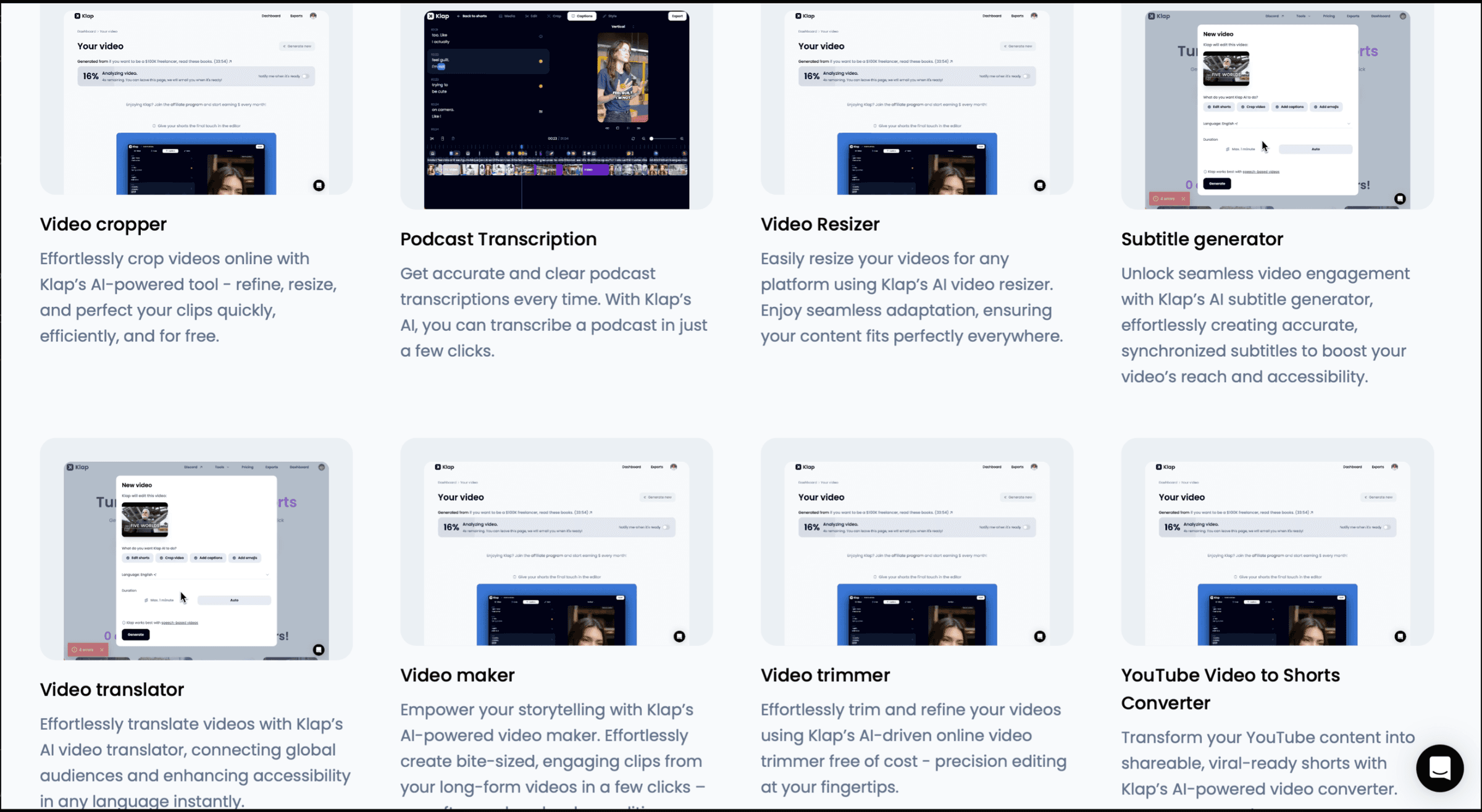
Klap converts long-form videos into short clips for TikTok, Instagram Reels, YouTube Shorts, and LinkedIn. It identifies topics and moments, crops clips to vertical formats with auto-reframing, adds captions, and scores each clip's potential. Users can customize fonts, colors, logos, and framing, then export, publish, or schedule the results.
›What are the pros and cons of Klap?
Strengths
A one-link workflow can turn a YouTube video into ranked short clips
Auto-reframing keeps speakers centered in vertical video
Caption styles are suited to current short-form video formats
Virality scoring helps triage which clips to post
Direct publishing and scheduling support TikTok, YouTube, Instagram, and LinkedIn
Trade-offs
Editing control after clip generation is limited
Moment selection can miss conversational nuance compared with leading alternatives
The tool is biased toward talking content and can struggle with visually driven material
The listed plan prices are billed yearly, which may not suit users seeking month-to-month billing
›What are Klap’s key features?
AI extracts topics and creates multiple short clips from a YouTube link or uploaded video
Auto-reframing keeps the important subject in view for vertical formats
AI-generated captions and recommended captions for social posts
Virality scoring helps users prioritize clips to publish
Customization for fonts, colors, logos, and framing
Direct publishing and scheduling to TikTok, YouTube, Instagram, and LinkedIn
Analytics and unlimited social accounts on all listed plans
›What are the best use cases for Klap?
Repurposing YouTube videos, podcasts, and other long-form recordings into Shorts, Reels, and TikToks
Creating recurring short-form content for several social media accounts
Producing captioned clips for brand or marketing channels without a dedicated video editor
Reviewing AI-ranked clips before exporting or scheduling them across social platforms
›What is the pricing for Klap?
| Plan | Price | Details |
|---|---|---|
| Basic | $14/mo | For individuals, with 100 clips per month. |
| Pro | $39/mo | For professionals, with 300 clips per month. |
| Pro+ | $94/mo | For teams, with 1,000 clips per month. |
The listed rates are billed yearly. All plans include AI clipping, unlimited social accounts, and analytics.
Checked 2026-08-15 · source
›Who is Klap best for?
soloSolo creators with regular YouTube uploads can use Klap to produce multiple captioned clips without a dedicated editing workflow.
content creatorsContent creators who prioritize speed and simple long-to-short repurposing will get the most from its one-link workflow.
social media managersSocial media managers handling several YouTube-based accounts can publish and schedule clips across major social platforms.
small teamSmall teams producing up to 1,000 clips per month can use the Pro+ plan's clip allowance, analytics, and unlimited social accounts.
Not for
- Budget-conscious creators comparing Klap with lower-cost annual plans may prefer another tool because the listed rates are billed yearly.
- Video producers focused on visually driven footage should be cautious because Klap performs better with talking content than with visual material.
- Editors who need extensive control after AI generation may find Klap too limited.