Forward Future Tools Library

Kling logo

Kling

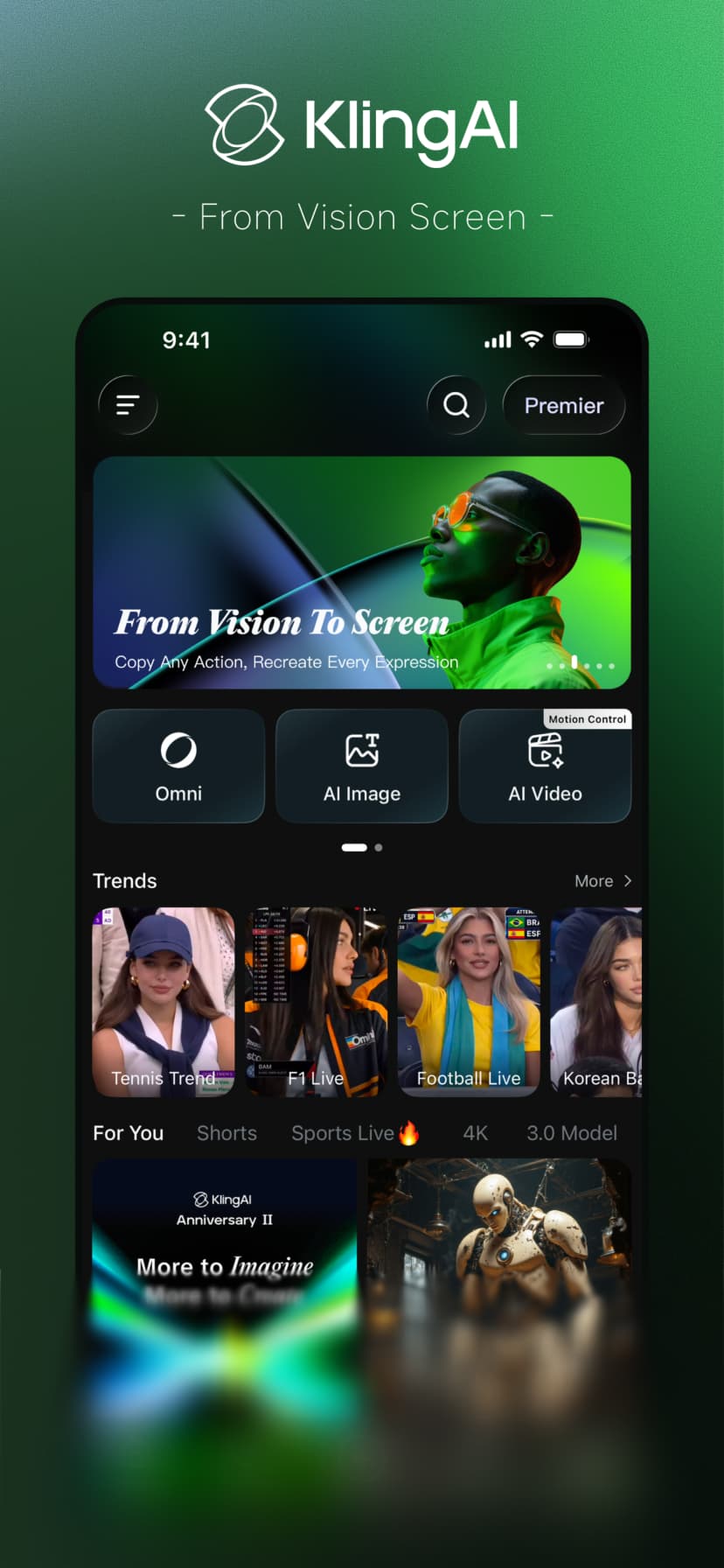
Kling turns text, images, and scripts into short videos with realistic motion, synchronized audio, and lip-syncing for creators, marketers, and educators.

Try Kling

klingai.com·Free + paid plans·Checked 2026-09-03
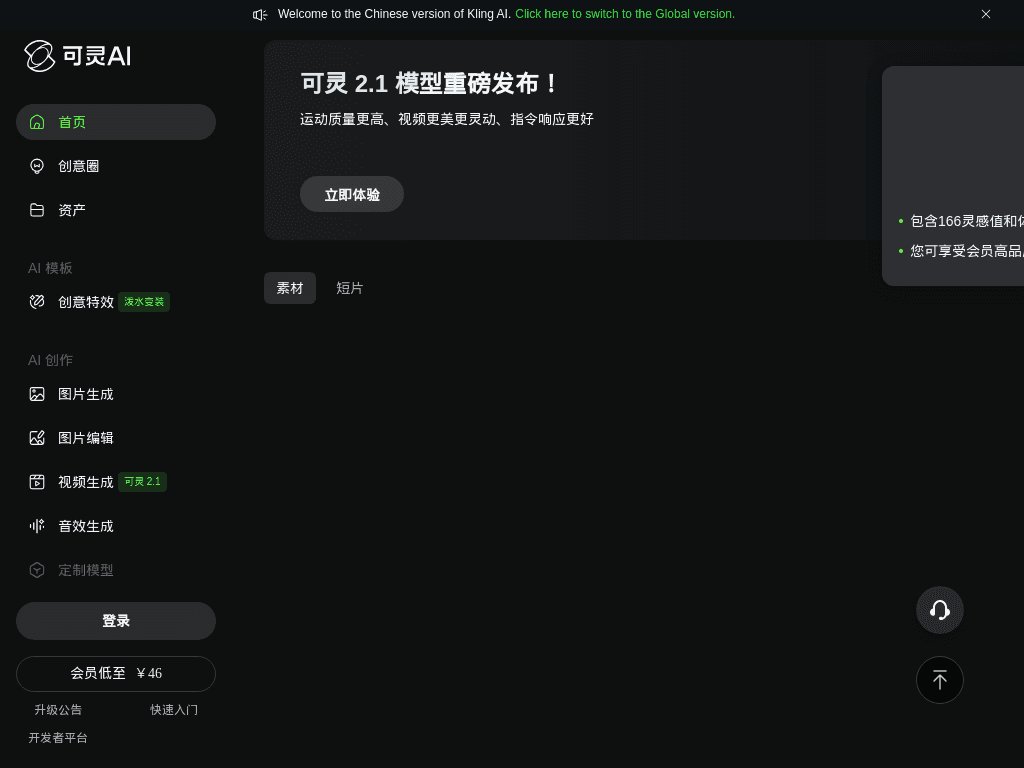
Kling screenshotKling AIKlingAI Free Account: Get StartedKlingAI Delete Account: Manage Your AI ServicesKling AI Avatar 2.0: Max Expressions & Characters
Klingkling.kuaishou.com
Kling screenshot
Klingkling.kuaishou.com

What is Kling?

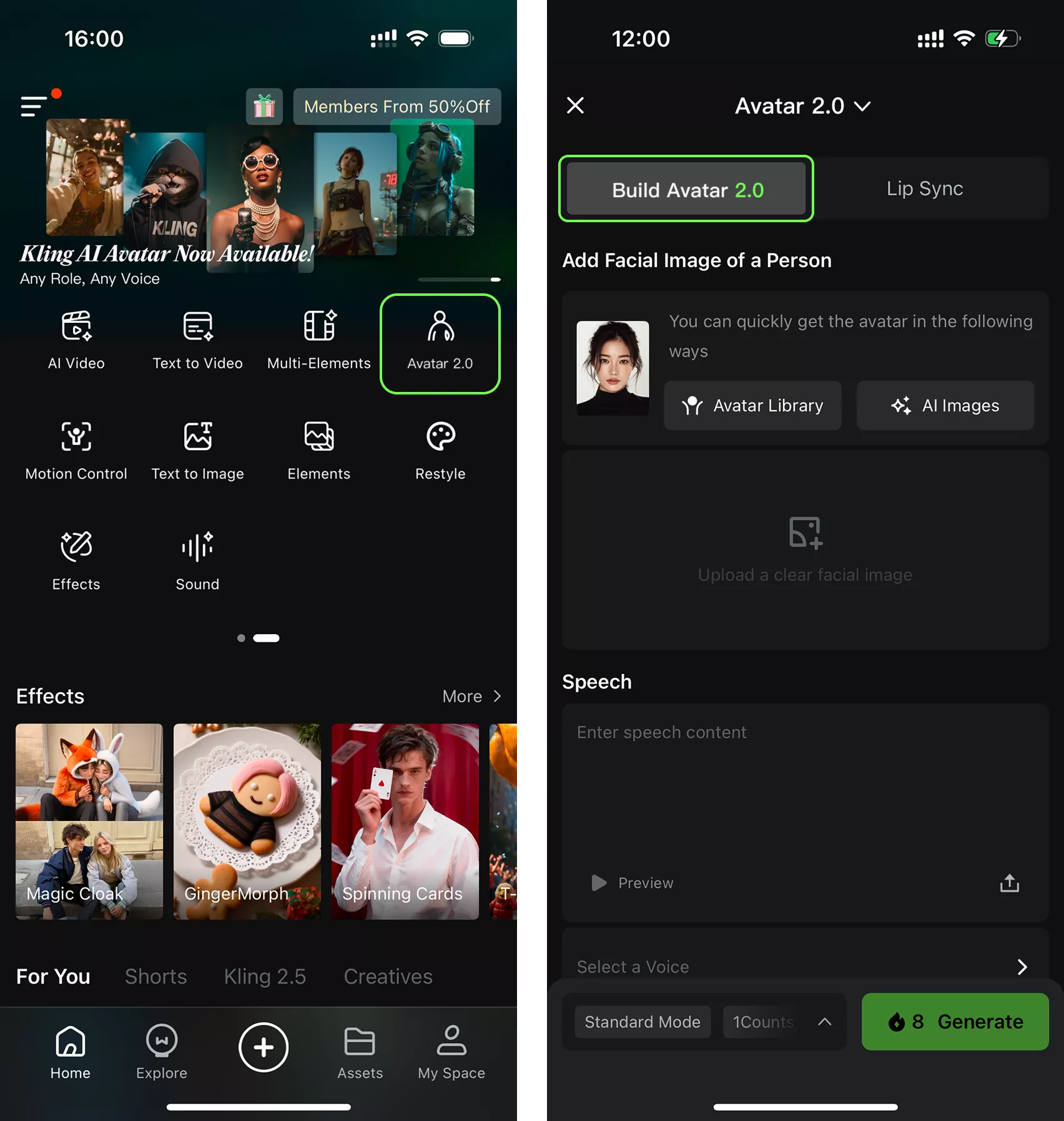
Kling is an AI creative studio from Kuaishou for generating short videos from text, images, or prompts. It can produce realistic motion, describe camera movements, follow short scripts, and generate synchronized visuals and audio with lip-syncing. Kling 3.0 adds native audio, 4K output, and multi-shot storytelling.

What are the pros and cons of Kling?

Strengths

Creates short videos from text, images, or prompts
Produces realistic motion and supports camera movement descriptions
Combines generated visuals with synchronized audio and lip-syncing
Supports native audio, multi-shot storytelling, and 4K output
Paid plans include commercial use, faster generation, and watermark removal

Trade-offs

Generated clips can contain glitches or ignore parts of a prompt
Short video limits can make longer projects difficult
Credit usage varies by model, feature, resolution, and duration
The free Basic plan does not include monthly credits and prohibits commercial use
Character consistency across long scenes can be weaker than the output in shorter clips

What are Kling’s key features?

Text-to-video and image-to-video generation
Camera movement prompts and motion control
Synchronized visuals and audio with lip-syncing
Native multilingual audio
Multi-shot storyboard generation
4K video output
Video extension and image upscaling on the Standard plan

What are the best use cases for Kling?

Creating short-form social media videos without cameras or actors
Producing product videos for e-commerce teams
Turning marketing concepts and scripts into video clips
Creating educational videos with narrated or lip-synced characters
Generating cinematic concept videos from still images

What is the pricing for Kling?

PlanPriceDetails
Basic$0; free forever30 element creations, with generated content not for commercial use.
Standard$6.99 / Month ($10 shown); next monthly renewal: $8.8; first-subscription discount only660 monthly credits, 50 element creations, fast-track generation, 1080p video, image upscaling, watermark removal, video extension, and commercial use.
Pro$25.99 / Month ($37 shown); next monthly renewal: $32.56; first-subscription discount only3,000 monthly credits.

Credit costs vary by model, feature, resolution, and duration. The listed paid prices include first-subscription discounts, and the pricing material also reports higher monthly list prices after the introductory billing period.

Checked 2026-09-03 · source

Who is Kling best for?

social media creatorsA strong fit for producing short, realistic clips from concepts, images, and scripts.
marketersUseful for turning campaign ideas and product concepts into short videos without filming.
educatorsWorks well for creating narrated or lip-synced educational clips.
small teamPaid plans support recurring video production with commercial use, faster generation, and watermark removal.
Not for
  • Buyers who need long-form video generation without stitching together shorter clips.
  • Users seeking unrestricted commercial use on a free plan.
  • Teams that need predictable per-video costs without credit-based billing.

What’s new with Kling?

  • Kling 3.0 launched with per-second credit billing2026-02 · source
  • Native 4K video output was added to Kling 3.02026-04 · source

What are the best Kling alternatives?

Where can I try Kling?

Open klingai.com