

Forward Future Tools Library

Lalal.ai
LALAL.AI separates vocals, instruments, and other stems, and also cleans, changes, and clones voices for producers, podcasters, DJs, and video creators.
lalal.ai·From $7.5 /mo·Checked 2026-08-17
›What is Lalal.ai?
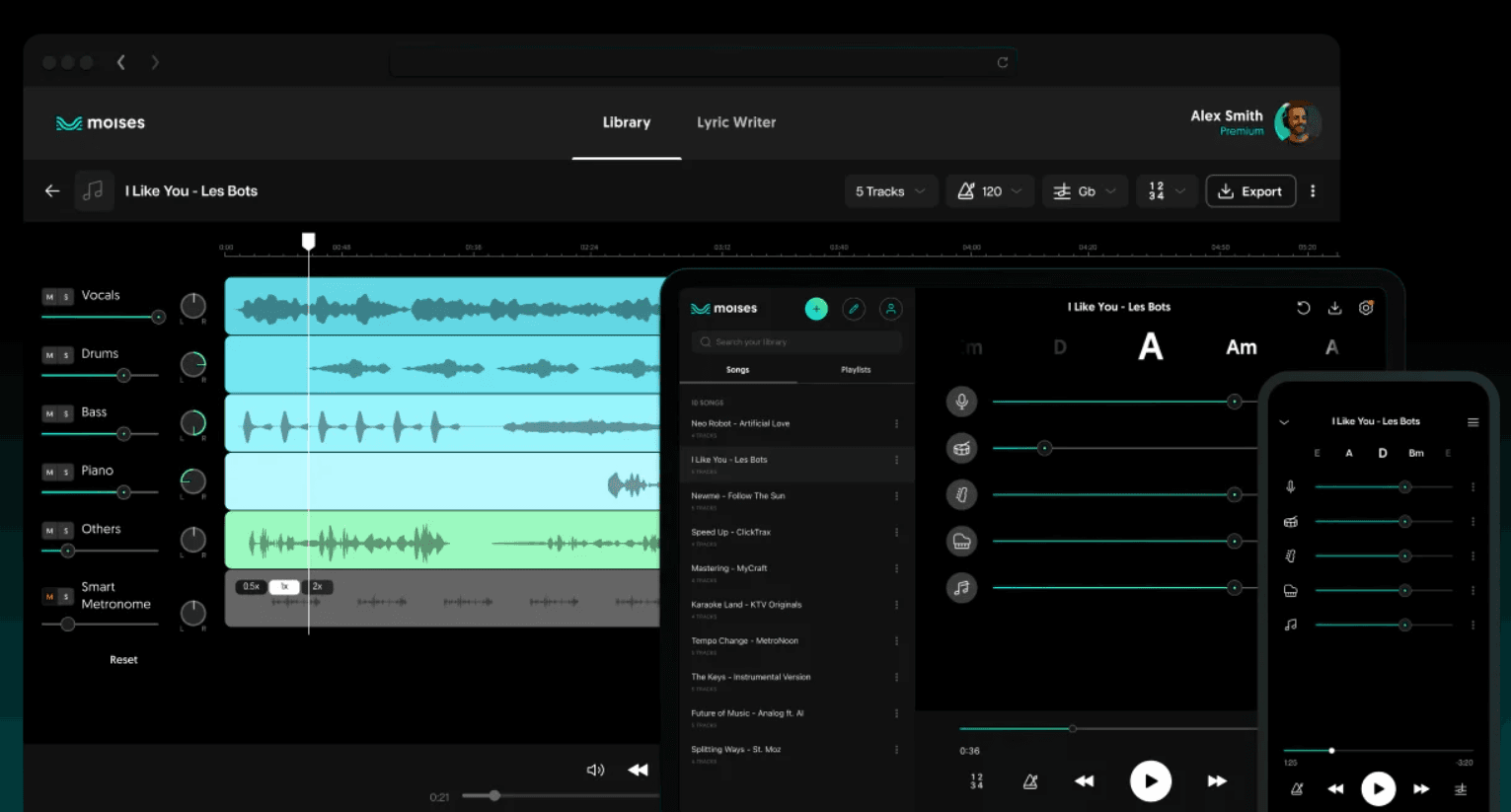
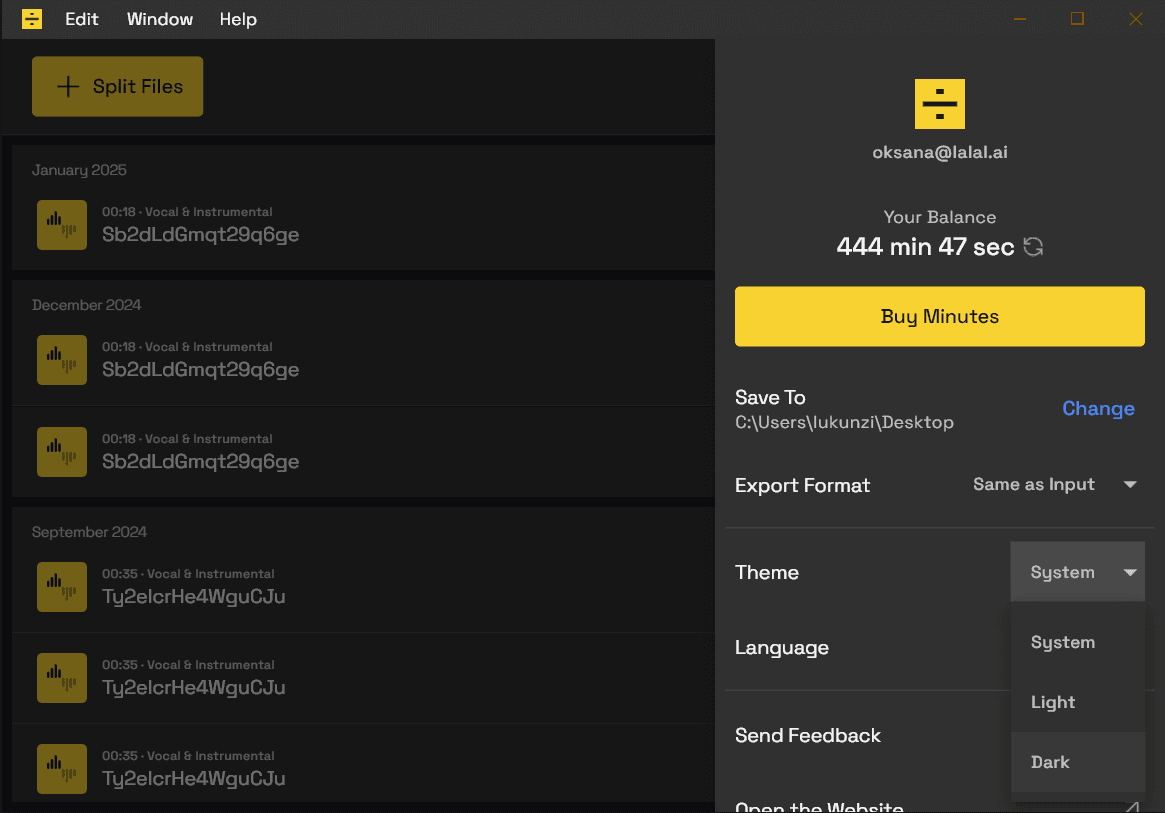
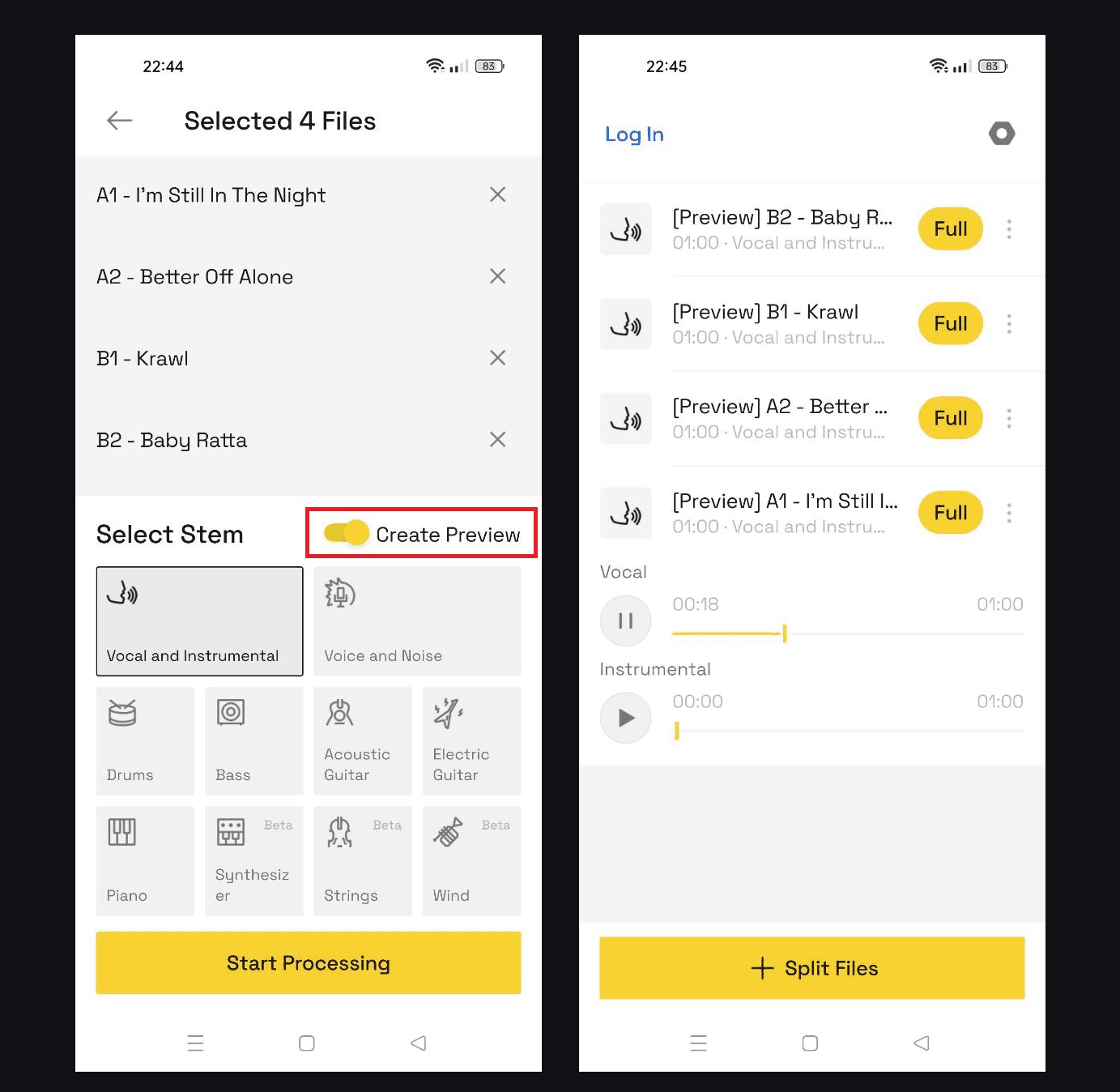
LALAL.AI is an AI audio processing service for separating music and improving voice recordings. It can isolate vocals, instrumentals, drums, bass, guitars, piano, synths, strings, and wind instruments, and includes tools for noise, echo, and reverb removal. Voice changing, voice cloning, desktop apps, a VST plugin, and an API extend it beyond basic vocal removal.
›What are the pros and cons of Lalal.ai?
Strengths
Trade-offs
›What are Lalal.ai’s key features?
›What are the best use cases for Lalal.ai?
›What is the pricing for Lalal.ai?
| Plan | Price | Details |
|---|---|---|
| Starter | Always free | 10 minutes in the Relaxed Queue, a 200MB per-file upload limit, and no result downloads |
| Lite | $7.5 /mo | Unlimited Relaxed Queue minutes, 90 Fast Queue minutes per month, 2GB uploads, and batch processing |
| Pro | $15/mo | Unlimited Relaxed Queue minutes, 250 Fast Queue minutes per month, 2GB uploads, batch processing, VST plugin, local desktop processing, and API access |
Lite is $90 billed annually and Pro is $180 billed annually. Fast Queue minutes are monthly limits. One-time top-ups are also available, including 750 minutes for $50.
Checked 2026-08-17 · source
›Who is Lalal.ai best for?
- Users who need a strict offline workflow, because the service is primarily browser-based and processing is handled through queues.
- Very occasional users who do not want to pay for downloads or manage minute-based usage.
- Users working with audio that has no clear vocal or musical track to separate.
›What are the best Lalal.ai alternatives?
 SoundrawChoose this instead if you need to create original music rather than separate stems from existing tracks.→
 Play.htChoose this instead if your main task is generating spoken audio from text.→
 Resemble AIChoose this instead if you need custom AI voices for applications, IVR, gaming, or video production.→
 Klap→