

Forward Future Tools Library

Lens
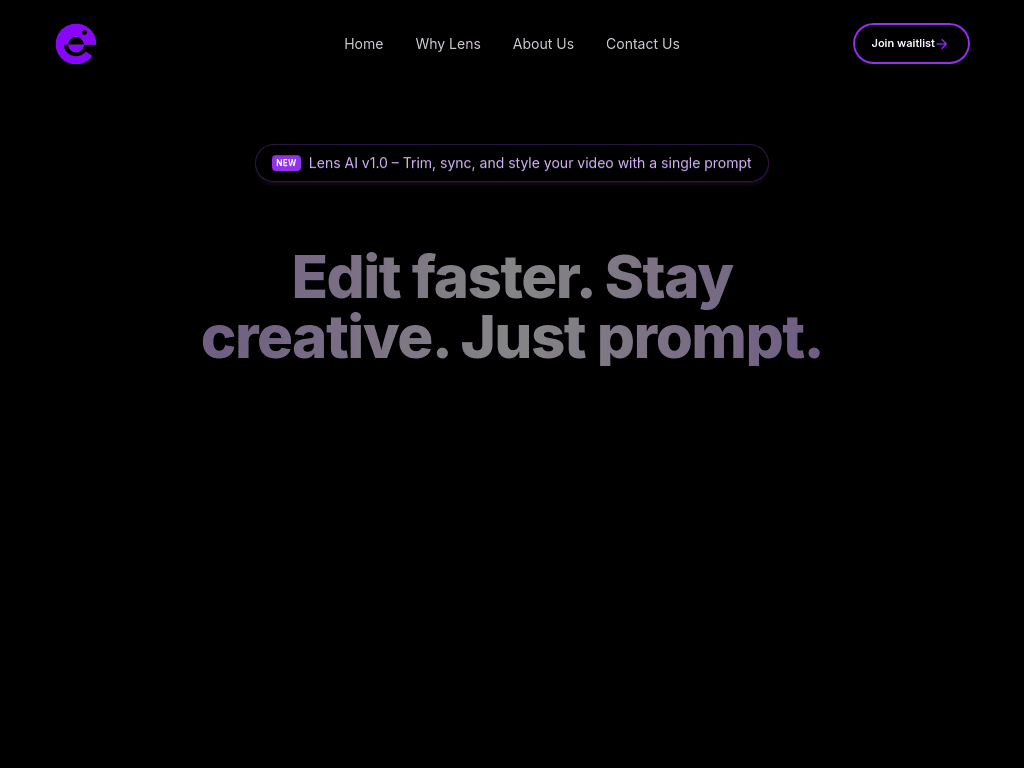
Lens is a prompt-based video editing agent for creators who want to trim, sync, and style footage without working on a traditional timeline.
Try Lens →
trylens.ai
›What is Lens?
Lens lets users edit video by describing changes in a prompt. It can trim, sync, and style footage, while prompt interactions can add, stack, blend, or remove elements. The workflow is designed around editing without timelines.
›What are the pros and cons of Lens?
Strengths
Combines trimming, syncing, and styling in a prompt-based workflow
Avoids traditional timeline editing
Provides distinct Add, Stack, Blend, and Remove interaction modes
Trade-offs
The zero-timeline approach may provide less direct, frame-level control than conventional video editors
Users need to express edits through prompts rather than relying solely on manual editing controls
›What are Lens’s key features?
Prompt-based video editing
Trim video with a prompt
Synchronize video elements
Apply video styles
Choose Add, Stack, Blend, or Remove prompt interactions
Timeline-free editing workflow
›What are the best use cases for Lens?
Trim footage quickly when preparing content for publication
Synchronize video elements through a natural-language instruction
Apply a consistent style to creator video projects
Combine or remove video elements without manually editing a timeline
›Who is Lens best for?
content creatorsA fit for creators who want to spend less time on manual video editing and more time making content.
social media managersUseful for quickly preparing trimmed, synchronized, and styled video variations.
soloWorks well for independent creators who prefer a prompt-driven workflow over a traditional timeline.
Not for
- Editors who need conventional timeline controls and detailed frame-level manipulation should use a traditional video editor instead.
›What are the best Lens alternatives?
 Vidyo.aiChoose this instead if your main need is turning long videos into short, shareable clips.→
 HaiperChoose this instead if you want to generate creative video through AI rather than primarily edit existing footage.→
 Video OceanChoose this instead if you prefer an open-source platform for video production.→
 Simplified→