Forward Future Tools Library

LM Studio logo

LM Studio

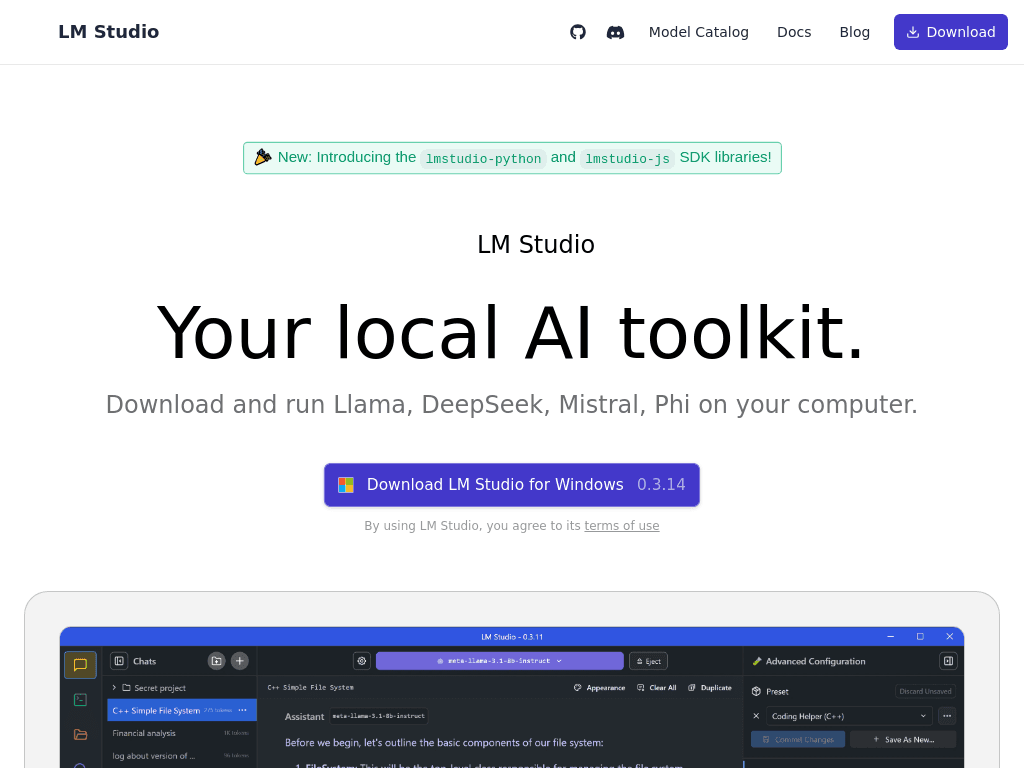
LM Studio runs open language models on your computer and adds local voice transcription, document editing, coding, and agent features for developers, researchers, and privacy-conscious users.

Try LM Studio

lmstudio.ai·Free·Checked 2026-08-28
LM Studio screenshotGet started with LM StudioIntroducing LM Studio 0.4.0LM Studio 0.3.5LM Studio: Run Local AI Models Privately on Your Computer
LM Studiolmstudio.ai
LM Studio screenshot
LM Studiolmstudio.ai

What is LM Studio?

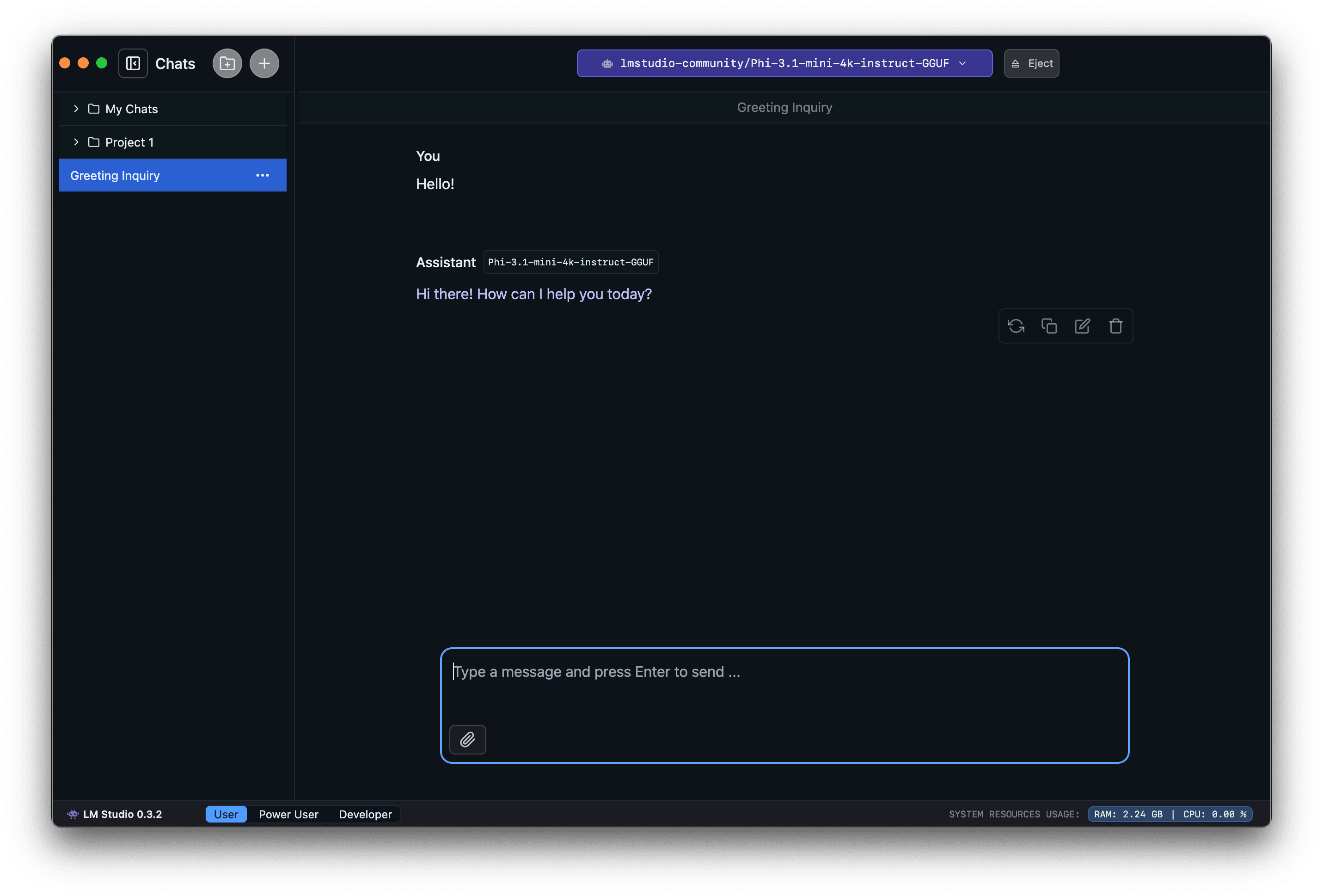
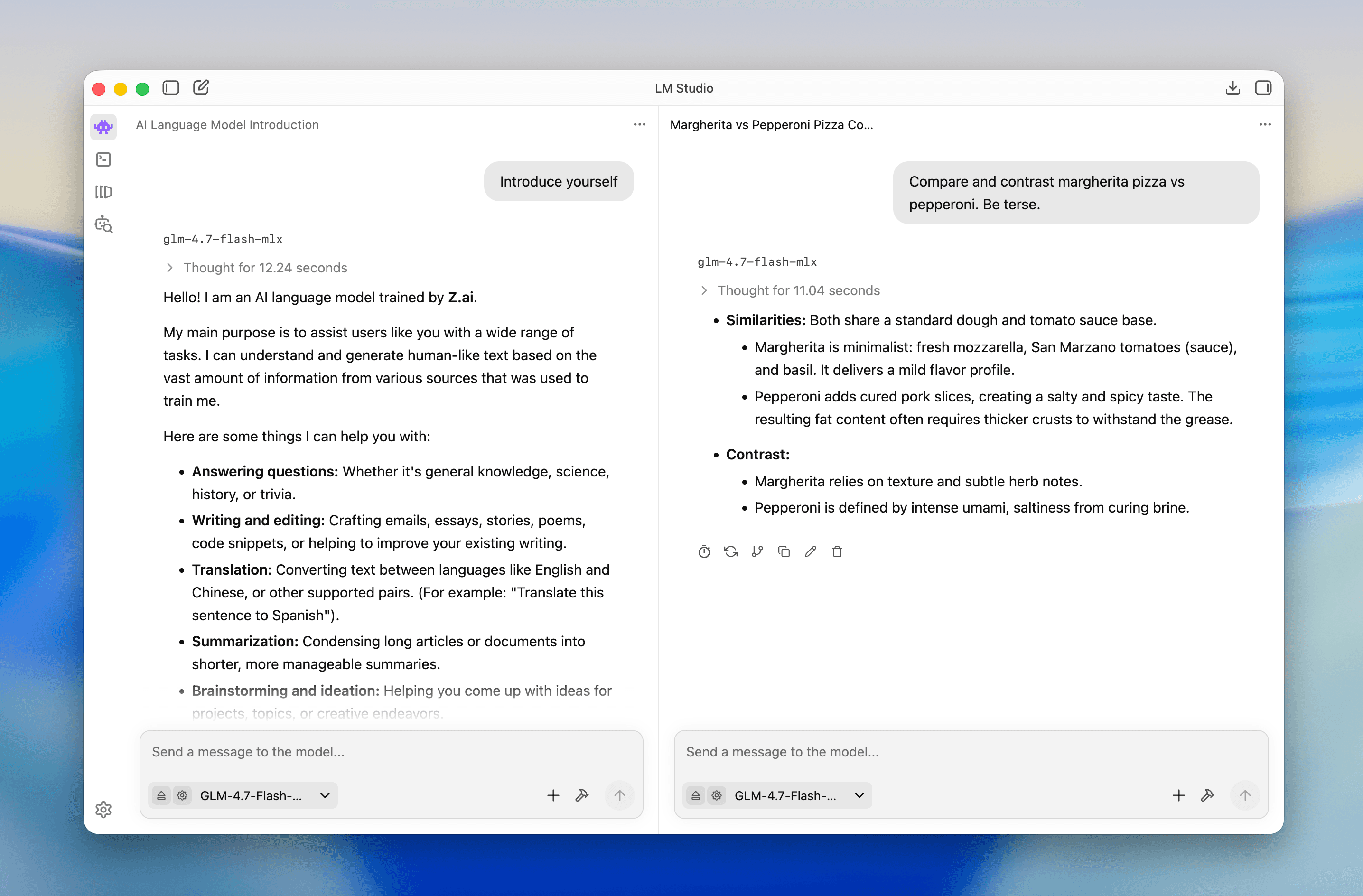
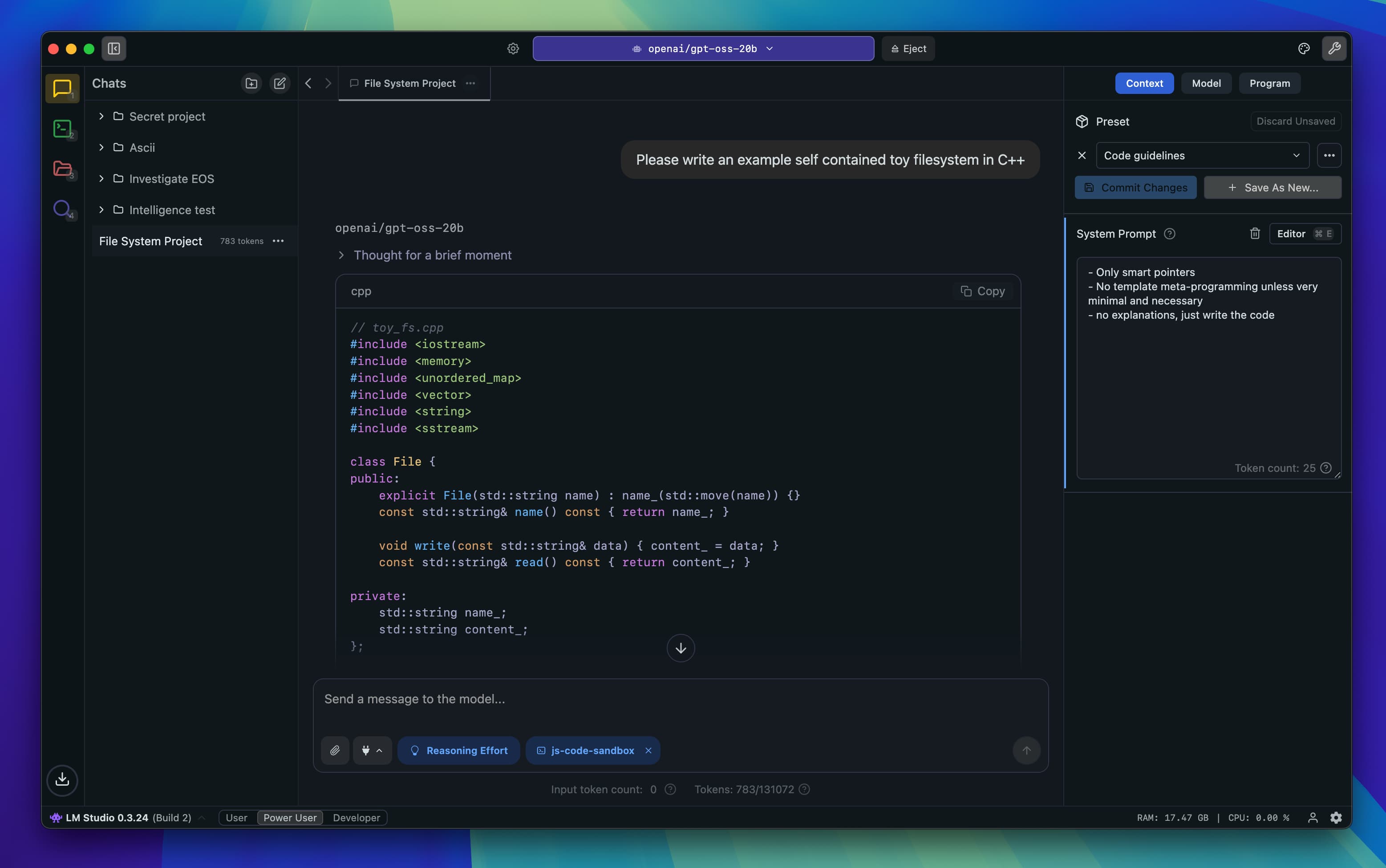
LM Studio is a desktop app for discovering, downloading, and running open language models on local hardware. Its Bionic agent can create and edit documents, handle coding and automation tasks, control a computer, and transcribe voice locally. The runtime uses llama.cpp and MLX.

What are the pros and cons of LM Studio?

Strengths

Local processing keeps voice and model interactions on the user's device
A graphical interface makes downloading and running models accessible
OpenAI-compatible API support can ease migration from cloud models to local models
MCP client support enables tool use with local models
MLX support benefits users running on Apple Silicon

Trade-offs

The desktop-focused design is not intended for headless servers or Docker deployments
Large models can still require substantial RAM or VRAM, even when quantized
Results depend on the open-model ecosystem, and some models may not match frontier model performance
Cloud inference incurs token-based charges when local execution is not used

What are LM Studio’s key features?

Discover and download open language models inside the app
Run language models locally with the LM Studio runtime
Create and edit documents with the Bionic agent, with changes saved automatically
Use Bionic for coding, automations, and computer-control tasks
Transcribe voice in real time on the device, with support for multiple languages
Use local models through the llama.cpp and MLX runtimes

What are the best use cases for LM Studio?

Experimenting with open language models without relying on cloud inference
Editing documents with a local AI agent
Handling coding tasks and automations on a desktop
Transcribing conversations or voice notes locally
Testing local models for application development

What is the pricing for LM Studio?

PlanPriceDetails
Free$0Run local LLMs and voice transcription on your own machine with the LM Studio runtime.
Cloud inferencePay as you goUse hosted open models and pay per 1 million tokens, with rates varying by model.

Cloud inference is US-based with Zero Data Retention by default. Listed rates include GLM-5.3-Flash at $0.15 input, $0.03 cached input, and $0.50 output per 1 million tokens, while Kimi K3 costs $3.00, $0.30, and $15.00 respectively. Bionic Pass pricing is coming soon.

Checked 2026-08-28 · source

Who is LM Studio best for?

soloUseful for individuals who want a desktop interface for running and testing local models.
developersDevelopers can use local models for coding, automations, application testing, and API-based integrations.
researchersA practical choice for experimenting with multiple open models on personal hardware.
Not for
  • Teams that need headless server or Docker deployments should look for a server-oriented local model runtime.
  • Users who require frontier-model quality for every task may find the open-model ecosystem uneven.


What are the best LM Studio alternatives?

Where can I try LM Studio?

Open lmstudio.ai