Forward Future Tools Library

Luma AI logo

Luma AI

Luma creates and edits video, images, audio, and text through multimodal agents, with controls for product shots, paid social variants, teasers, and directed video production.

Try Luma AI

lumalabs.ai·From $30/month·Checked 2026-08-27
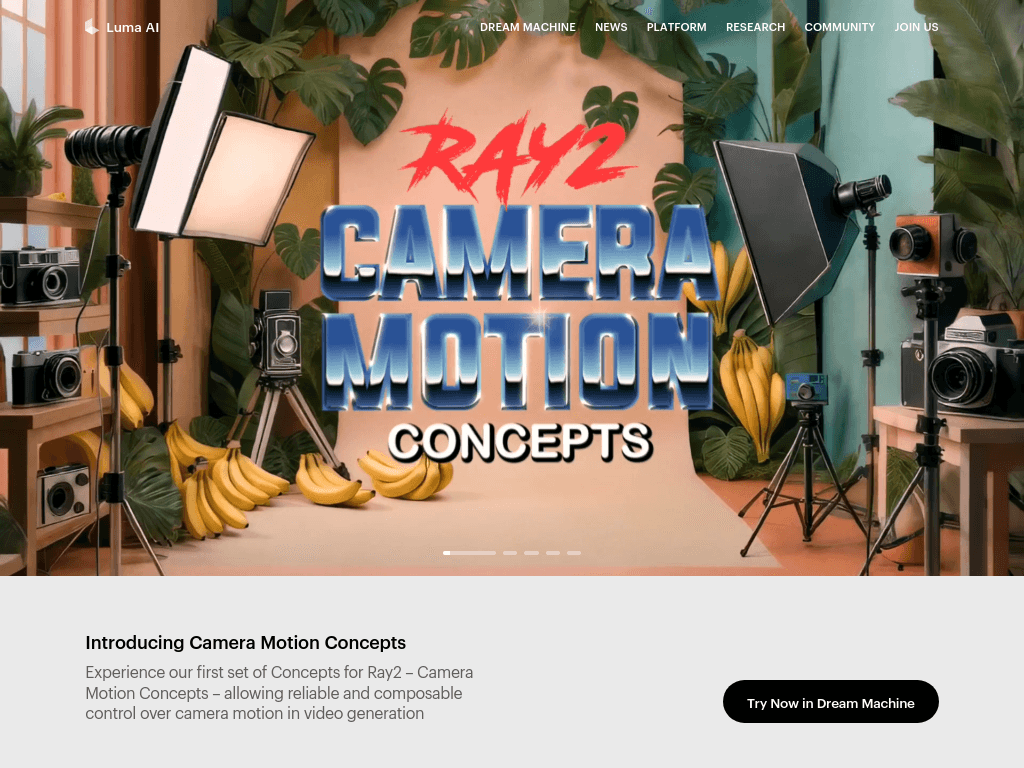
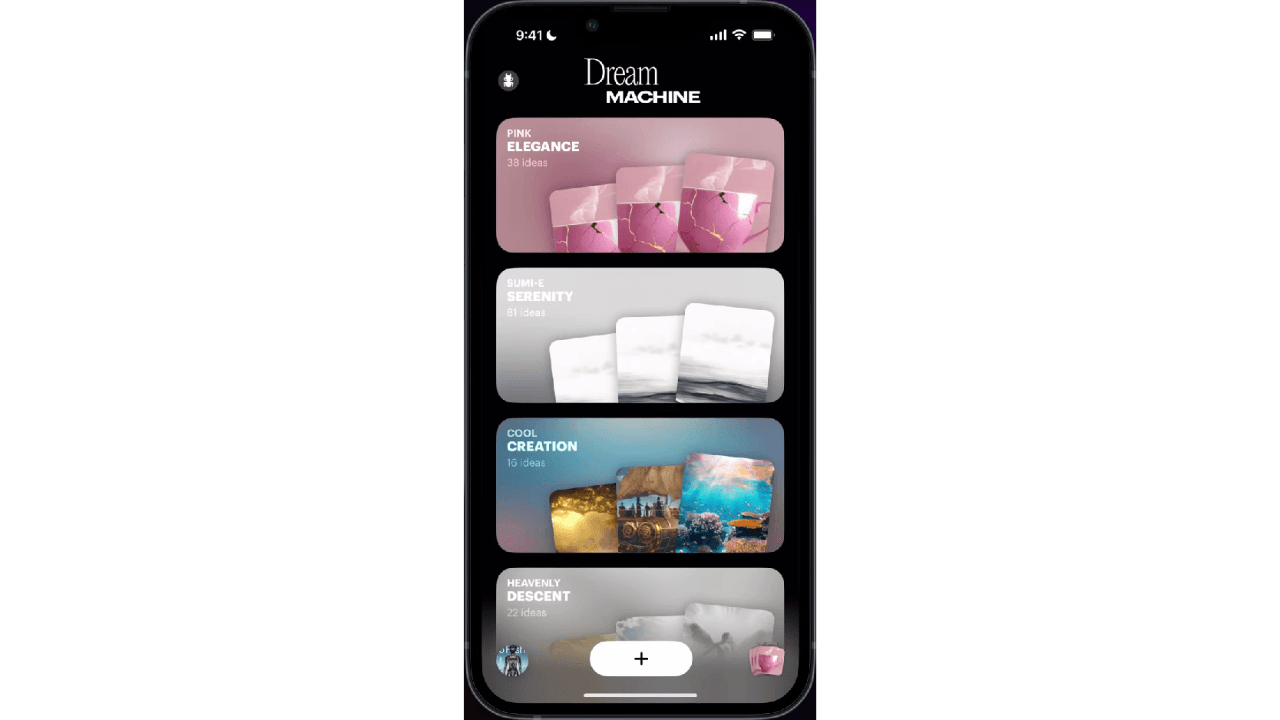
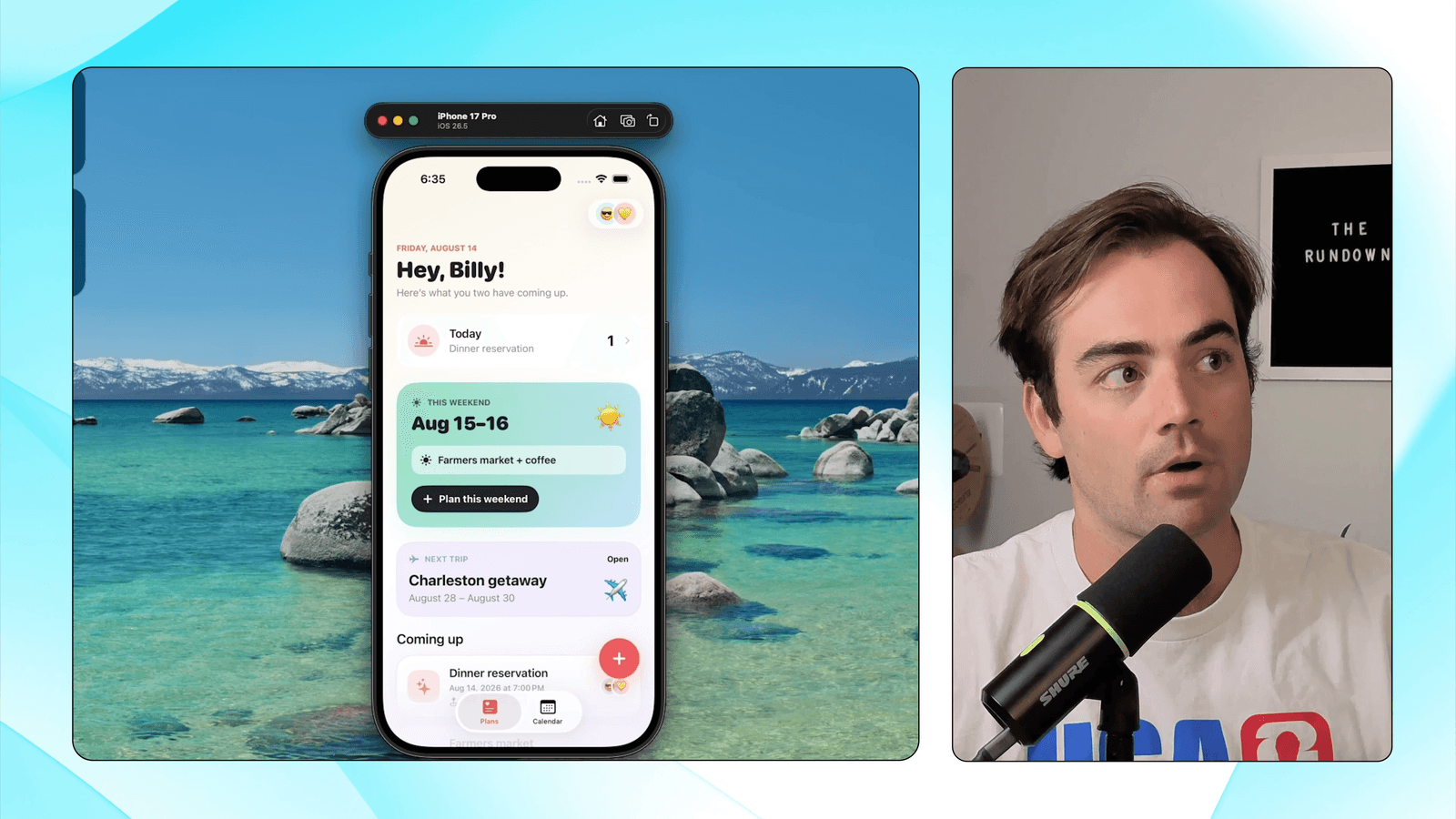
Luma AI screenshotLuma Labs AI Review: Full Analysis & Simple Creative AlternativeCreating AI video just got easier — Luma Labs gives Dream Machine a huge  upgradeRefero — SearchLuma Labs - The Rundown AI
Luma AIlumalabs.ai
Luma AI screenshot
Luma AIlumalabs.ai

What is Luma AI?

Luma is a multimodal creative platform for generating, editing, and refining video, images, audio, and text. Its agents can research and produce multiple creative directions while maintaining brand references. Ray3.2 provides frame-level video direction and continuity across cuts, and the platform also offers API access.

What are the pros and cons of Luma AI?

Strengths

Realistic motion and strong visual coherence in generated video
Image-to-video generation and keyframe interpolation support rapid iteration
HDR and ACES EXR export can fit professional grading pipelines
The web app, iOS app, and documented API use the same backend
Simple prompting and a clean web interface require little setup

Trade-offs

The platform has no native audio for clips, including no lip-sync or avatar features
Standard SDR clips are capped at 10 seconds, so longer work must be stitched together
Prompt adherence can decline in multi-character, crowded, or text-heavy scenes
Free and lower-cost plans can move to lower-priority queues during peak demand
Legal indemnification is limited to the Enterprise plan

What are Luma AI’s key features?

Generate and refine video, images, audio, and text with Luma Agents
Create product hero shots, paid social variants, and teaser cuts
Direct video frames and maintain continuity across cuts with Ray3.2
Use brand, character, and style references with the Uni-1 model
Generate text-to-video and image-to-video content
Access Luma capabilities through an API
Export HDR and ACES EXR footage for grading workflows

What are the best use cases for Luma AI?

Produce product hero shots for eCommerce campaigns
Create multiple paid social ad variants from one creative direction
Storyboard concepts and iterate quickly with image-to-video generation
Cut teaser videos from longer creative projects
Develop branded image and video assets using style and character references
Build creative generation workflows into products through the API

What is the pricing for Luma AI?

PlanPriceDetails
Plus$30/monthIncludes 10,000 credits, Luma and third-party image and video models, edit access for guest collaborators, and commercial use.
Pro$90/monthIncludes everything in Plus, 40,000 credits, and 4x usage with Luma Agents.
Ultra$300/monthIncludes everything in Pro, 150,000 credits, and 15x usage with Luma Agents.
TeamContact usAdds team member management, organized projects, team-wide sharing, usage analytics, shared team credits, and SSO.
EnterpriseContact usAdds enterprise commitments, dedicated education and training, and custom fine-tuning.

Yearly prices are $300 billed yearly for Plus, $900 billed yearly for Pro, and $3,000 billed yearly for Ultra. The pricing page states that yearly billing can save up to 20%. Generation uses credits, with costs varying by model, resolution, action, and audio settings.

Checked 2026-08-27 · source

Who is Luma AI best for?

content creatorsUseful for producing and iterating on short-form video concepts, teasers, and social variants without a complex setup.
designersA fit for designers who need image-to-video workflows, brand references, product shots, and grading-oriented exports.
small teamTeams can use shared credits, organized projects, collaboration controls, and usage analytics on the Team plan.
developersThe API supports developers building creative generation and production workflows into other products.
enterpriseEnterprise buyers get SSO through the Team plan, plus custom fine-tuning, dedicated training, and enterprise commitments.
Not for
  • Teams that need native audio, lip-sync, or avatar video in the same workflow
  • Editors producing long continuous clips without stitching short generations together
  • Creators who require fine-grained camera control or consistent character retention across long sequences

What are the best Luma AI alternatives?

Where can I try Luma AI?

Open lumalabs.ai