Forward Future Tools Library

MakeForms logo

MakeForms

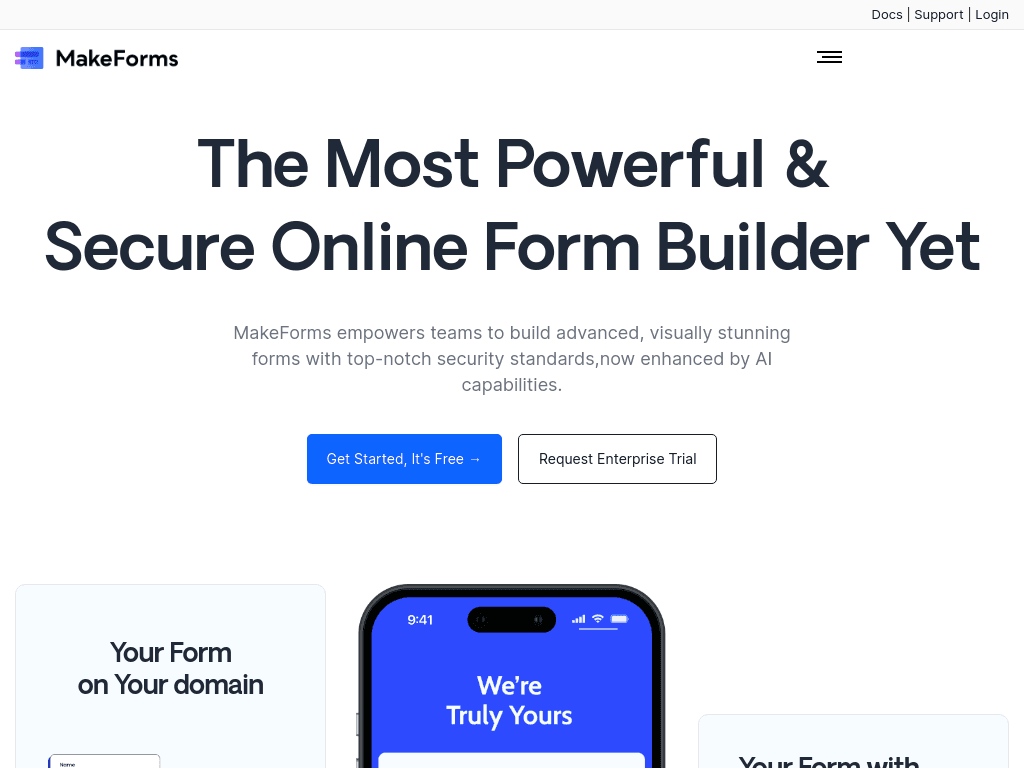
MakeForms creates and publishes secure, customizable forms with AI generation, verification, payments, workflows, and regional data storage for healthcare, marketing, and other teams handling structured submissions.

Try MakeForms

makeforms.io·From $65/ month·Checked 2026-08-27
MakeForms screenshotMakeForms: All-in-One No-Code Form Creator & Automation ToolNo-Code Workflow BuilderWhat Is an Future of AI Form Builder?AI Form Builder
MakeFormsmakeforms.io
MakeForms screenshot
MakeFormsmakeforms.io

What is MakeForms?

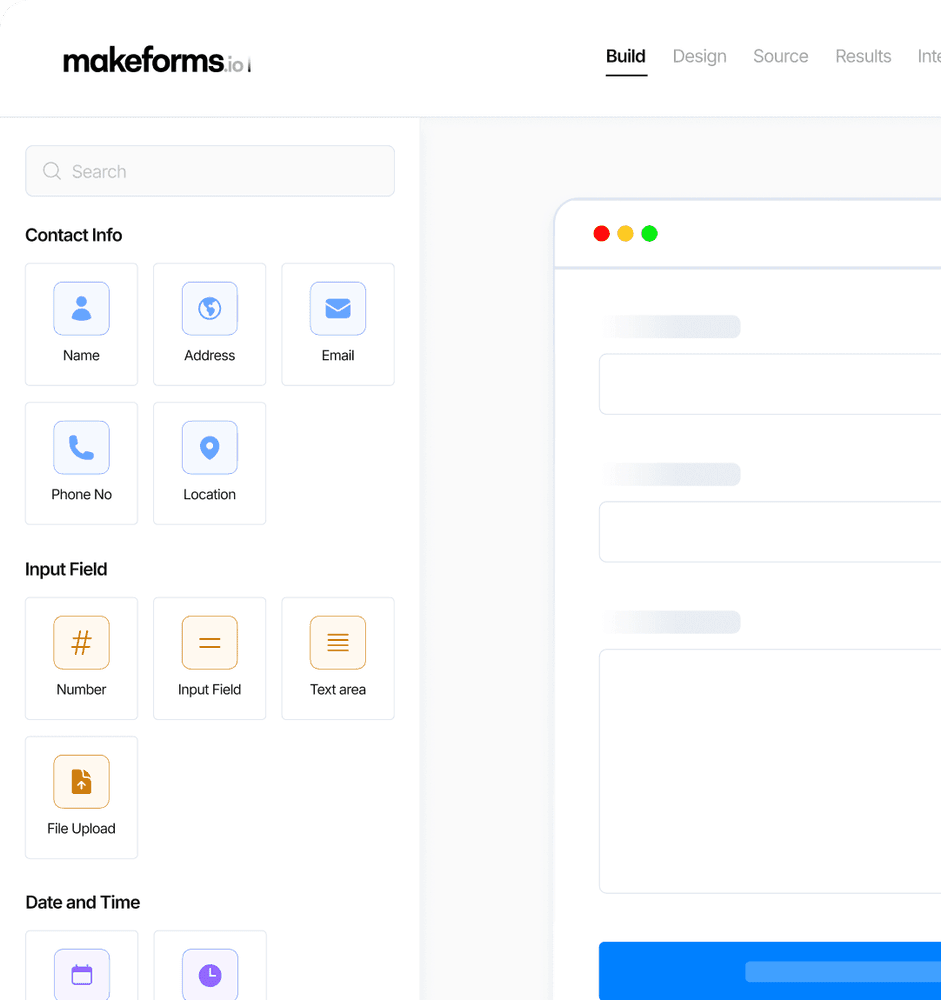
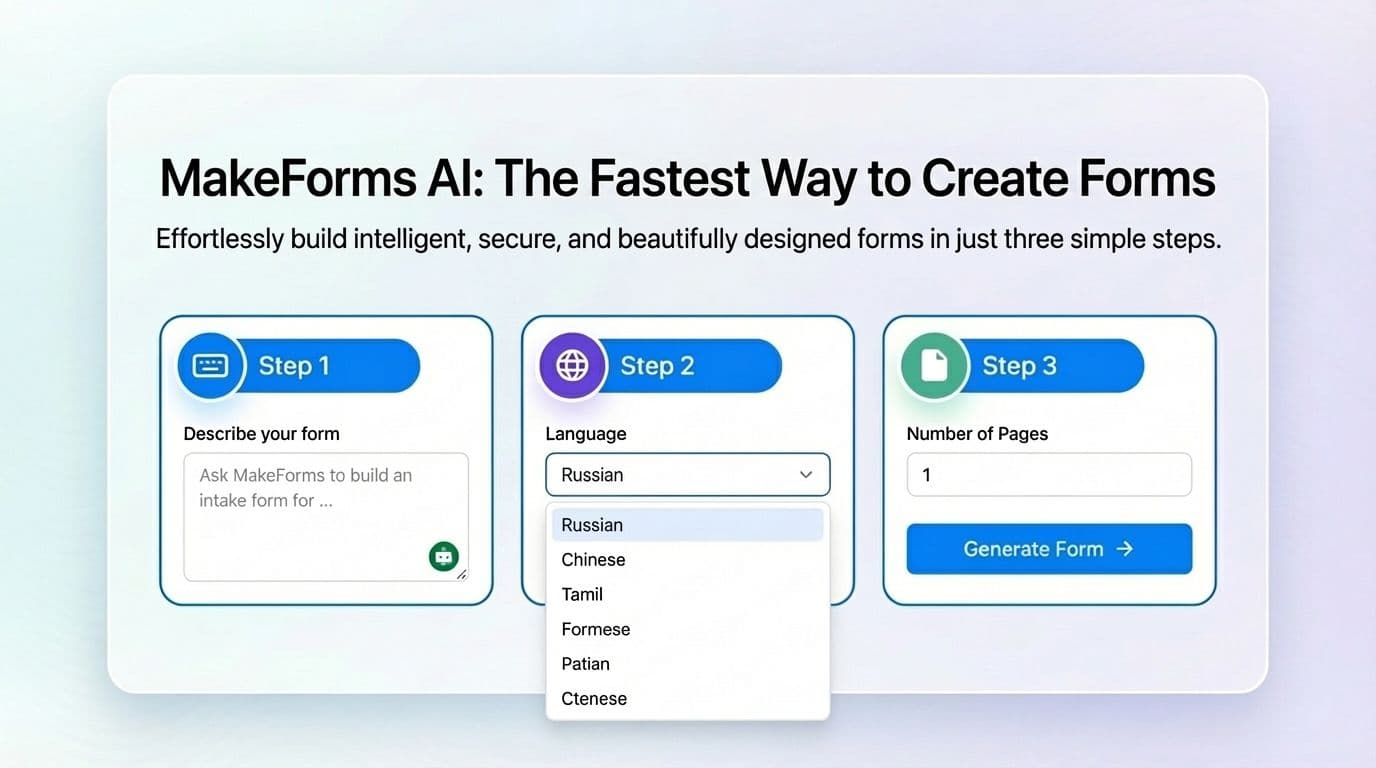
MakeForms is a no-code form builder for surveys, quizzes, lead forms, workflows, appointment bookings, and other data-collection scenarios. Its AI builder can generate fields, logic, and layouts from a prompt, while the drag-and-drop editor supports conditional logic and multi-step forms. Teams can embed forms, use custom domains and branding, verify respondents, collect payments, and control data residency.

What are the pros and cons of MakeForms?

Strengths

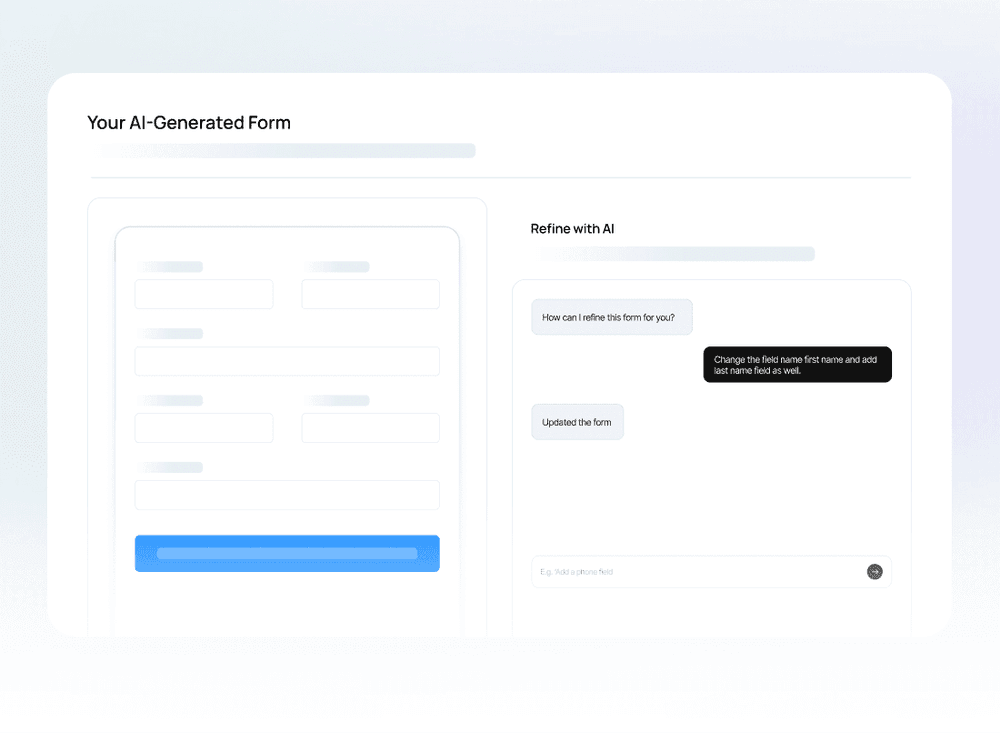
AI can generate a complete starting form from a prompt, including fields and logic
Supports sensitive-data workflows with HIPAA, GDPR, and multiple data-residency options
Combines forms, scheduling, signatures, payments, and workflow features in one platform
Provides OTP, SMS, and email verification to reduce fake or unqualified submissions
Offers custom domains, branding, embeds, and integrations with common business tools

Trade-offs

Visual customization is reported to be limited compared with more design-focused form tools
Advanced features can require a more complex setup
The integration selection may be narrower than some competing platforms
There is no offline form-collection mode
The template selection is reported to be limited

What are MakeForms’s key features?

AI form builder that generates fields, logic, and layouts from a description
Drag-and-drop editor with conditional logic, calculations, and multi-step forms
OTP, SMS, and email verification for respondents
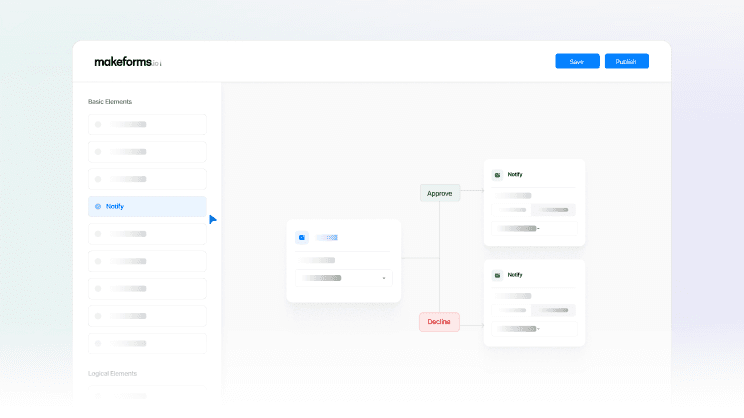
Workflow automation, appointment scheduling, and legally binding e-signatures
Payments and checkout, with integrations including Calendly, Slack, Zapier, and Salesforce
Custom branding, embedded forms, custom domains, analytics, and selectable data-residency regions

What are the best use cases for MakeForms?

Collecting healthcare submissions with HIPAA-oriented controls and regional data storage
Capturing and qualifying leads before sending records to Salesforce or other connected tools
Running surveys, quizzes, polls, and feedback programs
Managing appointment bookings and event registrations with respondent verification
Collecting payments and signatures through forms for contracts, waivers, or business processes

What is the pricing for MakeForms?

PlanPriceDetails
Launch$65/ month3 user seats, unlimited forms and submissions, 500 agreements per month, 20 GB storage, 1 custom domain, AI forms, scheduling, signatures, payments, integrations, and HIPAA compliance.
Scale$133/ month10 user seats, unlimited forms and submissions, 1,000 agreements per month, 50 GB storage, 3 custom domains, 2 workspaces, analytics, campaigns, custom SMTP, Salesforce, and granular permissions.
EnterpriseCustom pricingCustom seats, storage, domains, agreements, data residency, SSO, dedicated account support, priority support, and Salesforce two-way sync.

The listed Launch and Scale prices are billed yearly, and the page advertises a 20% annual saving. The plans include a free-trial option.

Checked 2026-08-27 · source

Who is MakeForms best for?

healthcare organizationsA fit for teams collecting sensitive information that need HIPAA-oriented controls, verification, and regional data storage.
marketing teamsLead-generation and campaign tools, custom branding, payments, and CRM integrations support marketing operations.
enterpriseLarger organizations can use custom domains, SSO, dedicated storage, custom data residency, and account support.
Not for
  • Teams that need respondents to complete forms without an internet connection should skip it because offline collection is not supported.
  • Buyers seeking extensive visual design control may find its customization options limiting.
  • Teams wanting a very large library of ready-made templates or integrations may need another platform.


What are the best MakeForms alternatives?

Where can I try MakeForms?

Open makeforms.io