
Forward Future Tools Library
MarkItDown
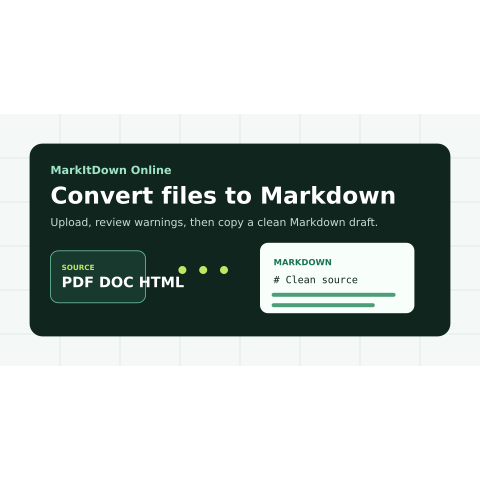
MarkItDown Online turns files, webpages, pasted content, and API inputs into reviewable Markdown for developers, documentation teams, researchers, and RAG workflows.
Try MarkItDown →
markitdown.store
›What is MarkItDown?
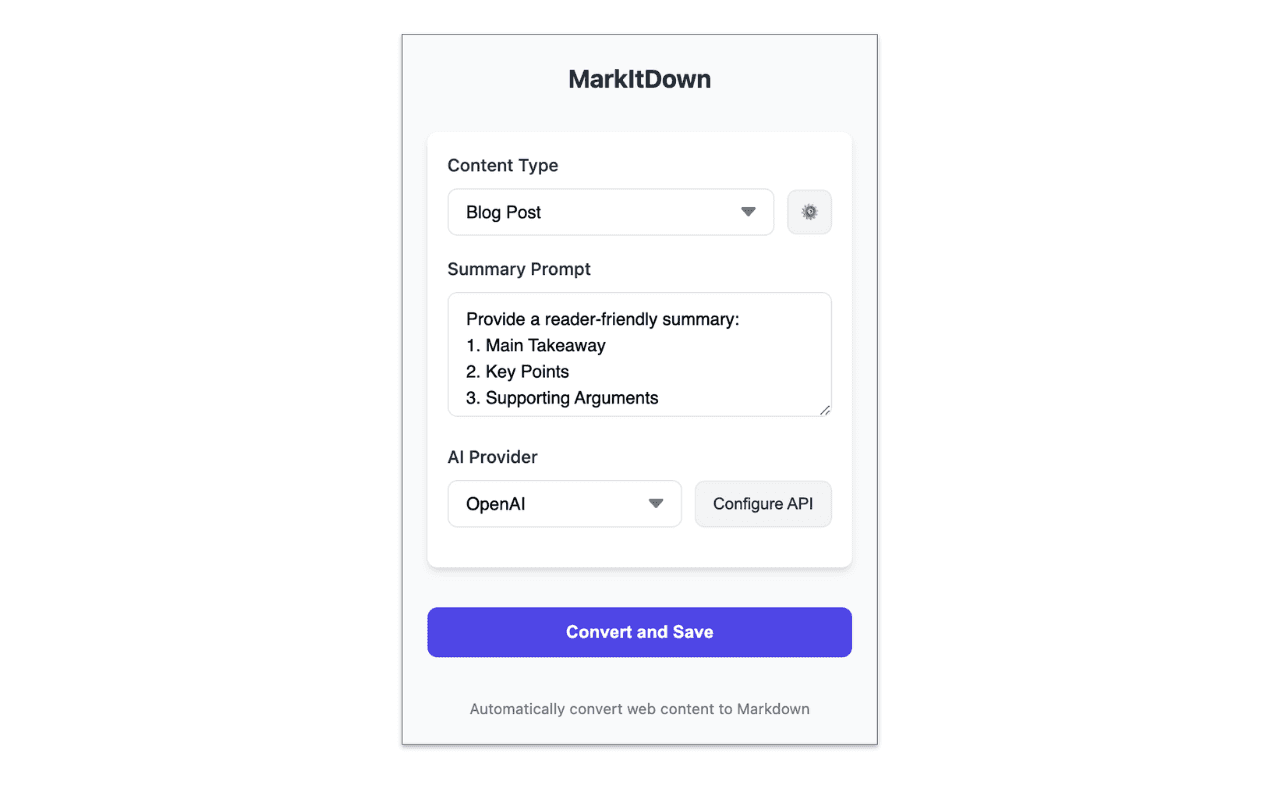
MarkItDown Online is a hosted workbench around the open-source Microsoft MarkItDown project. It converts PDFs, Office files, spreadsheets, presentations, HTML, URLs, pasted text, data URIs, audio, and archives into Markdown with headings, tables, links, source details, and parser warnings. Users can review, copy, download, or send conversion jobs through an API.
›What are the pros and cons of MarkItDown?
Strengths
Accepts several input routes, including uploads, pasted content, public URLs, data URIs, and API calls
Makes parser warnings and source details visible before the Markdown is reused
Supports a broad set of document and content formats
Markdown output is easy to copy, edit, diff, chunk, embed, and cite
Provides hosted conversion for teams that want browser and API workflows instead of a local one-off command
Trade-offs
Converted output requires human review because PDFs can reorder columns, headers, captions, and footnotes
Office conversion may not preserve comments, hidden text, tracked changes, embedded objects, formulas, macros, or speaker notes
Images and scanned files may require OCR or a human description, while audio may need transcription review
URL conversion is limited to public HTTPS pages without login requirements or private-network access
Hosted workers have explicit file-size, format, account, and plan limits
›What are MarkItDown’s key features?
Converts files, public HTTPS URLs, pasted text or HTML, and data URIs into Markdown
Supports PDFs, Word documents, spreadsheets, presentations, HTML, audio, archives, EPUB, MSG, and RTF
Shows Markdown output, parser warnings, and source details before reuse
Provides browser upload, copy, download, and API conversion paths
Offers conversion profiles and hosted workers with file-size and format limits
Produces Markdown suited to search indexing, RAG chunking, documentation, and LLM context
›What are the best use cases for MarkItDown?
Prepare PDFs, Word reports, spreadsheets, and slide decks for RAG or search indexing
Convert public webpages, copied articles, CSV, JSON, or HTML fragments into reviewable notes
Create Markdown for GitHub issues, documentation repositories, Obsidian vaults, or Notion migrations
Feed recurring document-conversion jobs into an internal ingestion service through the API
Review extracted source material before using it in support knowledge bases or LLM prompts
›Who is MarkItDown best for?
developersA fit for developers who need browser or API-based document conversion for ingestion, search, RAG, or internal tools.
documentation teamsUseful for turning Office files, PDFs, and webpages into Markdown that teams can review and maintain.
researchersWorks well for preparing structured Markdown notes from document and web sources before analysis or summarization.
enterpriseEnterprise teams can use hosted workers and API access, provided they validate format coverage, limits, retention, and output accuracy.
Not for
- Teams that need pixel-perfect reproduction of PDF or Office layouts should use a workflow designed to preserve visual formatting.
- Users looking for a crawler, JavaScript browser, or authenticated webpage scraper should skip it.
- Workflows that cannot accommodate human review of extracted tables, OCR, transcripts, or document structure should avoid relying on conversion alone.