Forward Future Tools Library

Meshy
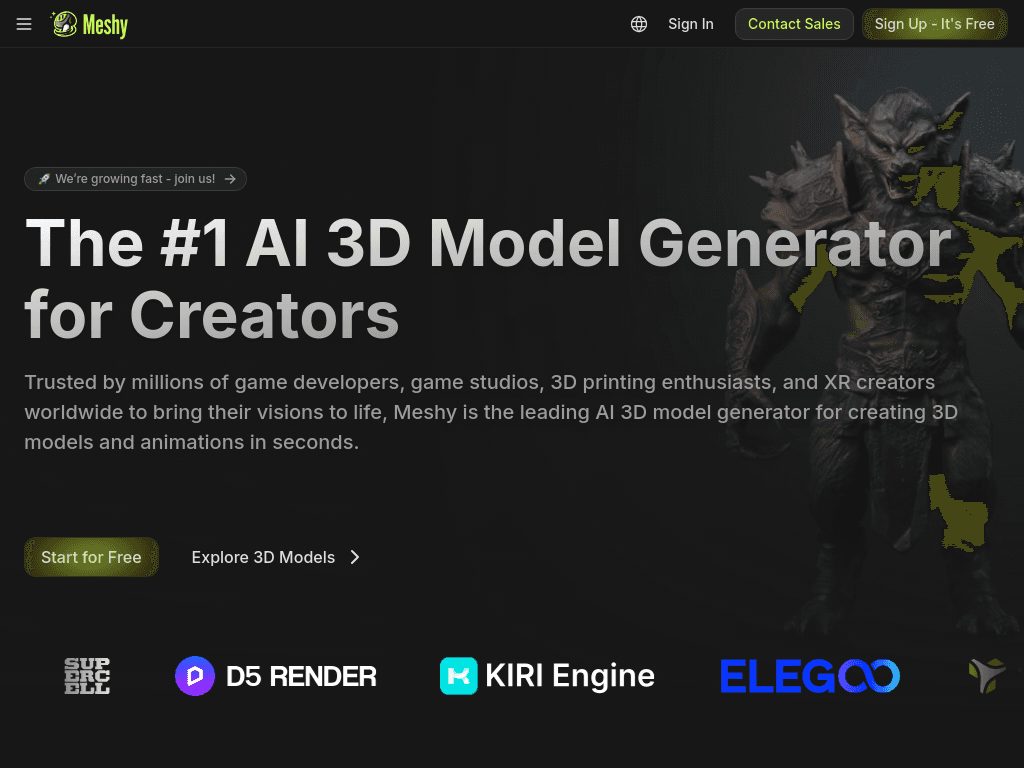
Meshy turns text prompts, images, and sketches into exportable 3D models, textures, and animated characters for game developers, 3D artists, designers, and 3D printing hobbyists.
Try Meshy →
meshy.ai·Contact Sales
›What is Meshy?
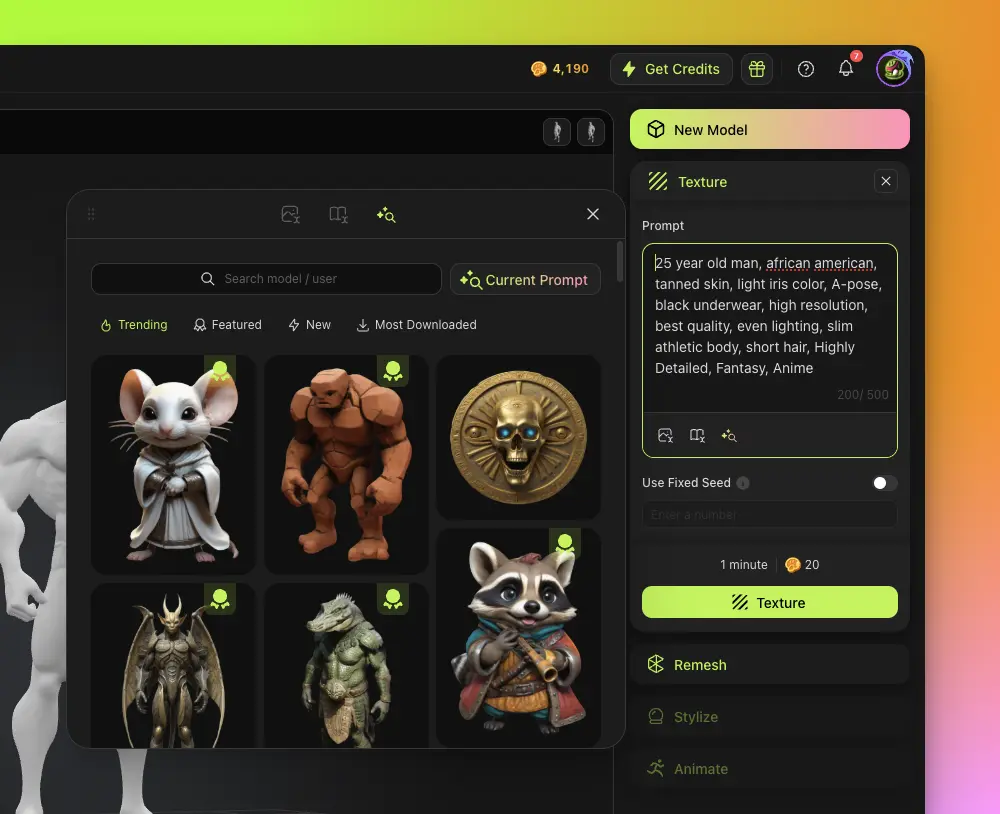
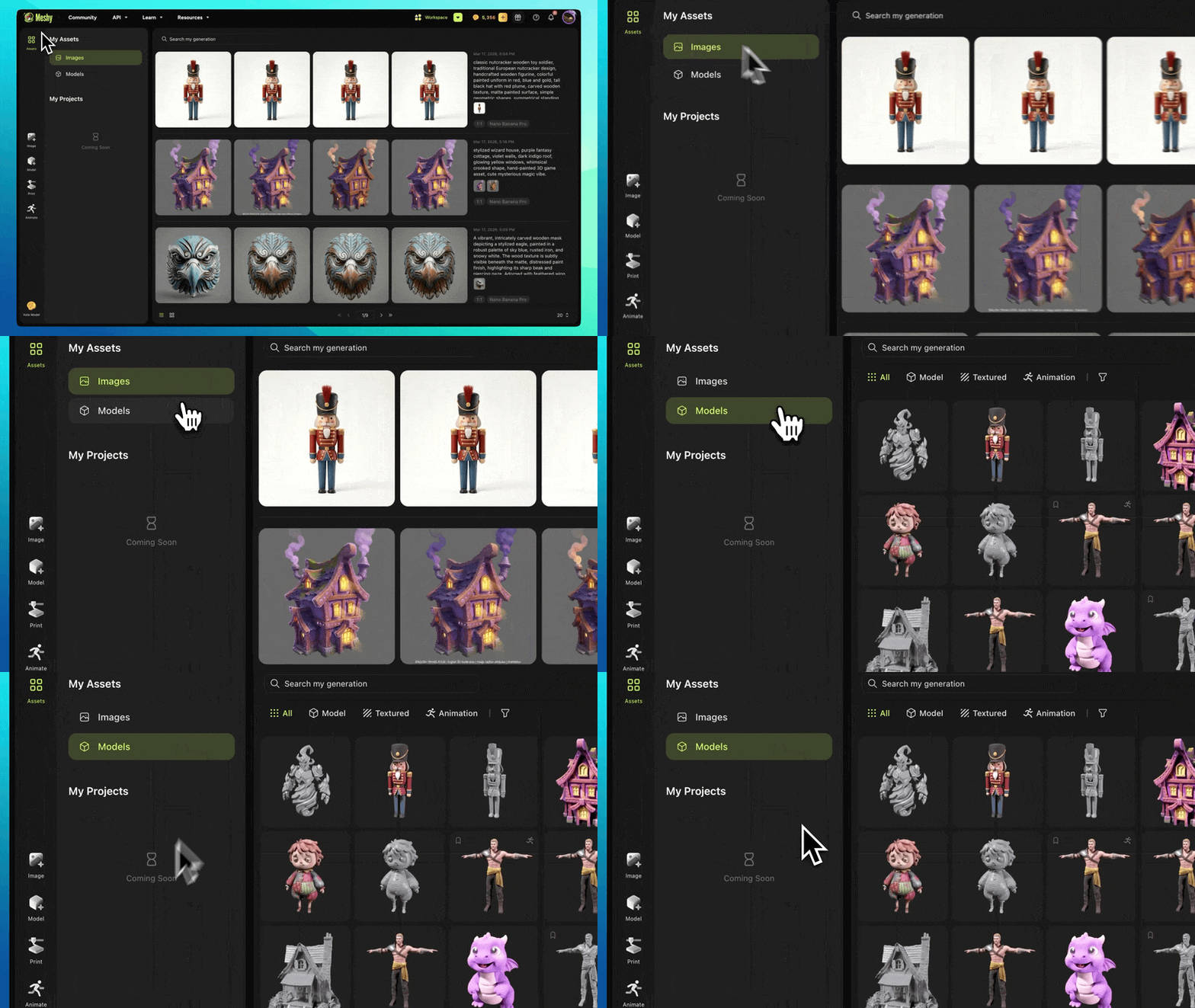
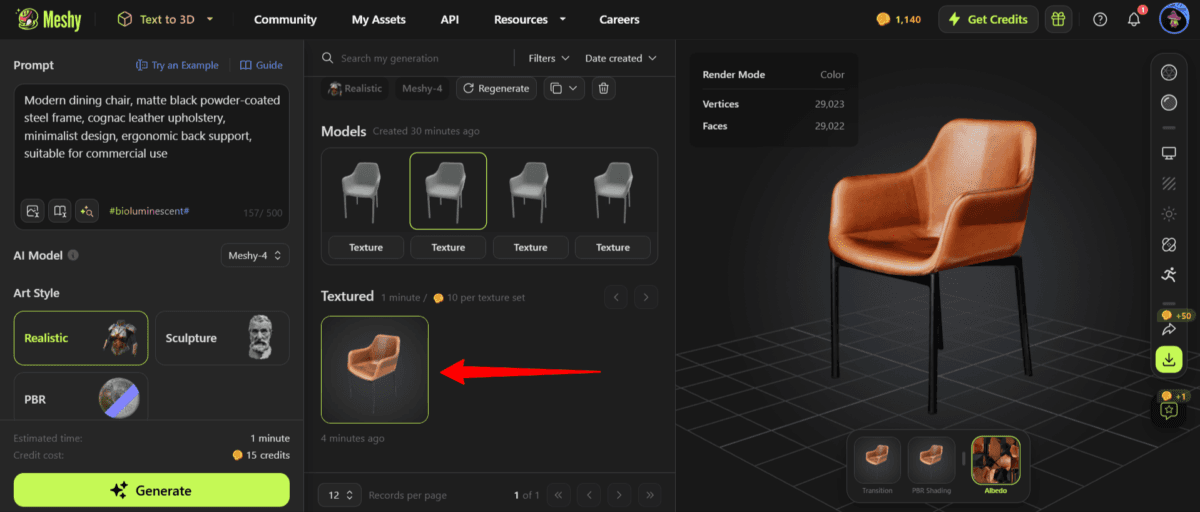
Meshy is a browser-based AI 3D generation platform that creates models from text or images and applies PBR textures to existing assets. It also supports auto-rigging, animation, printability checks, model repair, and exports for tools such as Blender, Unity, and common 3D slicers.
›What are the pros and cons of Meshy?
Strengths
Supports both text-to-3D and image-to-3D generation.
Provides built-in printability checks, auto-repair, and direct exports to common slicers.
Generates complete PBR texture maps without requiring manual shader setup.
Offers formats and plugins for common 3D production tools, including Blender and Unity.
Includes a free starting option and does not require prior 3D modeling experience.
Trade-offs
Image-to-3D results can contain geometry inaccuracies, especially for complex assets.
Generated models still need checking in a slicer or downstream production workflow rather than being guaranteed finished outputs.
The tool is not a strong choice when exact dimensions or highly controlled topology are mandatory.
Free-plan assets use a CC BY 4.0 license and require credit, while exclusive ownership and unrestricted distribution require a premium plan.
Web-app data is stored in Amazon Web Services in the United States.
›What are Meshy’s key features?
Generate 3D models from text prompts, photos, sketches, or concept art.
Create PBR texture sets with albedo, normal, metallic, and roughness maps.
Auto-rig humanoid and quadruped characters with access to more than 600 motion presets.
Check models for watertightness, manifold geometry, and printability, with automatic repair.
Split complex models into printable parts and export them in 3MF, STL, OBJ, FBX, GLB, USDZ, or BLEND formats.
Connect workflows through Blender and Unity plugins, an API, MCP Server, and slicer integrations.
›What are the best use cases for Meshy?
Create printable models from a product idea, photo, or sketch.
Generate placeholder assets and environments for game prototyping.
Texture an existing 3D model with AI-generated PBR materials.
Prepare multi-color 3D prints by mapping textures to filaments and splitting models for the build plate.
Create simple animated character assets with automatic rigging and motion presets.
›What is the pricing for Meshy?
Contact Sales
›Who is Meshy best for?
3D printing hobbyistsUseful for turning ideas and reference images into models with printability checks, auto-repair, and slicer exports.
game developersA practical asset-prototyping tool with PBR texturing, low-poly output, animation, and Unity integration.
3D artistsSuitable for generating starting meshes and textured assets that can be refined in an existing 3D workflow.
designersWorks well for exploring concepts from sketches or images without building every model manually.
Not for
- Sales and marketing teams seeking lead enrichment, customer intelligence, or outreach automation should skip it.
- Users who require exact dimensions or tightly controlled production topology should use a more manually controlled modeling workflow.
- Free users who cannot provide CC BY attribution should avoid relying on the free plan for commercial asset distribution.
›What’s new with Meshy?
- Meshy 6 released with improved geometry, silhouettes, and hard edgesJanuary 2026 · source