

Forward Future Tools Library

MixBoard
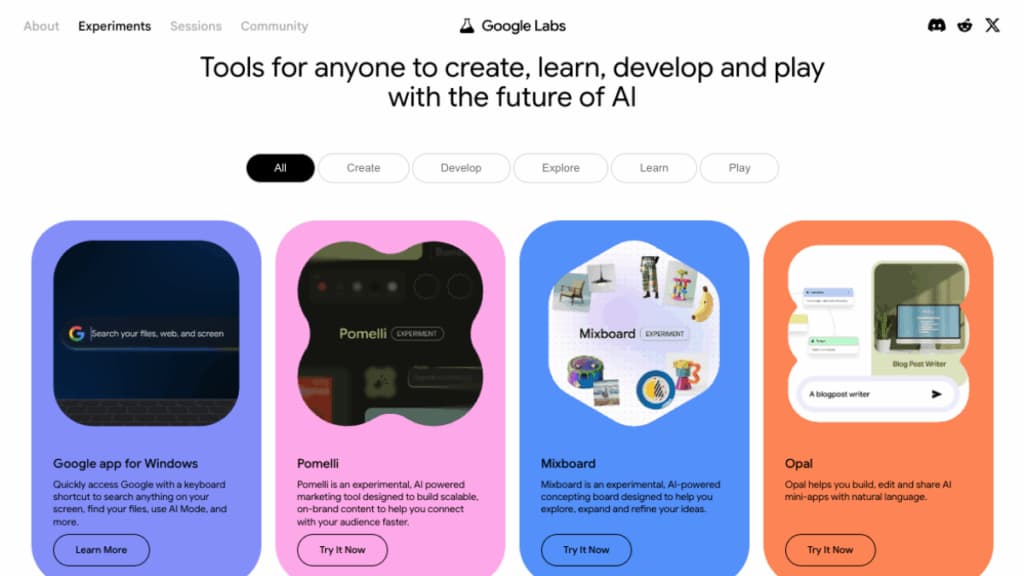
Mixboard turns prompts, images, and text into editable visual concept boards for designers, creative professionals, product teams, and other people developing ideas.
Try MixBoard →
labs.google·Free
›What is MixBoard?
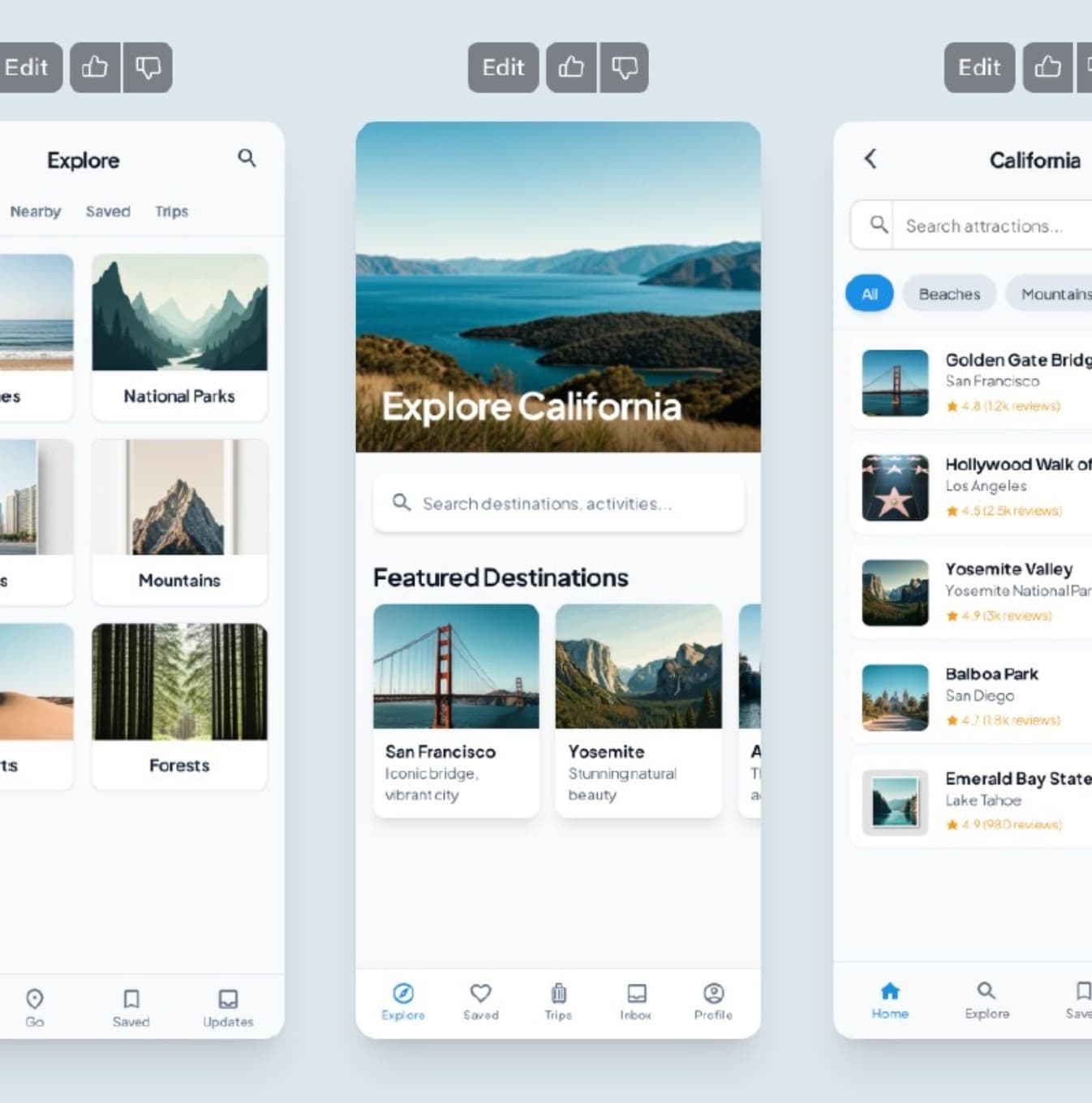
Mixboard is an experimental Google Labs concepting board for exploring, expanding, and refining ideas on a visual canvas. Users can start with a text prompt, a pre-populated board, or uploaded images, then arrange and revise the board with natural-language commands. It can generate images and text, combine images, and make visual edits such as changing colors or styles.
›What are the pros and cons of MixBoard?
Strengths
Combines images, text, uploaded references, and generated visuals on one canvas
Supports natural-language revisions instead of requiring manual image editing for every change
Provides quick variations through regenerate and more like this actions
Can generate text from the material placed on the board
Starts from either a prompt, a pre-populated board, or the user's own images
Trade-offs
It remains an experimental public-beta product, so availability and behavior may change
The public beta is available in the United States
A Google Account is required to access the interface
Its focus is early concept development rather than final production assets
It is not a suitable foundation for production workflows that require a stable, fully productized application
›What are MixBoard’s key features?
AI-powered visual canvas for building concept and mood boards
Text prompts that generate a starting board
Image upload and flexible canvas arrangement
Natural-language editing, including image combinations and style changes
AI-generated text based on board content
One-click actions such as regenerate and more like this
›What are the best use cases for MixBoard?
Creating mood boards for visual and design concepts
Exploring interior, product, or brand directions from a short prompt
Combining reference images with AI-generated visuals
Iterating on colors, styles, and image variations during early concept development
Developing visual ideas collaboratively for product or business discussions
›What is the pricing for MixBoard?
Free
›Who is MixBoard best for?
designersA strong fit for turning rough visual directions and reference images into editable concept boards.
product teamsUseful for exploring product directions and sharing visual concepts during early discussions.
business strategistsVisual boards can help make abstract ideas easier to explore and communicate.
educators and studentsWorks well for visual ideation and teaching exercises built around images, text, and iteration.
Not for
- Teams needing a stable production application should skip it because Mixboard is still an experimental beta.
- Users seeking music creation should skip it because the current tool is a visual concepting board, not a music production application.
- Creators who need finished production assets should look elsewhere because Mixboard emphasizes early-stage concept development.
›What are the best MixBoard alternatives?
 BlueWillow AIChoose this instead if the main task is generating images from text prompts rather than organizing ideas on a visual board.→
 Stable Diffusion 3.5Choose this instead if you need an image-generation model for creating visual assets rather than a concepting canvas.→
 Synthesizer V→
 SeedMusic 1.0→