

Forward Future Tools Library

ngram
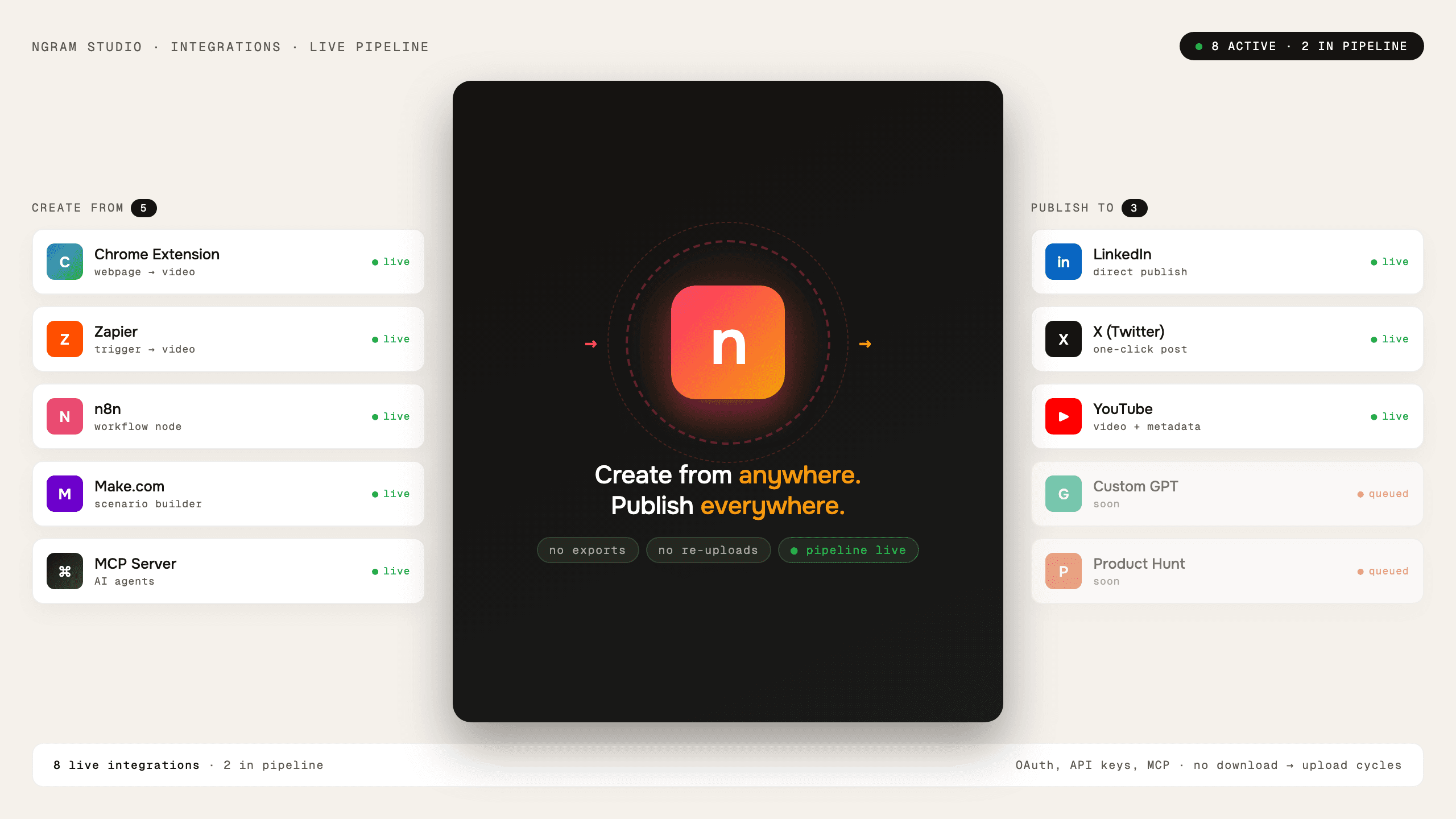
ngram turns product materials and rough ideas into scripted, narrated videos for product teams, marketers, founders, and small teams without a dedicated video production team.
ngram.com·Free + paid plans·Checked 2026-08-17

›What is ngram?
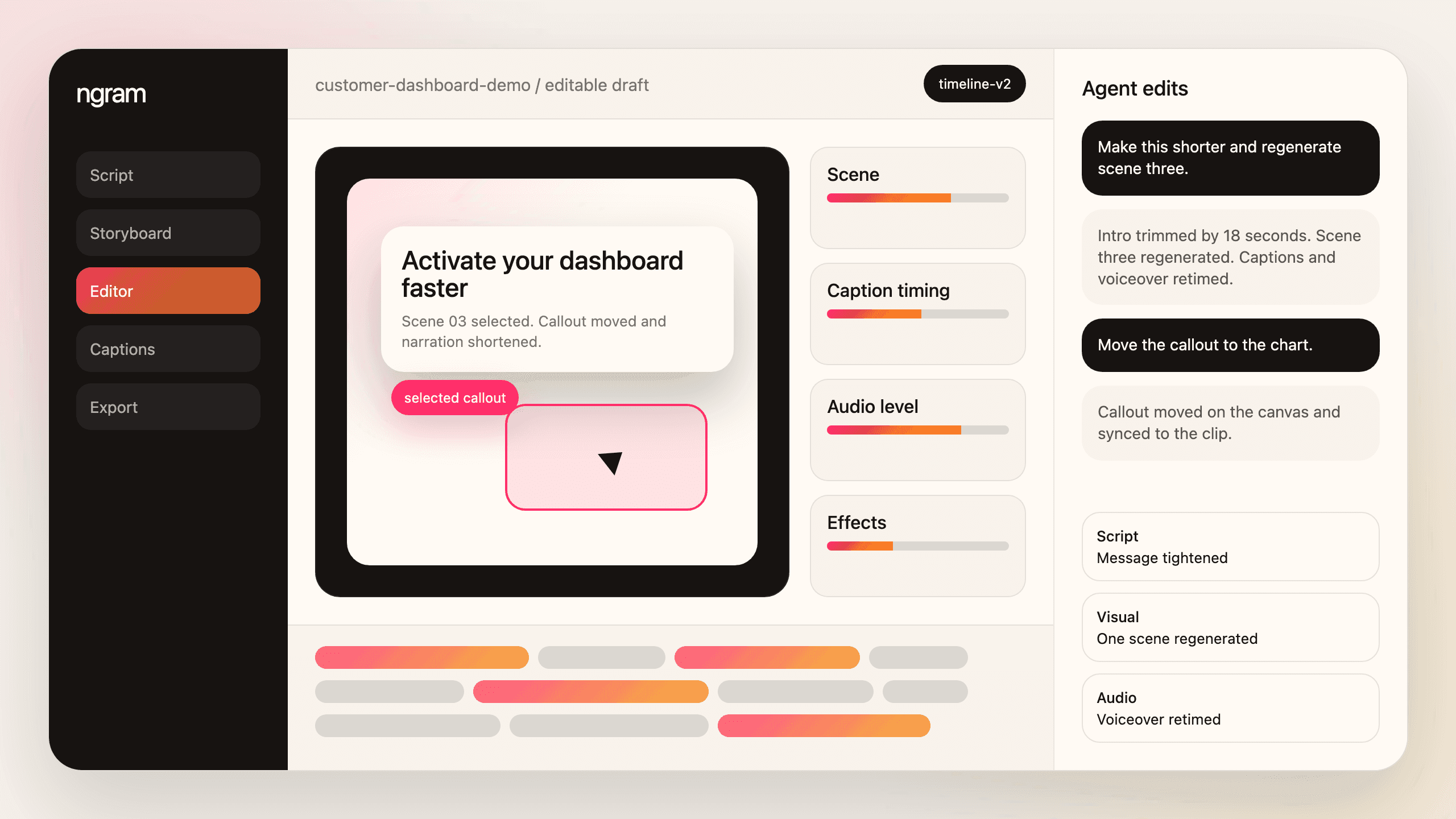
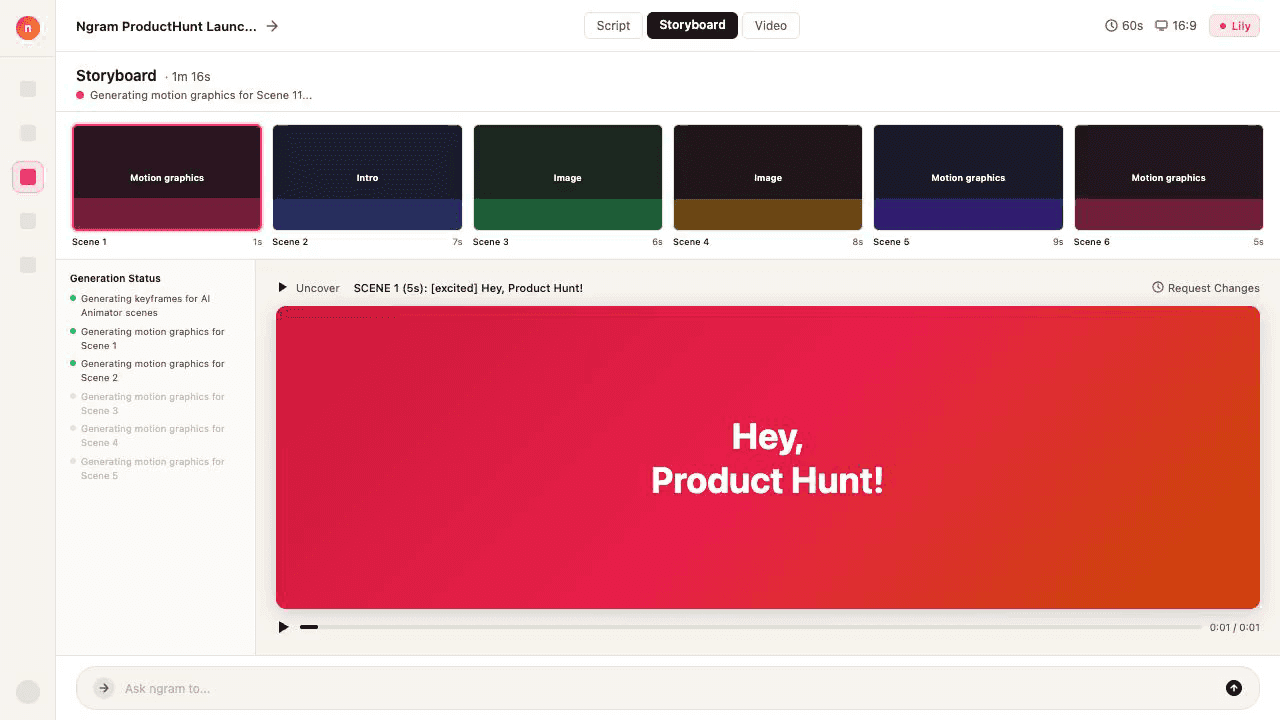
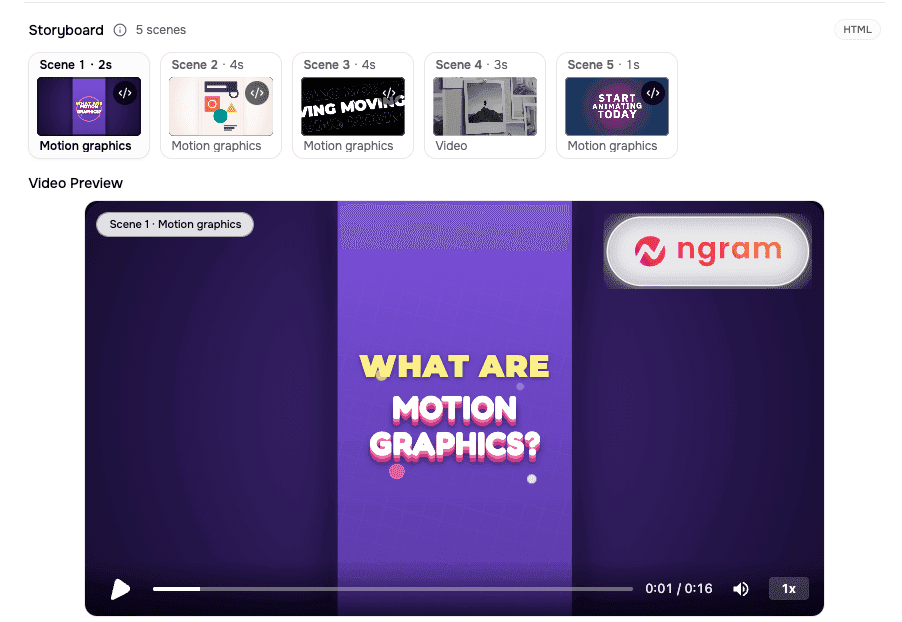
ngram is a web-based AI video platform that accepts documents, PDFs, URLs, product documentation, screen recordings, images, voice, and text. It researches the input, creates a storyboard and script, generates voiceover and visuals, and produces videos for product and marketing use. Users can review and revise the plan in plain language before rendering.
›What are the pros and cons of ngram?
Strengths
Trade-offs
›What are ngram’s key features?
›What are the best use cases for ngram?
›What is the pricing for ngram?
| Plan | Price | Details |
|---|---|---|
| Free | Free | Includes a 600-credit one-time allocation, up to 60 seconds of premium AI video generation, 720p exports, and unlimited manual edits. |
| Basic | $23.20/mo | Includes 3,000 credits per month equivalent, up to 300 seconds of premium AI video generation, 720p exports, standard AI models, and unlimited AI text generation. |
| Premium | $47.20/mo | Includes 10,000 credits per month equivalent, up to 1,000 seconds of premium AI video generation, 1080p exports, advanced models, a BrandKit, one custom voice, and one custom avatar. |
| Ultimate | $239.20/mo | Includes 50,000 credits per month equivalent, up to 5,000 seconds of premium AI video generation, 4K exports, unlimited BrandKits, custom voices, custom avatars, hosting, and engagement analytics. |
| Enterprise | Custom | Provides custom video and credit capacity, export quality, organization-wide security and controls, and dedicated onboarding and support. |
The pricing page shows 20% annual savings. The displayed annual-billing rates are $29 for Basic, $59 for Premium, and $299 for Ultimate, with annual totals of $278.40, $566.40, and $2870.40 respectively. Unused credits roll over for one billing cycle on applicable paid plans.
Checked 2026-08-17 · source
›Who is ngram best for?
- Teams looking primarily for a general-purpose AI video generator based on text prompts or source images rather than product-source materials.
- Buyers who need the highest export quality, advanced models, or organization-wide controls on a free or entry-level plan.
›What are the best ngram alternatives?
 Voe 4Choose this instead if you want to generate videos mainly from text prompts or source images.→
 CreateNew AIChoose this instead if you need a broader AI creative workspace for generating and enhancing both videos and images.→
 VidSpotAIChoose this instead if your workflow depends on long-form videos, avatars, and voiceovers.→
 ImageToVideoAI→