Forward Future Tools Library

Omni Video logo

Omni Video

Omni Video generates and edits short videos from text, images, audio, and video references, making it useful for creators, marketers, and teams producing ads, explainers, and social content.

Try Omni Video →

omni-video.online·From $7.99/month·Checked 2026-09-21

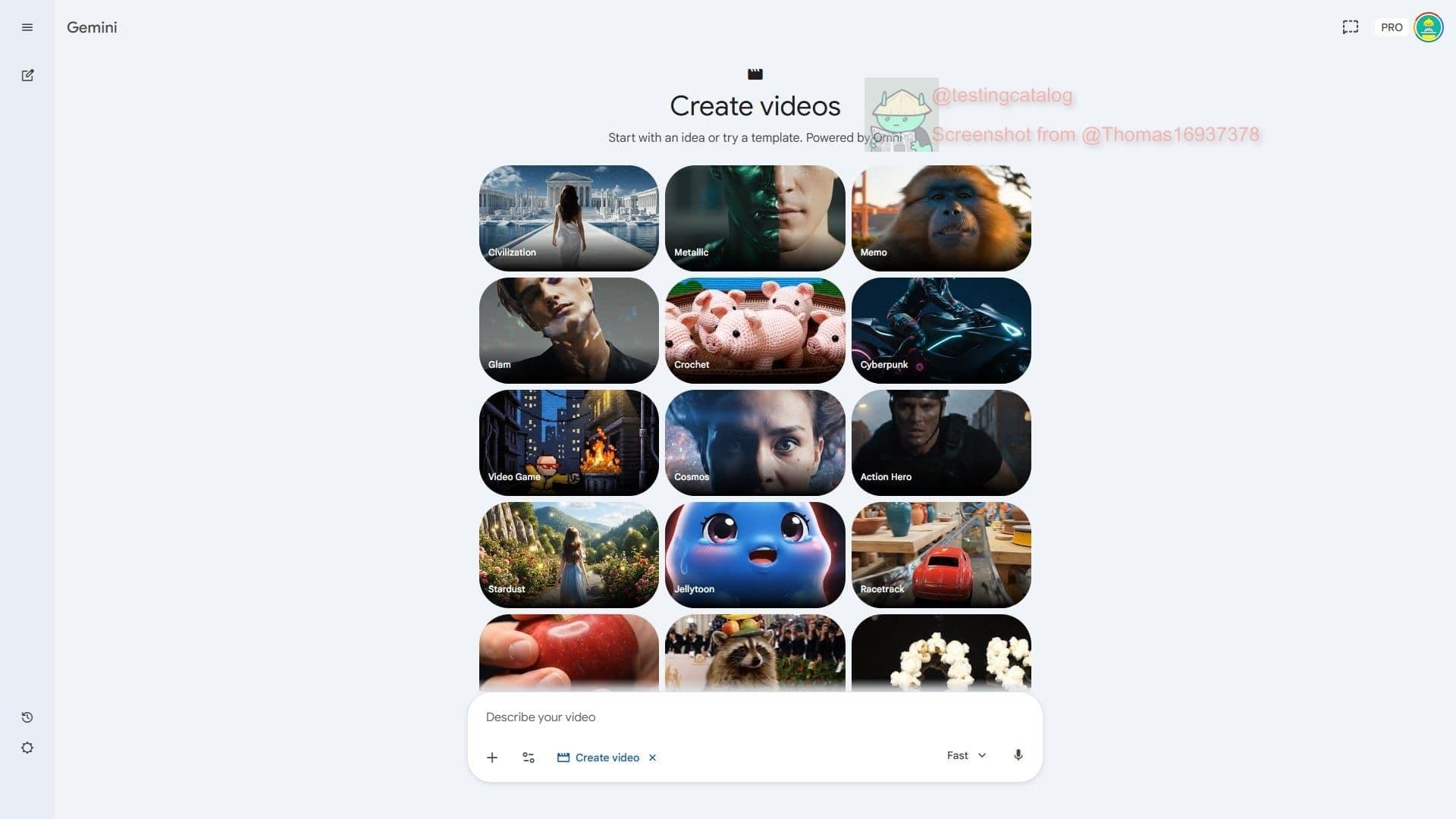
Omni Video screenshotGoogle is testing new Omni model for video generationGemini Omni AI Video GeneratorWhat Is Gemini Omni? Google's Next AI Video Model ExplainedGemini Omni: Google Multimodal AI Video Generator & Editor Online
Omni Videoomni-video.online
Omni Video screenshot
Omni Videoomni-video.online

›What is Omni Video?

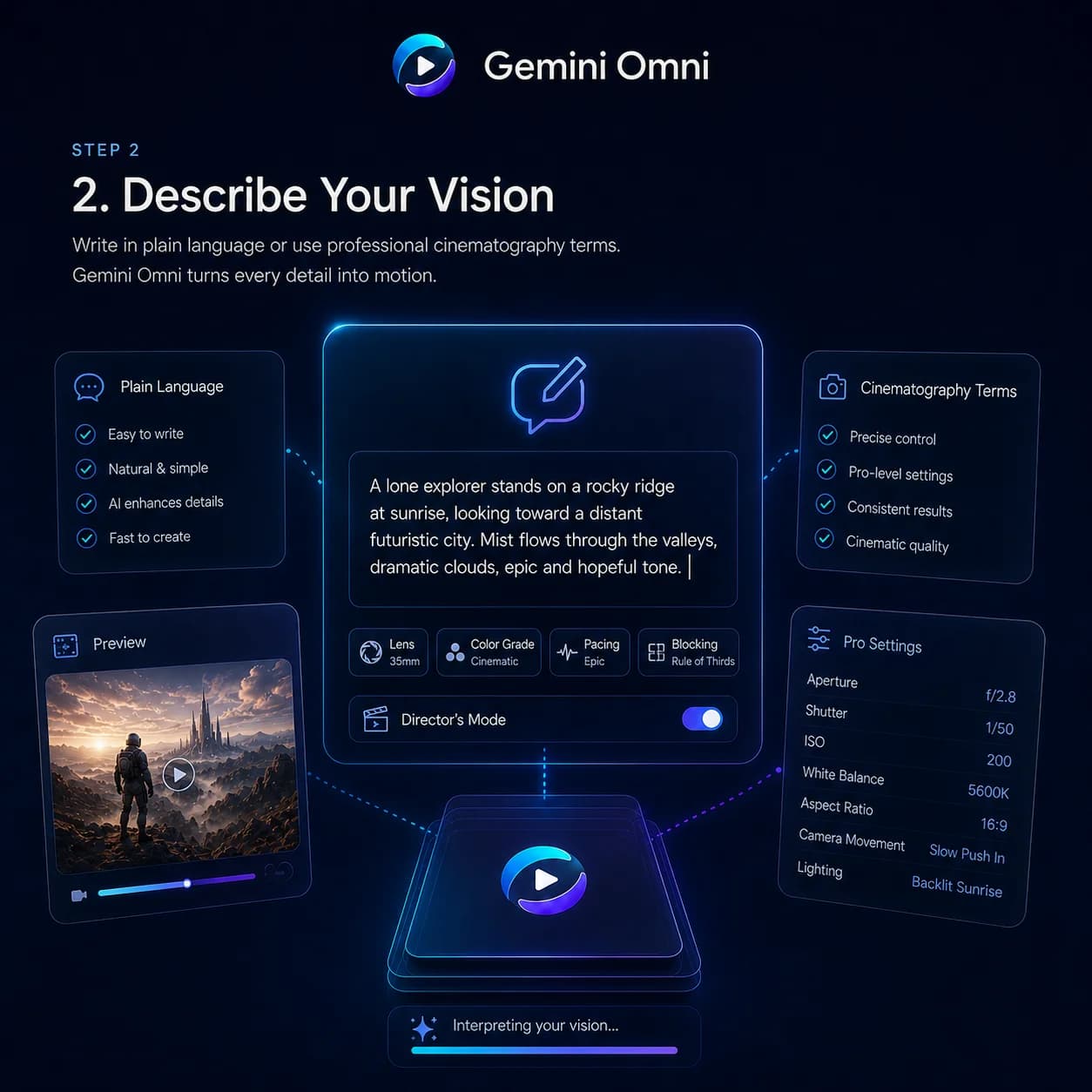
Omni Video is a multimodal video generator with text-to-video and reference-based workflows. Users can generate a first cut, then edit backgrounds, objects, style, framing, or clip length with plain-language instructions. It also supports native audio, lip sync, readable on-screen text, and scene consistency across shots.

›What are the pros and cons of Omni Video?

Strengths

Combines text, image, audio, and video direction in one workflow
Natural-language editing can change backgrounds, remove objects, restyle shots, and adjust framing without a timeline
Supports scene consistency, readable on-screen text, native audio, and lip sync
Provides fast first previews, with most previews ready in well under a minute
Includes commercial usage on all listed paid plans

Trade-offs

The workflow does not provide a timeline or keyframe-based manual editing
Generation uses monthly credits, with listed plans estimating output in short 5-second 720p videos
The Starter plan has lower queue priority and no dedicated support

›What are Omni Video’s key features?

Accepts text, image, audio, and video references in one workflow
Edits shots with natural-language instructions, including background replacement, object removal, style changes, and framing adjustments
Generates readable captions, signs, formulas, chalkboards, and UI text
Maintains character appearance, lighting, and camera intent across shots
Transfers scenes into cinematic, anime, sketch, product-demo, or branded styles
Creates native audio and aligns dialogue, ambient sound, and lip sync
Offers 480p, 720p, and 1080p video export options

›What are the best use cases for Omni Video?

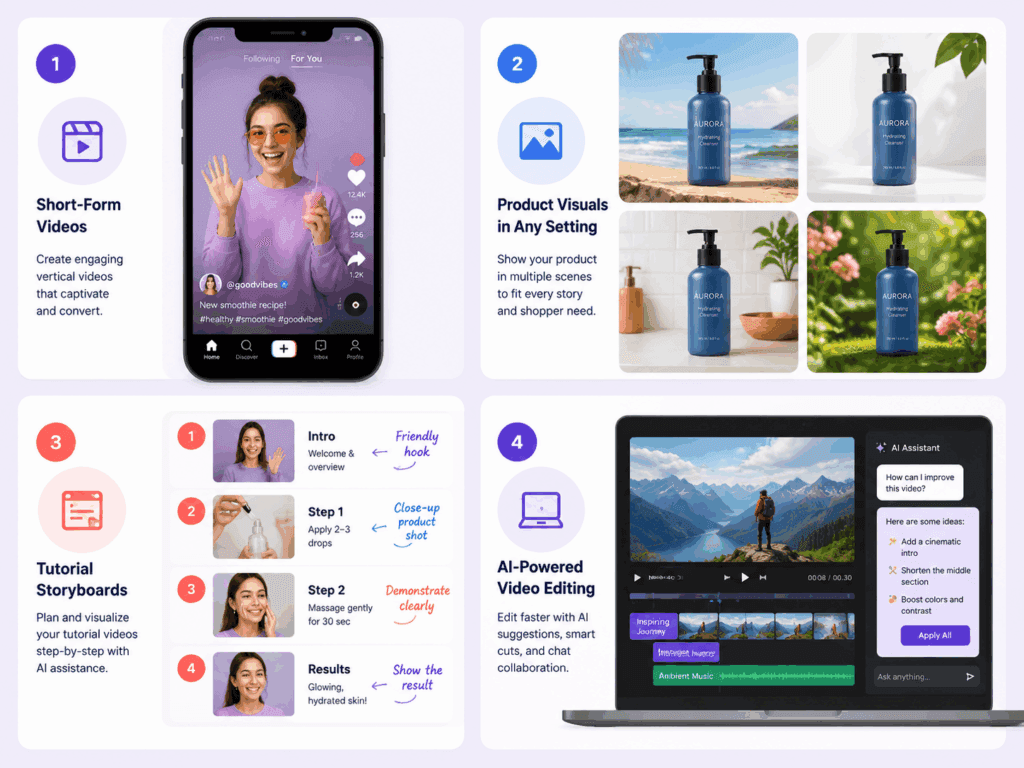
Create product ads, launch videos, and paid social campaign variations from product photos and brand references
Block out short films, trailers, and proof-of-concept narratives from prompts and reference material
Adapt explainer and training videos with readable text and audio-aware workflows
Produce short social clips by generating a first cut and refining it through text instructions

›What is the pricing for Omni Video?

PlanPriceDetails
Starter$7.99/month360 credits/month, Seedance 2.0 generation, Nano Banana image generation and editing, 480p, 720p, and 1080p exports, email support, and commercial-friendly usage.
Pro$25.9/month1,320 credits/month, Seedance 2.0 and Kling 2.6 workflows, priority processing, Nano Banana editing, priority support, and commercial usage.
Studio$59.9/month3,600 credits/month, fastest queue priority, shared usage, priority account support, and commercial usage for client delivery.

Annual billing is shown as saving 20%. Monthly credits refresh automatically. Starter estimates about 4 x 5-second 720p videos, Pro about 14, and Studio about 40.

Checked 2026-09-21 · source

›Who is Omni Video best for?

soloStarter suits solo creators making short videos regularly and iterating from references.
small teamPro fits creators and marketers producing recurring ads, client work, and campaign variations.
enterpriseStudio is aimed at agencies and teams that need shared usage and higher-volume production.
marketersMarketers can use reference-driven generation and conversational editing to produce product ads and localized campaign assets.
Not for
  • Editors who need timeline-based cutting, keyframes, or detailed manual control should use a conventional video editor alongside or instead of this tool.
  • Teams producing long-form projects may find the credit-based short-video workflow restrictive.

›What are the best Omni Video alternatives?

›Where can I try Omni Video?

Open omni-video.online →