Forward Future Tools Library
Pixmaker
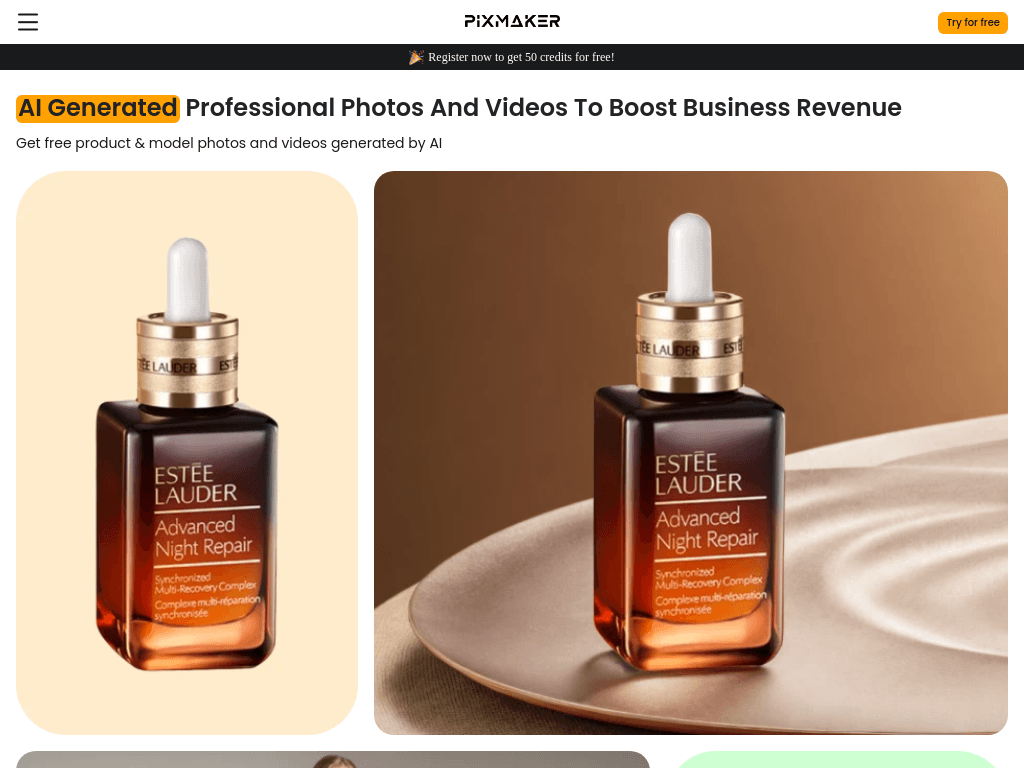
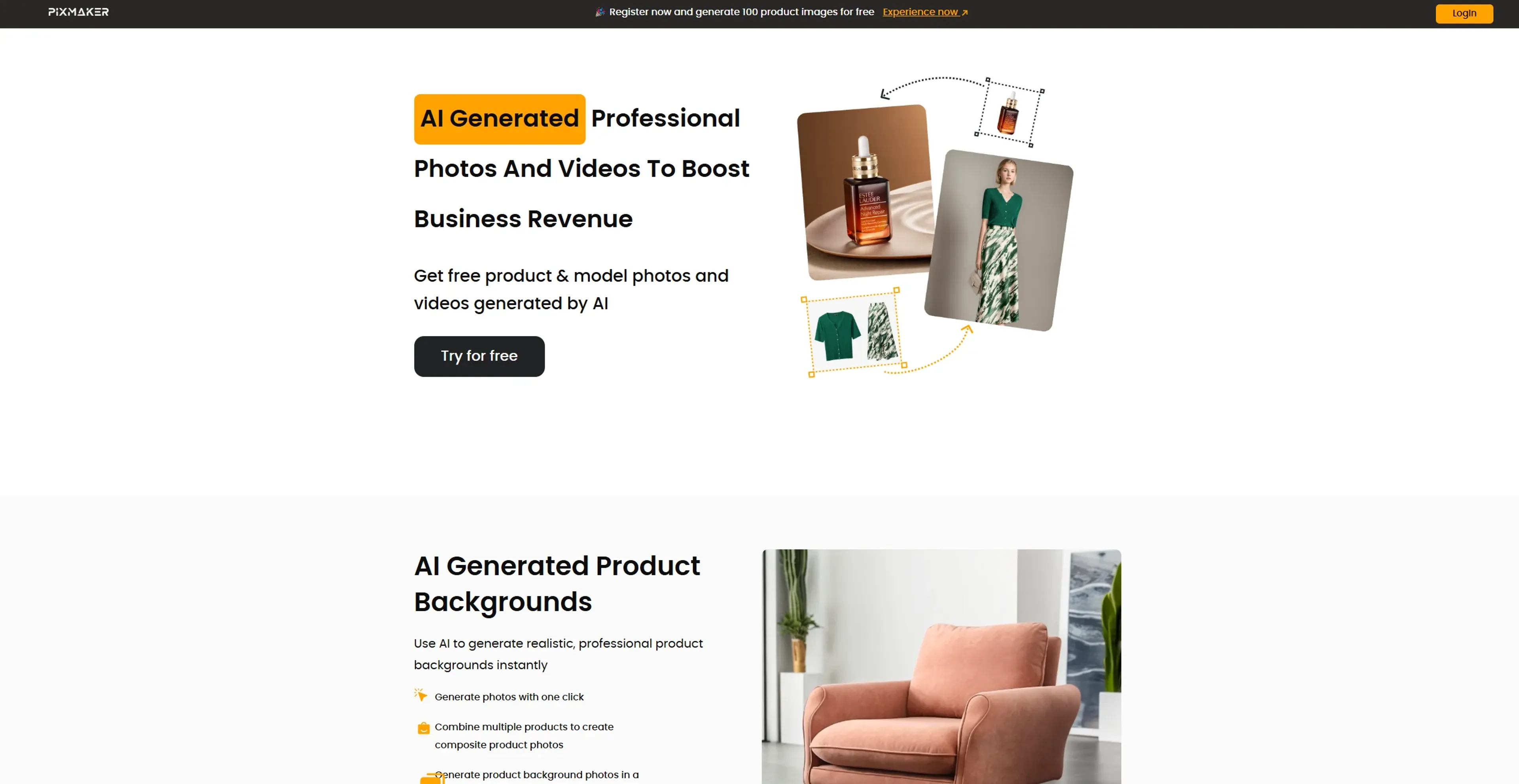
Pixmaker creates e-commerce product photos, model images, backgrounds, and some product videos for retailers, marketers, and visual designers without arranging a traditional photo shoot.
Try Pixmaker →
pixmaker.ai·Free + paid plans·Checked 2026-08-27
›What is Pixmaker?
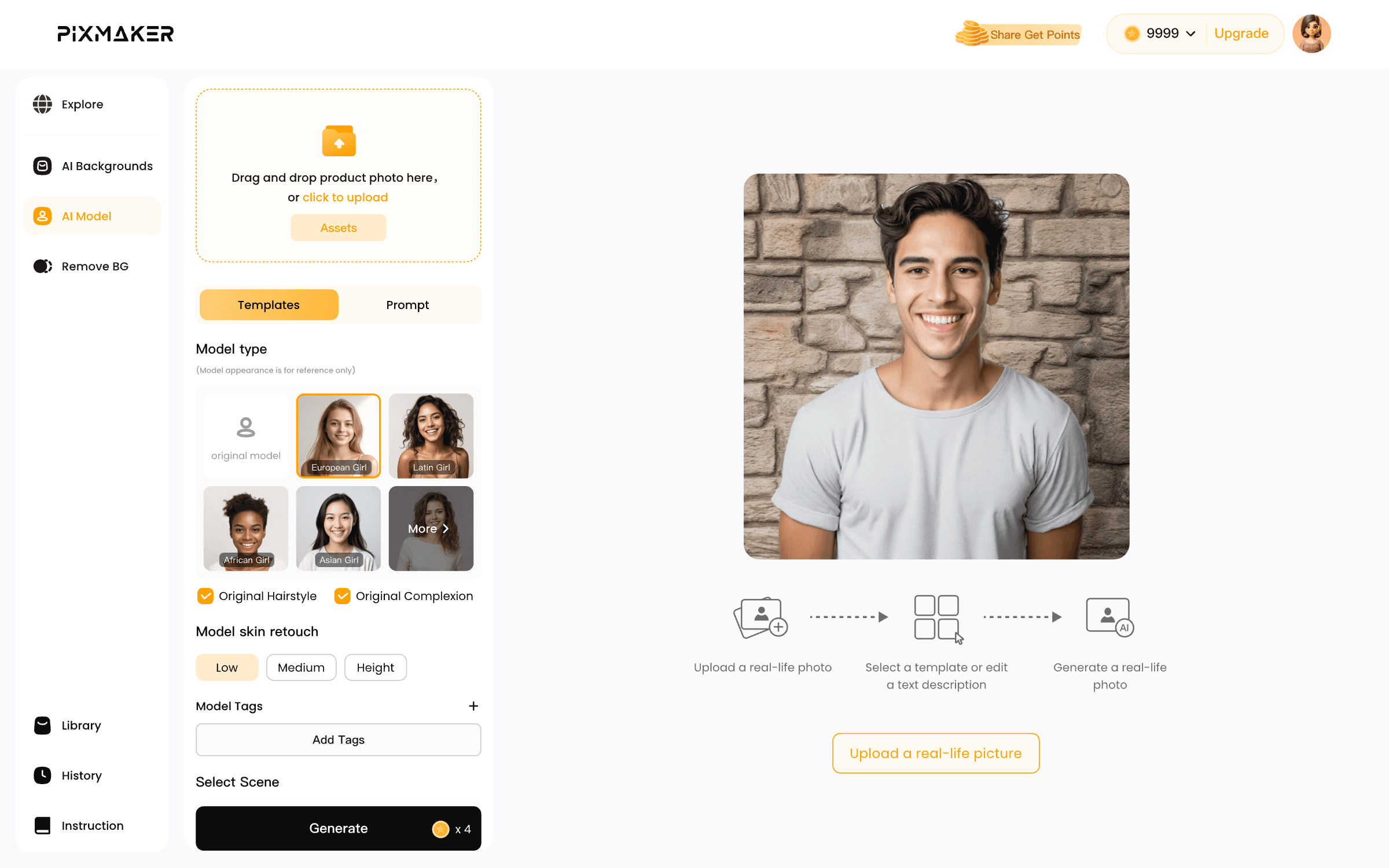
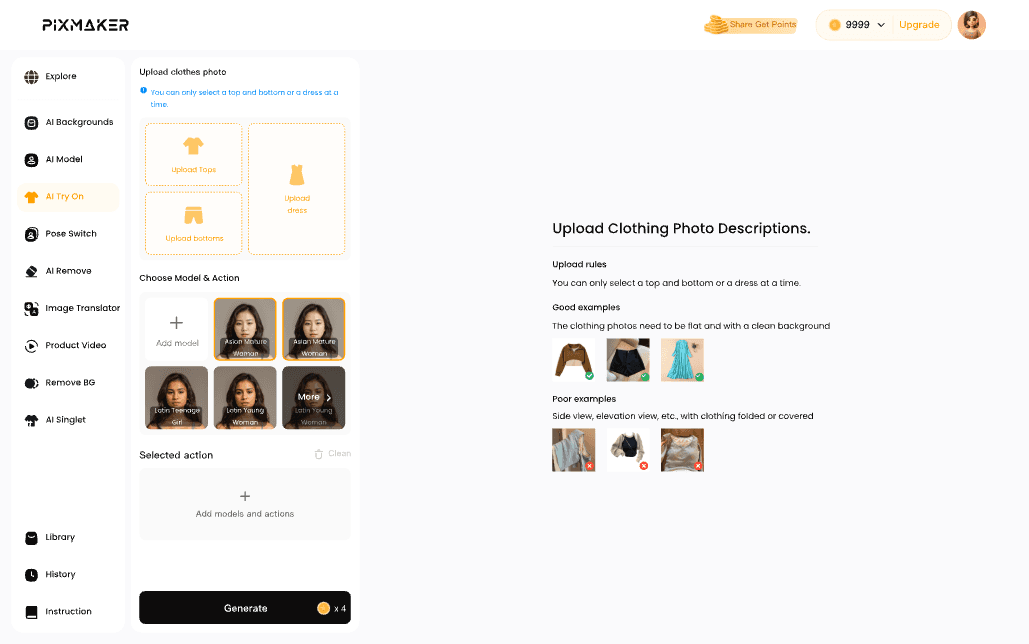
Pixmaker uses uploaded product or model images to create e-commerce photos, model images, backgrounds, and product videos. It can remove backgrounds, generate new scenes, combine products into composite images, create custom model templates, and produce multiple poses from one model image. Users can also customize scenes and models with templates, prompts, and reference images.
›What are the pros and cons of Pixmaker?
Strengths
Provides 50 free credits when users register
Removes backgrounds automatically in seconds
Creates custom model templates from a single uploaded image
Generates multiple poses and scene variations for product and model imagery
Can combine multiple products into composite photos and use reference images for backgrounds
Trade-offs
The credit system limits heavy usage
Output specifications for print-ready work are not disclosed
Its feature set is focused on e-commerce imagery rather than broader creative design
The paid plan feature breakdown is not provided in the available pricing details
›What are Pixmaker’s key features?
Generates product backgrounds and composite product photos
Removes image backgrounds automatically and exports transparent images
Creates custom model templates from uploaded model images
Generates multiple poses for one model
Provides AI-generated models with adjustable hairstyles, skin tones, and outfits
Generates product videos and professional product displays
Supports prompt-based scene and model customization
›What are the best use cases for Pixmaker?
Create product listings and promotional images for online stores
Generate apparel images with different models, poses, and outfits
Adapt product visuals for different markets and customer groups
Produce social media and advertising visuals without a photo shoot
Create composite product images and alternate background scenes
›What is the pricing for Pixmaker?
| Plan | Price | Details |
|---|---|---|
| Free Tier | Free | Free plan; the website offers 50 credits for new registrations. |
| Pro Tier | $19.99 per month | Paid upgrade; the available pricing listing does not describe its included features. |
The product uses credits, which can limit heavy usage.
Checked 2026-08-27 · source
›Who is Pixmaker best for?
e-commerce operations managersUseful for producing product and model imagery quickly without coordinating photo shoots.
visual designersA fit for designers who need custom model templates, poses, backgrounds, and scene variations.
small teamSmall online retailers can use the free credits to create initial product visuals before paying for higher usage.
marketersMarketing teams can adapt product images for different markets, customer groups, and campaigns.
Not for
- Teams that need high-resolution, print-ready output, because the output specifications are not disclosed.
- Heavy-volume users who may run into the tool's credit limits.
- Professionals looking for broad, non-e-commerce creative design features.