Forward Future Tools Library

Proceso
Proceso gives multi-store retailers mobile workflows, proof-based compliance, image validation, and AI agents for consistent store execution.
Try Proceso →
procesoapp.com
›What is Proceso?
Proceso is a retail operations platform for managing tasks, audits, repairs and maintenance, SOPs, approvals, and store-level workflows. Teams can capture images, signatures, GPS, and QR evidence, then monitor execution through dashboards and reports. Its AI agents support planogram validation, compliance checks, procurement signals, and risk escalation.
›What are the pros and cons of Proceso?
Strengths
Combines task management, proof capture, audits, approvals, and reporting in one retail operations platform
Supports image, location, QR code, and signature evidence for completed work
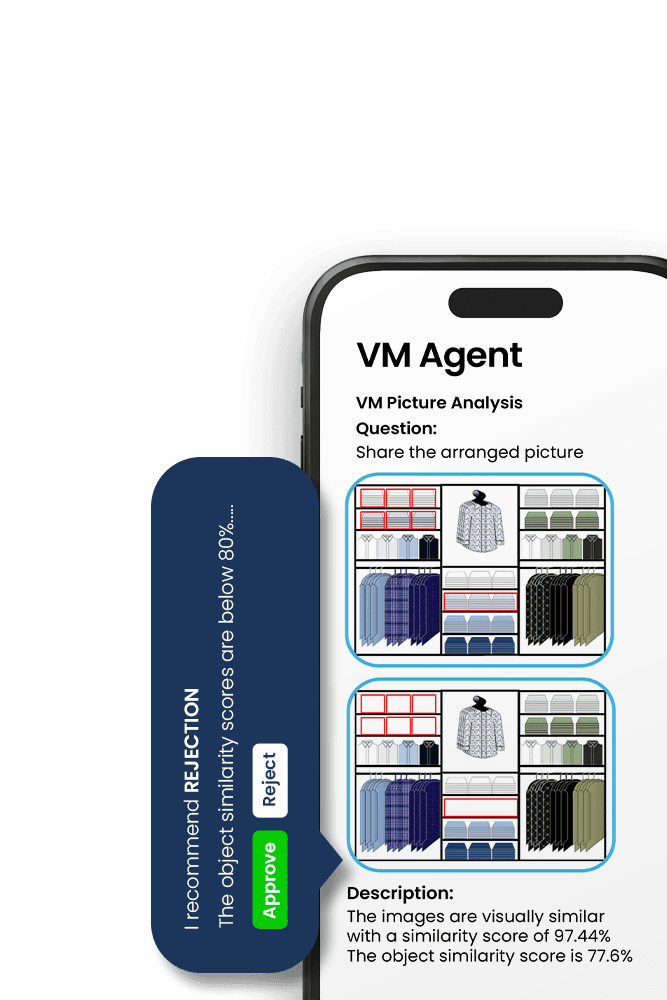
AI agents can validate planograms, check compliance proof, and escalate repeated issues
Provides store, regional, and executive visibility through dashboards and reports
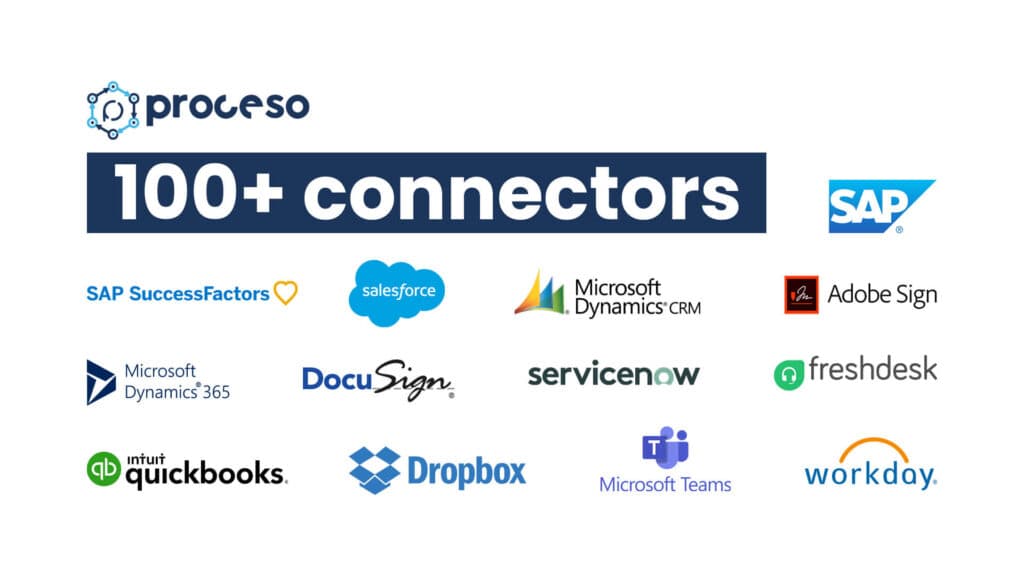
Can integrate with Microsoft Teams, ERP, BI, and other systems
Trade-offs
Pricing is per user, so adding users across stores increases the subscription footprint
Workforce engagement tools are marked as limited compared with dedicated frontline engagement platforms
Integrations are optional on the Core Ops plan
Enterprise controls such as SSO and RBAC are not available on the lower plans
›What are Proceso’s key features?
Mobile task and activity management for store teams
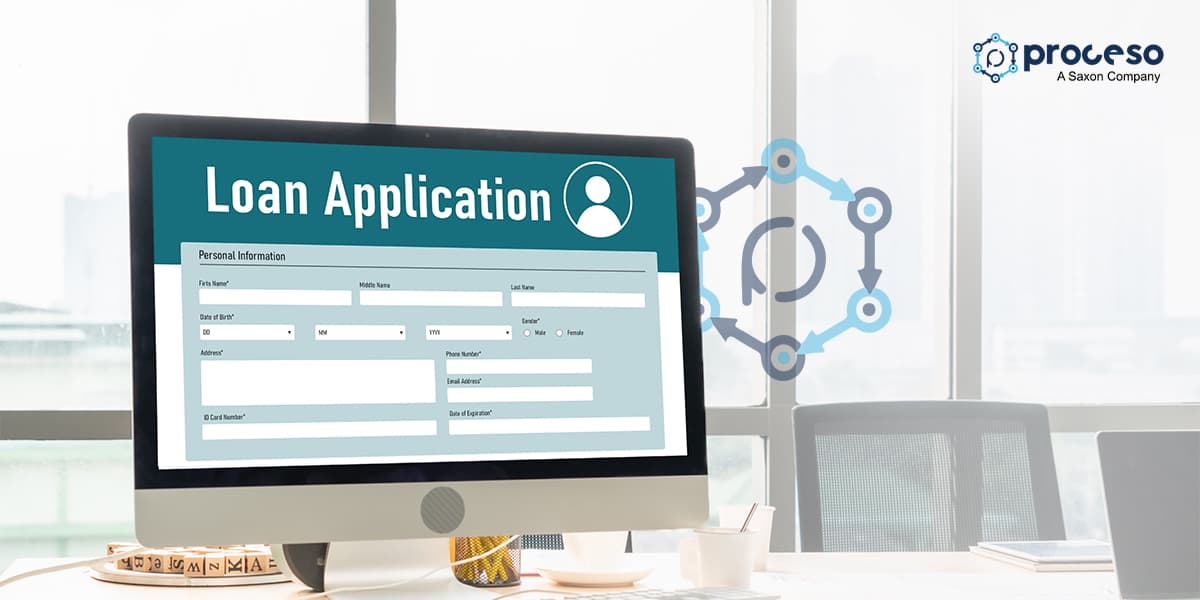
Digital checklists, SOP templates, audits, and repairs and maintenance tickets
Image, GPS, QR code, and signature proof capture
Visual merchandising audits with image-based planogram validation
Live dashboards for store, regional, and brand-level task visibility
Approvals, escalations, SLAs, assignment, and routing workflows
AI agents for merchandising, procurement, and store compliance
›What are the best use cases for Proceso?
Run store openings, daily checks, audits, hygiene routines, and campaign workflows
Verify visual merchandising and planogram compliance from geotagged store images
Track repairs, maintenance issues, owners, due dates, comments, and closure evidence
Standardize SOPs and checklists across stores, regions, and brands
Monitor overdue work and compliance risks through live dashboards and escalation workflows
Use procurement and merchandising agents to check stock, pricing, vendors, and duplicate or lower-cost deals
›Who is Proceso best for?
enterpriseCommand Center adds AI assistance, AI approvals, executive dashboards, dedicated support, and configurable enterprise controls for large retail networks.
small teamCore Ops supports pilots and early rollouts with digital tickets, checklists, surveys, and basic dashboards.
retail operations managersStore and regional views, proof capture, escalations, reporting, and SOP management support day-to-day execution oversight.
Not for
- Retail teams primarily looking for workforce engagement features rather than operational execution and compliance workflows
- Buyers seeking a published self-serve price instead of a sales-led, per-user purchasing process