

Forward Future Tools Library

Render Lion
RenderLion turns text, images, URLs, and brand assets into short animated videos for marketers, creators, shop owners, and small businesses.
renderlion.com·Free + paid plans·Checked 2026-08-23

›What is Render Lion?
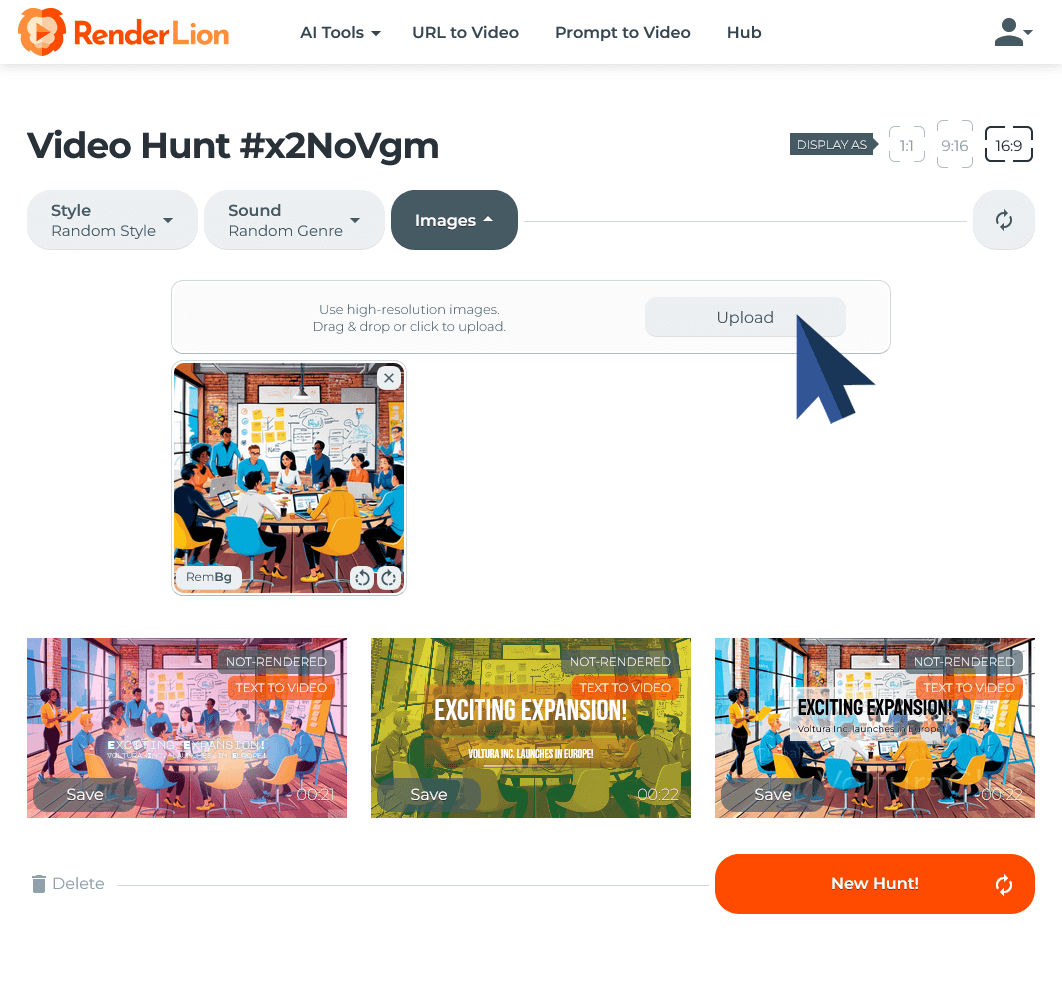
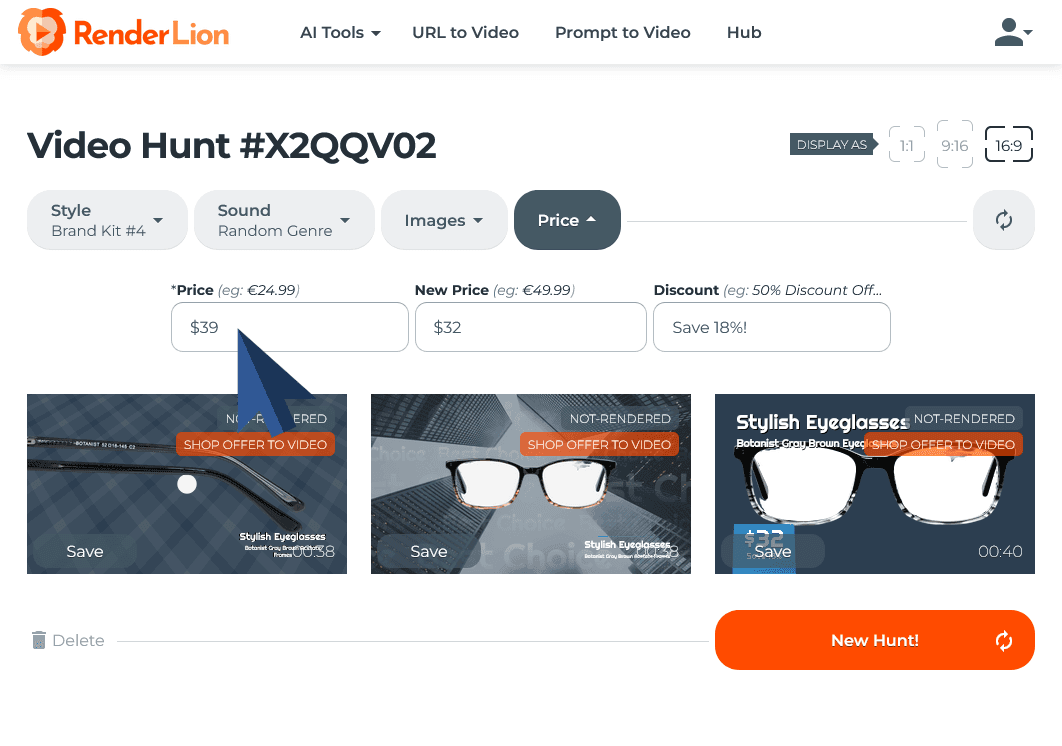
RenderLion is a browser-based AI video generator for making short animated clips from text, images, URLs, social posts, blog content, and other inputs. Users can choose styles, effects, voiceovers, music, brand assets, and video formats before rendering and downloading the result. No video editing experience is required.
›What are the pros and cons of Render Lion?
Strengths
Trade-offs
›What are Render Lion’s key features?
›What are the best use cases for Render Lion?
›What is the pricing for Render Lion?
| Plan | Price | Details |
|---|---|---|
| First Roar! | $0/mo | Limited video renders, 720p export, three aspect ratios, one brand kit, and limited effects, previews, sounds, and AI voices. |
| Starter | $6/mo | 10 renders per month or 120 renders per year, 1080p export, watermark removal, three brand kits, all effects, previews, sounds, and AI voices. |
| Growth | $18/mo | Unlimited renders, 1080p export, watermark removal, faster rendering, unlimited brand kits, all effects, previews, sounds, and AI voices. |
The pricing page also lists monthly rates of $12 for Starter and $36 for Growth, and annual prices of $72 yearly for Starter and $216 yearly for Growth. A 7-day money-back guarantee applies to subscriptions.
Checked 2026-08-23 · source
›Who is Render Lion best for?
- Buyers who need one watermark-free video without subscribing should skip it, because RenderLion does not offer a single-video purchase option.
- Teams that need unused premium renders to carry forward should look elsewhere, since render counts reset and do not roll over.
›What are the best Render Lion alternatives?
 Shakker.aiChoose this instead if your main priority is creating personalized marketing videos.→
 SkyReels AIChoose this instead if you want customizable AI-generated video content for business or individual creator work.→
 VidAUChoose this instead if you need one workspace for video, image, advertisement, and campaign content.→
 UGC Agent→