Forward Future Tools Library

Snippai
Snippai captures screenshots and uses AI to extract formulas, text, tables, code, image descriptions, problem solutions, and dominant colors for students and developers.
Try Snippai →
snip.js.org
›What is Snippai?
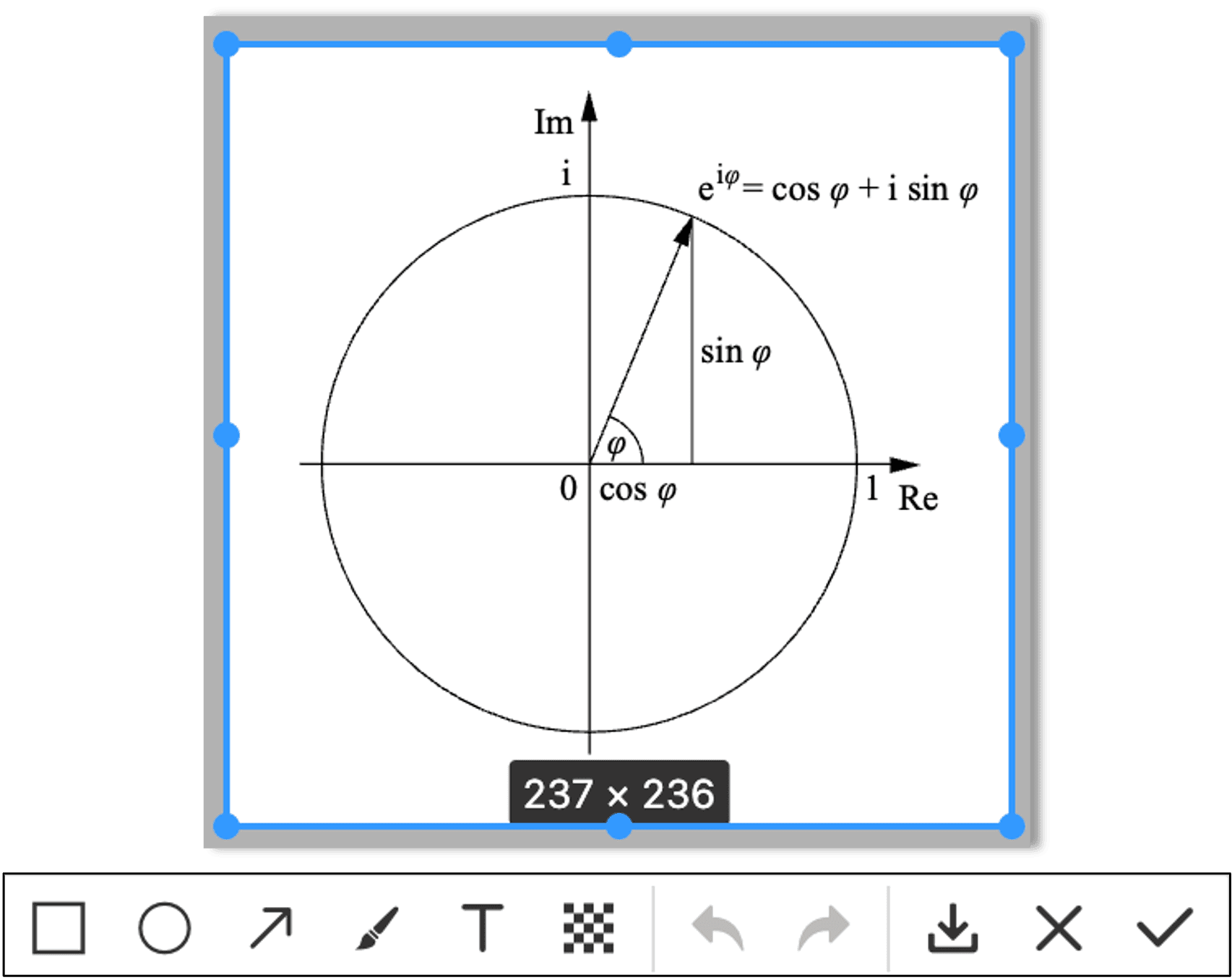
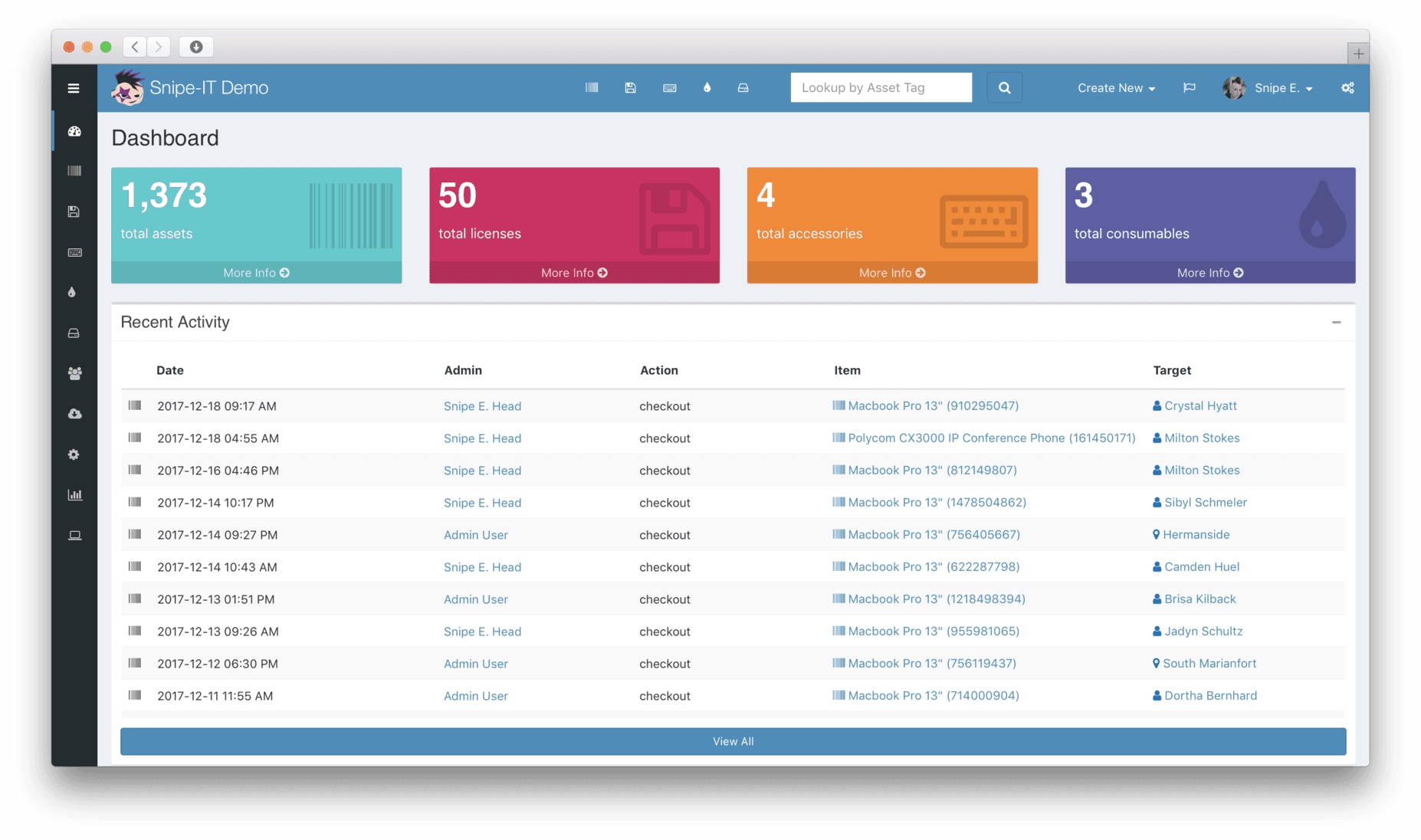
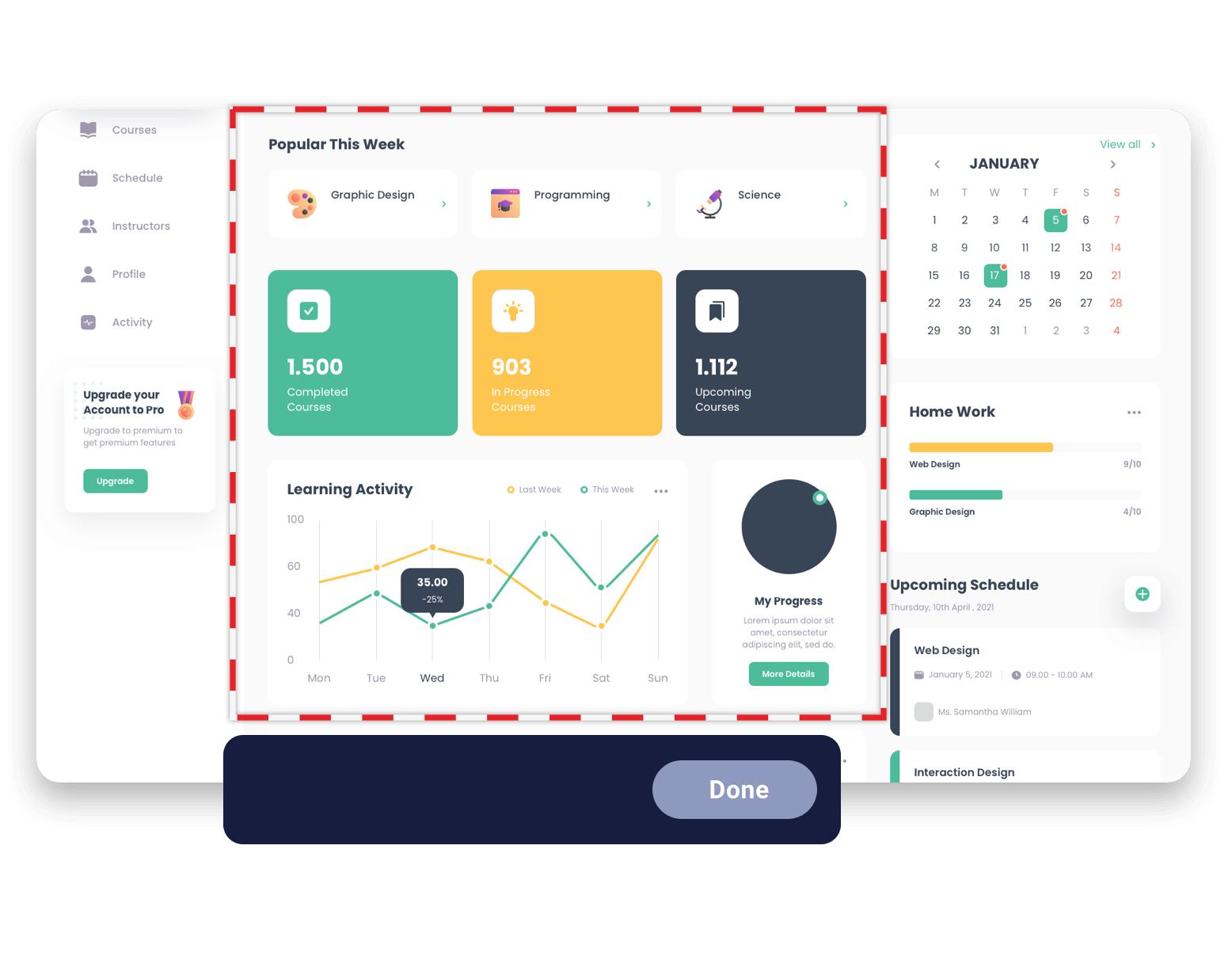
Snippai is an AI-powered snipping tool for capturing and analyzing images. It recognizes formulas, text, tables, code, and colors, then converts or explains the results in formats such as LaTeX and Markdown.
›What are the pros and cons of Snippai?
Strengths
Combines several image-analysis tasks in one snipping tool
Converts formulas directly into LaTeX
Converts detected tables into Markdown
Provides code explanations and image-based problem solving
Trade-offs
Additional AI capabilities are still forthcoming, so the feature set may continue to change
›What are Snippai’s key features?
Identifies formulas in images and converts them to LaTeX
Extracts text from images with OCR
Converts detected tables into Markdown
Analyzes and describes image content
Solves problems presented in images
Explains code snippets captured in images
Extracts predominant colors from images
›What are the best use cases for Snippai?
Convert photographed or captured equations into LaTeX
Turn tables in screenshots into Markdown for notes or documentation
Extract text from screenshots for reuse in other applications
Understand code shown in an image
Get descriptions of image content or solutions to problems shown in screenshots
Identify the predominant colors in an image
›Who is Snippai best for?
studentsUseful for turning equations, tables, and problem screenshots into reusable study materials.
developersCode screenshots can be extracted and explained without manually retyping the snippet.
soloWorks well for individuals who need occasional extraction or analysis from captured images.
Not for
- Users who need a dedicated PDF summarization or document research workflow rather than screenshot analysis
- Teams looking for documented collaboration or shared workspace features