Forward Future Tools Library
String Art Generator
String Art Generator turns photos into customizable thread-art patterns and build instructions for artists, educators, hobbyists, and craft businesses.
Try String Art Generator →
string-art-generator.com
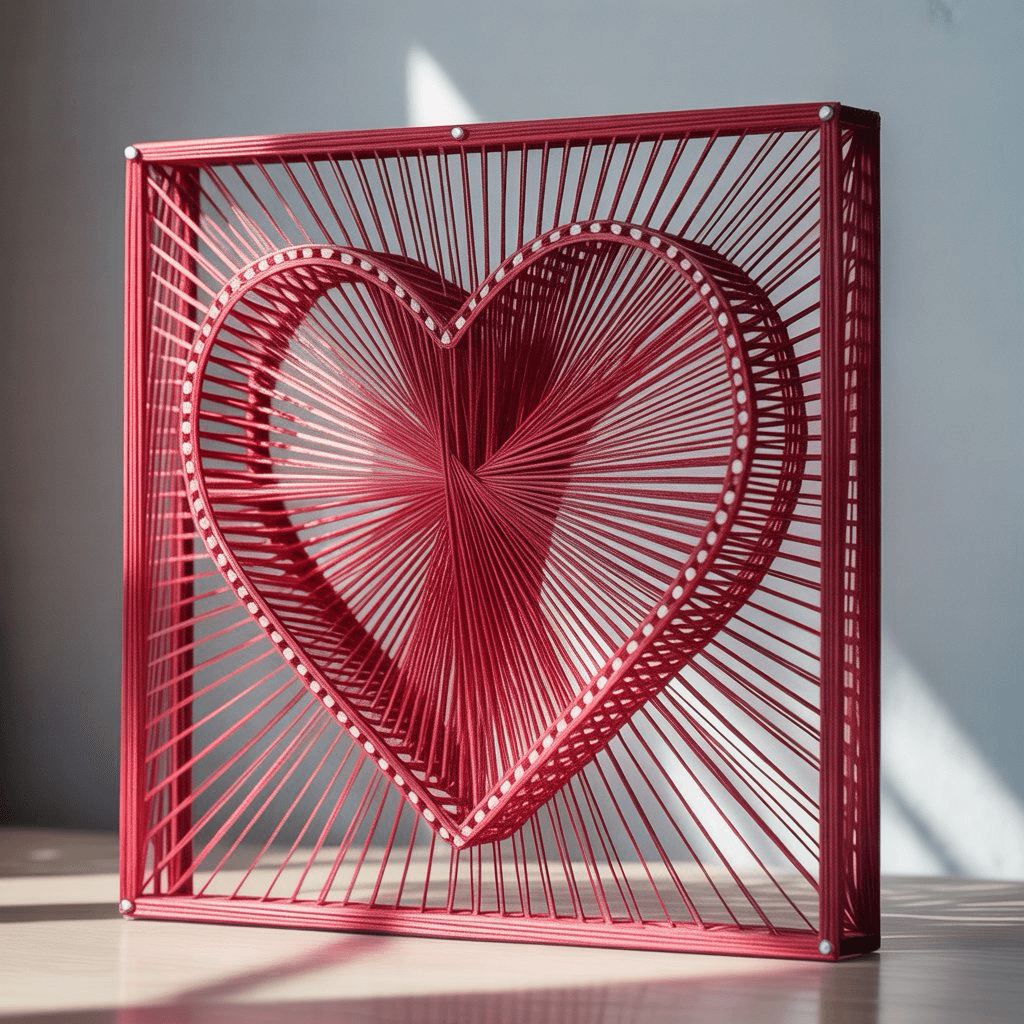
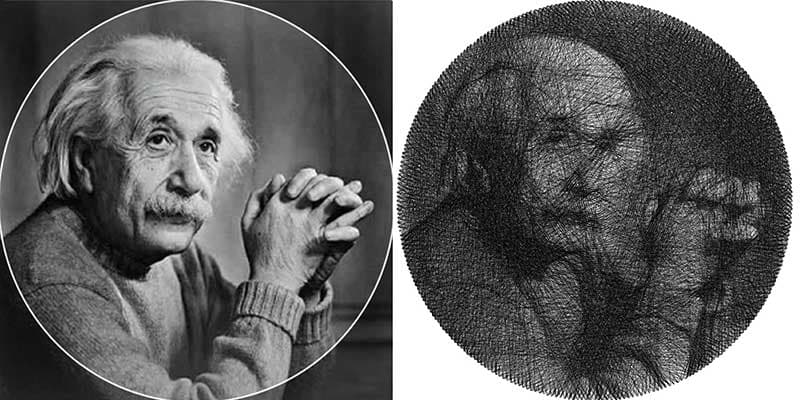
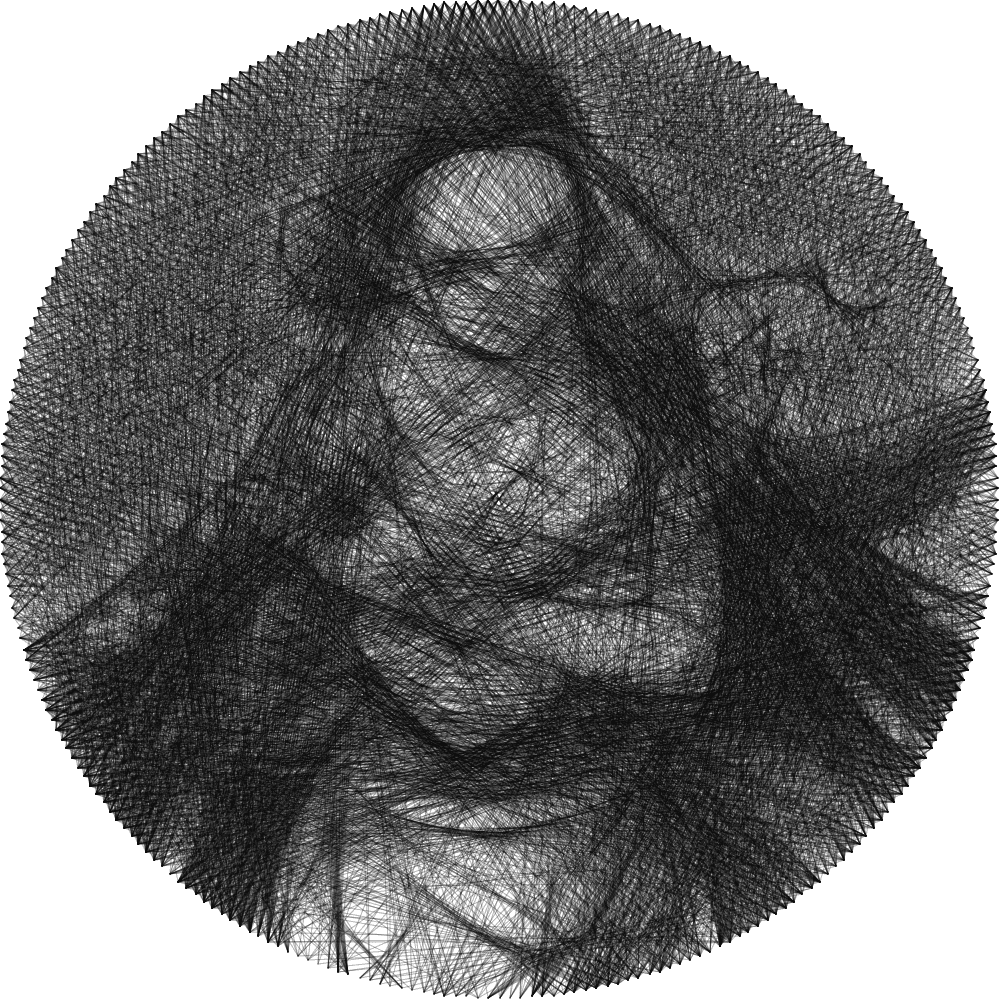
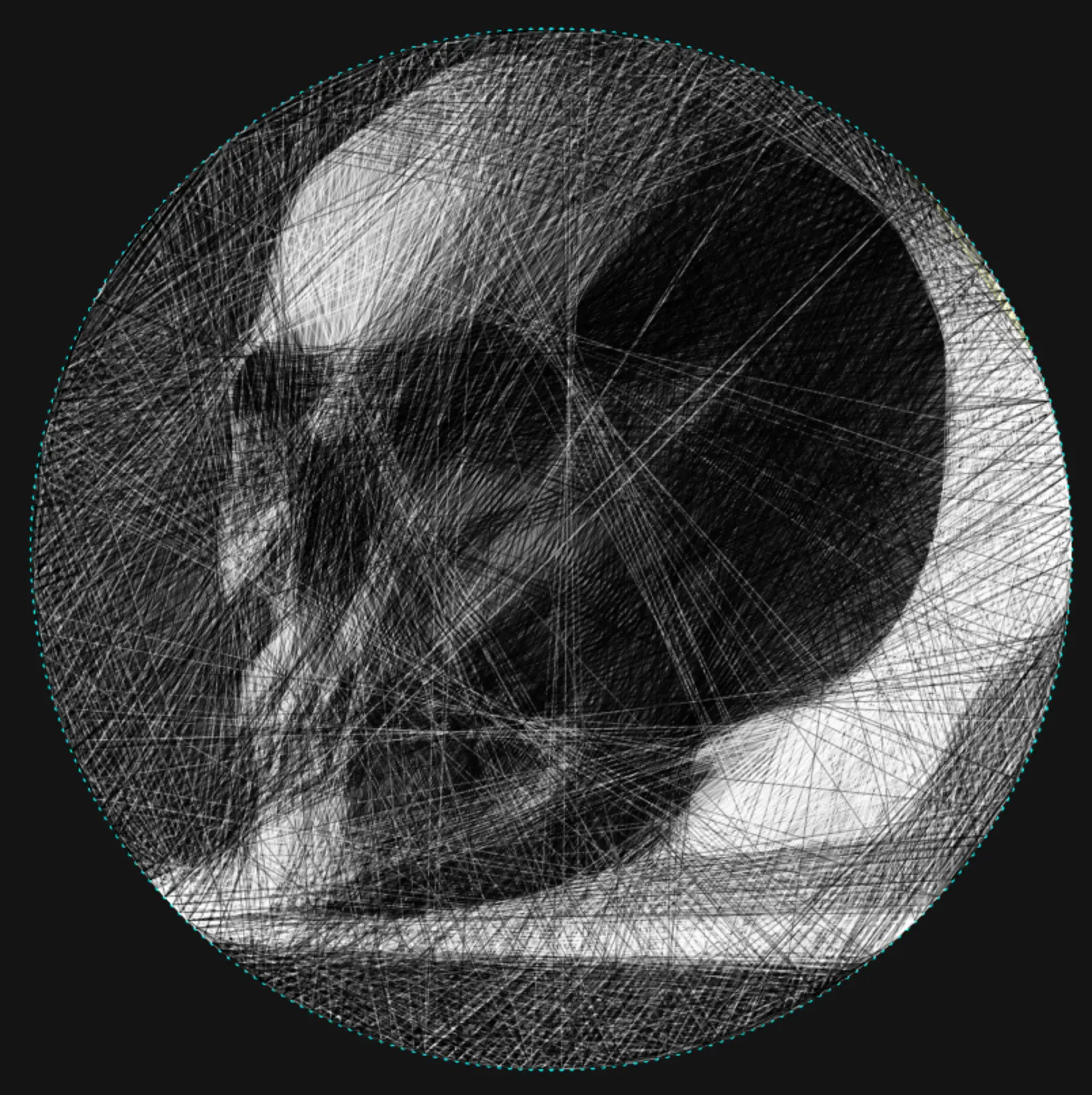
›What is String Art Generator?
String Art Generator is a browser-based tool that converts uploaded photos into string-art patterns. Its algorithm calculates thread paths, while users adjust pin count, line density, thread colors, and frame shapes with a real-time preview. It exports high-resolution images and step-by-step instructions for physical recreation.
›What are the pros and cons of String Art Generator?
Strengths
Local browser processing keeps uploaded images on the device
Supports detailed customization of pins, lines, colors, and frames
Accepts common image formats including PNG, JPG, and WebP
Provides real-time previews before export
Includes instructions for turning the pattern into physical string art
Trade-offs
The tool produces digital patterns and instructions, not a finished physical artwork
Physical recreation still requires manual construction with a suitable frame, nails, and thread
It is focused on string-art generation rather than general image or video editing
Use requires a modern browser and an internet-accessible web session
›What are String Art Generator’s key features?
Upload PNG, JPG, or WebP images
AI-assisted thread-path calculation
Adjust pin count and line density
Customize thread colors and frame shapes
Preview results in real time
Process images locally in the browser
Download high-resolution patterns and build instructions
›What are the best use cases for String Art Generator?
Create portrait-based string-art patterns for wall art
Prototype custom designs for craft-business orders
Teach symmetry, parabolic curves, cardioids, and modular arithmetic
Prepare step-by-step templates for hobby projects
Match a client's photo or color scheme for personalized interior decor
›Who is String Art Generator best for?
artistsUseful for testing portrait, color, and frame variations before building a physical piece.
educatorsWorks well for classroom demonstrations of geometric patterns and symmetry.
hobbyistsA practical starting point for creating numbered patterns with guided physical-build instructions.
small teamCraft businesses can use it to prototype custom portrait and wall-art designs.
Not for
- Buyers seeking a general-purpose AI image or video editor should choose a broader creative platform.
- People who want a completed physical artwork rather than a digital pattern and instructions should skip it.
- Users without a modern browser cannot use the browser-based generator.