Forward Future Tools Library
Study Copilot
Study Copilot turns notes, textbooks, lecture slides, PDFs, and images into quizzes, flashcards, fill-in-the-blank exercises, and AI tutor sessions for independent learners.
Try Study Copilot →
quizobot.com·Free + paid plans·Checked 2026-09-01
›What is Study Copilot?
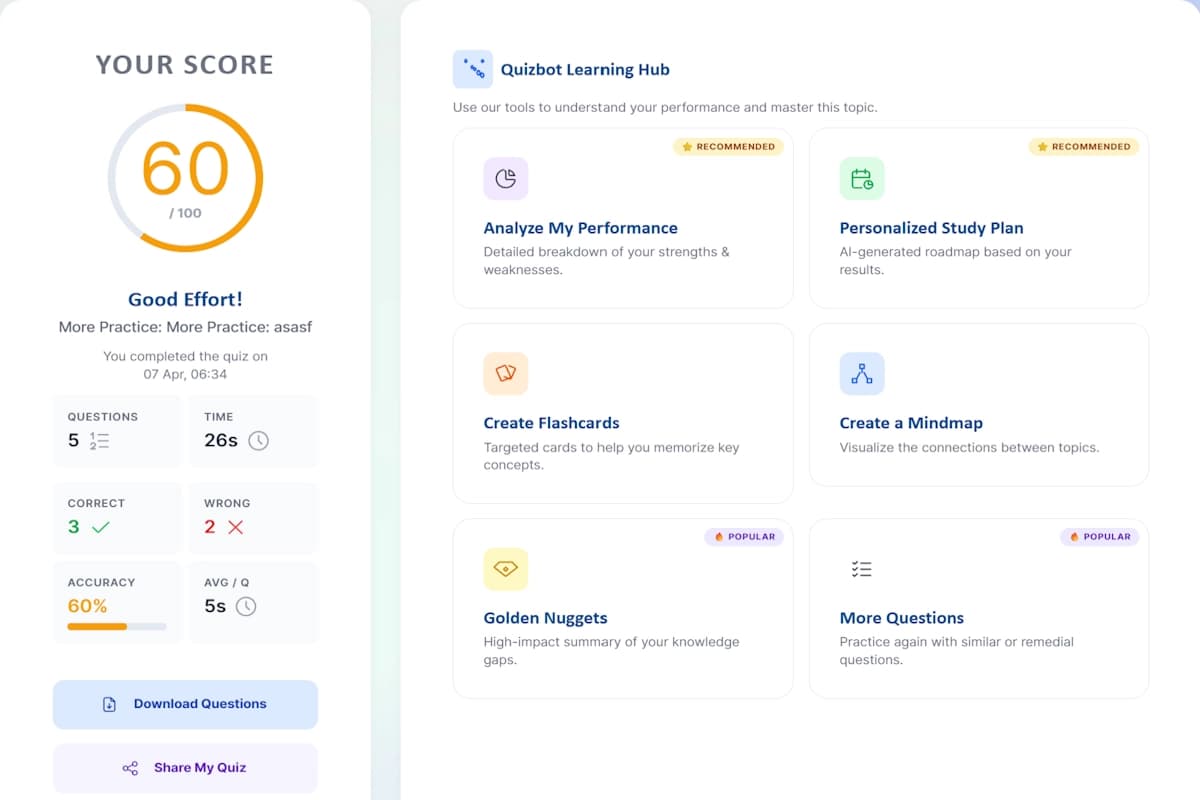
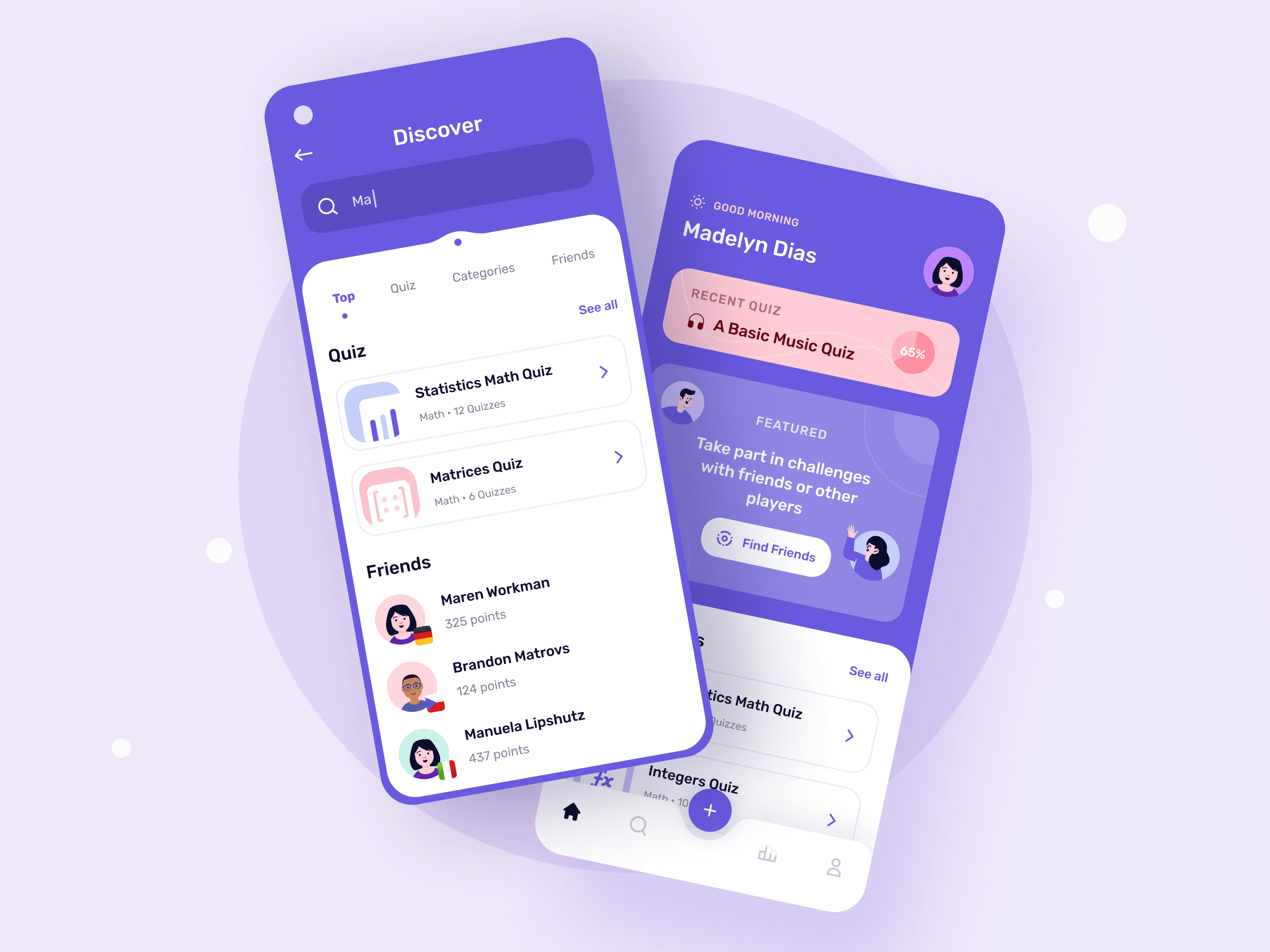
Study Copilot is an AI study platform that analyzes uploaded notes, textbooks, lecture slides, PDFs, and images. It generates multiple-choice, true-or-false, and fill-in-the-blank questions, along with flashcards and explanations. An AI tutor provides personalized help, while progress tracking and adaptive study plans support continued practice.
›What are the pros and cons of Study Copilot?
Strengths
Accepts pasted notes, PDFs, textbooks, lecture slides, and images
Combines quizzes, flashcards, fill-in-the-blank exercises, and AI tutoring in one platform
Provides explanations and instant feedback with generated practice questions
Includes progress tracking, personalized study plans, and adaptive difficulty
Supports PDF export and study materials in 8 languages
Trade-offs
The Free plan allows only 1 study session per month
The Pro plan limits users to 300 study sessions per month
The advertised 50% Pro discount is described as a limited-time launch offer
›What are Study Copilot’s key features?
Generates multiple-choice, true-or-false, and fill-in-the-blank questions from pasted notes or uploaded files
Creates quizzes from photos of whiteboards and textbook pages
Builds interactive flashcards with spaced repetition and key-concept highlighting
Provides context-based fill-in-the-blank exercises with adaptive difficulty
Offers AI tutor chat with one-on-one question-and-answer sessions and detailed explanations
Tracks progress and adjusts study plans based on learning progress
Exports quizzes and study materials as PDF files
›What are the best use cases for Study Copilot?
Turn lecture slides, textbook pages, or notes into practice questions before an exam
Photograph a whiteboard or textbook page and generate quiz questions from it
Review course concepts with flashcards and spaced repetition
Use fill-in-the-blank exercises to practice vocabulary and recall
Ask the AI tutor for explanations while working through difficult material
›What is the pricing for Study Copilot?
| Plan | Price | Details |
|---|---|---|
| Free | $0 | Includes 1 study session per month, all study modes, multiple file format uploads, and a monthly report. |
| Pro | $5/mo | Includes everything in Free, up to 300 study sessions per month, priority support, and advanced AI features. |
The site also shows $10 alongside the Pro price and describes $5/mo as a limited-time 50% launch offer.
Checked 2026-09-01 · source
›Who is Study Copilot best for?
studentsA practical choice for students who want to turn existing course materials into several types of practice activities.
soloIndependent learners can use the AI tutor, flashcards, quizzes, and progress tracking without assembling separate tools.
small teamUseful for small study groups that need to create shared quiz or flashcard material from common documents, though the site does not describe collaboration features.
Not for
- Learners who need unlimited practice sessions should avoid the Free plan, which allows only 1 session per month.
- Users seeking a clearly established long-term price should verify the Pro rate because the site presents $5/mo as a limited-time launch offer.